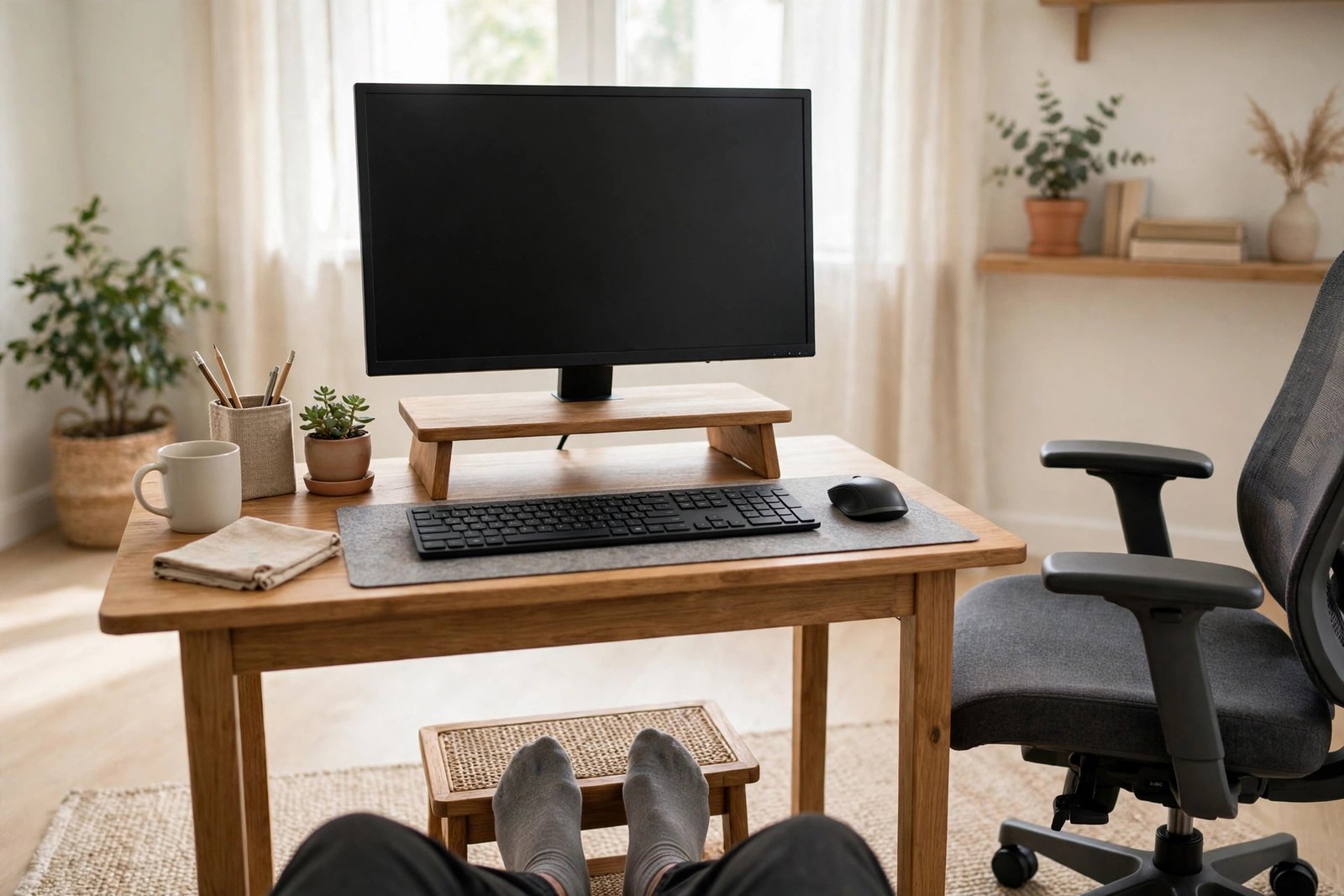
A small home office forgives nothing. In a big office, a screen that sits a little low or a chair at the wrong height is diluted by space, movement, and variety. At a small desk in the corner of a bedroom, the same small errors are repeated identically for eight hours a day, in the same chair, at the same screen. That is why the ergonomic mistakes in a small home office matter so much — and why fixing them pays back so quickly.
This article is a roundup, not a full course. It walks through the mistakes we see most often at small desks, explains in a few lines why each one causes trouble, and points you to the detailed guide that fixes it properly. Work through the list with your own desk in front of you; most people find two or three mistakes they can correct today, for free, in minutes.
Quick Answer
The most common ergonomic mistakes in a small home office are a screen that sits too low, a chair adjusted once and never revisited, feet that do not rest flat, everything placed just out of easy reach, a second screen pushed off to the side, and sitting still for hours without a break. Each is a setup problem with a setup fix: raise the screen, reset the chair, support your feet, pull your tools close, centre your main screen, and move regularly.
- Walk down this list and check your own desk point by point.
- Fix the free things first: screen height, chair settings, and reach.
- Use the linked guides for the full routine on any mistake you find.
- Re-check your setup whenever furniture, screens, or seasons change.
Mistake 1: The Screen Sits Where It Landed
Most screens in small offices sit at exactly the height their stand gives them, which is almost always too low. You look down all day, your head drifts forward, and the desk feels tiring in a way that is hard to name. The fix is simple and usually free: raise the screen on a stand, an arm, or a stable stack of books until the top of the screen is roughly at eye level, about an arm’s length away. Our dedicated guide to a monitor at the wrong height gives the measuring routine and the cheap ways to lift a screen properly.
Mistake 2: The Chair Was Adjusted Once, Long Ago
Chairs in home offices get set on the day they arrive and never touched again — even after a different person uses them, the desk changes, or the settings slowly slip. Seat height, backrest position, and armrest height interact: if your feet rest flat and your elbows sit level with the desk, the chair is close; if not, it is worth ten minutes with the levers before you blame the chair itself. Our guide to what to try when your desk chair hurts your back works through the adjustment order step by step, because buying a new chair while the old one was simply set wrong is the most expensive version of this mistake.

Mistake 3: Feet That Never Quite Reach
At the right desk height for your arms, your feet may dangle, perch on the chair’s base, or tuck underneath you — all common at small desks, especially for shorter adults and anyone using a kitchen chair as an office chair. Unsupported feet quietly change how you sit everywhere else. A footrest, a firm box, or a stack of books under your feet restores a stable base in a minute. It is a small fix with an outsized effect, and it costs nothing to test today.
Mistake 4: Everything Is Just Out of Reach
Small desks create a strange trap: because space is tight, things get pushed to the back corners — the mouse far to the side, the phone behind the screen, the notebook at arm’s length. Reaching and twisting a little, hundreds of times a day, adds up. Keep the keyboard centred in front of you, the mouse right beside it at the same height, and your most-used items inside the easy arc of your forearms resting on the desk. If an item does not fit inside that arc, it probably belongs in a drawer, not on the desk.
Small desks make this worse in one specific way: depth. A shallow desk puts the screen close, which pushes the keyboard to the very front edge and leaves your wrists resting on the desk’s hard rim, or your arms hovering with nothing under them. If your desk is shallow, pull the screen back as far as it goes — on an arm if possible — so the keyboard can sit a hand’s width in from the edge, with your forearms lightly supported. It is a placement detail, not a purchase.
Mistake 5: The Second Screen Lives Off to the Side
People add a second screen for good reasons and then place it wherever space remains — flat against the wall, at a sharp angle, or much lower than the main screen. The result is a day of turning and dipping toward a screen you were supposed to glance at. The main screen belongs directly in front of you, with the second one angled beside it at a matched height, or stacked above it on a narrow desk. Our guide to setting up a second monitor without crowding your desk lays out the patterns that keep both screens comfortable on small desks.
Mistake 6: Sitting Perfectly Still, All Day
The most respectable-looking mistake is the quietest one: a well-set desk used without moving for hours. Even a good sitting position is one position, and bodies dislike being held in any single shape all day. Stand up between tasks, take calls standing or walking when you can, refill your water in another room, and shift your sitting position regularly. In a small home office this matters more, not less, because there is no natural walking built into the day — no corridor, no meeting room, no colleague’s desk to visit.

A Calm Note on Pain
Setup changes solve setup problems, and most of the discomfort described above eases once the desk is arranged properly. But if you have pain that is ongoing, getting worse, or spreading, treat that as information, not as a furniture problem — talk to a doctor or a physiotherapist rather than buying another accessory. Everything in this article is general setup guidance, not medical advice.
Mistakes to Avoid: The Quick Checklist
- The screen at stand height, looked down on all day. Raise it to roughly eye level.
- Chair settings untouched since delivery day. Re-run the adjustments before replacing the chair.
- Feet dangling or perched. Support them flat, even with a box or books.
- Mouse, phone, and notebook at the edges of your reach. Pull daily tools into the easy arc in front of you.
- A second screen parked at a sharp sideways angle. Centre the main screen and angle the second one in.
- Four hours without standing up. Build small movements into the day on purpose.
Frequently Asked Questions
Which ergonomic mistake should I fix first?
Screen height, because it is usually free to fix and affects your whole upper body. Raise the screen to roughly eye level, then check your chair height and foot support in that order.
Do I need to buy ergonomic furniture to fix these mistakes?
Usually not. Most of the mistakes in this list are arrangement problems — height, reach, angle, habit — that books, boxes, cushions, and ten minutes of adjustment solve. Buy equipment only after the free fixes are in place and a specific problem remains.
How often should I re-check my setup?
Whenever anything changes: a new chair, screen, desk, or room, and at least once or twice a year otherwise. Chair settings drift and habits creep, so a short scheduled check keeps small errors from becoming permanent ones.
Is a small desk always worse for ergonomics?
No. A small desk set up deliberately — screen raised, chair adjusted, tools within reach — can be better than a large desk arranged carelessly. Size matters far less than the positions you actually sit in all day.
Conclusion
The ergonomic mistakes in a small home office are rarely dramatic. They are small, quiet, repeated things: a low screen, a forgotten chair setting, unsupported feet, a stretched reach, a sidelined second screen, and hours without moving. Check your desk against this list, follow the linked guides for the fixes you need, and re-check when anything changes. Small corrections, repeated daily, are exactly what make a small office comfortable for years.
