
In an era dominated by digital notifications and cloud storage, the physical reality of paper remains a cornerstone of the professional world. Whether it’s signed contracts, brainstormed sketches, or essential tax documents, paper has a way of accumulating until it consumes your workspace. A cluttered desk isn’t just an eyesore; it’s a productivity killer. Statistics suggest that the average professional spends hours every week simply searching for misplaced documents. By implementing strategic paper organization solutions, you can reclaim your time, reduce your stress, and transform your office into a hub of high-efficiency output.
Here are 23 transformative paper organization solutions to simplify your workflow.
1. Desktop Trays
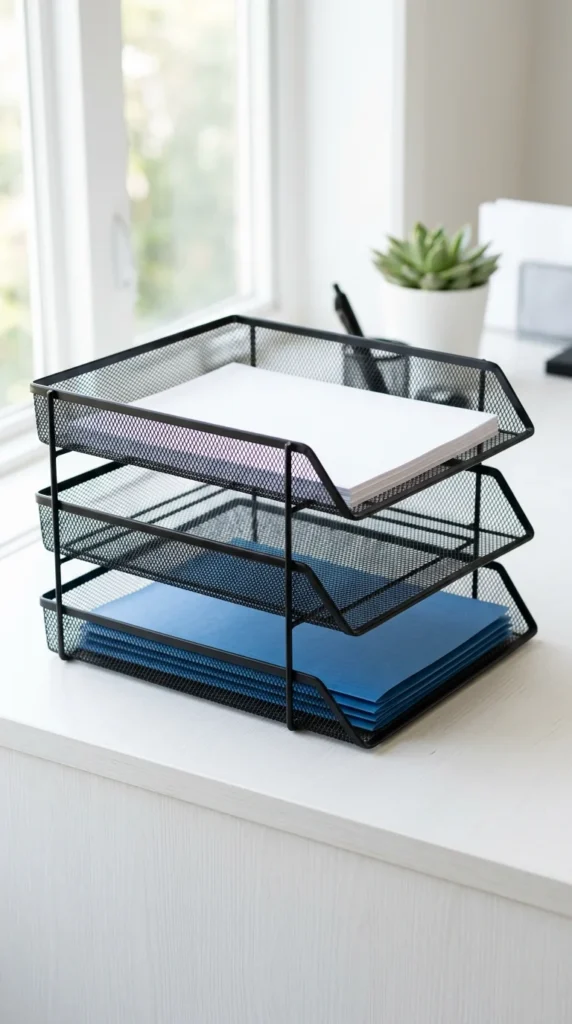
Desktop trays are the front line of paper management. They provide a designated “landing zone” for incoming documents, preventing them from scattering across your primary work surface. By using a multi-tiered system, you can categorize papers by priority—Top for urgent tasks, Middle for “to-read” materials, and Bottom for items waiting to be filed. This keeps your immediate field of vision clear, allowing you to focus on the task at hand without the visual noise of a mounting paper pile.
2. Vertical Sorters
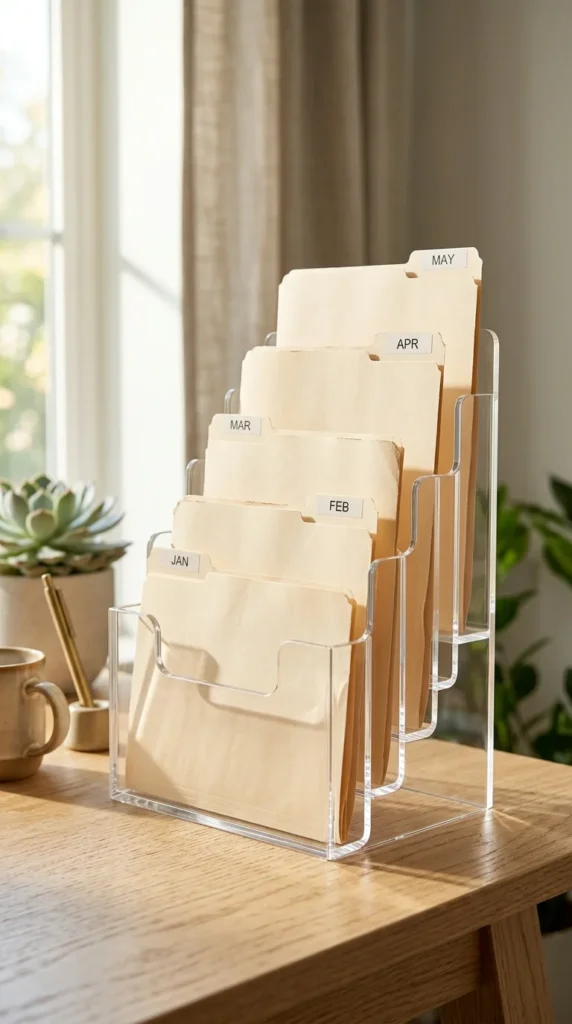
While horizontal trays are great for active work, vertical sorters are superior for space-saving. By standing your documents upright, you utilize vertical real estate and make every folder visible at a glance. This prevents the “out of sight, out of mind” trap that often happens with stacked papers. Acrylic or wire sorters are particularly effective because they maintain a light, airy feel on your desk while keeping high-priority projects within arm’s reach.
3. Hanging Folders
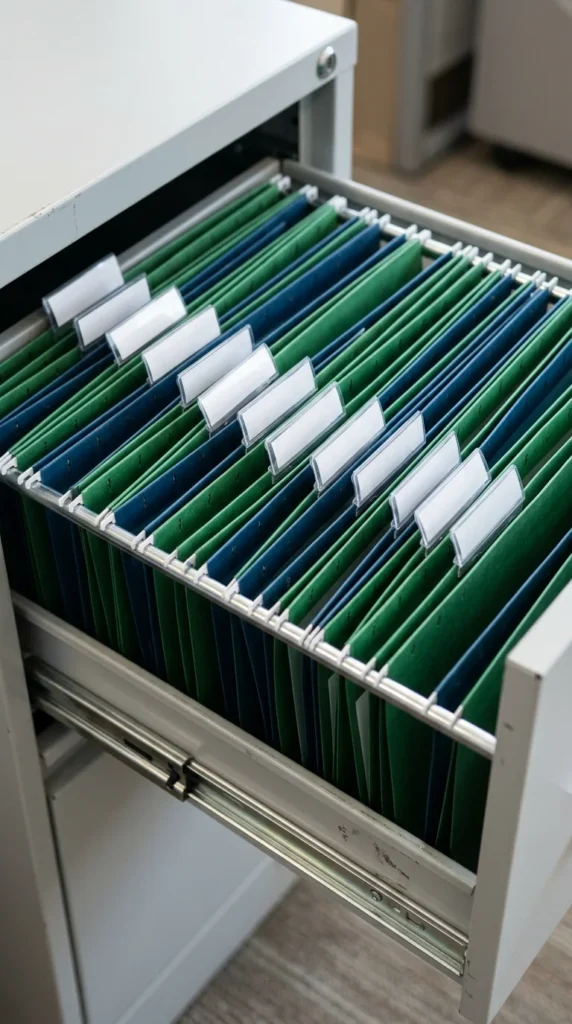
Hanging folders are the backbone of any long-term filing system. Unlike standard folders that can slump or slide under each other, hanging folders stay suspended on a frame, keeping your documents crisp and upright. They are ideal for categorizing large volumes of information—such as client files, medical records, or project archives. Use high-quality reinforced tabs to ensure that you can navigate your “paper library” quickly and efficiently.
4. Color Coding

Human brains process color much faster than they process text. Implementing a color-coding system is one of the most effective ways to slash the time you spend searching for files. You might use red for financial documents, blue for client projects, and green for personal records. This visual shorthand allows you to identify exactly where a document belongs (and where it is missing from) across the room, drastically reducing cognitive load during busy workdays.
5. Label Makers
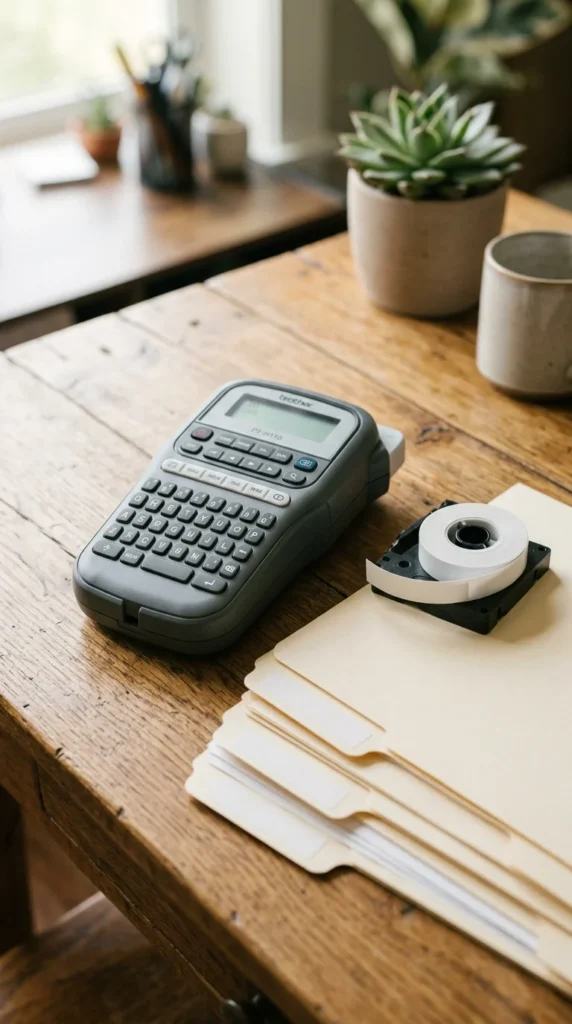
Clarity is the enemy of chaos. A label maker ensures that every folder, bin, and drawer in your office is clearly identified with uniform, professional-looking text. Hand-written labels can become illegible or messy over time. Printed labels provide a sense of order that encourages you to maintain the system. When everything has a clearly labeled home, the “cleanup” phase at the end of the day becomes an automated, thoughtless process.
6. Shredding Stations
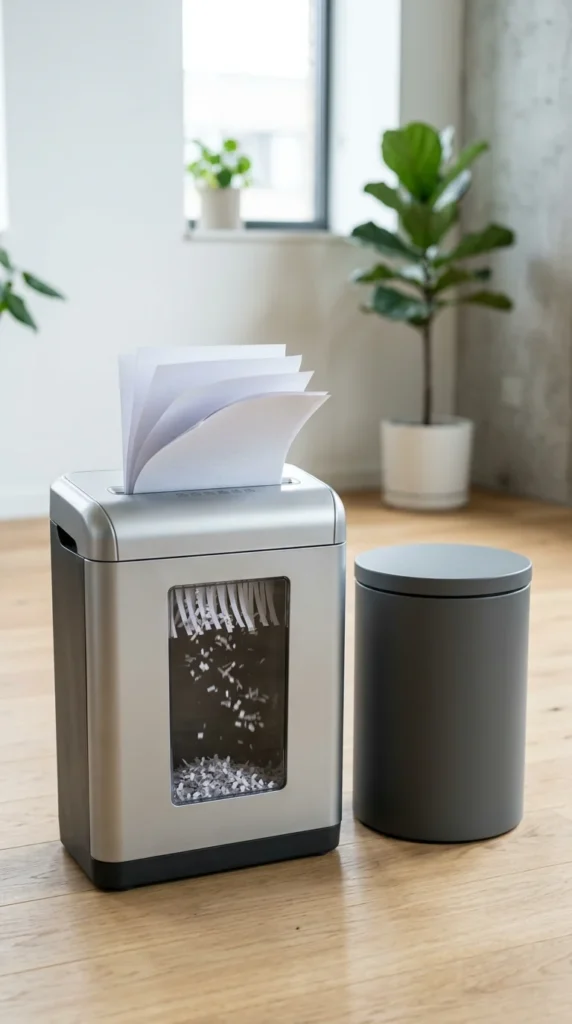
Workflow simplification isn’t just about what you keep; it’s about what you get rid of. A dedicated shredding station near your desk encourages the immediate disposal of sensitive but unnecessary documents. Instead of letting old bank statements or draft notes pile up because you “don’t want to throw them in the regular trash,” you can destroy them instantly. This prevents clutter from ever forming and protects your privacy simultaneously.
7. Document Scanners
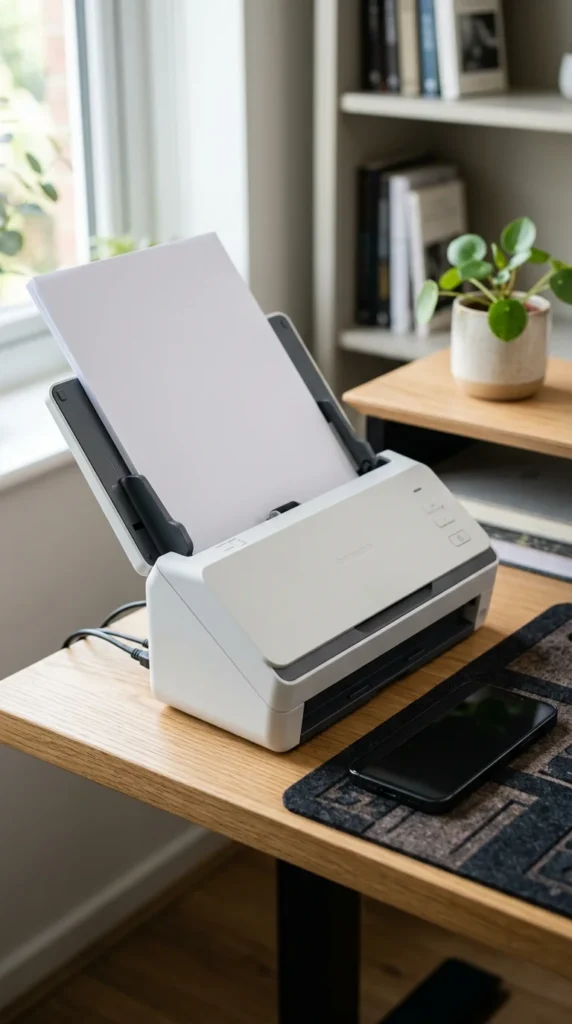
The ultimate way to simplify a paper workflow is to go paperless where possible. A high-speed document scanner allows you to digitize physical mail, receipts, and notes immediately. Once scanned, the digital file can be keyword-searched and backed up to the cloud, while the physical copy can be shredded or archived. This bridge between the physical and digital worlds ensures your desk remains a workspace, not a storage space.
8. Binder Systems

For projects that require frequent referencing or portability, binder systems are unmatched. They allow you to flip through pages like a book, protecting the edges of the paper from wear and tear. Binders are particularly useful for “Procedure Manuals,” “Project Blueprints,” or “Annual Reports.” Use tabbed dividers within the binders to create sub-categories, making it easy to jump to the exact section you need during a meeting.
9. Expanding Files
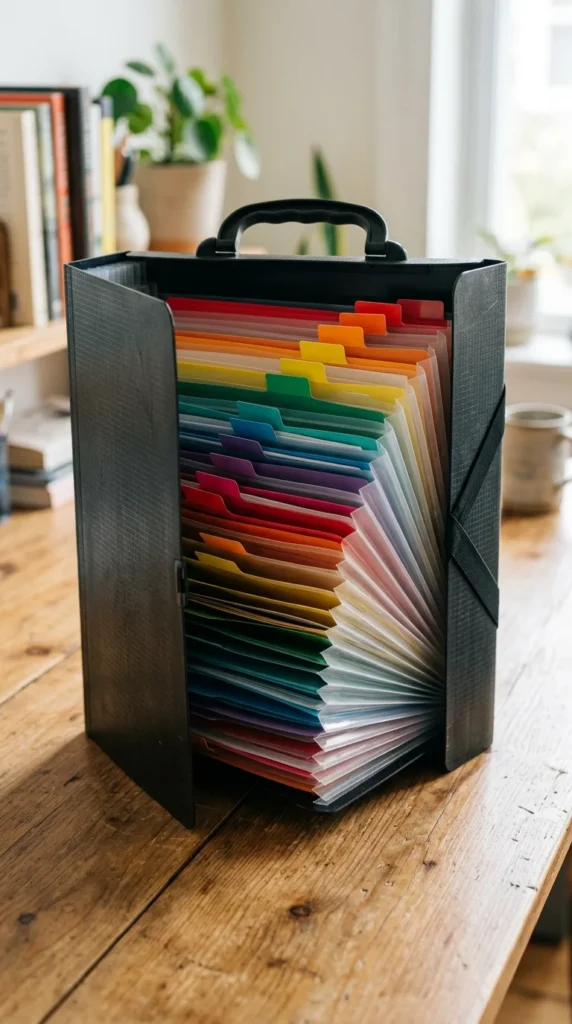
If your work takes you on the go, an expanding file (often called an accordion file) is a mobile office essential. It keeps different categories of paper separate and secure within a single, portable unit. This is perfect for freelancers, consultants, or anyone who needs to carry a variety of documents to different locations without them getting mixed up or crushed in a briefcase.
10. Clipboard Storage
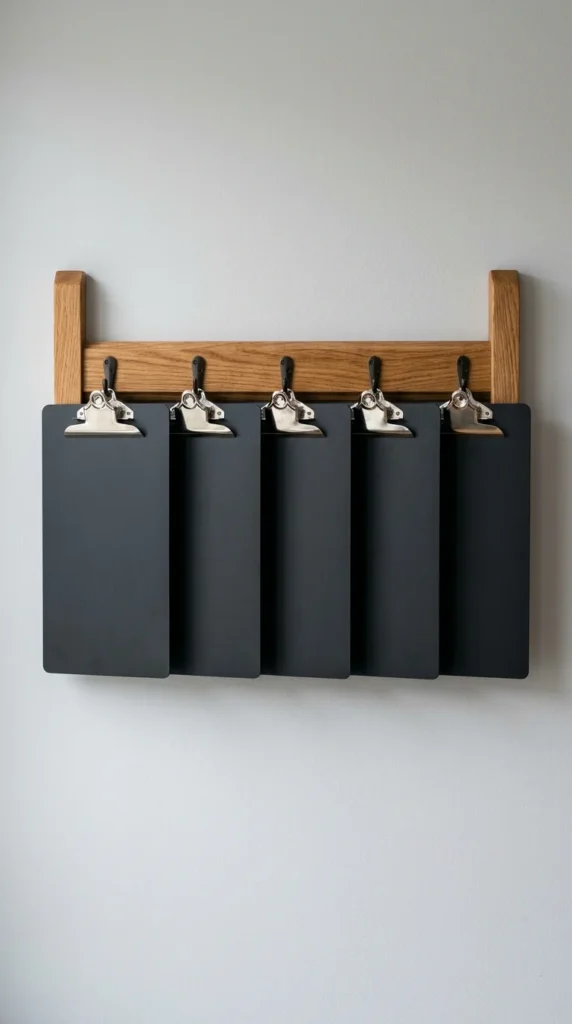
Clipboards are fantastic for “active” documents that you need to carry around a room or use while standing. However, they can clutter a desk quickly. A dedicated clipboard storage rack—either wall-mounted or a desk stand—keeps these tools organized. It’s an excellent solution for tracking checklists, daily schedules, or ongoing logs that need to be accessed and updated throughout the day.
11. Wall Pockets
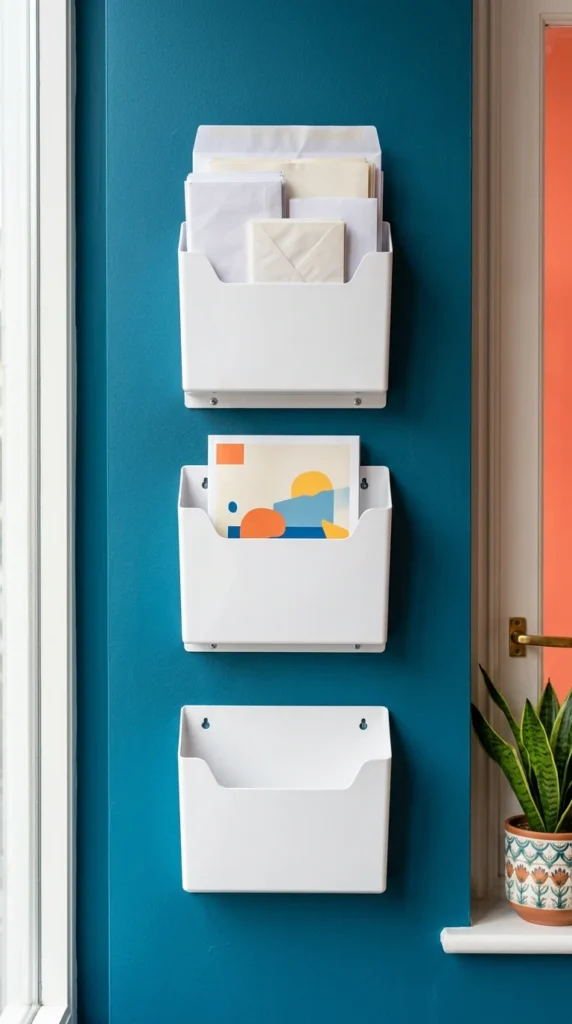
When desk space is at a premium, look to the walls. Wall pockets move your paper organization off your work surface entirely. These are ideal for “action” items—papers that need your attention soon but aren’t part of your immediate task. By mounting them at eye level, you keep these priorities in your peripheral vision without them physically obstructing your keyboard or mouse space.
12. Rolling Carts
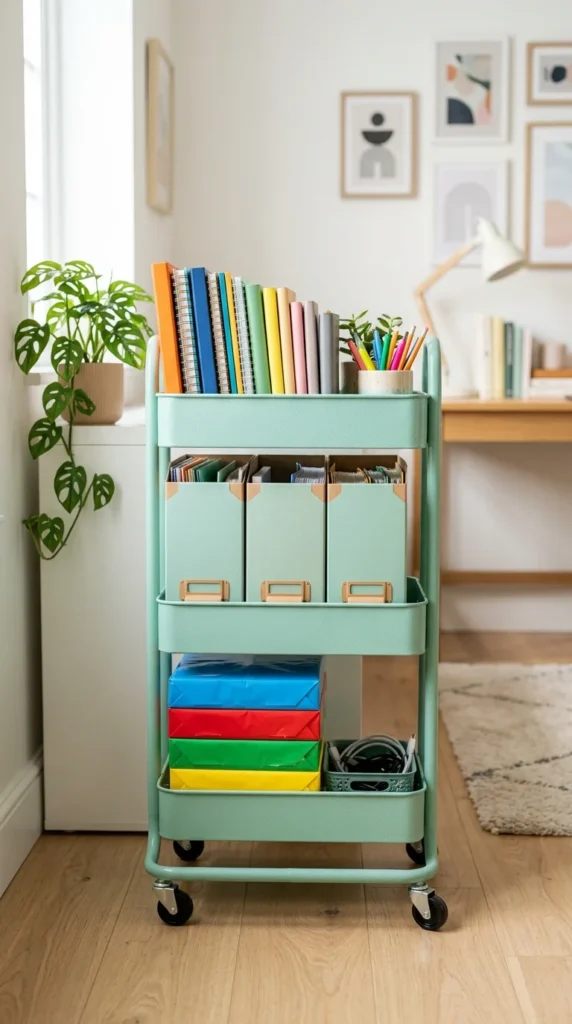
A rolling cart provides “mobile storage” that can follow you around the office. If you have a large project that requires multiple folders, reference books, and supplies, you can keep them all on the cart. When the project is active, pull the cart next to your desk; when you’re done for the day, wheel it into a corner or a closet to completely clear your environment.
13. Modular Cubes
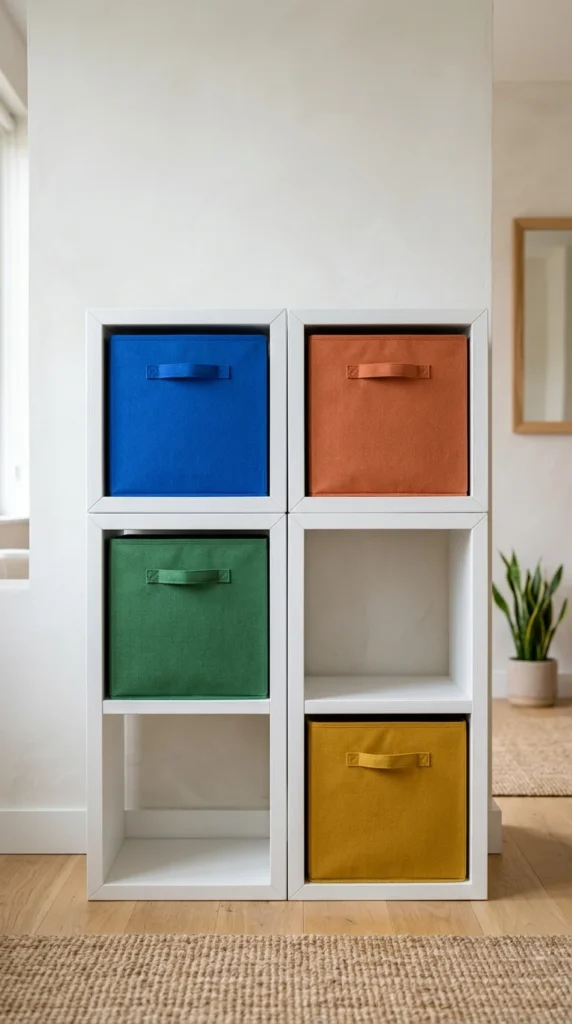
Modular cubes offer a flexible, aesthetic way to hide the “messy” side of paper organization. You can use them to hold large stacks of paper, magazines, or archives that don’t need to be accessed daily. Because they are modular, you can expand the system as your business grows, ensuring your office furniture evolves alongside your workflow requirements.
14. Archive Boxes
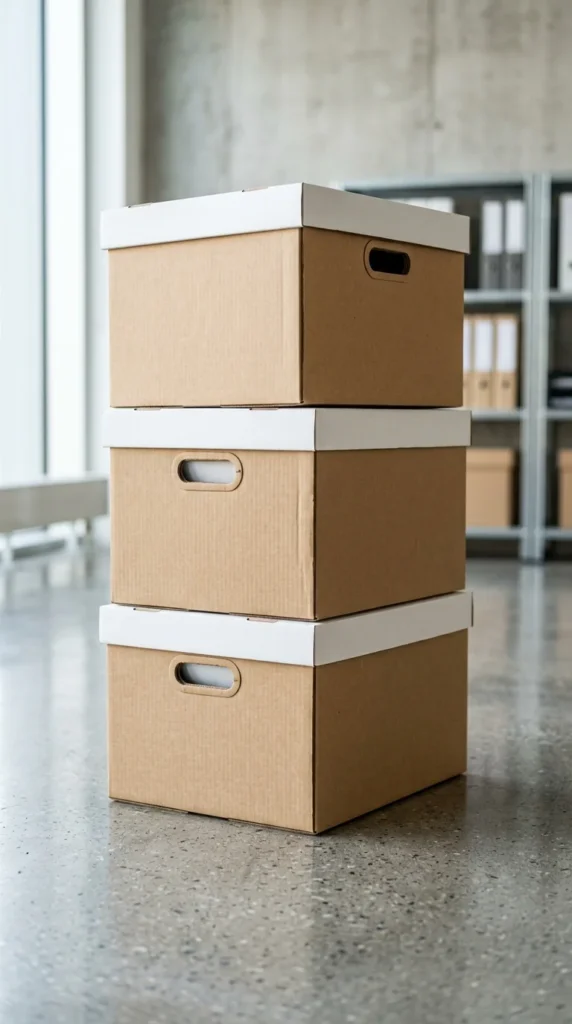
Not all papers need to be at your fingertips. Tax records, closed contracts, and historical data should be moved to archive boxes. These boxes are designed for long-term storage and can be stacked in a closet or attic. By moving “dead” files out of your active workspace, you make more room for the “live” documents that actually drive your daily productivity.
15. Magnetic Clips
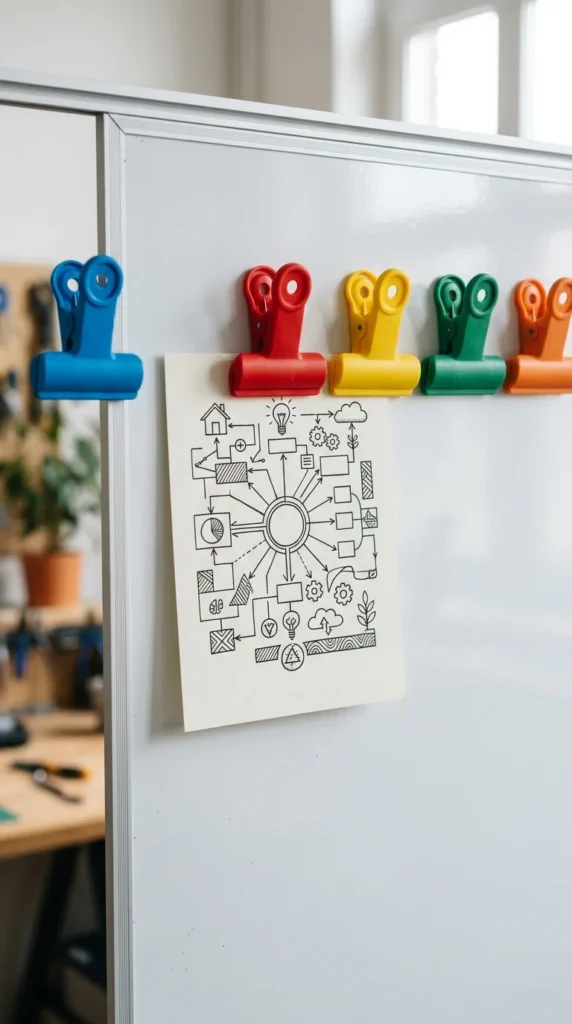
For the small notes, receipts, or reminders that usually get lost under your keyboard, magnetic clips are a lifesaver. If you have a magnetic whiteboard or a metal cabinet, these clips allow you to post important snippets of information right in front of you. This keeps the “micro-papers” visible and organized rather than letting them turn into “desk confetti.”
16. Magazine Files
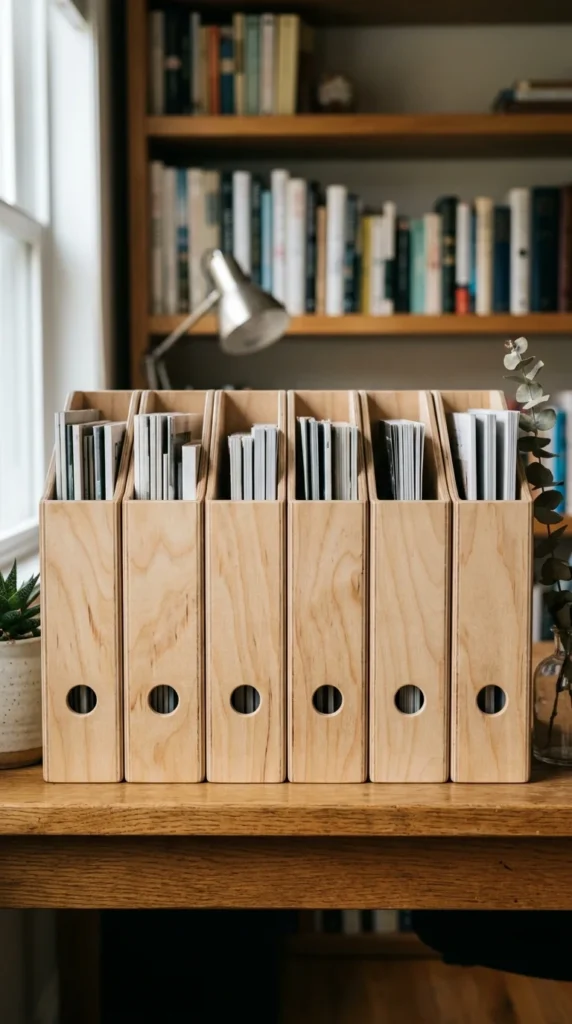
Magazine files aren’t just for National Geographic. They are perfect for holding catalogs, thick reports, or soft-cover manuals that tend to flop over on a regular shelf. By grouping these items in magazine files, you create a clean, uniform look on your bookshelves and prevent your reference materials from becoming a disorganized jumble.
17. Tiered Organizers
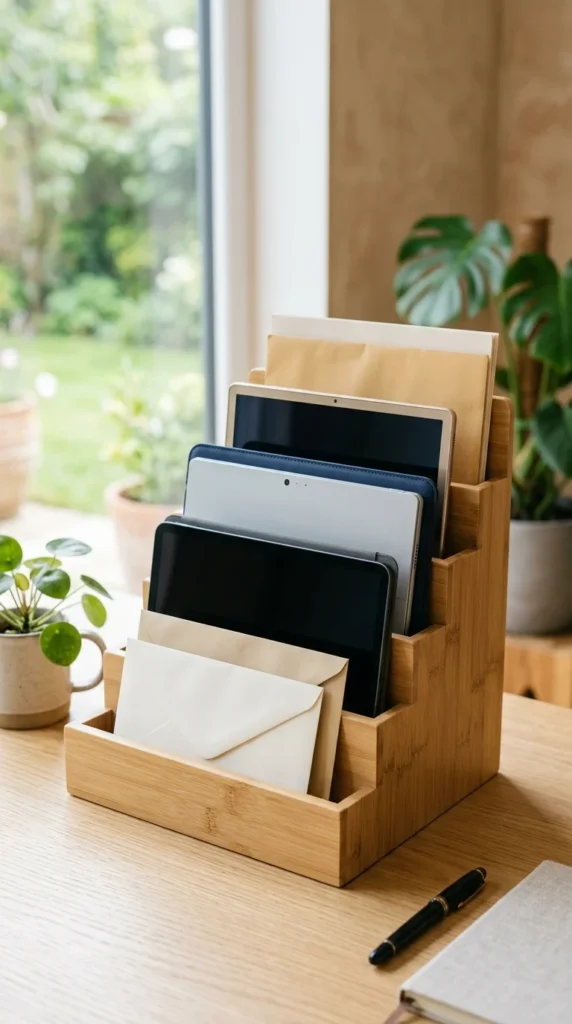
Tiered organizers are like bleachers for your papers. The “stepped” design ensures that even the papers in the very back are visible over the ones in the front. This is an excellent solution for sorting outgoing mail, invoices to be paid, or different types of stationery and envelopes.
18. In-Out Trays
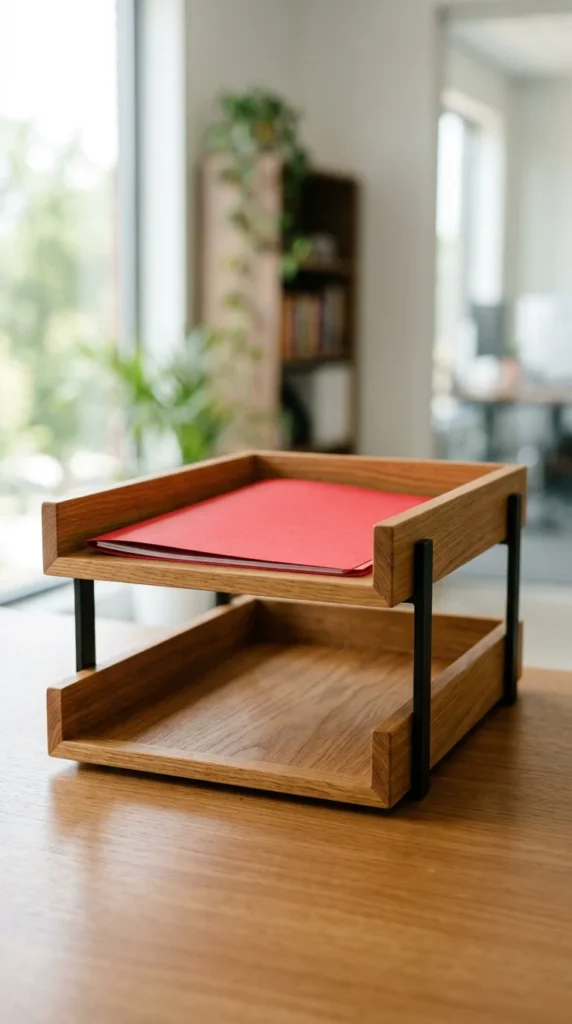
The classic In-Out tray system is a workflow staple for a reason: it works. It creates a physical manifestation of your “to-do” list. Incoming work goes in the “In” tray; once processed, it moves to the “Out” tray for filing or distribution. This simple binary system prevents the confusion of having “new” work mixed with “finished” work.
19. Action Folders
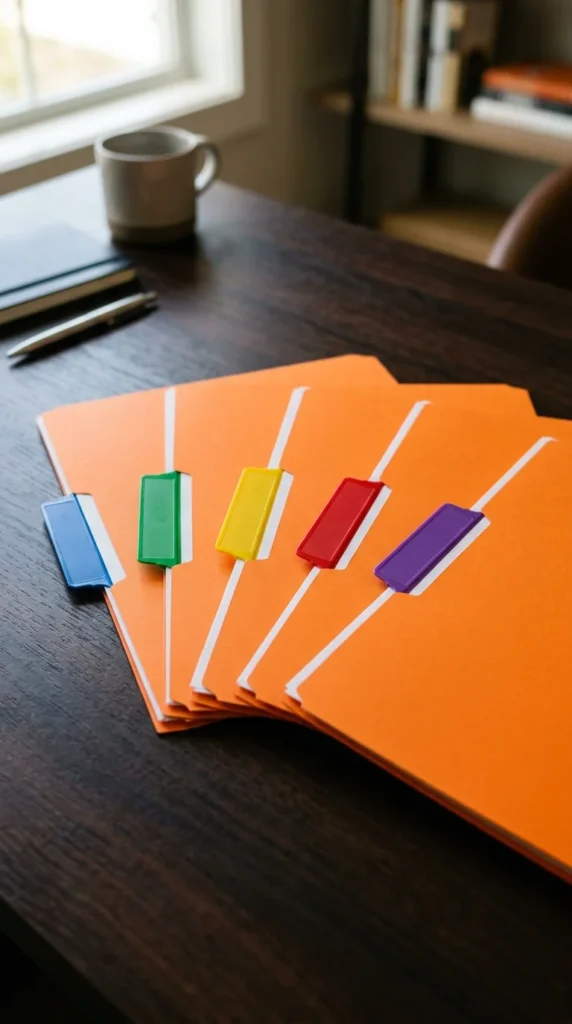
Action folders are a conceptual organization tool. Instead of filing by “Subject,” you file by “Action.” Labels might include “To Call,” “To Sign,” “To Read,” or “To File.” This system ensures that when you have ten minutes of downtime, you can grab the “To Call” folder and immediately find all the documents related to the phone calls you need to make, maximizing every minute of your day.
20. Desktop Carousels
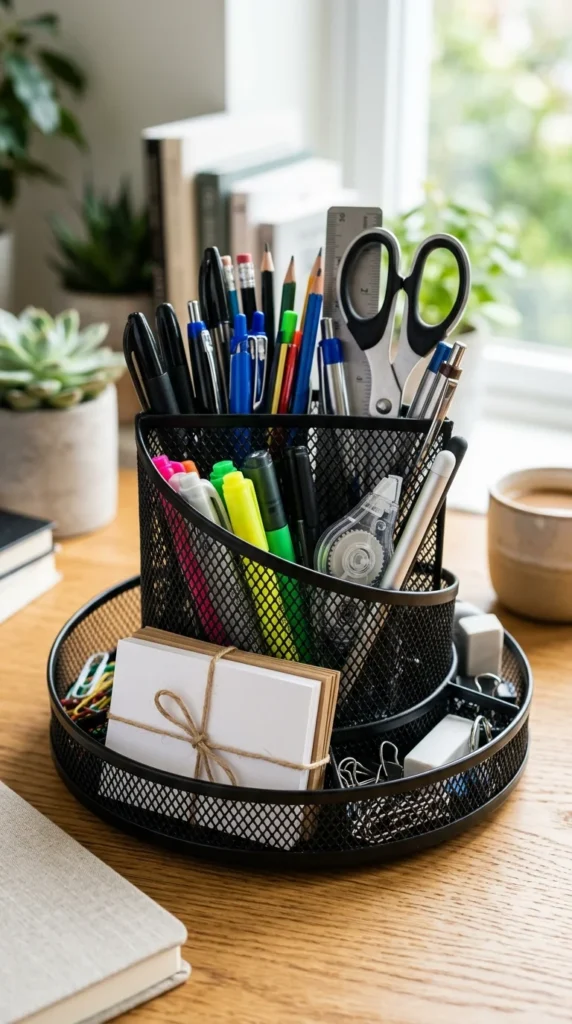
A desktop carousel (or “Lazy Susan”) allows you to access 360 degrees of storage without moving from your chair. While often used for pens, many models are designed with slots for envelopes, small notepads, and index cards. It’s the ultimate “cockpit” accessory for someone who handles many small, varied paper tasks throughout the day.
21. Mobile Pedestals
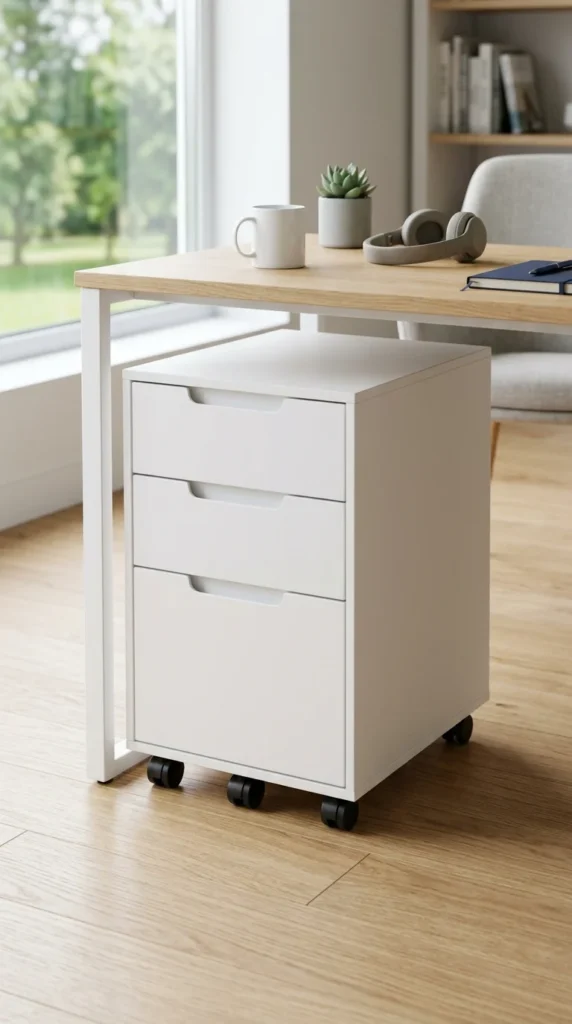
A mobile pedestal is essentially a filing cabinet on wheels. It provides significant storage capacity—usually including one deep drawer for hanging files and two shallower drawers for supplies. Because it can fit under your desk, it provides high-density storage without taking up additional floor space. It’s an essential piece for any minimalist who wants to keep their desktop completely clear.
22. Under-Desk Drawers
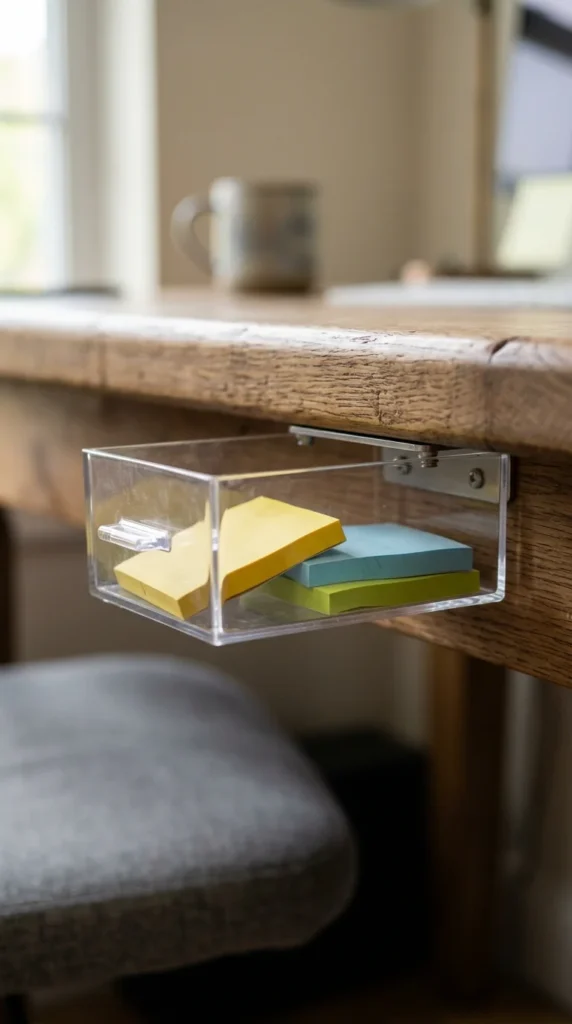
Many modern desks are simply flat surfaces without any built-in storage. Under-desk drawers are “add-on” solutions that stick or screw to the bottom of your desk. They are perfect for stashing away the small papers—like pads of sticky notes or business cards—that otherwise clutter your primary workspace. This keeps your tools hidden but accessible.
23. Reference Racks
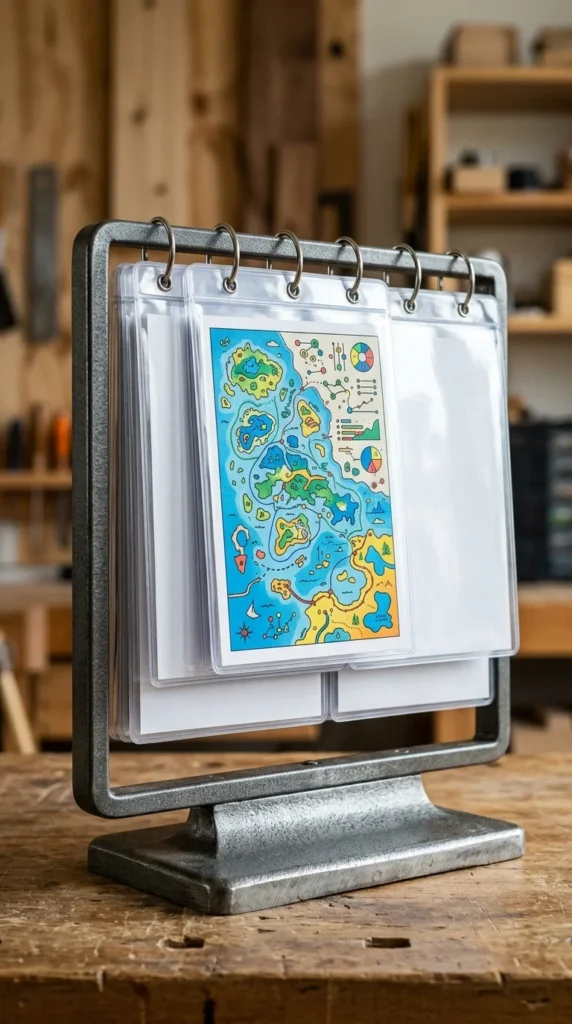
If you have information you need to look at dozens of times a day—like a price list, a phone directory, or a project timeline—a reference rack is the best solution. Instead of digging through a folder, you simply flip through the transparent “pages” of the rack. This keeps your most vital data protected and permanently accessible, ensuring your workflow remains uninterrupted.
By integrating even a few of these solutions, you can transform your office from a place of paper-induced stress into a streamlined environment of clarity and focus. Organization isn’t just about cleaning; it’s about building a system that supports your success.