
The transition to remote work is no longer just a temporary trend; it is a fundamental shift in how the modern world operates. However, working from a couch or a kitchen table is a recipe for burnout, back pain, and dwindling focus. To truly thrive in a remote environment, you need a sanctuary of productivity—a space that blends ergonomics, technology, and personal style.
Whether you are a software engineer, a creative director, or a project manager, your environment dictates your output. Building the ultimate home office is an investment in your career and your long-term health. Here are the 18 essential components required to transform a spare corner into a powerhouse of professional efficiency.
1. Standing Desk
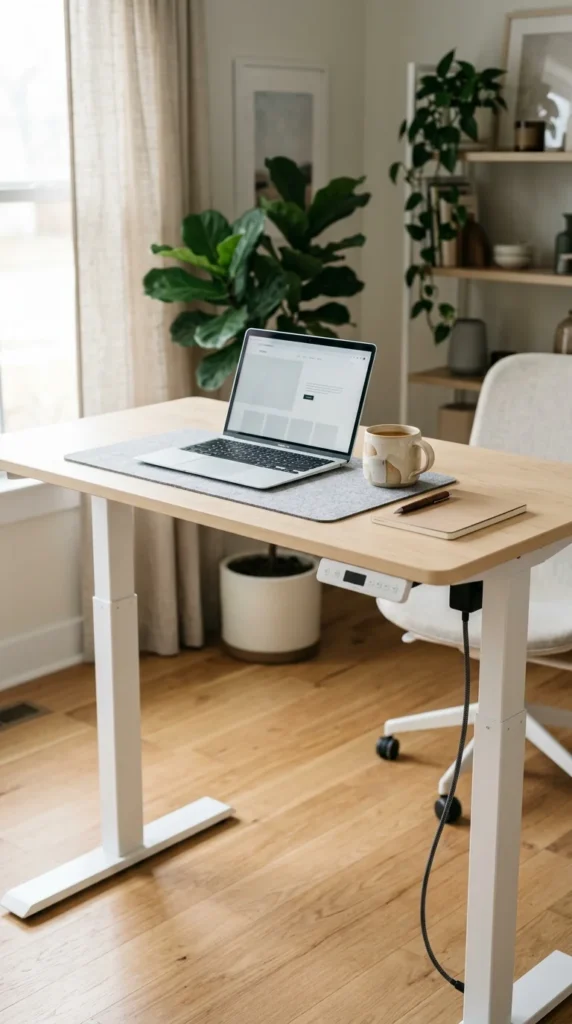
The cornerstone of any modern office is the adjustable standing desk. Sitting for eight hours straight is detrimental to your posture and metabolic health. A high-quality electric standing desk allows you to transition between sitting and standing with the press of a button, keeping your blood flowing and your energy levels high. Look for one with a powerful, quiet motor and a programmable memory keypad so you can save your perfect heights for both positions.
2. Ergonomic Chair
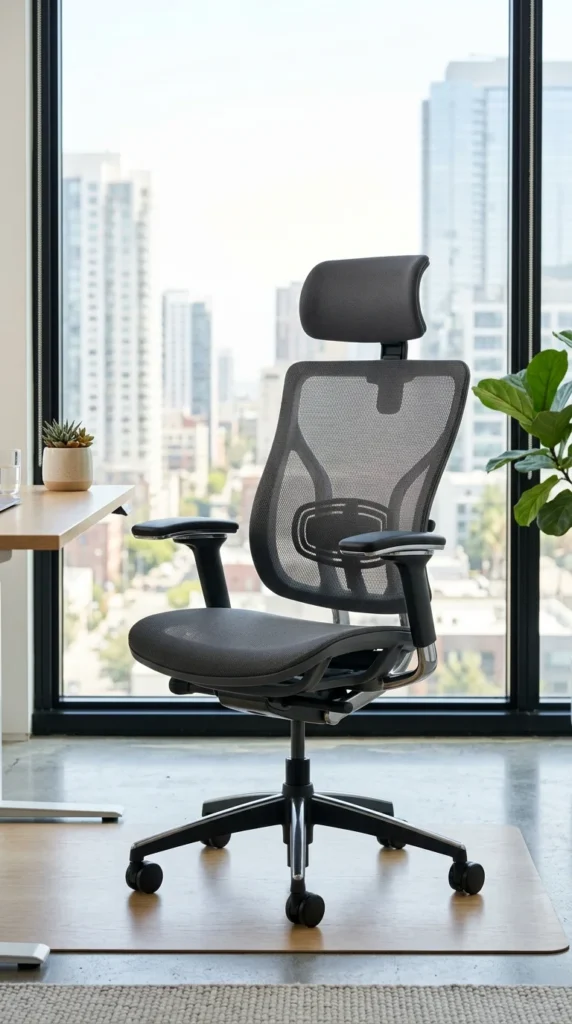
If you’re going to spend a significant portion of your life in a chair, it should be a masterpiece of engineering. A true ergonomic chair supports the natural “S” curve of your spine. Look for features like adjustable lumbar support, seat depth adjustment, and breathable mesh fabric that prevents overheating. A good chair doesn’t just feel comfortable; it actively prevents the long-term musculoskeletal issues associated with sedentary work.
3. Ultra-Wide Monitor
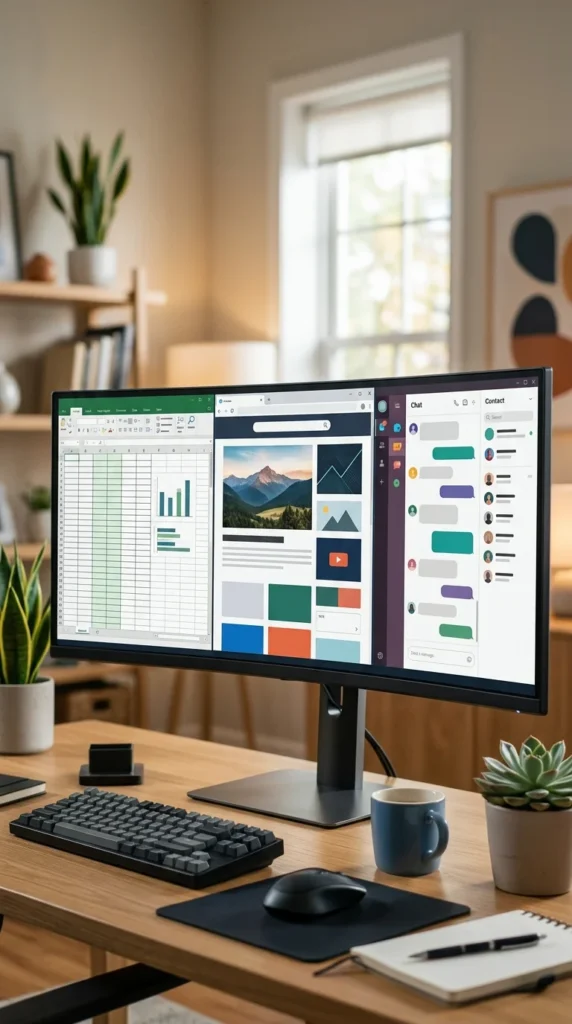
Screen real estate is the digital equivalent of a large workbench. Instead of toggling between tabs on a small laptop screen, an ultra-wide monitor allows you to have your calendar, your primary task, and your communication tools open all at once. The curve of the screen reduces eye strain by keeping the edges of the display at the same focal distance as the center, creating an immersive and highly efficient workflow.
4. Mechanical Keyboard
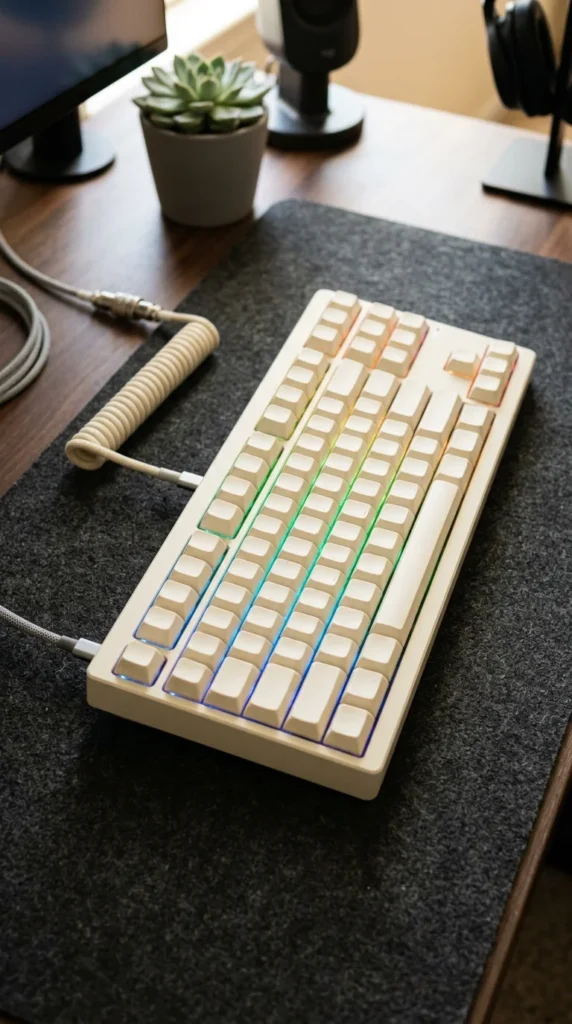
The tactile feedback of a mechanical keyboard transforms typing from a chore into a sensory pleasure. Beyond the satisfying “click” or “thump,” mechanical switches are more durable and can actually increase typing speed and accuracy. Whether you prefer linear switches for a quiet office or clicky switches for that classic typewriter feel, a dedicated keyboard is a massive upgrade over any laptop’s butterfly or chiclet keys.
5. Vertical Mouse
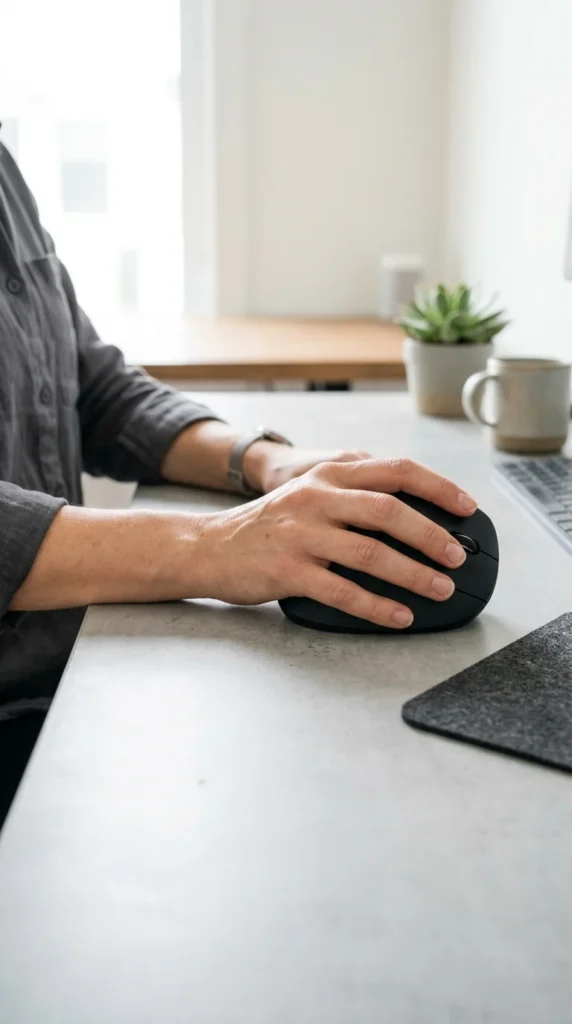
Repetitive strain injury (RSI) is a common pitfall for remote workers. A vertical mouse rotates your hand into a “handshake” position, which reduces pressure on your wrist and forearm. This natural alignment prevents carpal tunnel syndrome and fatigue during long hours of data entry or design work. It takes a day or two to get used to the grip, but your joints will thank you for years to come.
6. Noise-Canceling Headphones
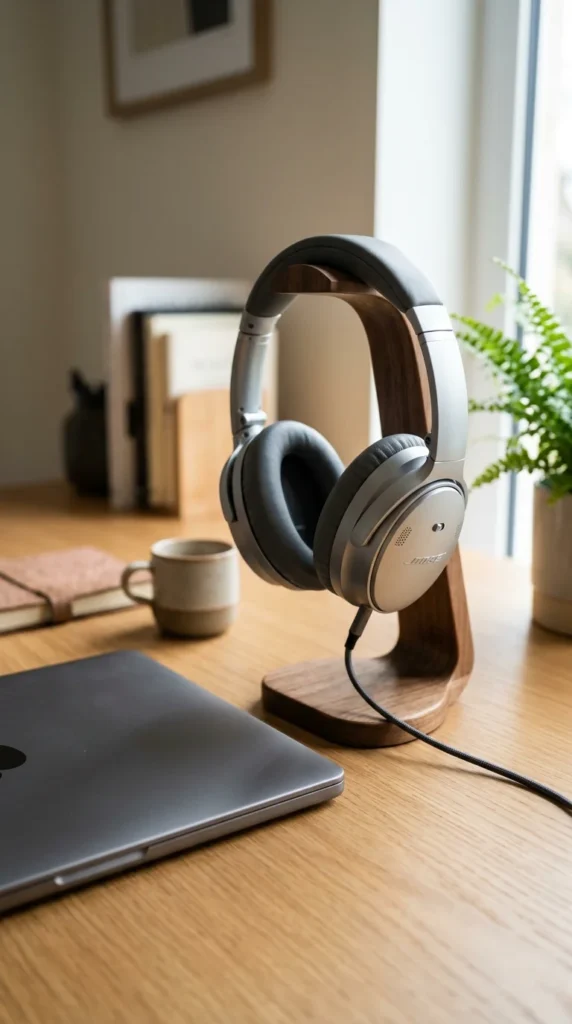
Home environments are rarely silent. Whether it’s a neighbor’s lawnmower, a barking dog, or family members in the next room, distractions are everywhere. Active Noise Canceling (ANC) headphones create a “cone of silence” that allows you to enter a deep state of flow. Opt for a pair with high-quality microphones so you can transition seamlessly from listening to music to taking high-stakes conference calls.
7. Professional Microphone
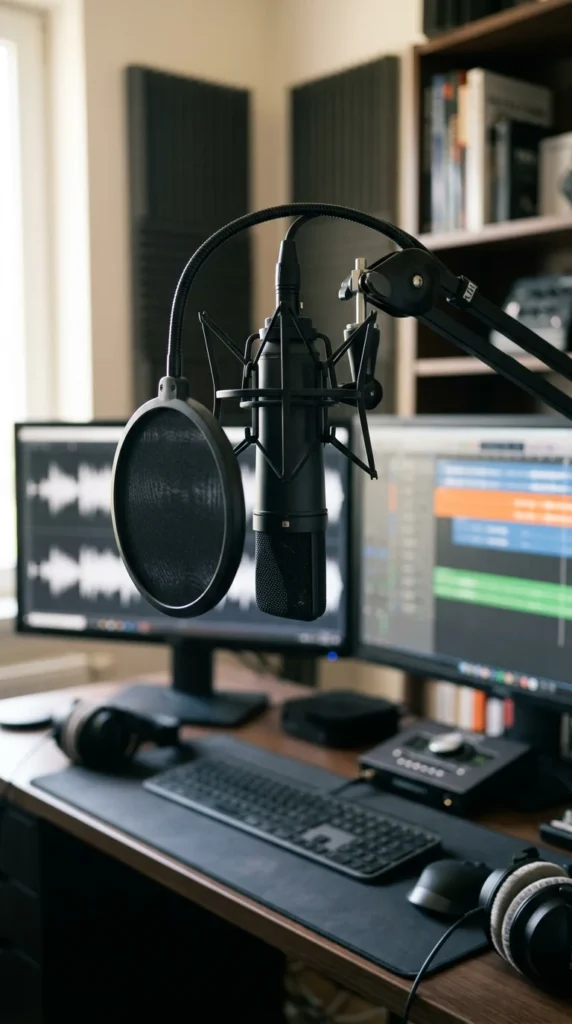
In a remote world, your voice is your presence. Relying on the built-in microphone of your laptop often results in tinny, muffled audio that makes you sound distant. A dedicated USB or XLR condenser microphone ensures your voice is crisp, clear, and authoritative. It signals professionalism and makes your contributions to meetings much more impactful and easier for colleagues to follow.
8. High-Def Webcam
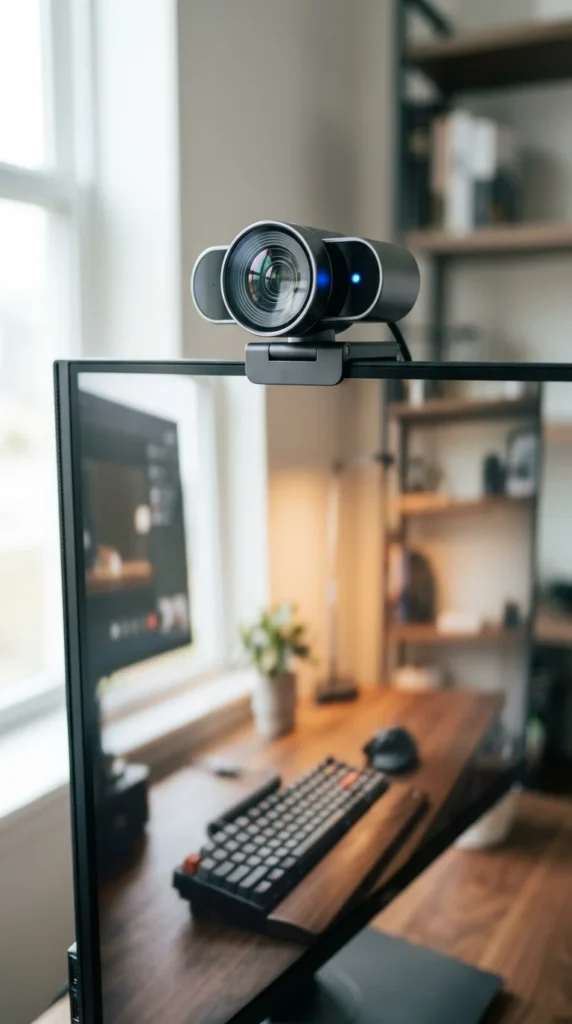
If your video looks grainy or dark, you lose a layer of connection with your team. A 1080p or 4K external webcam offers better color reproduction, better low-light performance, and a wider field of view than standard laptop cameras. Many modern webcams also feature AI-driven auto-framing, which keeps you centered even if you move around during a presentation.
9. Ring Light
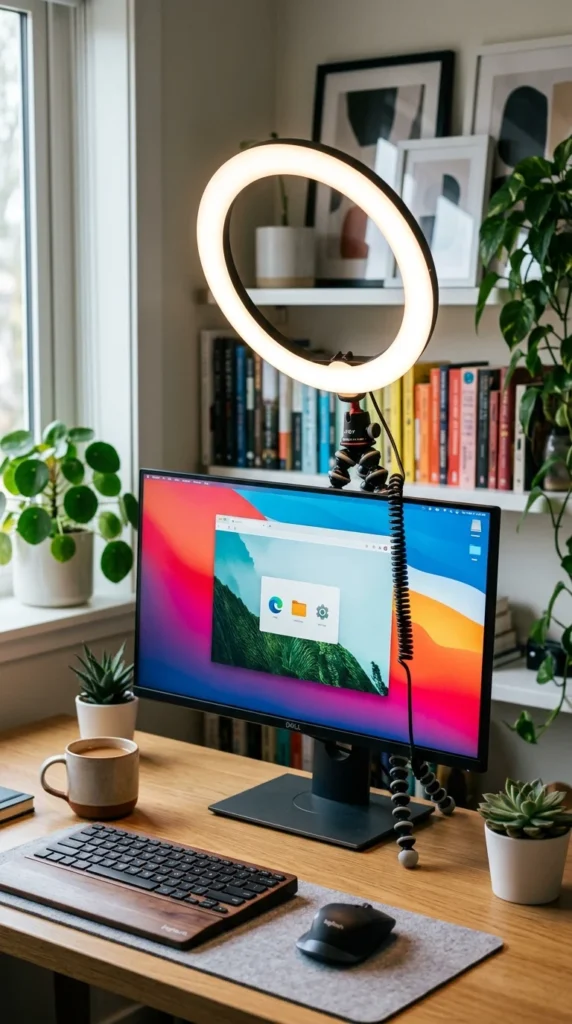
Even the best webcam can’t save a poorly lit room. Lighting is the secret to looking professional on camera. A ring light or a dedicated key light provides soft, even illumination that eliminates harsh shadows on your face. This prevents the “basement dweller” look and ensures you look vibrant and engaged during every video call, regardless of the time of day.
10. Cable Management
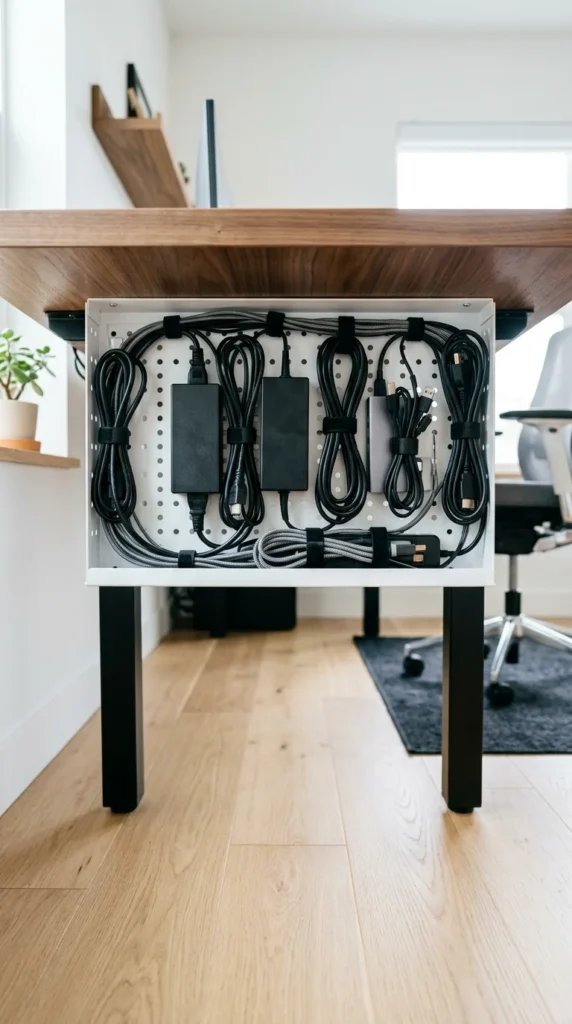
A cluttered desk leads to a cluttered mind. Tangled wires are a visual distraction and a physical nuisance. Utilizing cable trays, magnetic ties, and “snakes” to hide your power cords and peripheral cables creates a clean, streamlined aesthetic. When your workspace is visually organized, it’s much easier to focus on the complex tasks at hand.
11. Desktop Plant
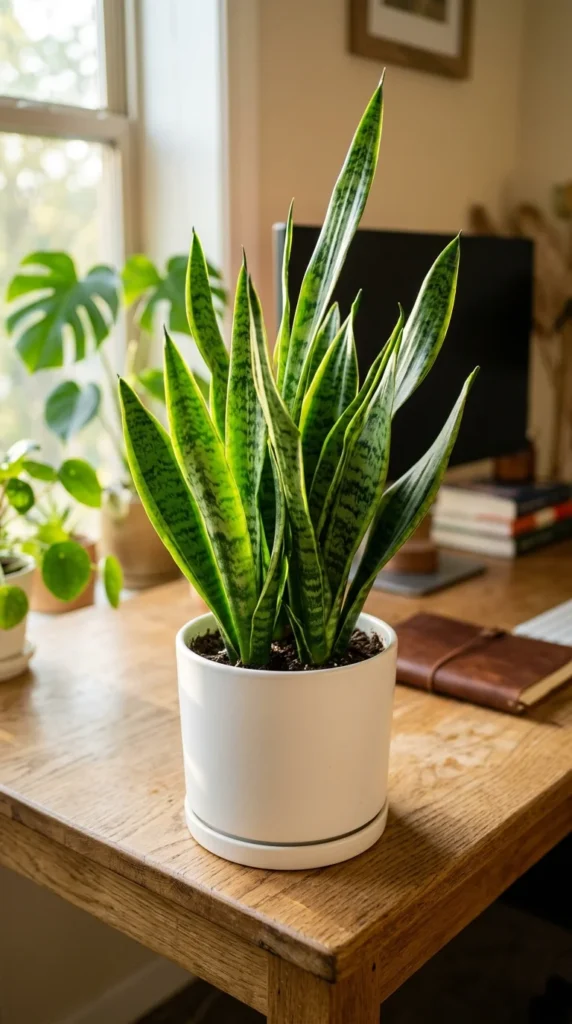
The concept of “biophilic design” suggests that bringing elements of nature into your workspace can reduce stress and increase productivity. A simple desktop plant, like a Snake Plant or a Pothos, improves air quality and provides a necessary visual break from digital screens. It adds a touch of life and color to an otherwise sterile technological environment.
12. Monitor Arm
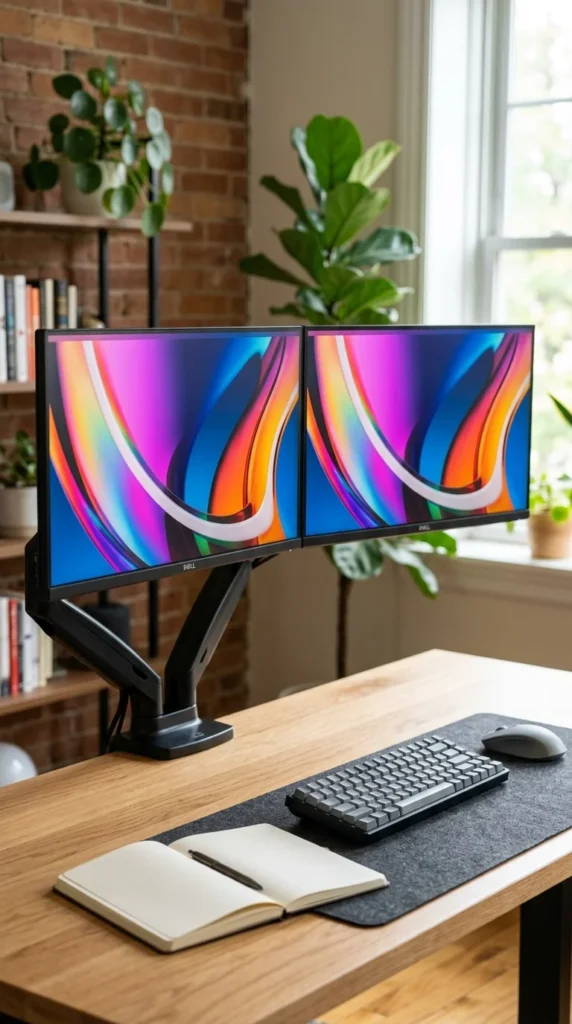
A monitor arm is the ultimate tool for desk optimization. By lifting your screen off the desk surface, you reclaim valuable space. More importantly, it allows for infinite adjustability. You can pull the screen closer, push it away, or tilt it to the exact millimeter that prevents neck strain. It also allows you to easily rotate a secondary monitor into portrait mode—perfect for reading long documents or code.
13. Desk Mat
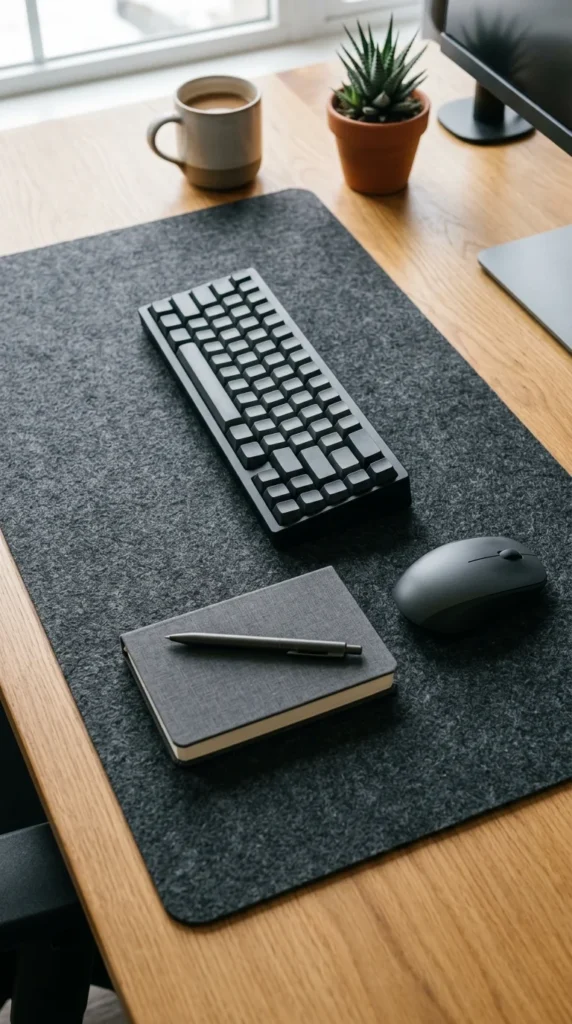
A high-quality desk mat (made of felt, leather, or cork) serves multiple purposes. It defines your workspace, protects your desk from scratches, and provides a smooth, consistent surface for your mouse. It also adds a layer of acoustic dampening, reducing the sound of your keyboard and making your office feel warmer and more intentional.
14. Smart Lighting
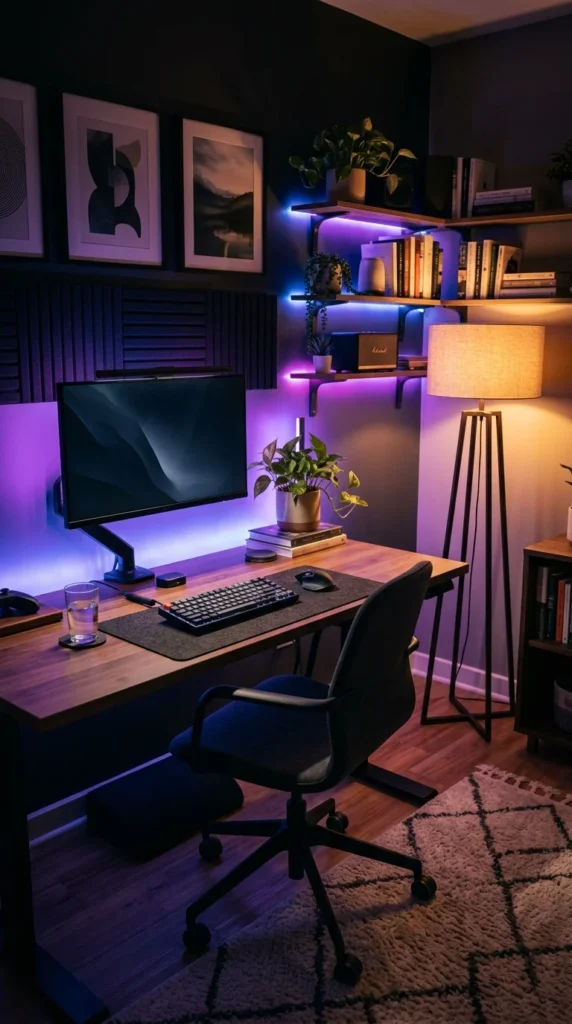
Your lighting needs change throughout the day. In the morning, you might want bright, cool light to wake you up. In the evening, warm, dim lighting helps you wind down. Smart bulbs or LED light strips that can be controlled via your phone allow you to set “scenes” for different types of work, helping to regulate your circadian rhythm and improve your mood.
15. Blue Light Glasses

Staring at screens for eight to ten hours a day exposes your eyes to significant amounts of blue light, which can cause digital eye strain and disrupt your sleep patterns. Blue light blocking glasses filter out these harsh wavelengths. While many monitors have a “night mode,” having a dedicated pair of glasses ensures you’re protected no matter what device you’re looking at, reducing headaches and eye fatigue.
16. Footrest
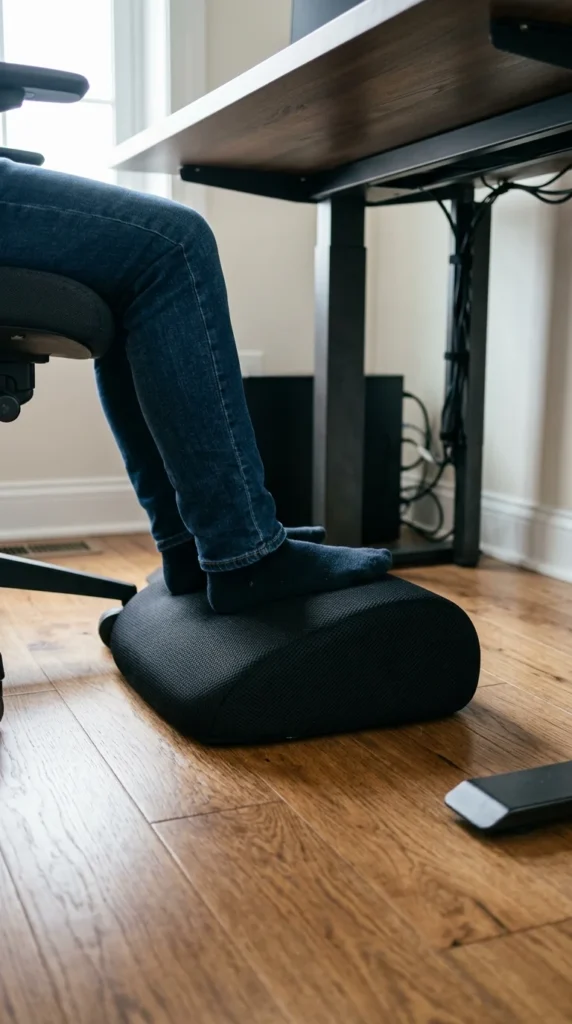
Even with a great chair, your feet need proper support to maintain good circulation. If your feet don’t rest flat on the floor, it puts pressure on your thighs and lower back. An ergonomic footrest—ideally one made of high-density memory foam—allows you to keep your legs at a comfortable angle, promoting better posture and reducing the risk of swelling in the lower limbs.
17. Essential Oil Diffuser

Productivity isn’t just about what you see and touch; it’s also about what you smell. Aromatherapy can have a profound effect on focus and stress levels. Peppermint or lemon oils are known for boosting alertness, while lavender can help keep you calm during high-pressure deadlines. A diffuser adds a subtle, pleasant atmosphere to your office that makes it a place you actually enjoy spending time in.
18. Reliable Router
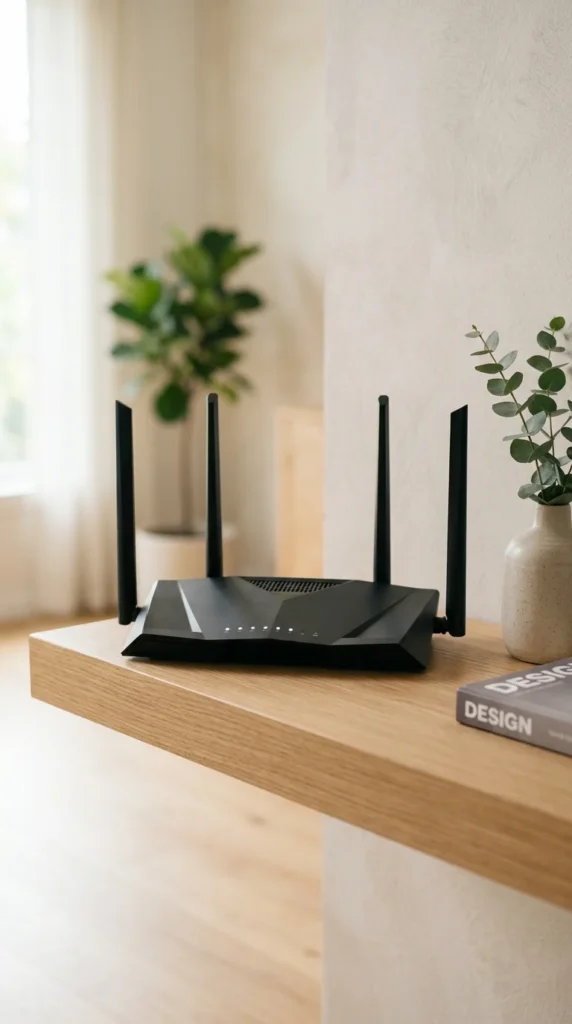
None of the high-tech gear matters if your internet connection is flaky. A premium Wi-Fi 6 router or a mesh system ensures that you have a stable, lightning-fast connection in every corner of your home. It prevents the dreaded “lag” during video calls and ensures that large file uploads don’t take all day. In the hierarchy of remote work needs, a rock-solid internet connection is the foundation upon which everything else is built.