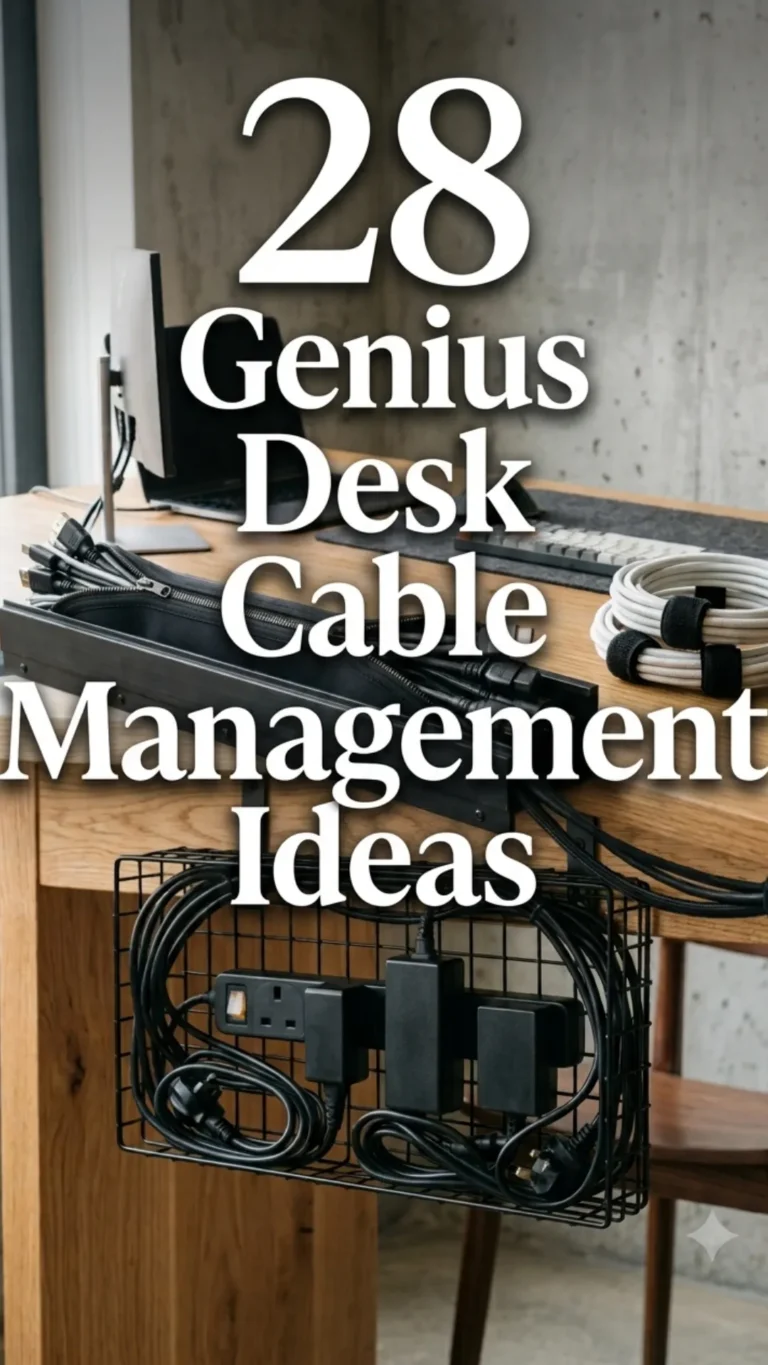

A cluttered desk is more than just an eyesore; it is a productivity killer. When you are surrounded by a “spaghetti monster” of tangled power cords, USB cables, and charging wires, your focus shifts from your work to the chaos beneath your feet. Effective cable management is the secret ingredient to a professional, high-end workspace that fosters creativity and calm.
Whether you are a hardcore gamer, a remote professional, or a creative artist, these 28 cable management ideas will help you reclaim your space and turn your workstation into a streamlined masterpiece.
1. Under-Desk Trays
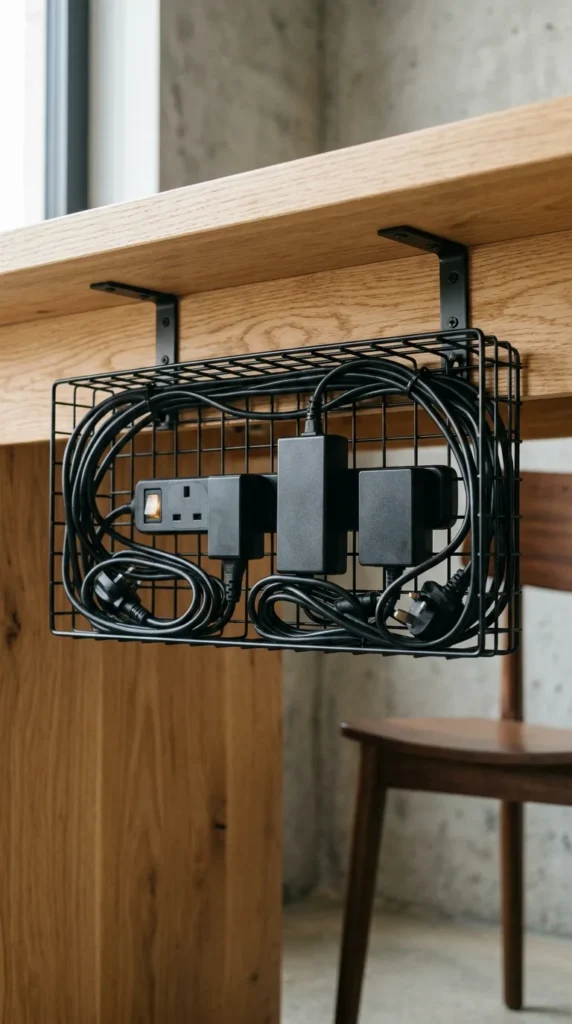
Under-desk trays are the backbone of any serious cable management setup. These metal or plastic racks bolt directly to the bottom of your desk, providing a hidden shelf for power strips and bulky “bricks.” By lifting everything off the floor, you make cleaning easier and instantly eliminate the visual clutter of floor-level tangles.
2. Cable Sleeves
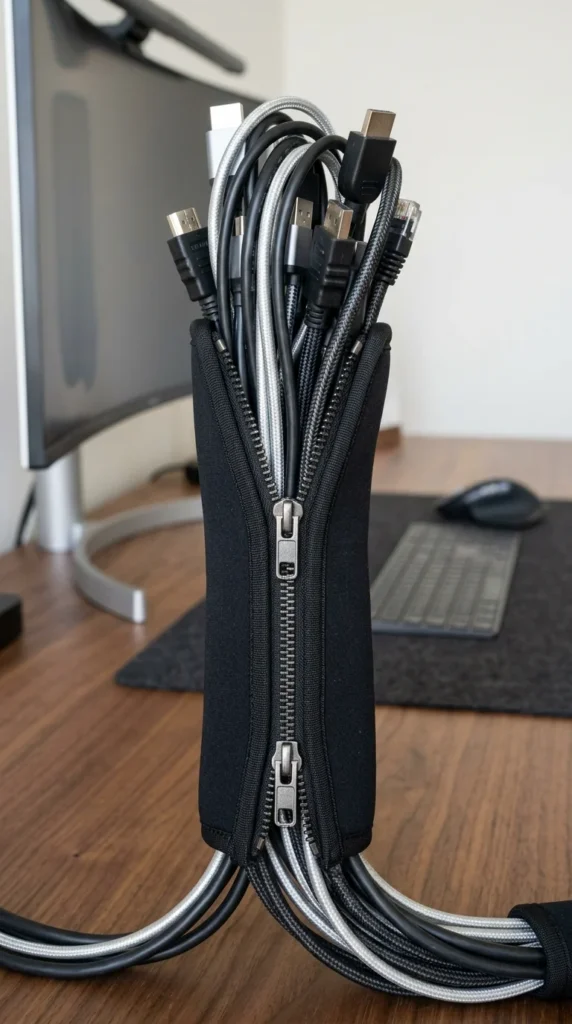
When you have multiple cables running from your PC to your monitors or peripherals, they can look messy even if they are organized. Cable sleeves—usually made of neoprene or braided nylon—bundle these individual wires into a single, clean tube. This creates a much more intentional, organized appearance for the cables that must remain visible.
3. Velcro Straps

Forget plastic zip ties that you have to cut every time you move a device. Velcro straps are the gold standard for cable management. They are reusable, adjustable, and soft enough that they won’t damage delicate fiber optic or data cables. Use them to shorten long cords or to secure bundles to desk legs.
4. Cable Boxes
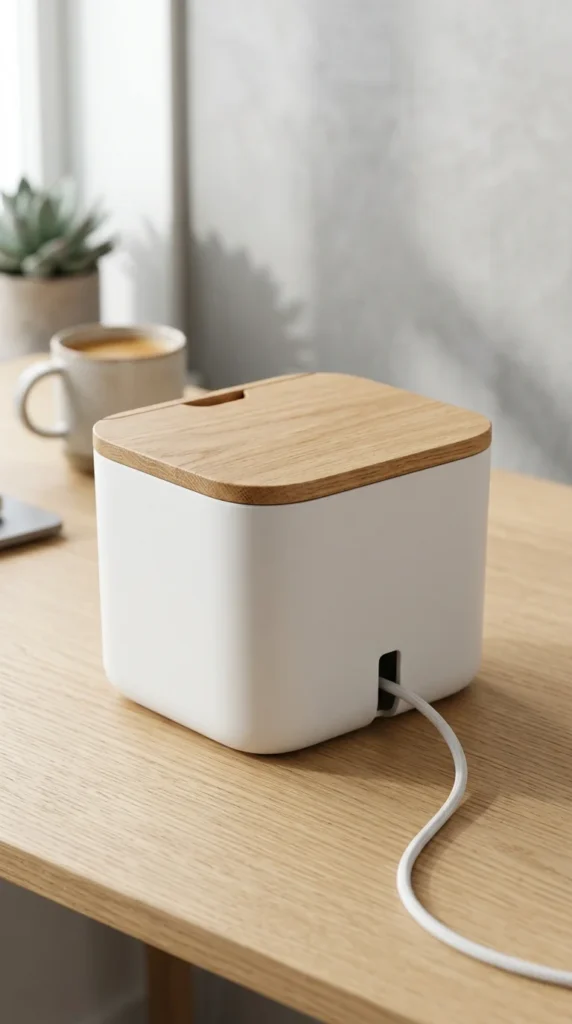
If you cannot mount anything under your desk, a cable management box is your best friend. These sleek containers house your power strip and all the messy plugs inside, with small openings for the cords to exit. They sit neatly on the floor or the corner of your desk, masquerading as a piece of modern decor.
5. Magnetic Clips
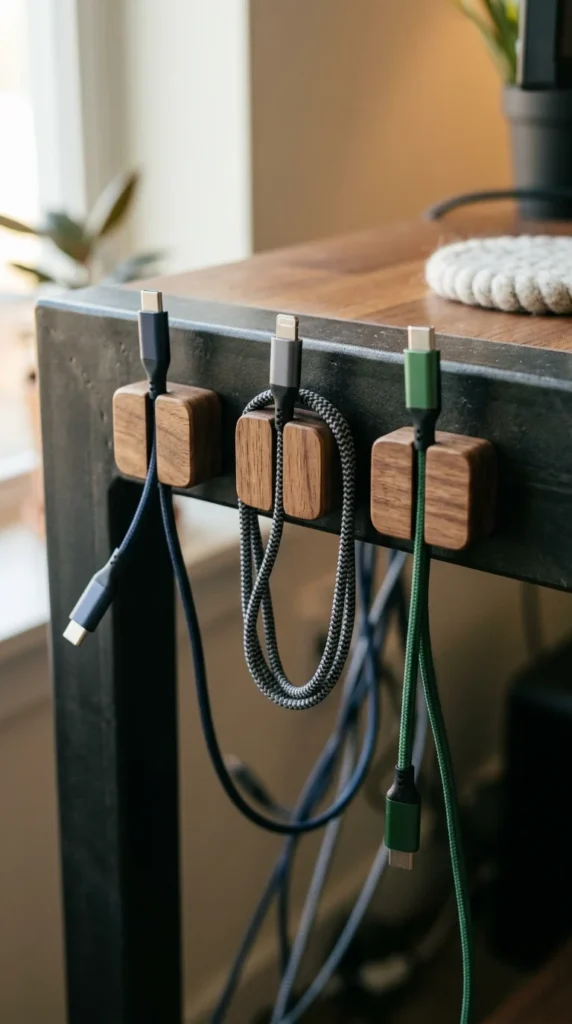
Tired of your phone charger sliding off the desk every time you unplug it? Magnetic cable clips use a small magnetic base and individual “collars” for your wires. When not in use, the cable simply snaps to the base, keeping the connector within arm’s reach at all times.
6. Adhesive Clips
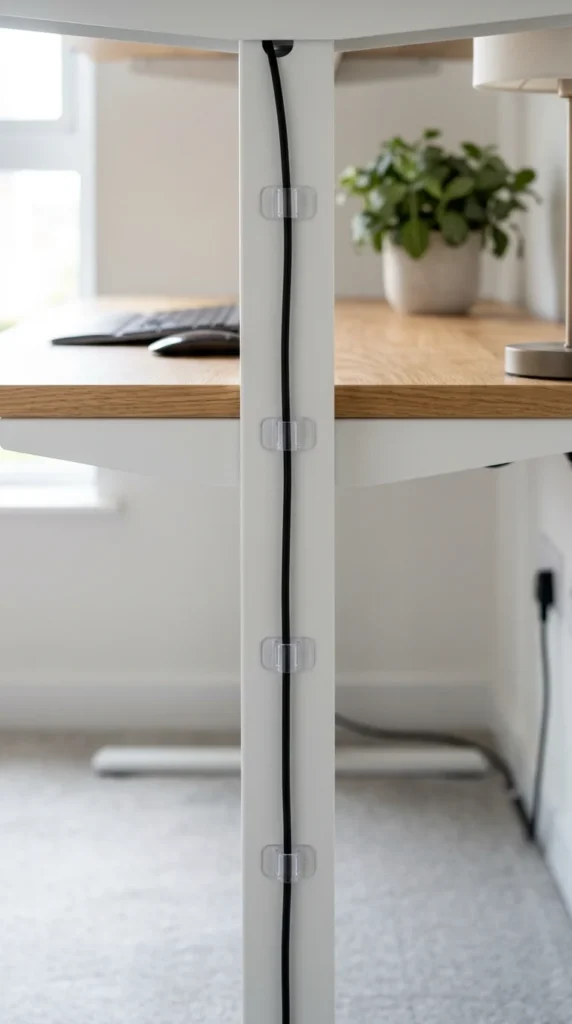
Adhesive clips are perfect for routing single wires along specific paths. Whether you are running a webcam wire around the edge of your monitor or a keyboard cable across the back of the desk, these small plastic hooks keep lines straight and taut, preventing them from sagging or getting pinched.
7. J-Channel Raceways
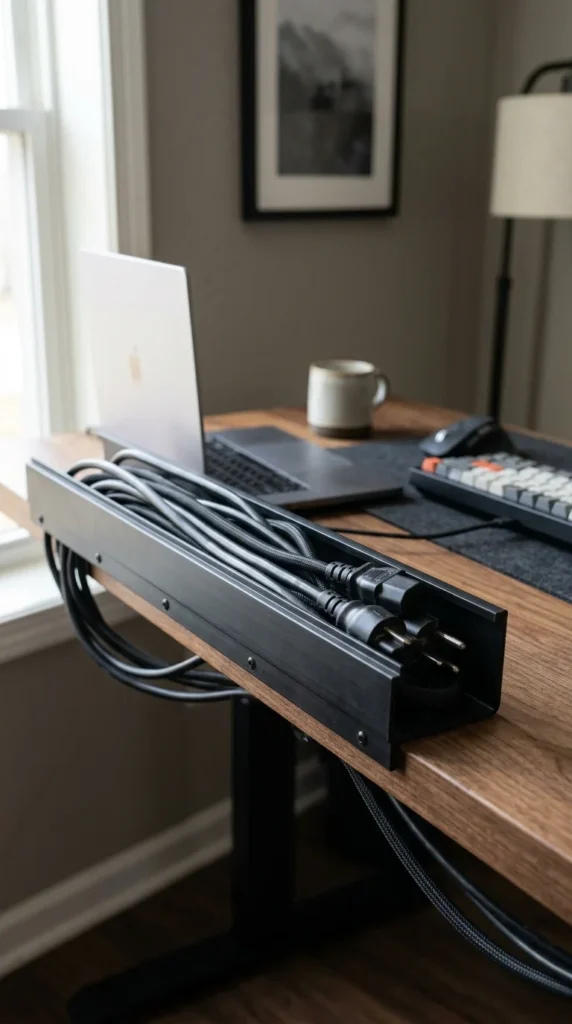
J-channels are long, rigid plastic tracks that act like a gutter for your cables. They are typically adhesive-backed, making them incredibly easy to install along the back of a desk or a wall. You can simply “drop” cables into the top of the J-hook, making it one of the easiest ways to manage cables that you move frequently.
8. Power Strip Mounts
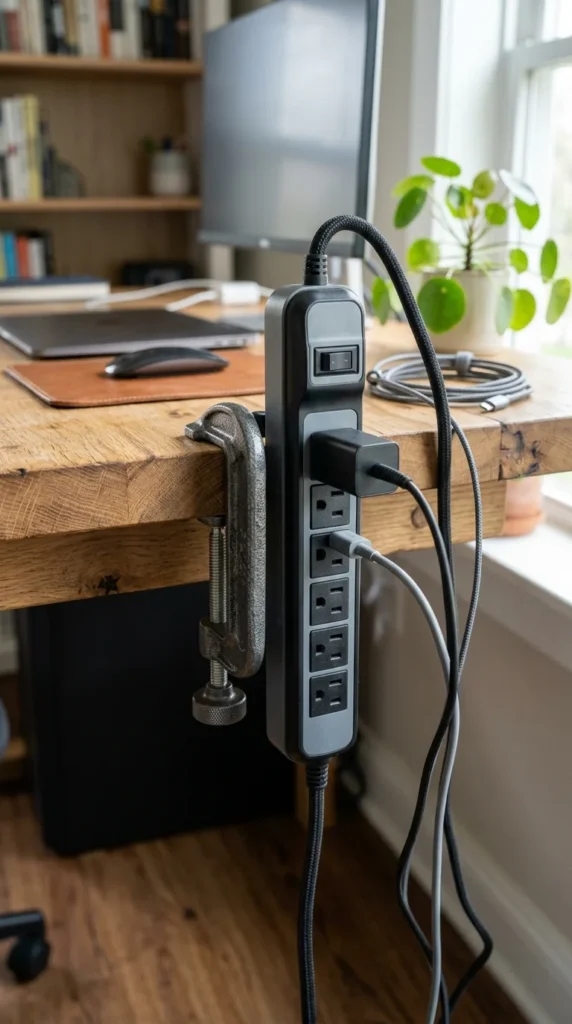
Instead of letting your power strip dangle or sit on the floor, use a dedicated mount to attach it to the desk surface or leg. Some strips come with built-in clamps, while others can be mounted using heavy-duty command strips. This provides easy access to outlets without the need to crawl under the furniture.
9. Pegboards
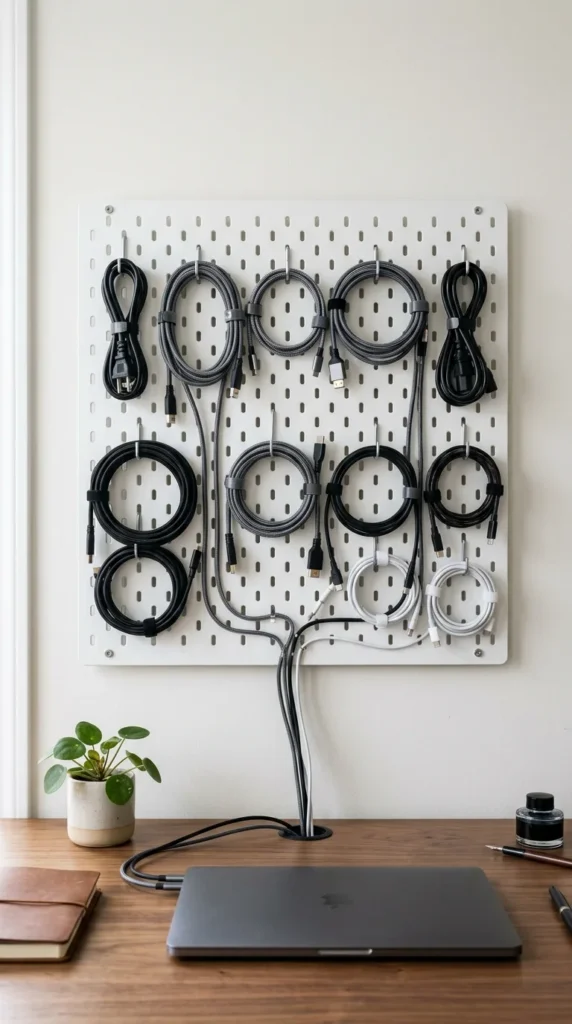
Pegboards aren’t just for tools. Many enthusiasts use them behind their desks to mount hubs, external hard drives, and excess cable length. By using hooks and elastic ties, you can create a “map” of your wiring that is both functional and aesthetically pleasing, turning your cable management into a wall feature.
10. Desktop Grommets
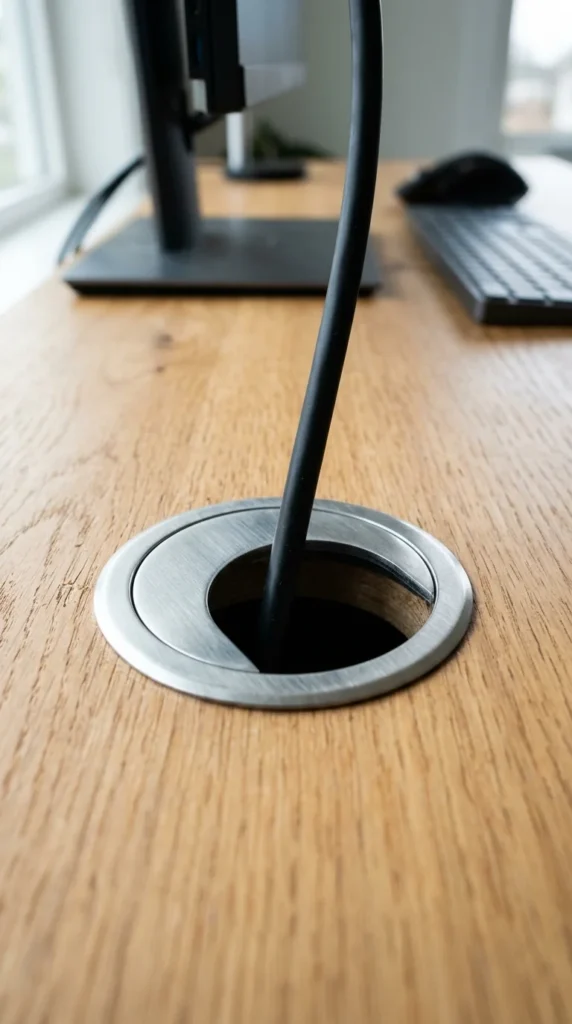
Many modern desks come with pre-drilled holes, but you can add your own with a hole saw bit. Installing a high-quality grommet (available in plastic, wood, or metal) provides a professional “pathway” for your mouse, keyboard, and monitor wires to dive straight under the desk rather than draping over the back edge.
11. Cable Spines
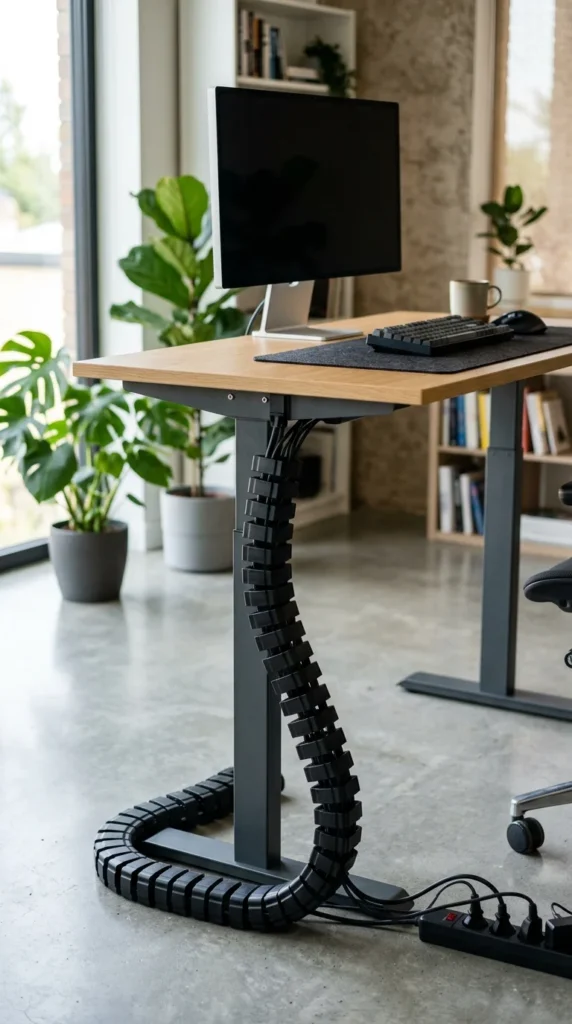
For those with standing desks, a cable spine is essential. As the desk moves up and down, the segmented “vertebrae” of the spine expand and contract, protecting the cables inside and preventing them from snagging or becoming unplugged during the transition.
12. Wireless Peripherals
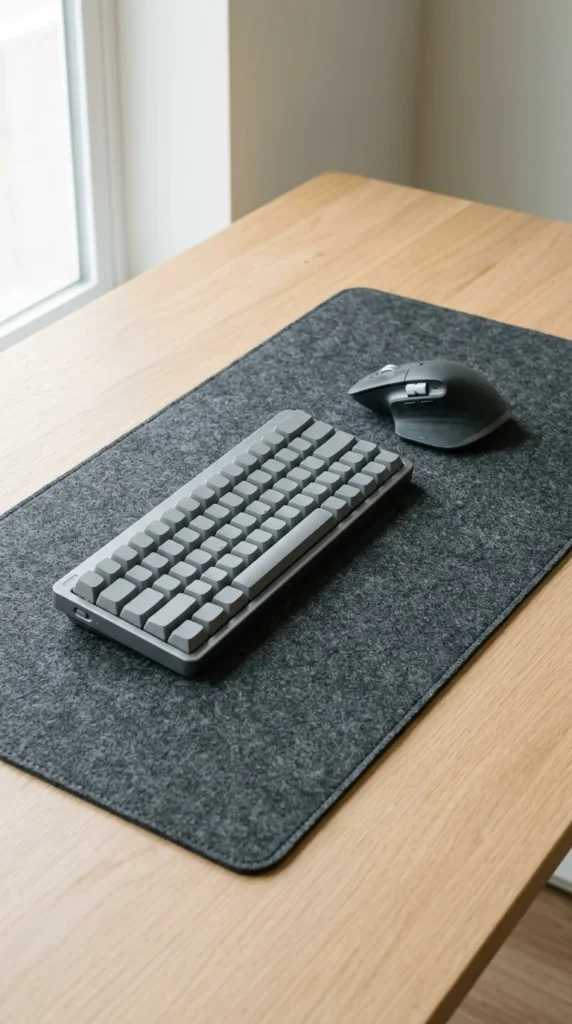
The most effective way to manage cables is to eliminate them entirely. Modern wireless technology has reached a point where latency is negligible for most users. Switching to a wireless mouse, keyboard, and headset can remove three of the most prominent “moving” cables from your visual field instantly.
13. Under-Shelf Hooks
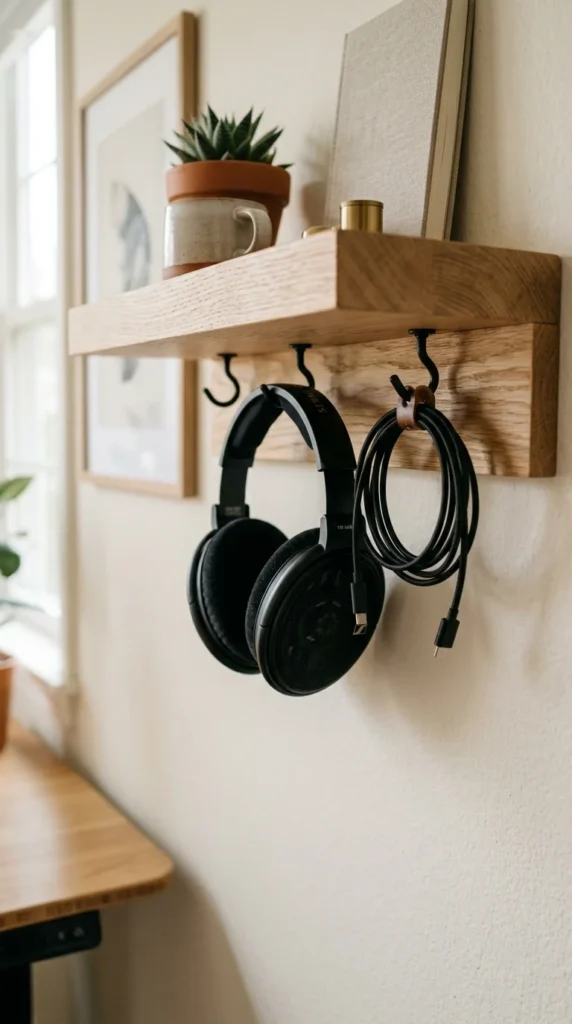
If your desk has shelves above it, utilize the undersides. Small hooks can hold everything from your daily-use headphones to the USB cables you only need occasionally. This keeps your primary desk surface clear of “clutter” while keeping your essentials within reach.
14. Monitor Arms
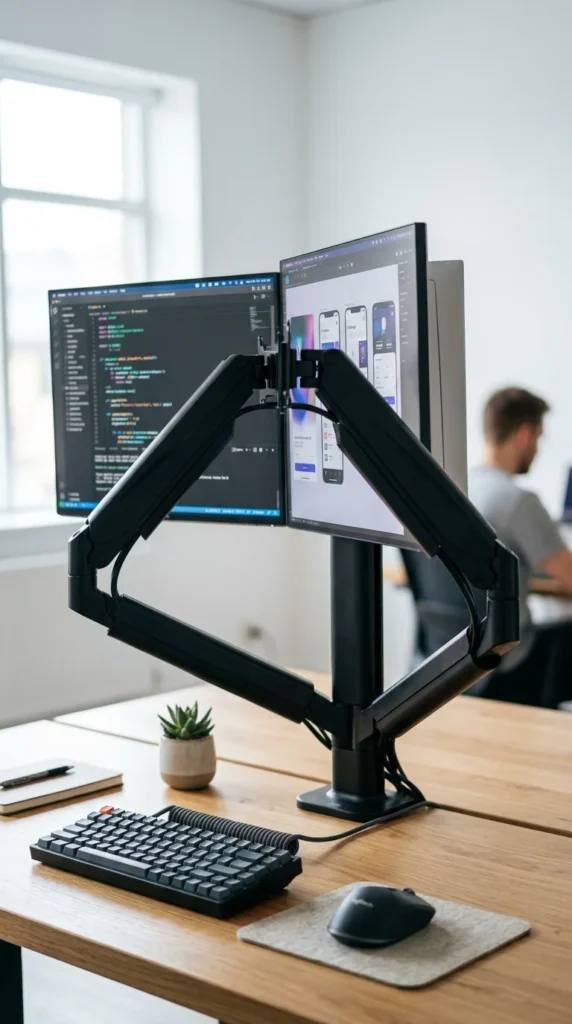
Monitor arms do more than just save desk space; they are excellent cable management tools. High-quality arms feature built-in channels or clips that allow you to route the power and display cables directly through the arm, making the monitors appear as if they are floating without any wires attached.
15. Weighted Holders
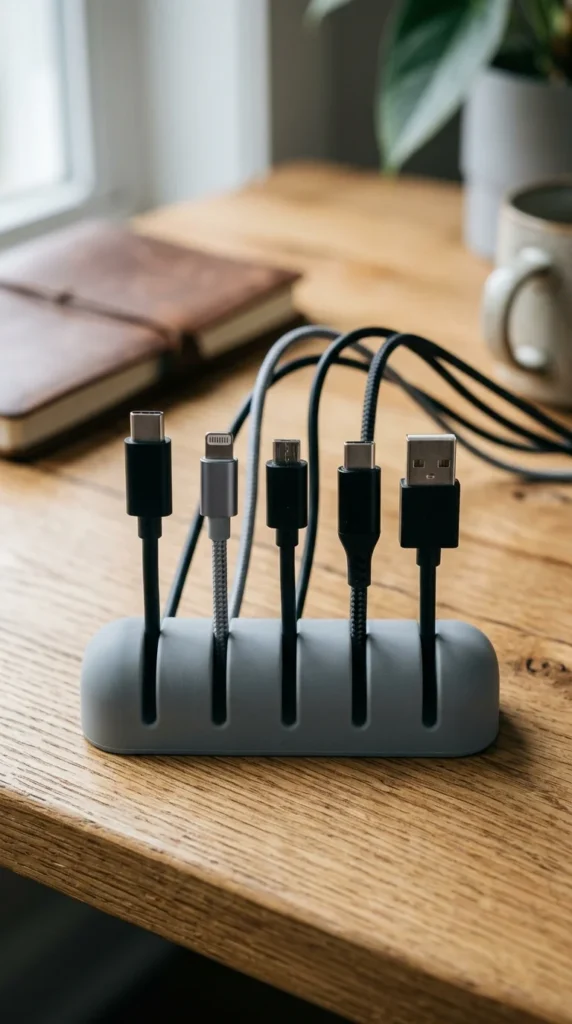
A weighted cable holder is a simple, non-adhesive solution for the desk surface. Because it is heavy, it won’t slide around, and the slots keep your various charging tips organized. This is ideal for those who don’t want to stick adhesives onto a high-end wood or glass desk.
16. Cable Identification Tags
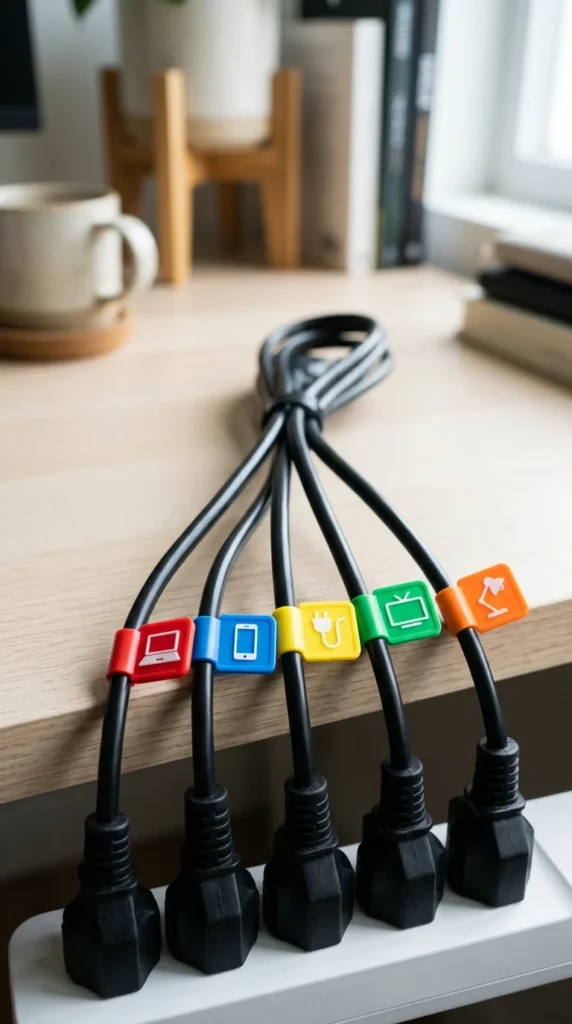
Few things are more frustrating than unplugging the wrong device. Cable tags or labels allow you to mark both ends of a wire. Whether you use color-coded stickers or plastic clip-on tags, knowing exactly which cord belongs to your monitor versus your printer saves hours of headache during troubleshooting.
17. Floor Cord Protectors
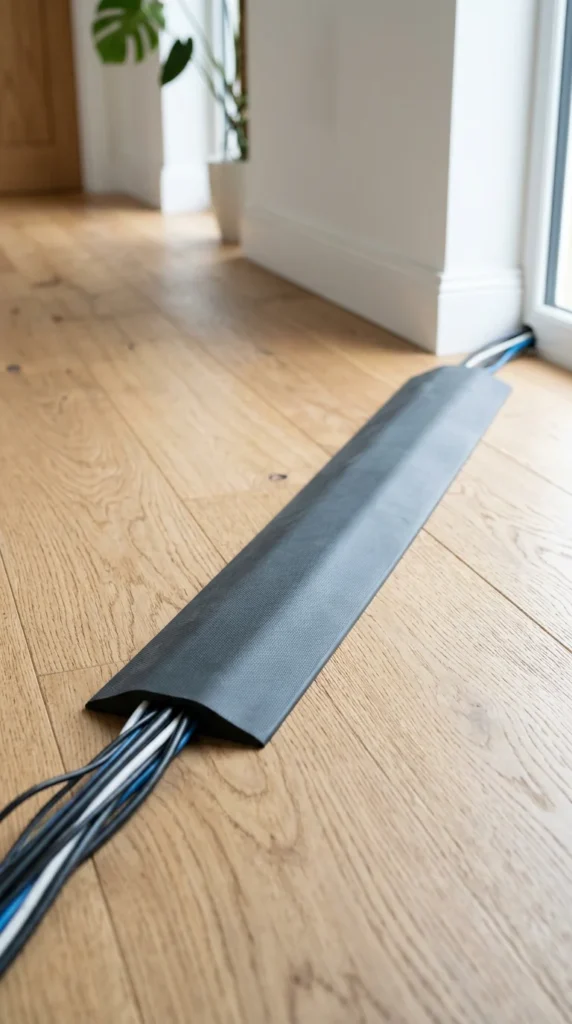
If you have cables that must cross a walkway to reach an outlet, a floor cord protector is a safety must-have. These rubber or plastic ramps protect the wires from being stepped on and prevent visitors from tripping. They are available in various colors to match your flooring, from wood grain to concrete grey.
18. Desk Skirts
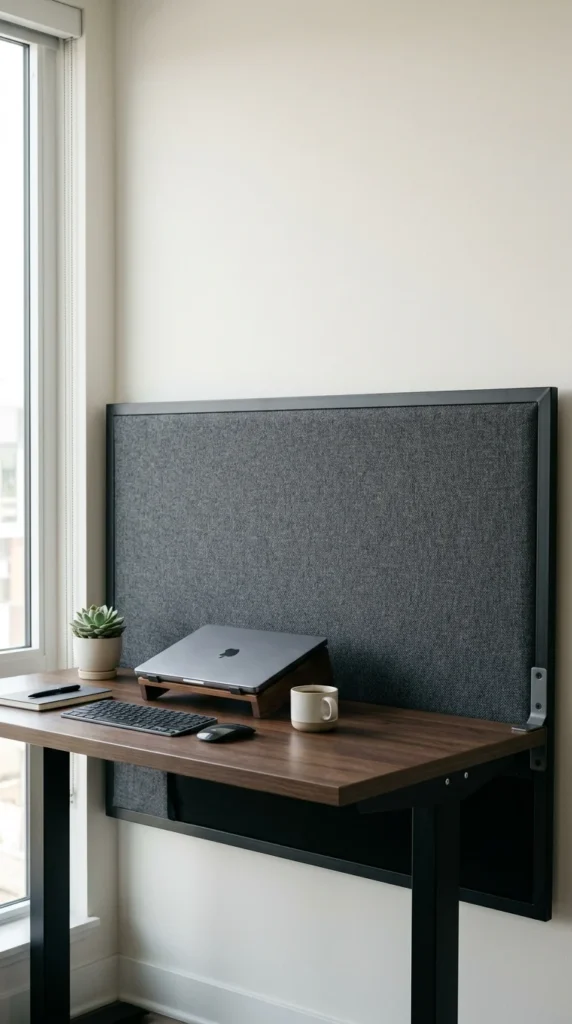
Sometimes the best cable management is simply hiding the mess. A desk skirt is a fabric panel that attaches to the back of your desk. It creates a “void” where you can let cables hang freely without anyone ever seeing them. This is a popular choice for open-concept offices where the back of the desk is visible to others.
19. Built-in Hubs
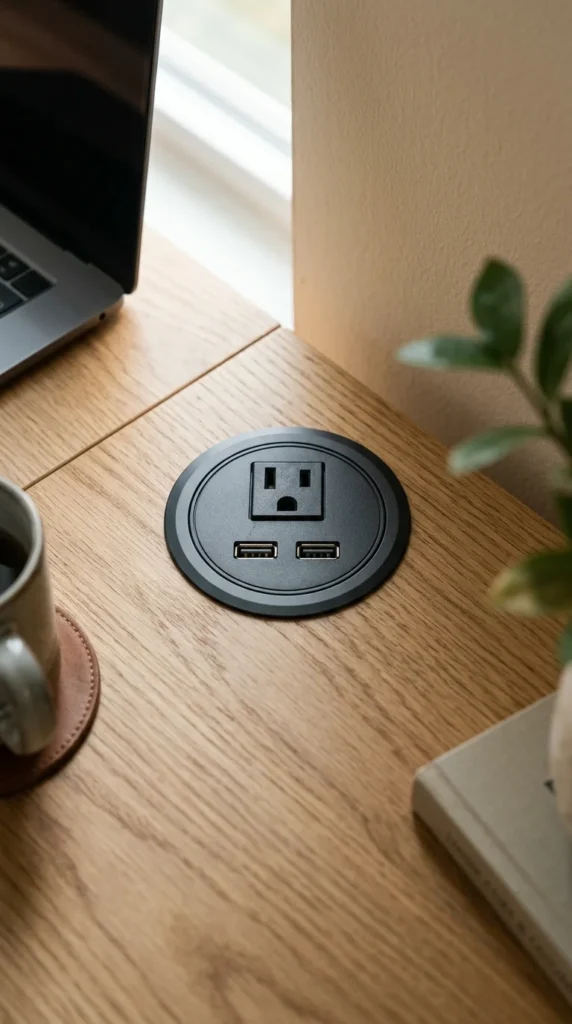
For a truly integrated look, you can install a power hub directly into your desk surface. These require cutting a hole, but the result is a professional, built-in charging station that eliminates the need for long cords to reach distant wall outlets.
20. Braided Cables
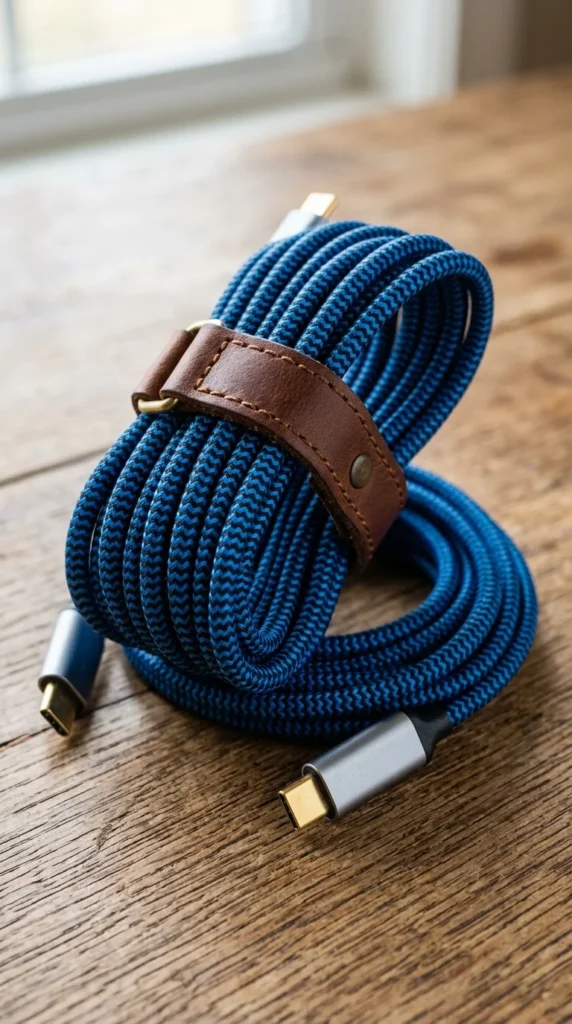
Not all cables are created equal. If a cable must be visible, make it part of the aesthetic. Braided nylon cables are more durable than standard plastic ones and come in a variety of colors and patterns. They look intentional and premium, turning a utility item into a design choice.
21. Binder Clips
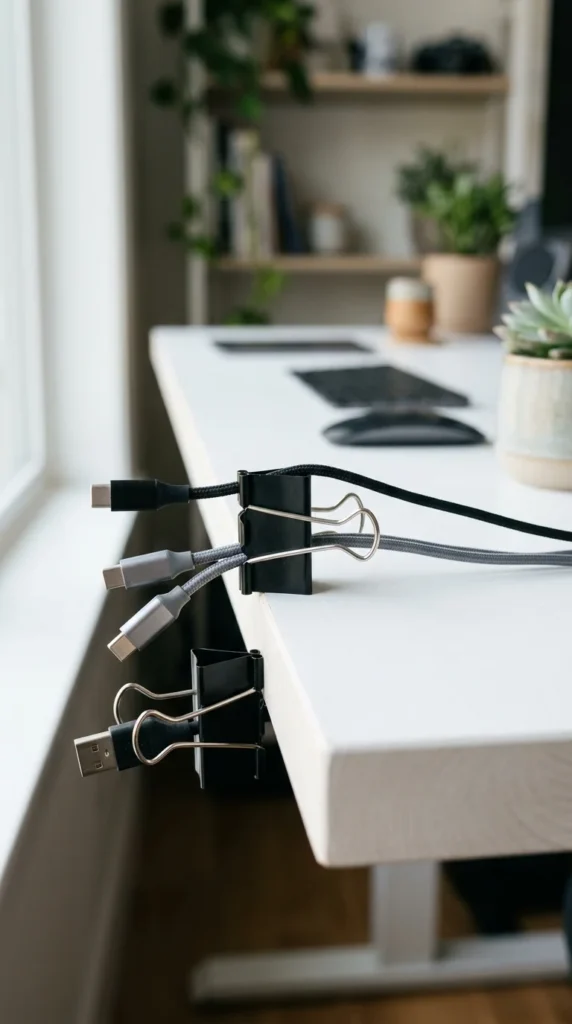
This classic DIY hack remains effective. By clamping large binder clips to the edge of your desk and threading your cables through the silver loops, you create a DIY cable “dock.” It is an inexpensive way to keep your most-used cords from falling behind the furniture.
22. Cable Nets
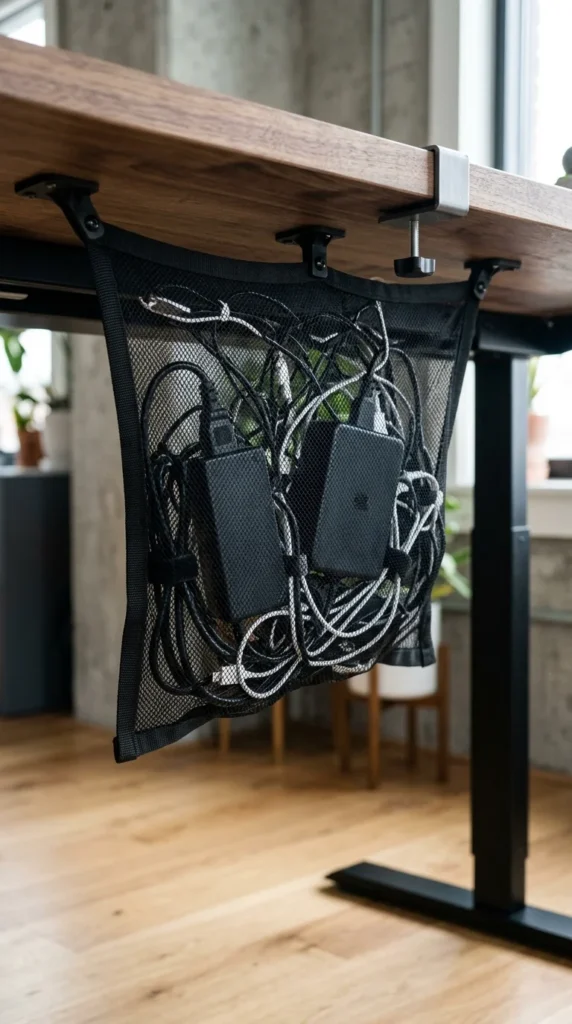
For standing desks with limited mounting points, a cable net is a great alternative to a metal tray. The mesh is flexible, allowing it to hold irregularly shaped power bricks and long coils of wire. It is lightweight and usually installs with just a few screws or adhesive pads.
23. Vertical Raceways
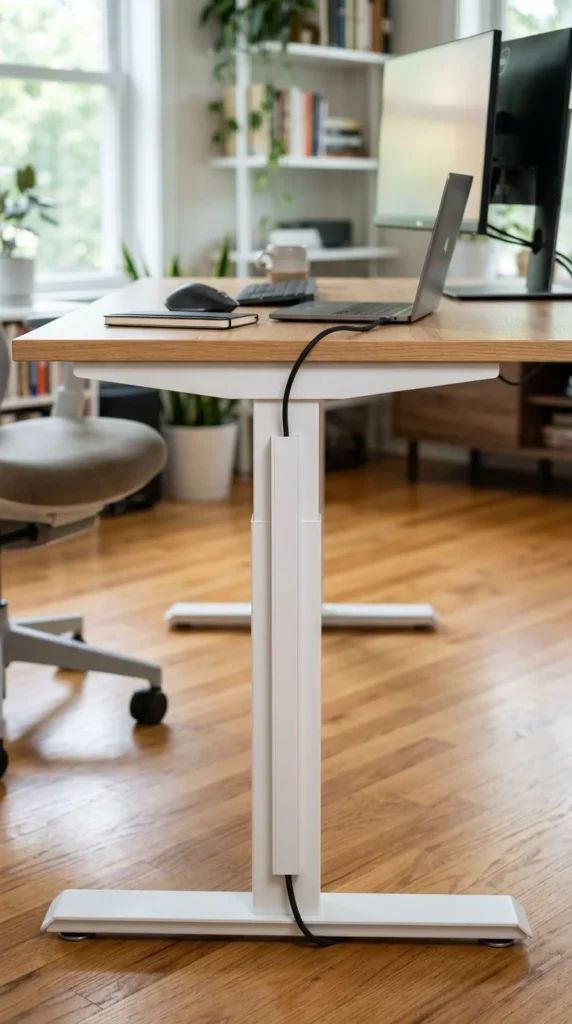
To get power from the floor to the desk without a dangling cord, use a vertical raceway. These usually snap onto or stick to the leg of your desk. By matching the color of the raceway to the color of the desk frame, the wire becomes virtually invisible.
24. Charging Stations
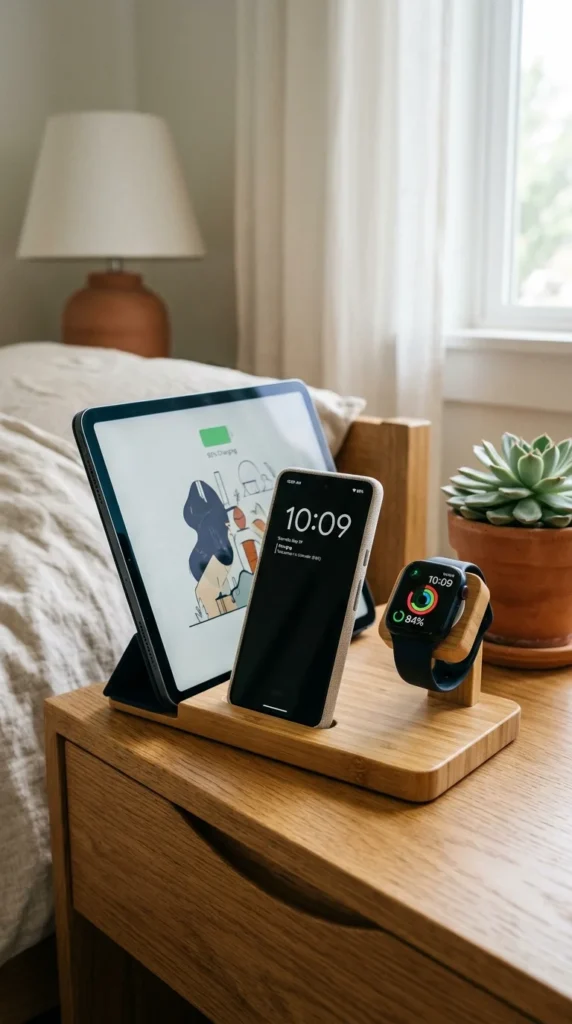
Instead of having three different cables snaking across your desk for your mobile devices, use a dedicated charging station. These docks consolidate the power into one hidden internal hub, leaving only the device connectors visible on the surface.
25. Spiral Wraps
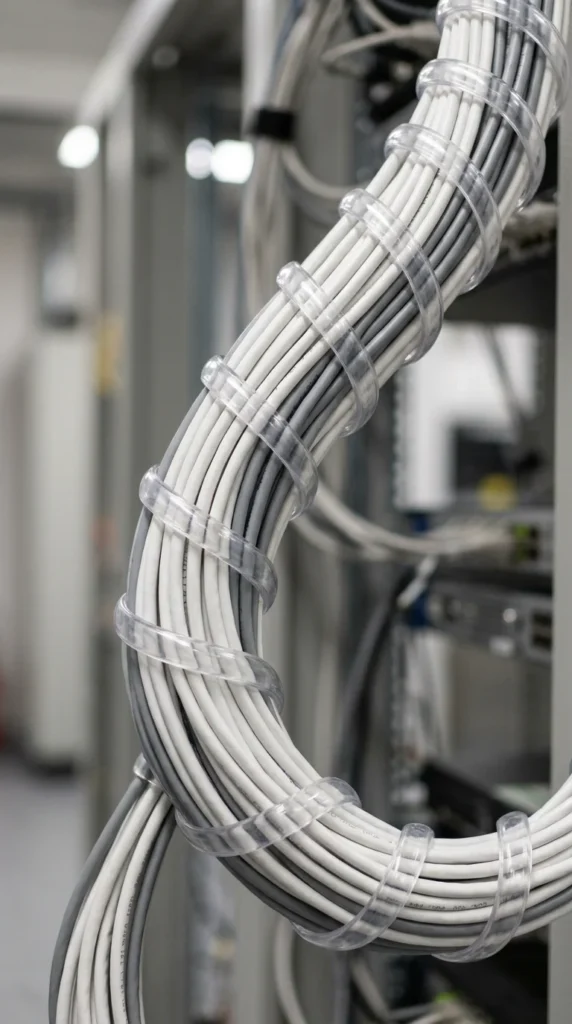
Spiral wraps are an alternative to sleeves. They are easier to install on cables that are already plugged in because you can simply “thread” the wrap around the bundle. They provide great protection against pets who might be inclined to chew on wires and keep everything in a tight, manageable group.
26. Magnetic Cable Troughs
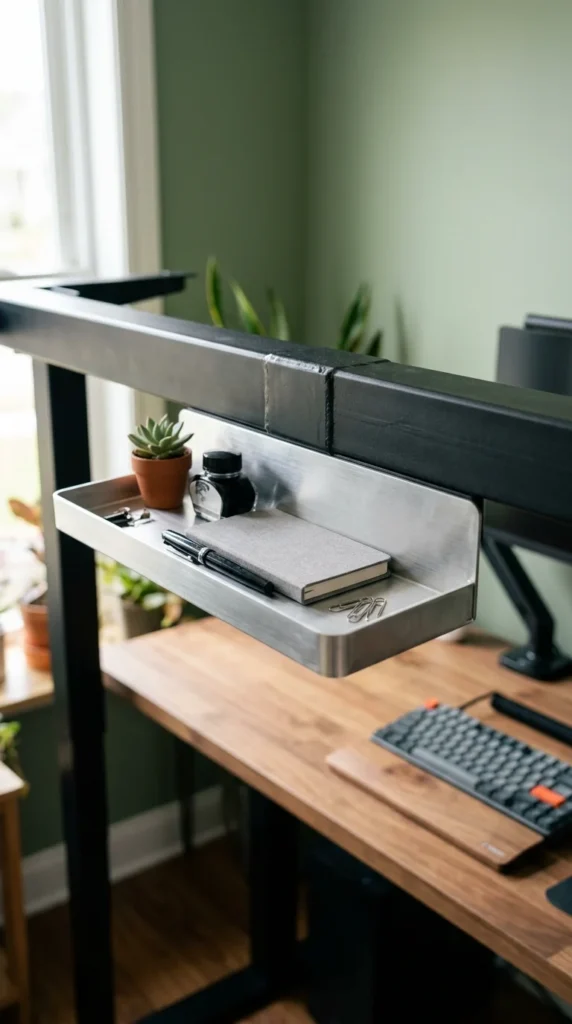
If your desk has a metal frame, you don’t even need screws. Magnetic troughs or trays snap directly onto the steel structure. This is a “non-destructive” way to manage cables, making it perfect for renters or those with high-end steel-framed furniture.
27. Desk Edge Grooves
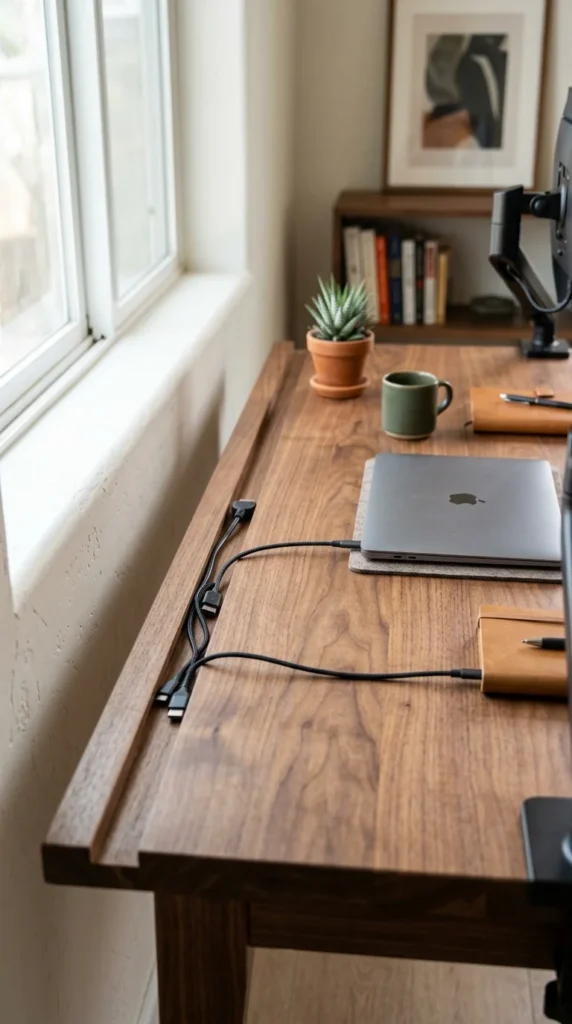
For the DIY woodworker, carving a small groove or “channel” along the back edge of a custom desk allows cables to sit flush with the surface. This prevents them from being pinched against the wall and keeps the profile of the desk looking incredibly clean.
28. Monitor Back Mounts
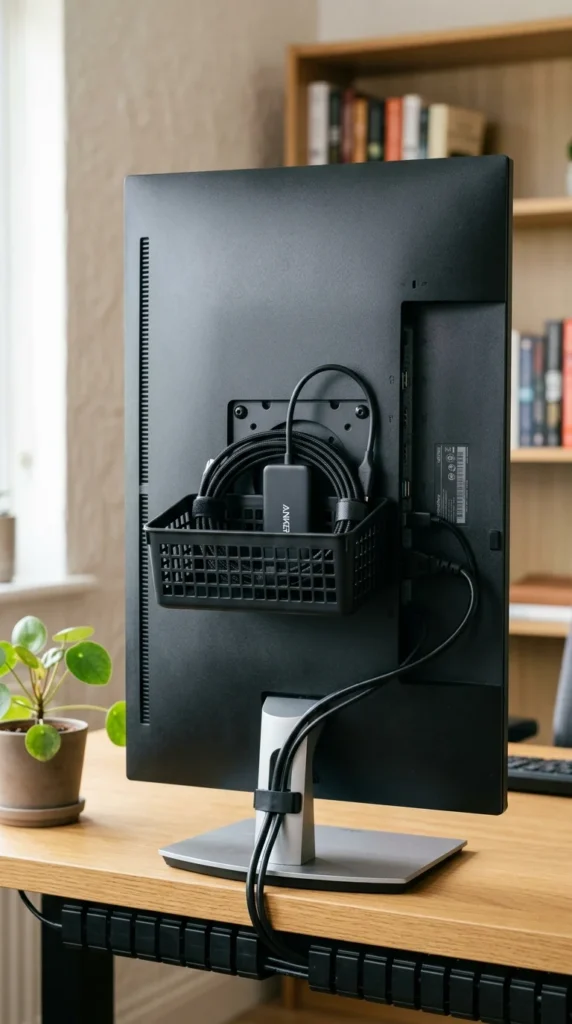
The back of your monitor is wasted real estate. You can find small baskets or clips that attach to the VESA mounting holes (the same holes used for monitor arms). This allows you to mount your docking station or USB hub directly to the monitor, keeping all the short peripheral cables hidden behind the screen.
Conclusion
Transforming your workspace from a tangled mess into a streamlined sanctuary doesn’t require a professional designer. By combining a few of these ideas—like an under-desk tray for the heavy lifting and magnetic clips for daily access—you can create an environment that feels organized and professional. Start with the “big” cables first, work your way down to the desktop accessories, and enjoy the mental clarity that comes with a perfectly managed desk.