
In an era where the home office has become the command center for our professional and personal lives, the humble paper trail can quickly turn into an overwhelming mountain. Whether it’s tax documents, medical records, or that warranty for a blender you bought three years ago, a disorganized space leads to a disorganized mind. A truly effective filing system isn’t just about hiding clutter; it’s about creating a retrieval system that works so seamlessly you never have to “search” for anything again.
Here is a comprehensive guide to building a filing system that brings order to the chaos.
1. Paper Audit

Before you buy a single folder, you must face the beast. Gather every scrap of paper in your home and office and bring it to one central location. Sort them into three categories: Keep, Shred, and Recycle. This initial purge is essential to ensure you aren’t building a system for “trash.” You’ll likely find that 40% of what you’re currently storing is obsolete.
2. Quality Supplies
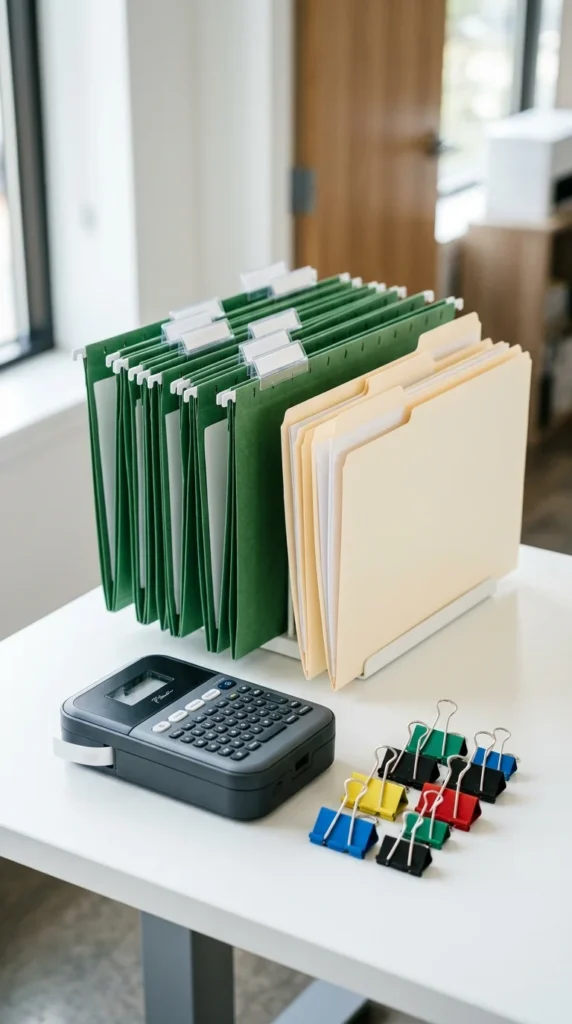
Invest in tools that make you feel good about filing. Flimsy folders that tear or drawers that stick will discourage you from maintaining the system. Choose heavy-duty hanging folders and high-quality interior manila folders. Consistency in the brand and style of your supplies creates a visual uniformity that reduces mental fatigue.
3. Dedicated Space

A filing system needs a permanent home. Whether it’s a traditional vertical cabinet, a lateral file, or a mobile rolling cart, ensure it is easily accessible. If you have to move a chair or open a closet to file a paper, you won’t do it. Place your filing station within arm’s reach of your primary workspace.
4. Broad Categories
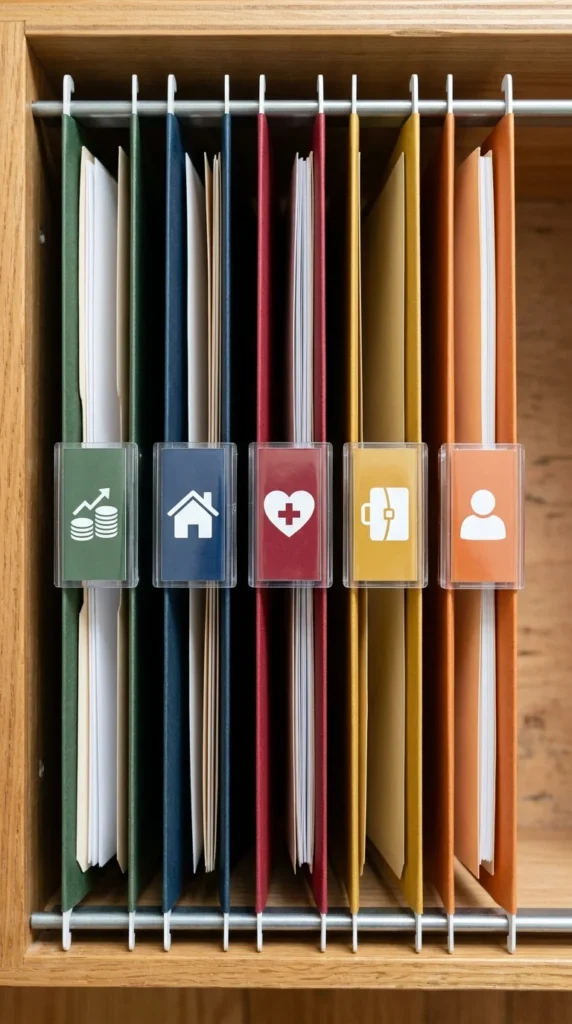
Don’t get bogged down in micro-details yet. Start by grouping your papers into broad “buckets.” Typical categories include Financial, Household, Personal, Medical, and Professional. These large groupings serve as the foundation of your hierarchy and prevent you from having 50 separate folders floating around without a home.
5. Color-Coding
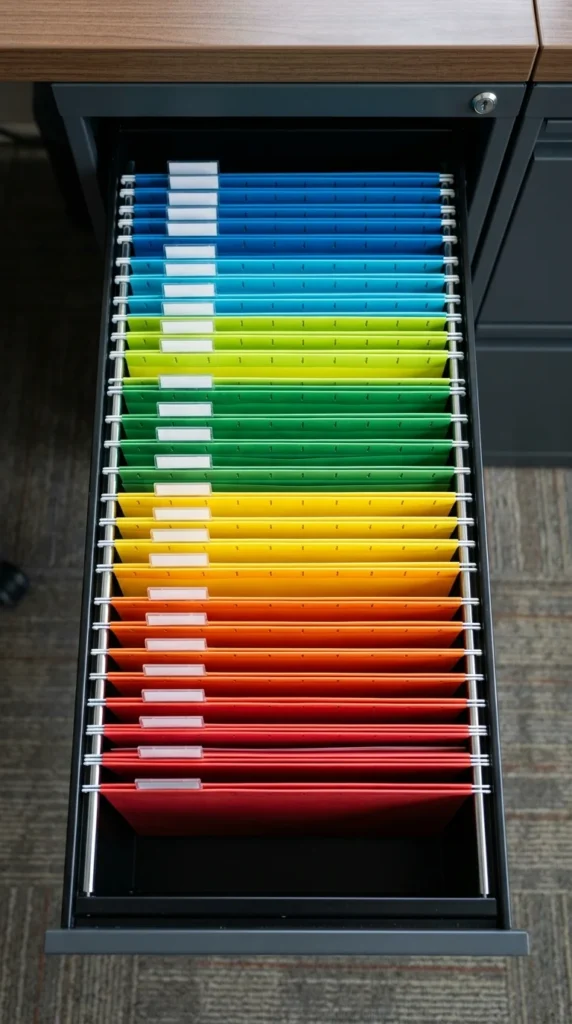
Color-coding is the secret weapon of the organized. Assign a specific color to each of your broad categories. For example, green for Finance, blue for Medical, and red for Vital Records. When you look into your drawer, your brain will automatically navigate to the correct section based on color, cutting down retrieval time by half.
6. Professional Labeling

Handwritten labels are often messy and hard to read at a glance. Use a label maker for a uniform, professional look. Consistent font sizes and styles make the system feel cohesive and authoritative. If the system looks like a professional archive, you are more likely to treat it with the respect it deserves.
7. Alphabetical Order
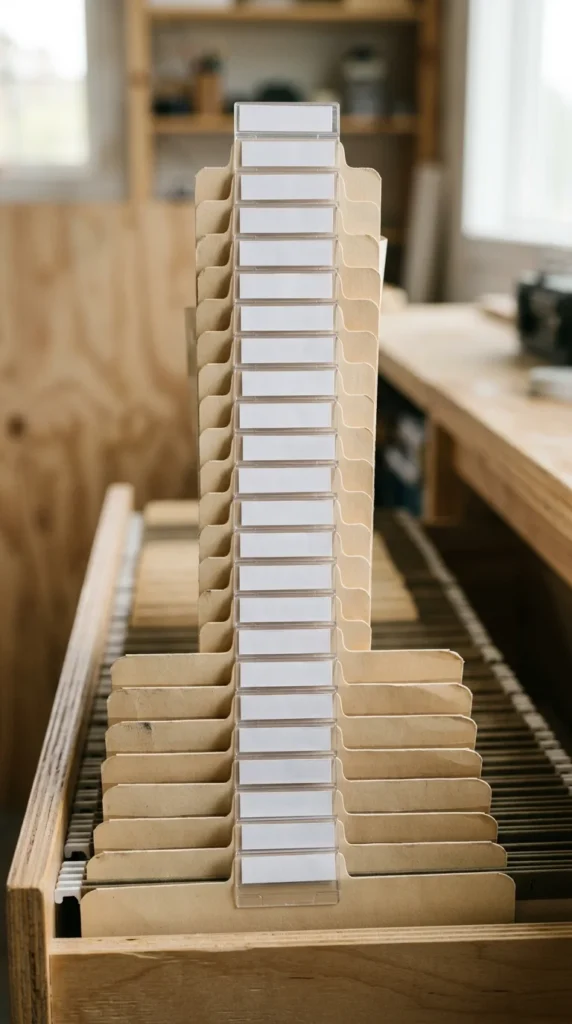
Within each color-coded category, arrange your folders alphabetically. For example, in your “Home” section, you might have “Electricity,” “Insurance,” “Mortgage,” and “Water.” This eliminates the guesswork of where a folder might be. Alphabetizing is the most intuitive way for the human brain to locate information quickly.
8. Chronological Sorting
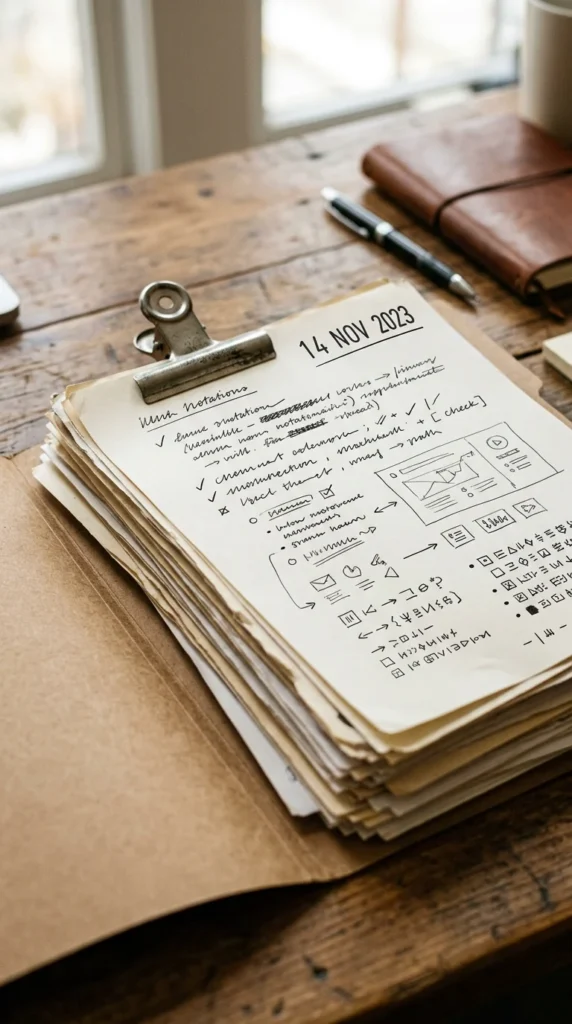
Inside each individual folder, always place the newest document at the front. This ensures that when you open a file, the most relevant and recent information is what you see first. It also makes it easier to prune old documents later because the oldest stuff is tucked away at the very back.
9. Action Files
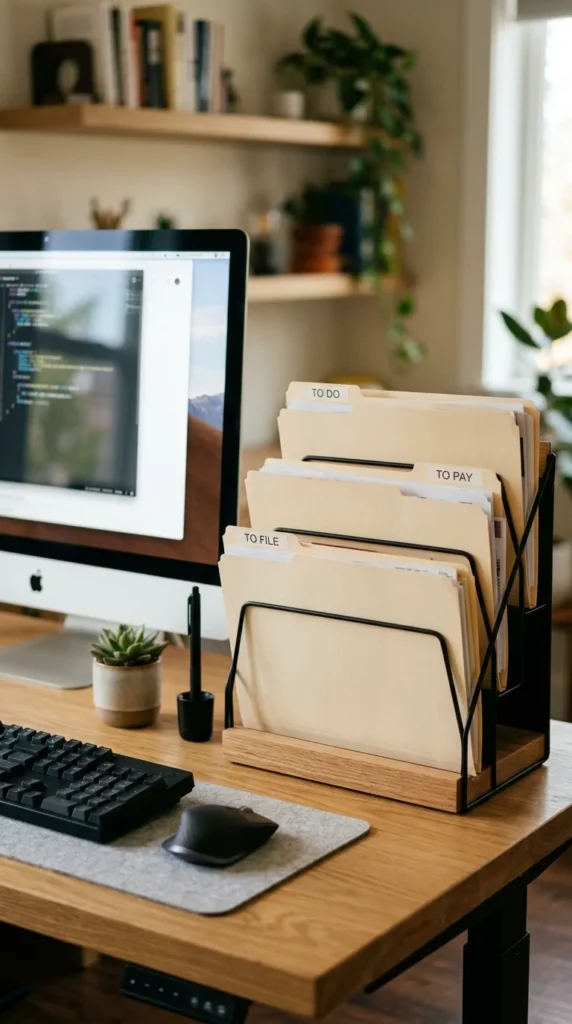
Not every paper belongs in a permanent cabinet immediately. “Action Files” are for documents that require your attention right now. Keep these on your desktop in a vertical sorter. Once the action (paying the bill, signing the form) is completed, move the paper to its permanent home or the shredder.
10. Reference Files
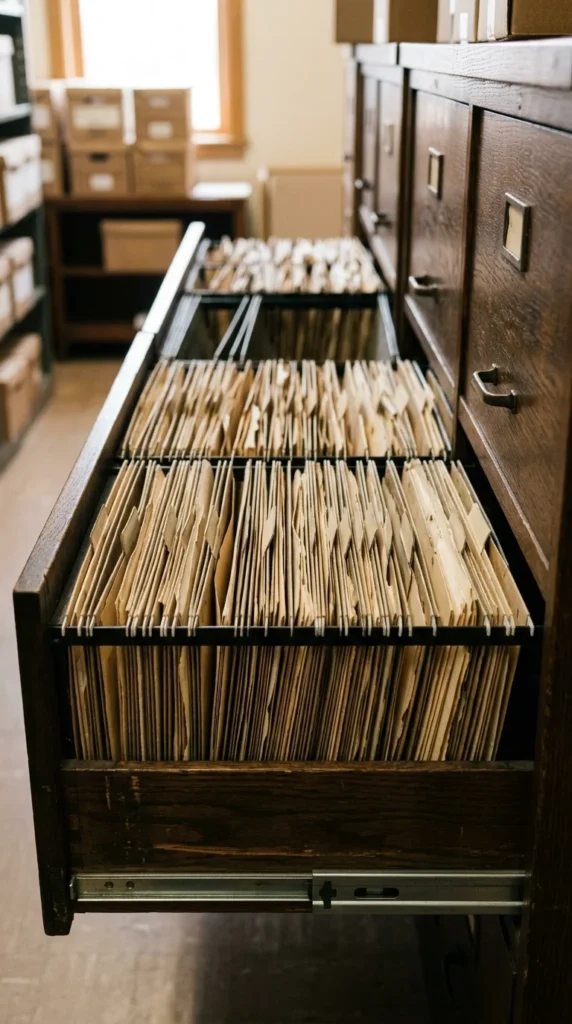
Reference files are documents you need to keep but don’t need to look at often, such as old tax returns or past project notes. These can be stored in the bottom drawers of your cabinet or in a secondary location. Distinguishing between “Active” and “Reference” files keeps your most important documents from getting buried.
11. Archive Boxes
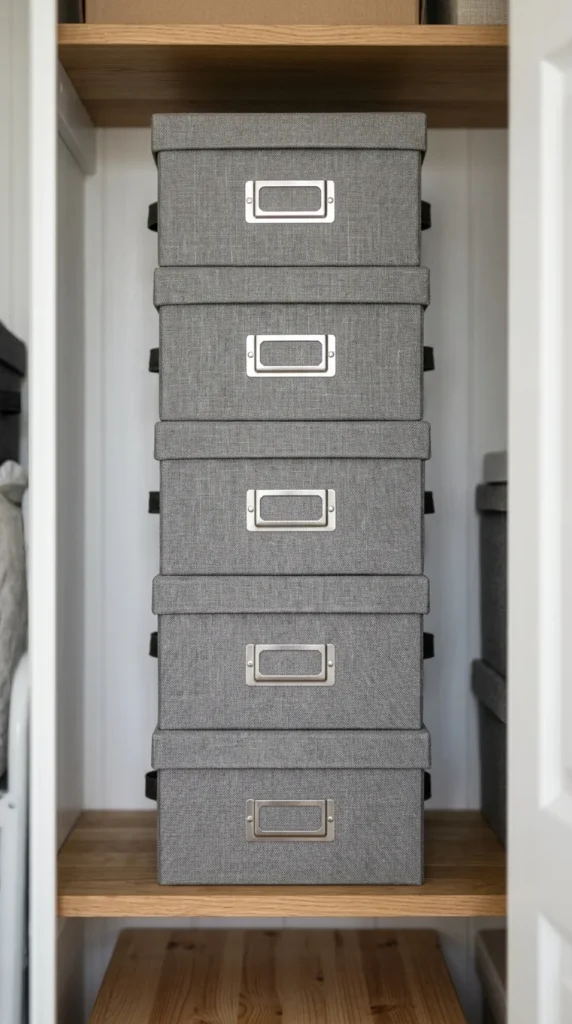
For documents that must be kept for legal or tax reasons but are over five years old, use archive boxes. Label them by year and move them out of your primary office space. This frees up prime real estate in your desk drawers for the papers you actually use on a daily or monthly basis.
12. Secure Shredding
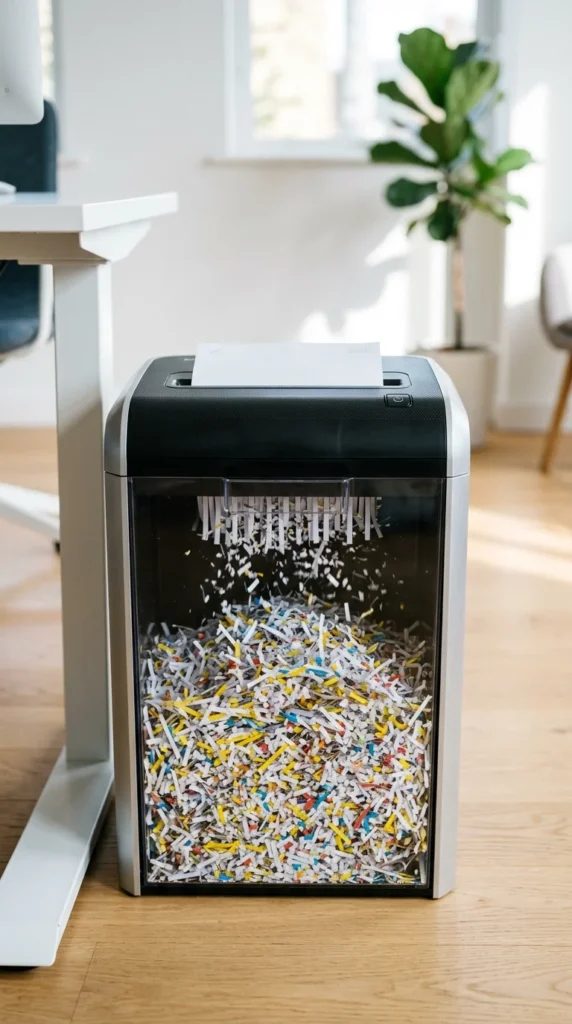
Security is paramount. Any document containing your Social Security number, bank account details, or signatures should be shredded when no longer needed. Place a shredder or a “To Shred” bin right next to your filing area so that getting rid of sensitive data becomes an instant habit.
13. Digital Scanning
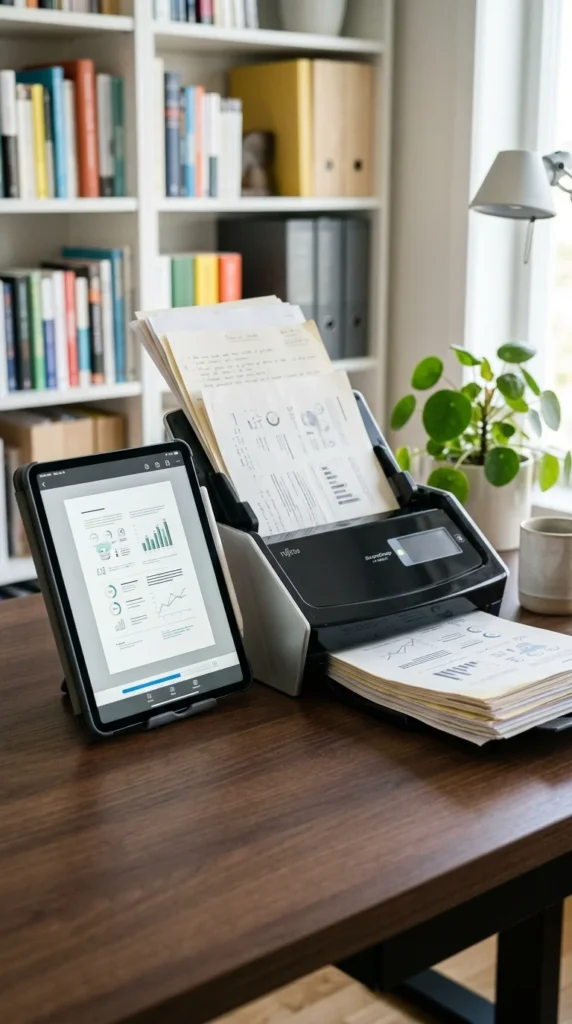
Go hybrid. For documents that you want to keep but don’t need the physical original (like receipts or articles), scan them. Use a high-speed scanner or a mobile app to create a digital copy. Once scanned, the physical paper can be recycled, significantly reducing the volume of your physical filing system.
14. Cloud Integration
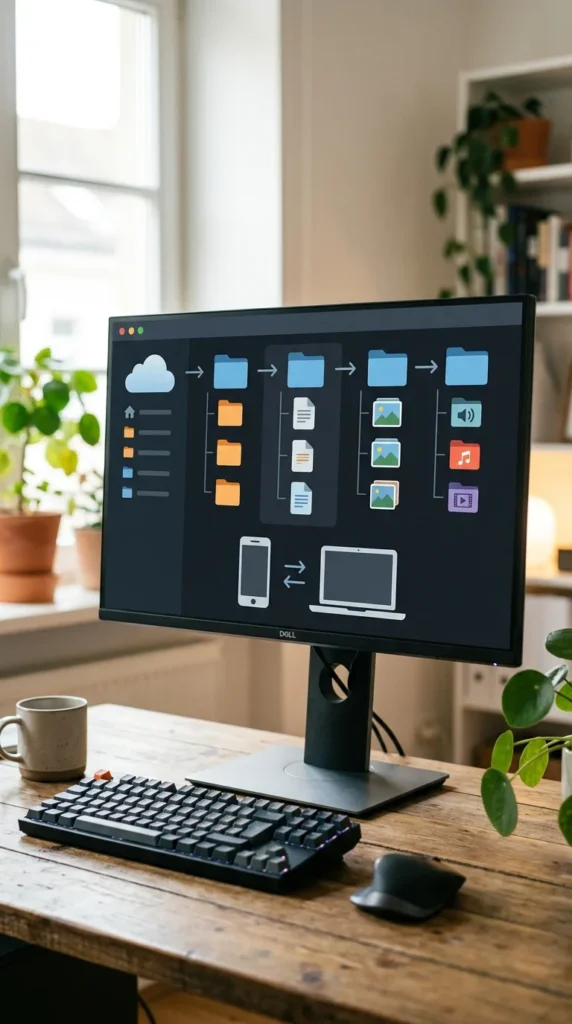
Your digital filing system should mirror your physical one. Use the same categories and color codes in your cloud storage (Dropbox, Google Drive, iCloud). This creates a “mental map” that works regardless of whether you are looking for a paper in a drawer or a PDF on your laptop.
15. Maintenance Schedule
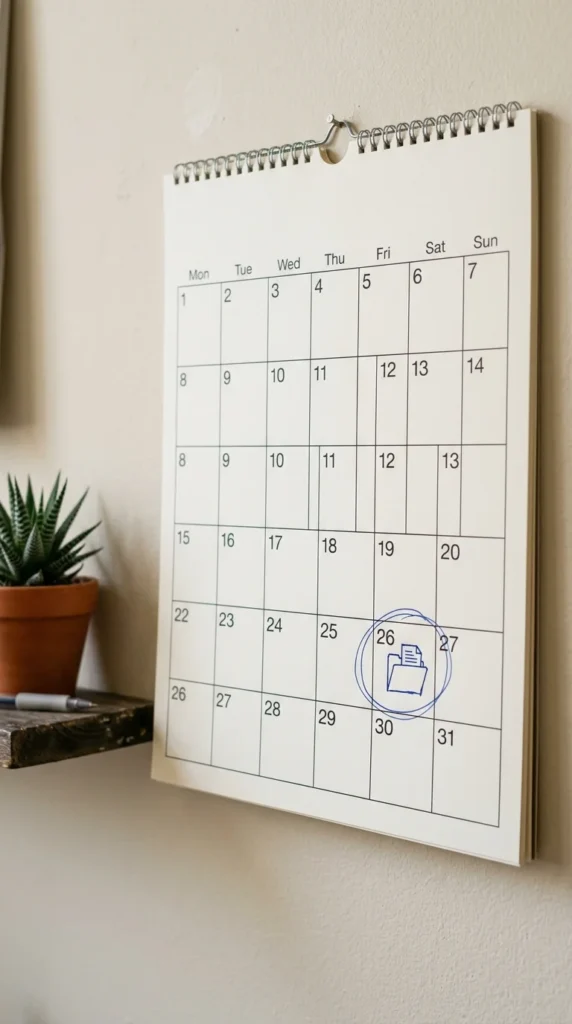
A filing system is a living thing; it grows and changes. Set a recurring appointment on your calendar—once a month or once a quarter—to go through your folders. Purge what is no longer needed and ensure everything is in its right place. Five minutes of maintenance prevents five hours of reorganization later.
16. Personal Files
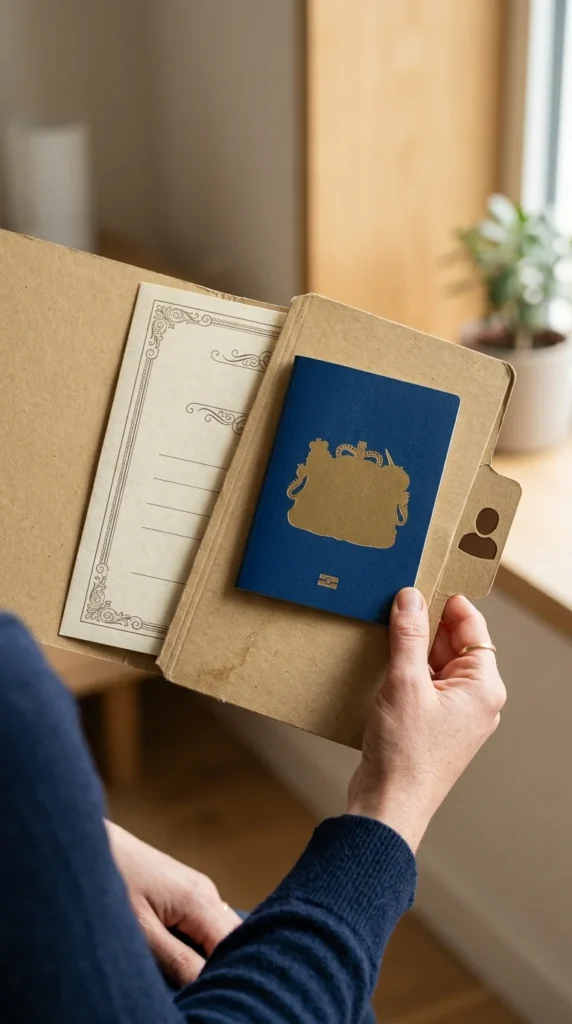
Keep a dedicated section for each family member. This includes copies of birth certificates, immunization records, school transcripts, and diplomas. Having a centralized location for “people data” is incredibly helpful during emergencies or when filling out complex applications.
17. Tax Documents
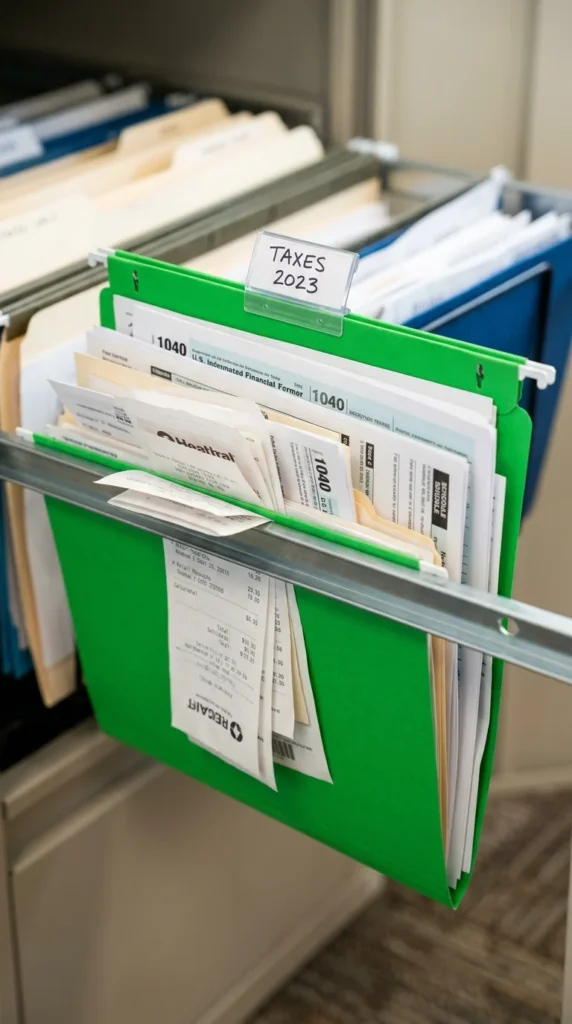
Create a “current year” tax folder. Every time a receipt or a form arrives that you’ll need for your next filing, drop it in. When tax season rolls around, you won’t be hunting through shoe boxes; you’ll simply hand over one organized folder to your accountant or pull it out for yourself.
18. Manuals & Warranties
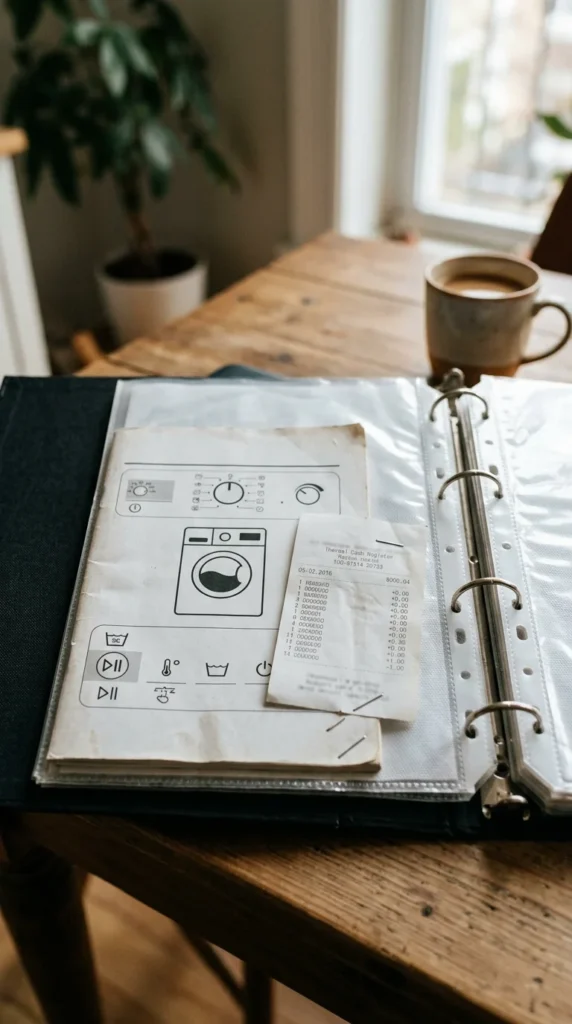
Instead of letting manuals clutter up your kitchen drawers, consolidate them into a single “Manuals & Warranties” section. Better yet, use a large three-ring binder with sheet protectors. When you replace an appliance, simply pull out the old manual and slide in the new one.
19. Medical Records
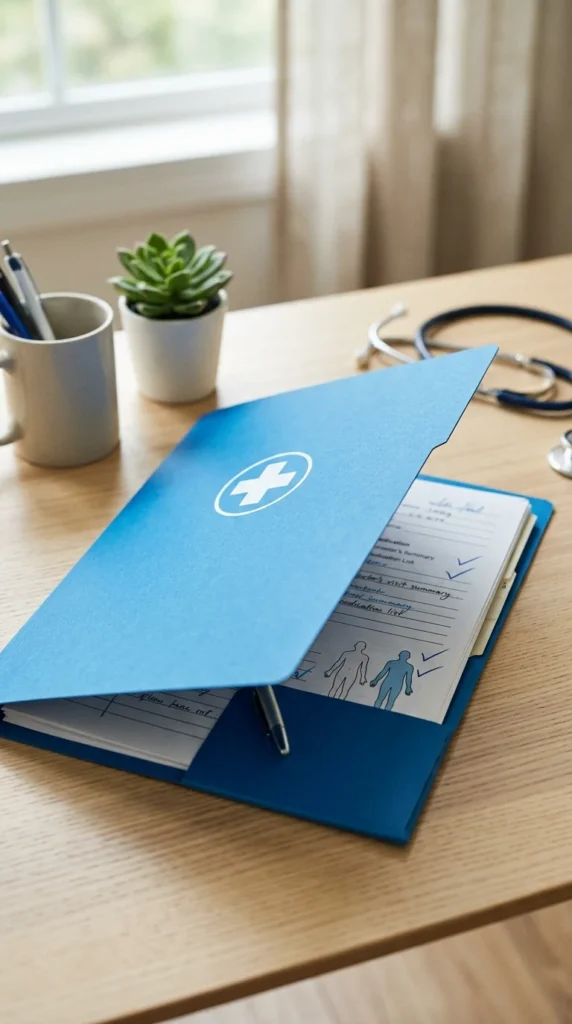
Health history is vital. Maintain folders for medical history, dental records, and insurance explanations of benefits (EOBs). In a medical emergency, being able to grab a single folder with your surgical history and medication list can be life-saving.
20. Vehicle Papers
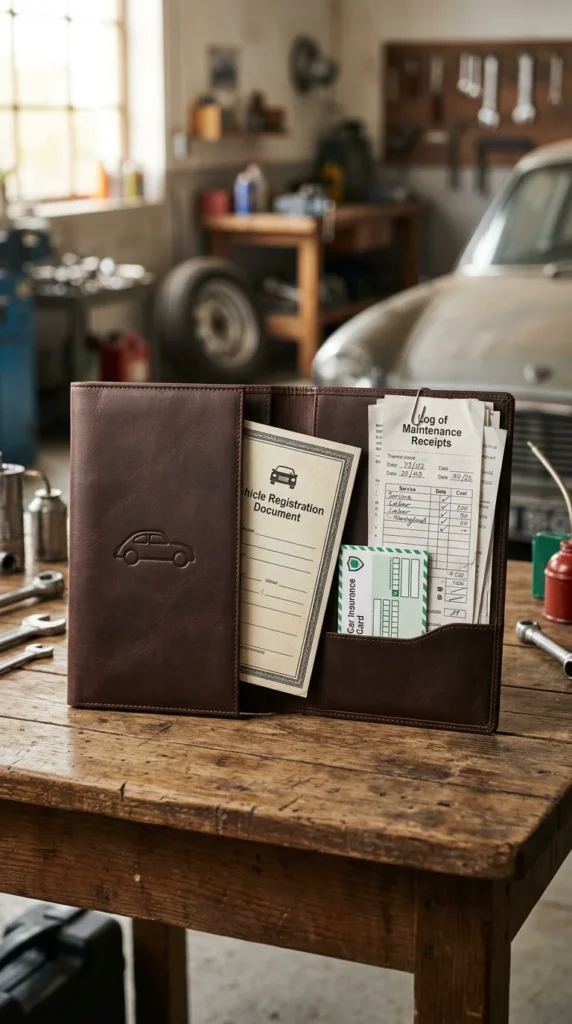
Keep a separate folder for every vehicle you own. Include the purchase agreement, title (if you have it), and a log of all repairs and maintenance. This not only helps you track the health of your car but also adds value when it’s time to sell.
21. Vital Records Safe
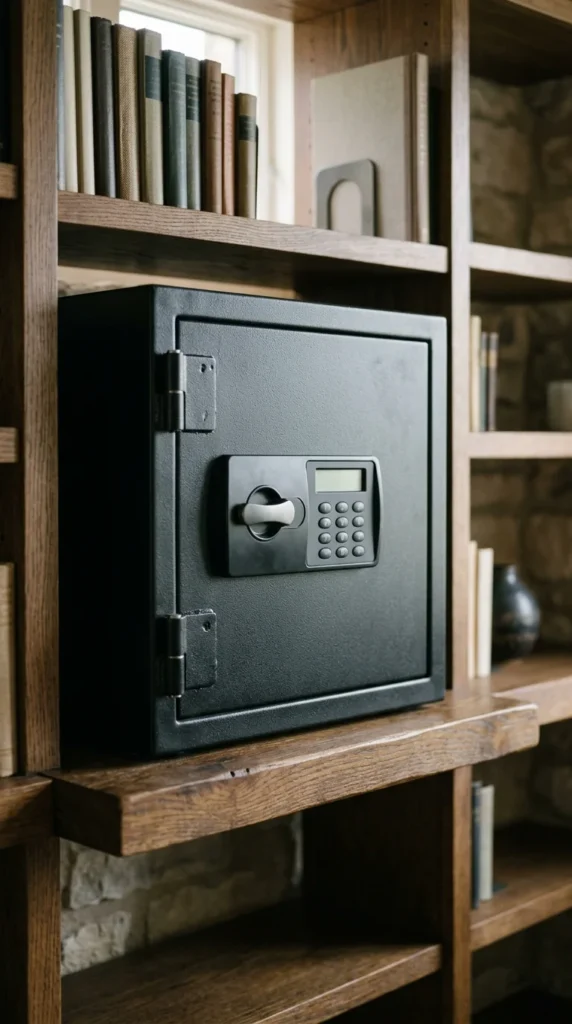
Certain documents—passports, original social security cards, wills, and property deeds—require more than just a folder. These should be stored in a fireproof and waterproof safe. Keep a “copy” of these in your regular filing system with a note saying “Original in Safe” to maintain the flow of information.
22. Expansion Space
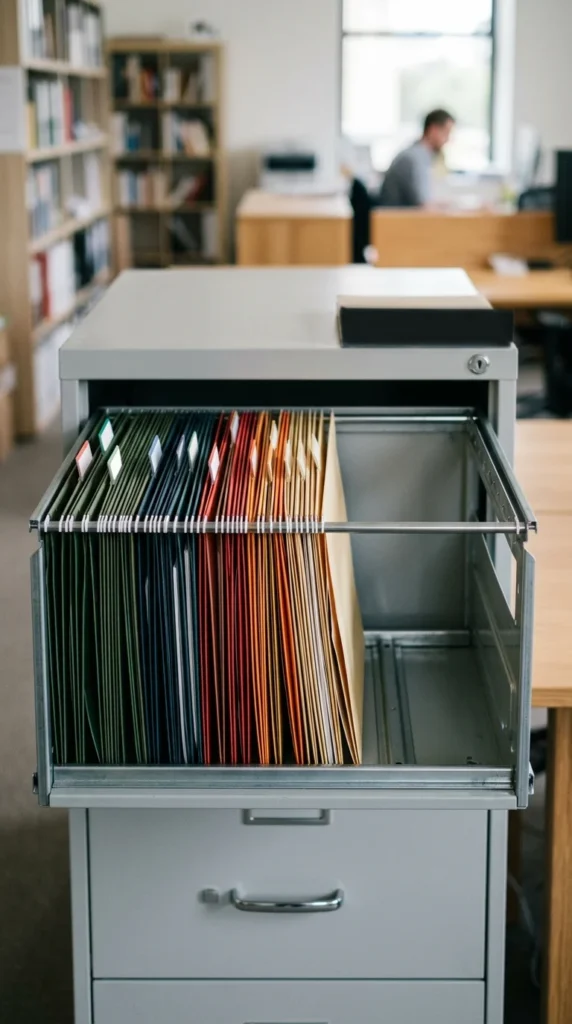
Never pack a filing drawer to the brim. If you can’t easily slide the folders back and forth, you won’t file new papers. Always leave at least 25% of the drawer empty to allow for growth. If a drawer gets too full, it’s a signal that it’s time to purge or move some items to the archives.
23. Ease of Access

The “Path of Least Resistance” rule applies here. Your most frequently used files should be at waist height or in the top drawer. Files you rarely touch should be in the bottom drawer. Ergonomics plays a huge role in whether or not you will actually maintain your organization.
24. One-In, One-Out
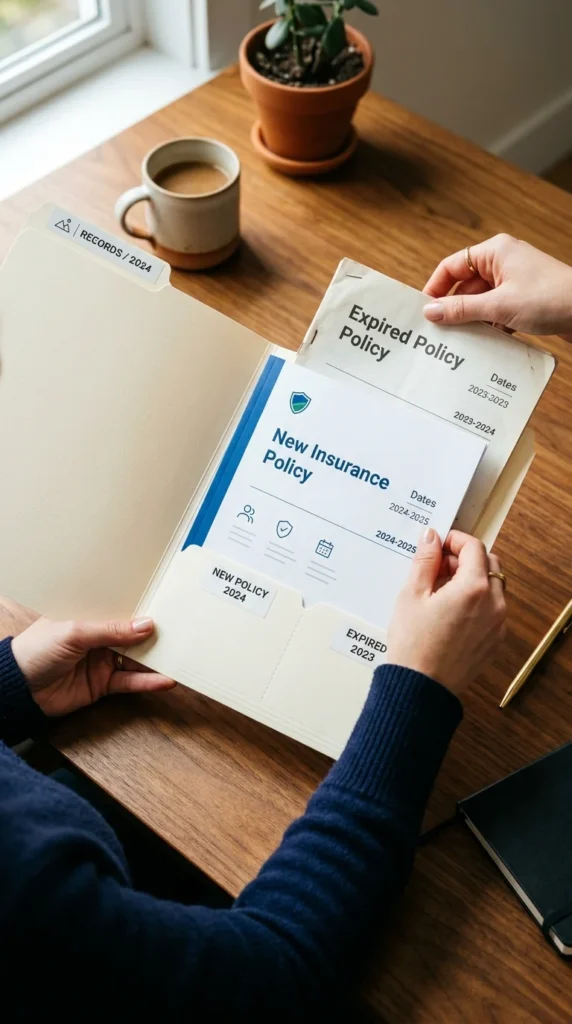
To prevent the “creeping clutter” syndrome, adopt the one-in, one-out rule. When you file this year’s house insurance policy, immediately remove and shred last year’s policy. This keeps the thickness of your folders consistent and ensures you are never looking at outdated information.
25. Minimalist Finish
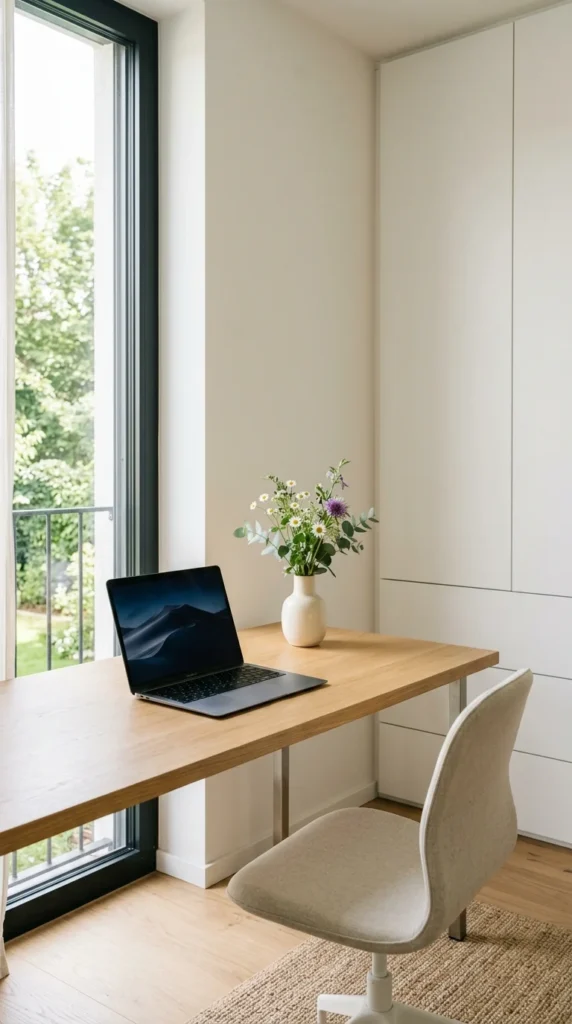
The ultimate goal of a filing system is to clear your workspace. A clean desk allows for deep focus and creativity. By trusting your filing system to hold your information securely, you free your brain to do the work that actually matters, knowing that everything you need is exactly where it belongs.