
In the age of digital transformation, the physical and digital clutter of a home office can still become an overwhelming mountain of chaos. Whether it is tax documents, client contracts, or household utility bills, a disorganized filing system is more than just an eyesore—it is a productivity killer. Building a better filing system is about more than just buying a few folders; it is about creating a sustainable workflow that allows you to find what you need in seconds, freeing your mind to focus on the work that actually matters.
1. Purge
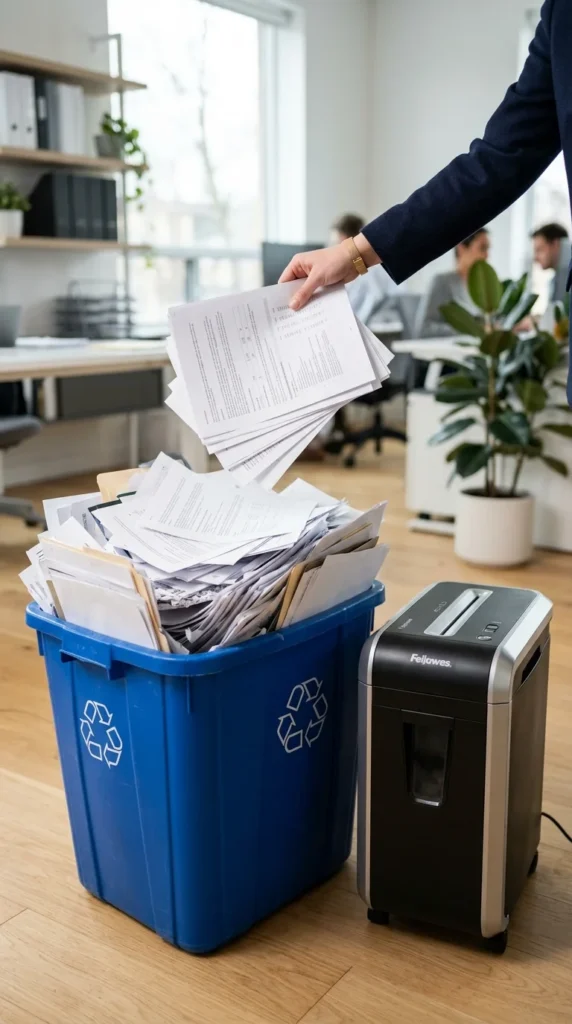
The first step to a successful filing system is not organization, but elimination. Most home offices are bogged down by “just in case” paperwork that hasn’t been relevant for years. Before you buy a single label, go through every drawer and stack. If it isn’t a vital record, a current project, or a tax-related document within the legal retention period, get rid of it. Shred sensitive information and recycle the rest. By reducing the volume of paper you have to manage, you immediately make your new system more manageable and less intimidating.
2. Categorization
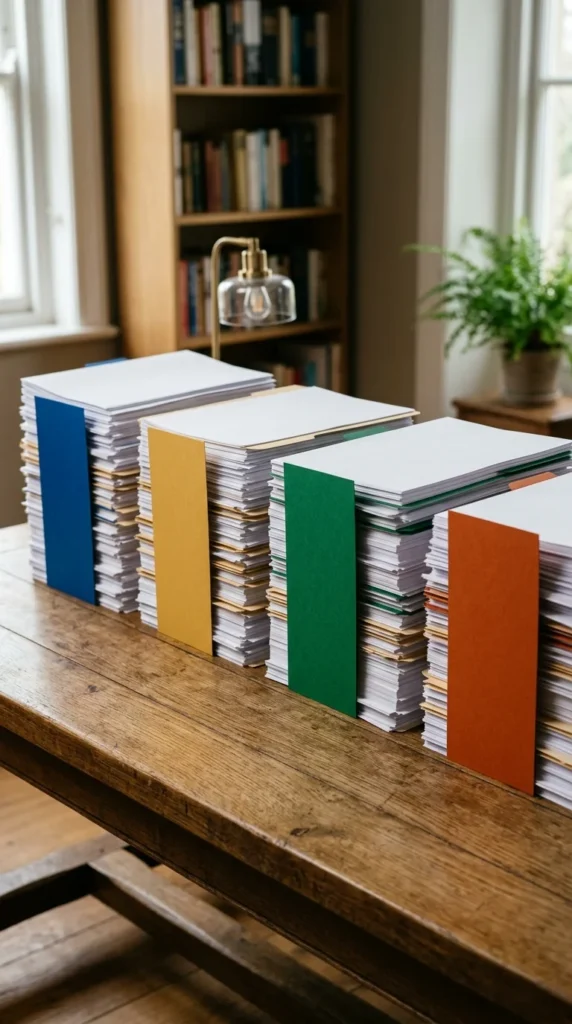
A filing system is only as good as its logic. Divide your documents into broad, intuitive categories that reflect your life and business. Common buckets include “Financial,” “Legal,” “Medical,” “Property,” and “Client Work.” The goal is to create a hierarchy where any document has one—and only one—logical home. Avoid over-complicating this step; if you have to think for more than five seconds about where a piece of paper belongs, your categories are likely too specific or overlapping.
3. Color-coding
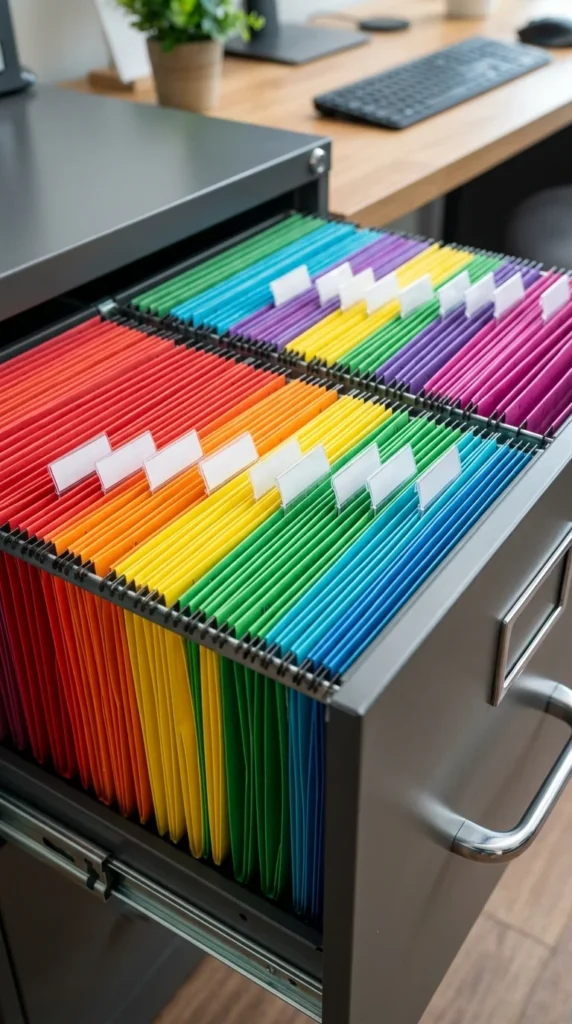
Our brains process color much faster than text. By assigning a specific color to each of your primary categories—for example, green for financial, red for medical, and blue for client projects—you can navigate your filing cabinet with a glance. Color-coding acts as a visual map, preventing you from misfiling a “Financial” document in the “Medical” section. It also makes the process of filing less of a chore and more of a visual system that feels professional and intentional.
4. Labeling

Handwritten labels are often the downfall of a good system. They can be messy, difficult to read, and inconsistent. Invest in a high-quality label maker to ensure every folder has a clear, printed title. Use a consistent naming convention, such as “Year – Category – Subcategory” (e.g., 2023 – Taxes – Receipts). When labels are uniform and legible, you remove the friction of searching through blurred handwriting, and the entire system takes on a much more professional appearance.
5. Digitization
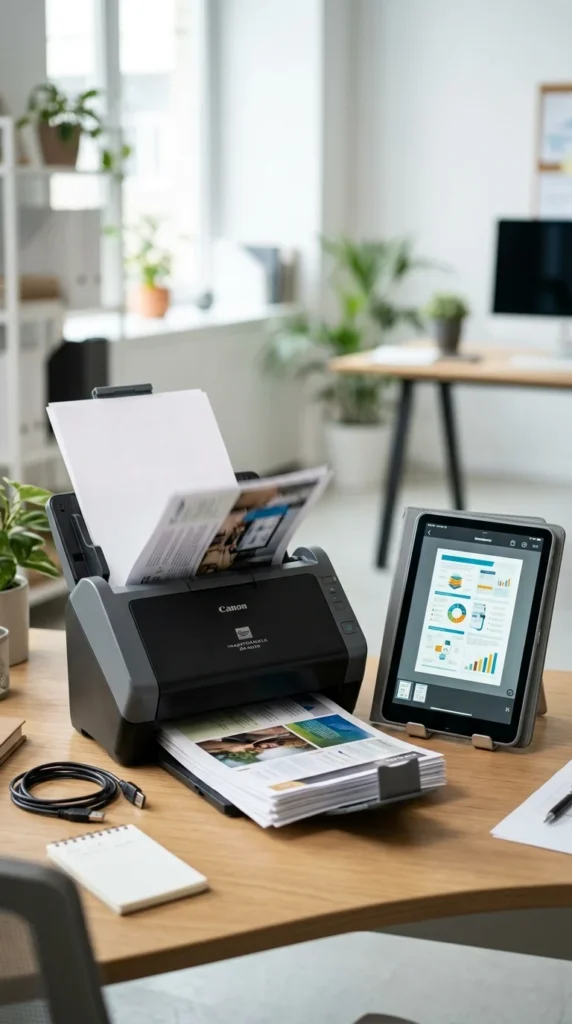
In the modern home office, the best filing system is often a digital one. Transitioning to a “paper-light” office involves scanning your physical documents and saving them as searchable PDFs. This not only saves physical space but also allows for instant retrieval through keyword searches. Use a high-speed scanner for bulk work and maintain a routine of scanning mail as soon as it arrives. Once a document is digitized and backed up, the physical copy can often be shredded, further reducing office clutter.
6. Cloud Storage

Digital files are only useful if they are secure and accessible. Use a reputable cloud storage service like Google Drive, Dropbox, or OneDrive to store your digitized documents. This ensures that even if your computer hardware fails, your vital information is safe. Furthermore, cloud storage allows you to access your files from your phone or tablet while away from your desk, ensuring that your “office” is wherever you need it to be. Ensure you use two-factor authentication for maximum security.
7. Tickler System
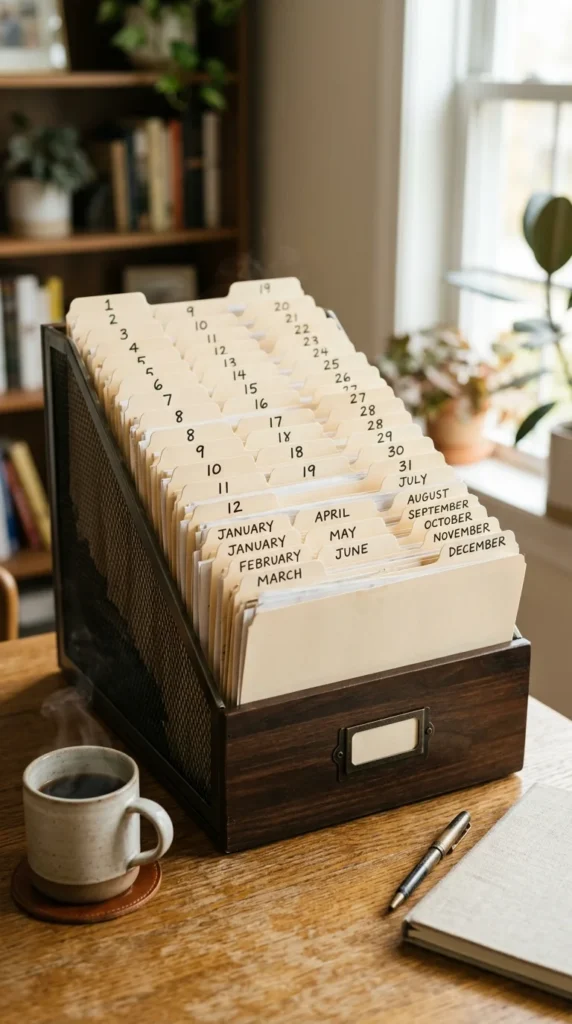
For documents that require future action—like a bill due on the 15th or a concert ticket for next month—a “Tickler File” is an essential tool. This system consists of 43 folders: 31 for the days of the upcoming month and 12 for the months of the year. When a document arrives that needs attention on a specific date, place it in the corresponding folder. Each morning, you simply pull the folder for the current day to see exactly what needs your attention, effectively “tickling” your memory.
8. Fireproof Safe
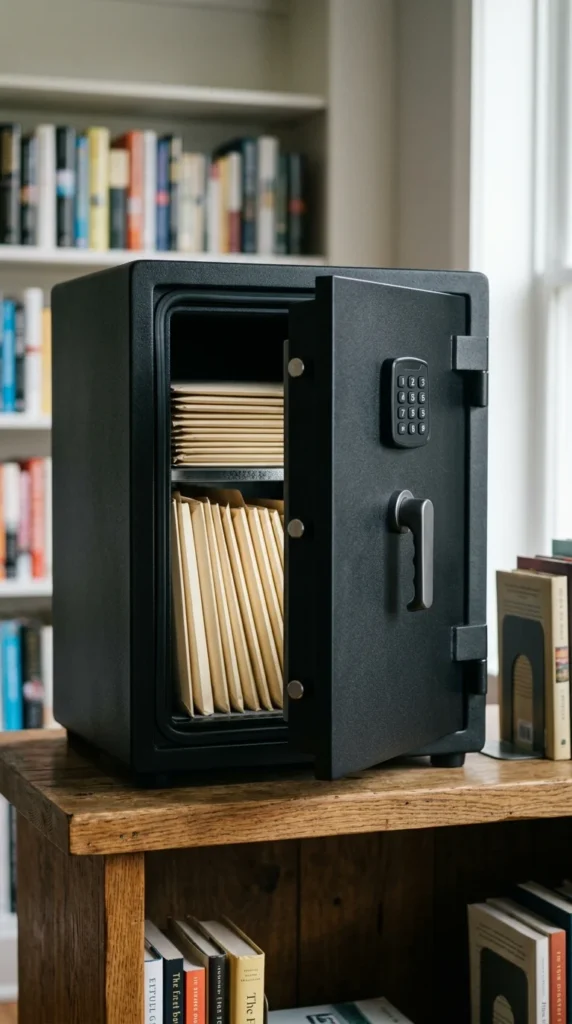
Not all documents are created equal. Birth certificates, social security cards, property deeds, and original contracts are irreplaceable. These items should not live in a standard plastic or cardboard file box. A small, fireproof, and waterproof safe provides a dedicated, high-security home for your most vital records. In the event of an emergency, having these documents in one protected, easy-to-grab location can save you an incredible amount of stress and legal trouble.
9. Active vs. Archive
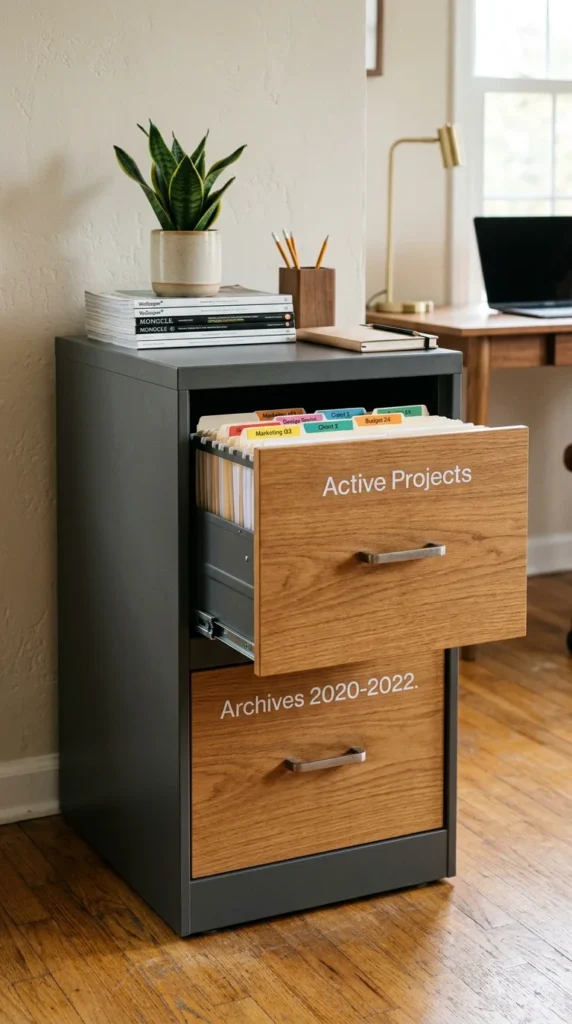
One of the biggest mistakes in filing is mixing current projects with old records. Keep your most frequently accessed files—current client work, unpaid bills, and active project notes—in a “working” file within arm’s reach of your desk. Once a project is completed or a year has passed, move those documents to an “archive” location, such as a lower drawer or a storage box in a closet. This keeps your primary workspace lean and focused only on what is relevant right now.
10. Standardized Naming
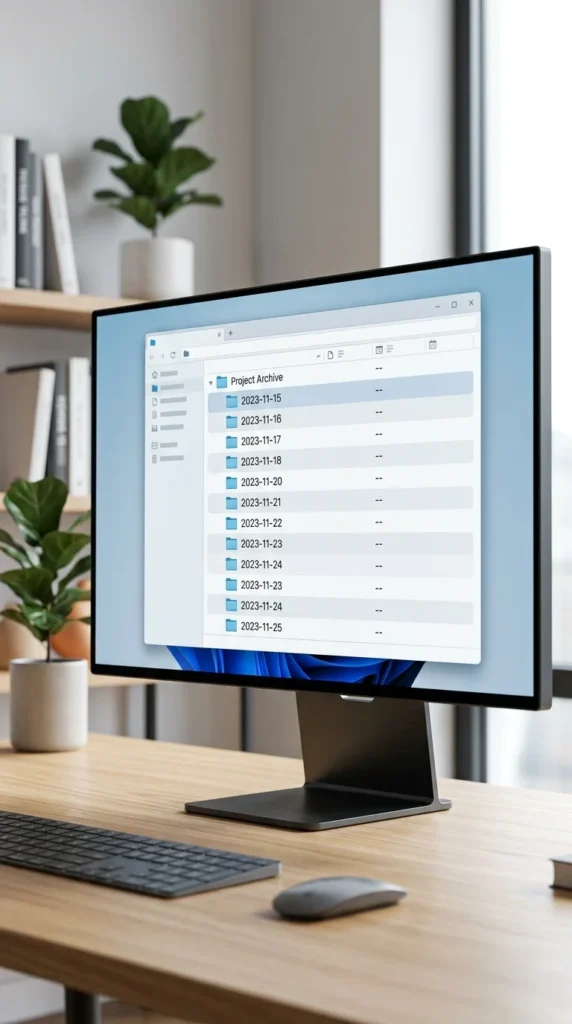
Digital clutter can be just as paralyzing as physical clutter. Establish a strict naming convention for every file you save on your computer. A format like “YYYY-MM-DD_DocumentName_Version” ensures that files are automatically sorted chronologically and are easy to identify without opening them. Consistency is key here; whether you use underscores, hyphens, or CamelCase, stick to one method so that your search bar becomes a powerful tool rather than a source of frustration.
11. Desk Trays
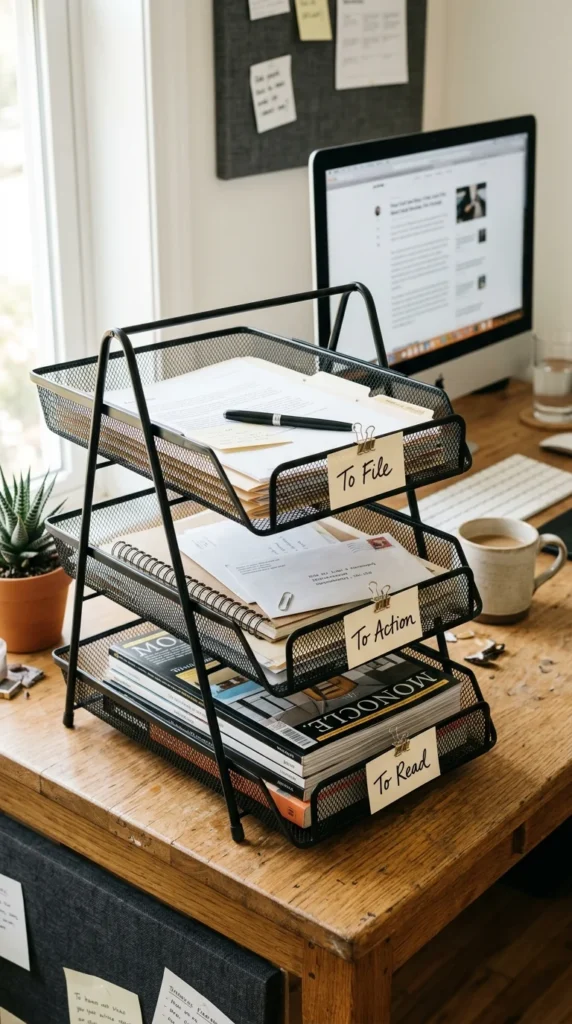
Paper often piles up on the desk because it doesn’t have a temporary “waiting room.” A tiered desk tray provides a landing zone for incoming mail and documents before they are permanently filed. By labeling tiers as “Action Required,” “To File,” and “Reading Material,” you prevent the “horizontal filing” (piling) that covers your desktop. This keeps your workspace clear for actual work while ensuring that incoming items are processed systematically rather than ignored.
12. Shredding Station
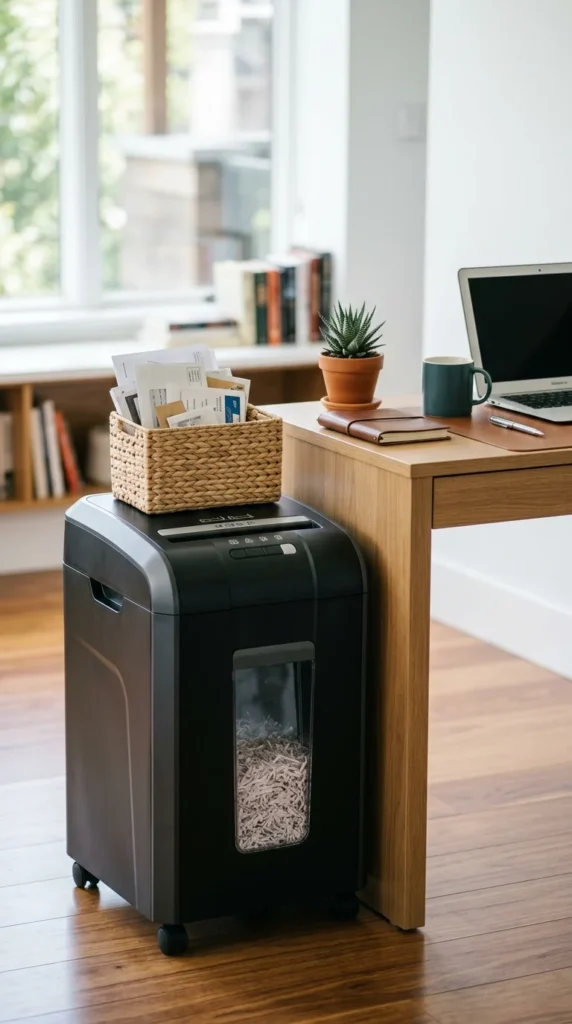
The best way to manage paper is to stop it from entering your system in the first place. Establish a shredding station right where you sort your mail. By having a shredder ready to go, you can immediately destroy junk mail, old credit card offers, and sensitive documents you no longer need. This “gatekeeper” approach prevents clutter from ever reaching your filing cabinet, keeping your system pristine and filled only with truly necessary information.
13. Hanging Folders
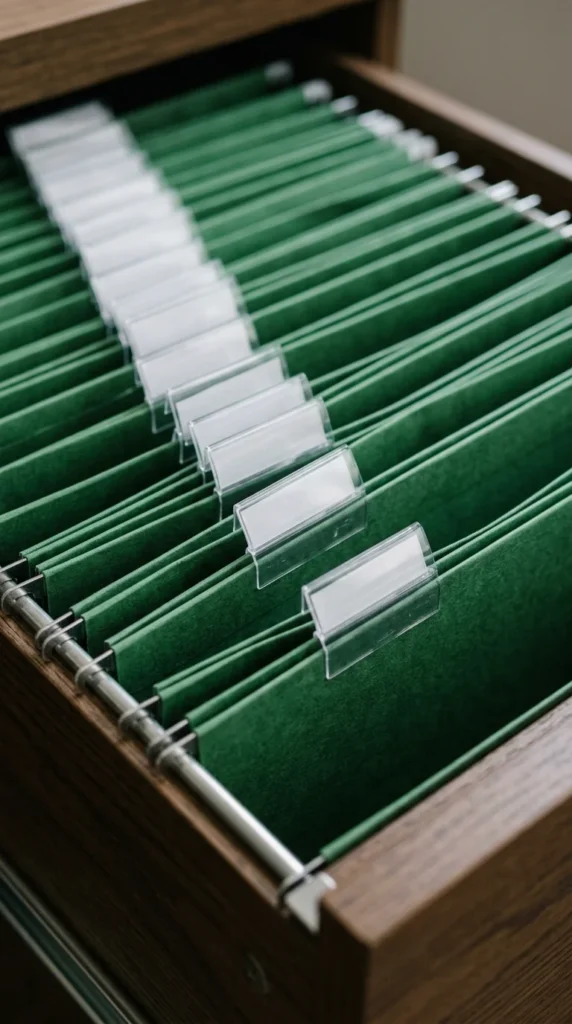
Hanging folders are the backbone of any physical filing system. They provide the structure that prevents internal folders from sagging and sliding to the bottom of the drawer. Use hanging folders to define your broad categories. They act as “drawers within a drawer,” keeping everything upright and visible. Ensure you use high-quality folders with sturdy metal tips so they glide easily along the rails, making the physical act of filing a smooth, frictionless experience.
14. Manilla Inserts
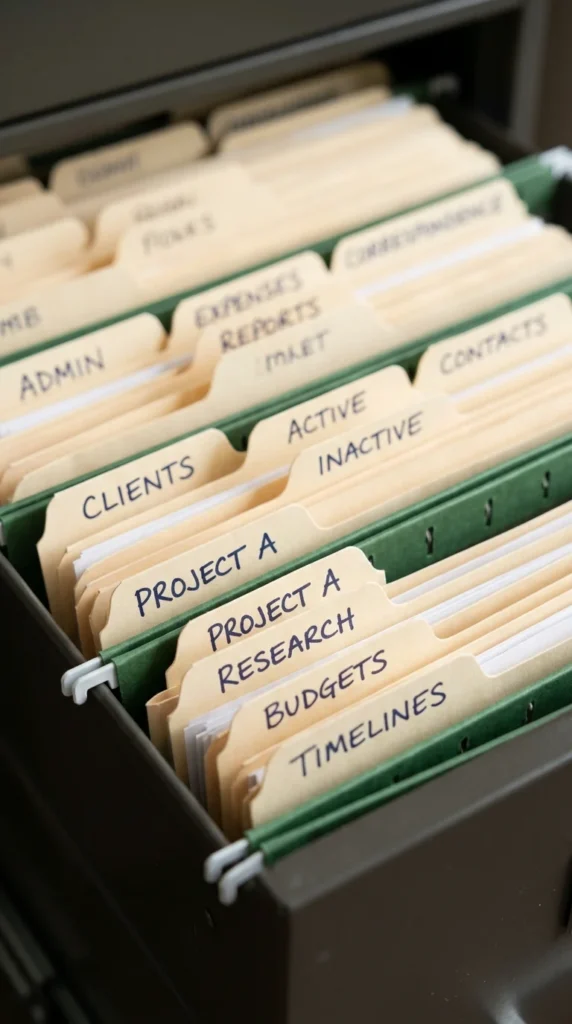
While hanging folders provide the structure, manilla interior folders provide the detail. For every hanging folder (e.g., “Auto”), use multiple manilla folders inside for sub-categories (e.g., “Insurance,” “Repairs,” “Registration”). This nested system allows you to pull out only the specific folder you need for a task rather than the entire hanging folder. It keeps the contents organized and prevents individual papers from getting lost or mixed up within a larger category.
15. Retention Schedule
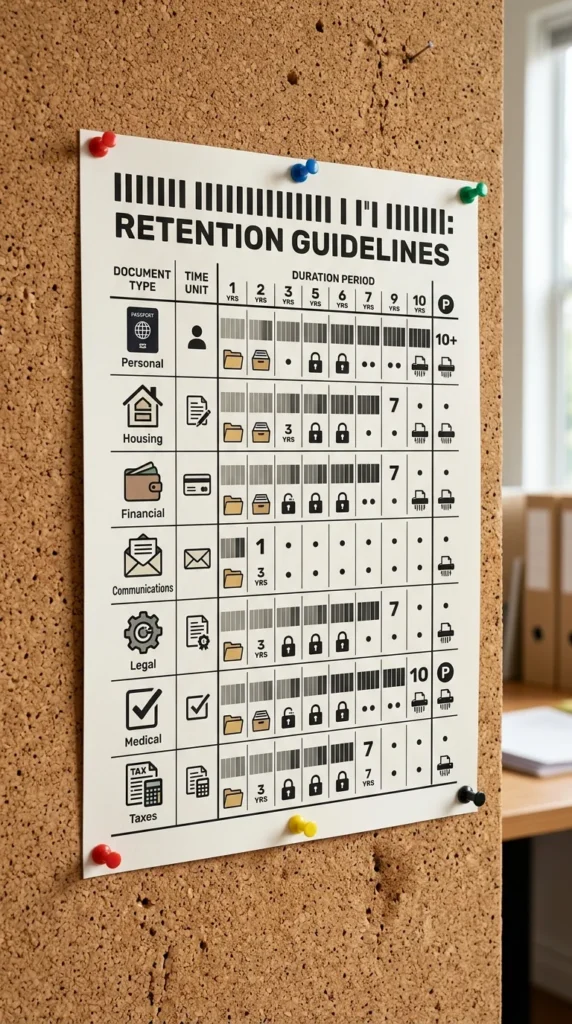
Many people keep documents far longer than necessary because they are afraid of throwing away something important. Create or print a “Retention Schedule” to keep in your office. For example, most tax records should be kept for seven years, while utility bills can often be discarded after a year. Knowing the “expiration date” of your paperwork empowers you to purge your files regularly and prevents your filing system from becoming a historical museum of useless paper.
16. Mobile Scanning Apps

Sometimes you don’t have time to sit at a desktop scanner. Mobile scanning apps like Adobe Scan or Microsoft Lens are powerful tools for capturing documents on the fly. These apps use your phone’s camera to create high-quality PDFs, automatically crop the edges, and even perform OCR (Optical Character Recognition) to make the text searchable. This is perfect for capturing receipts while traveling or scanning a document the moment it lands on your kitchen counter.
17. Periodic Review

Even the best filing system requires maintenance. Set a recurring appointment on your calendar—once a month or once a quarter—to review your files. Check for any documents that were misfiled, purge items that have passed their retention date, and update any labels that no longer make sense. Regular maintenance prevents “organizational debt” from building up, ensuring that your system remains a help rather than a hindrance to your home office success.
18. Uniform Supplies
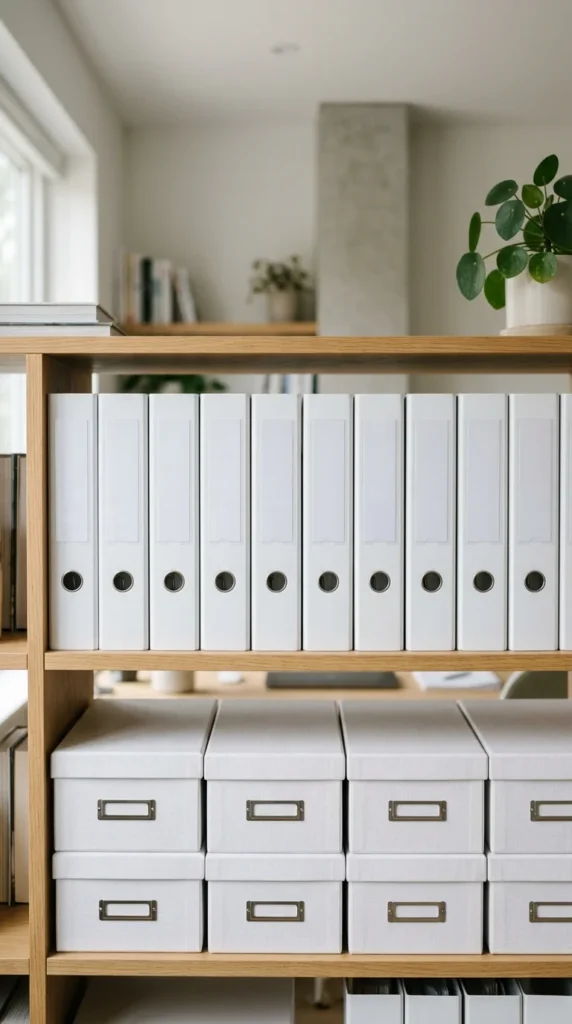
There is a psychological benefit to aesthetic consistency. When your filing supplies—folders, binders, and boxes—are uniform in color and style, the office feels more professional and less chaotic. Mixing and matching old, tattered folders from different eras creates visual “noise” that can lead to feelings of overwhelm. Investing in a bulk set of matching, high-quality supplies makes the system feel like a cohesive, professional tool that you are proud to use.
19. Vertical Filing
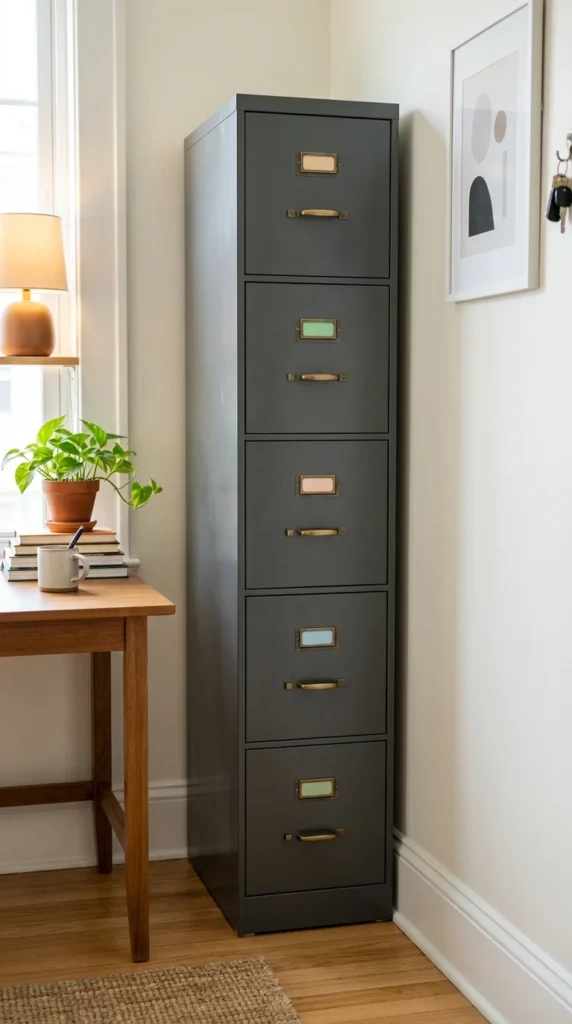
In a home office, floor space is often at a premium. Instead of sprawling horizontally with various boxes and piles, use vertical filing solutions. Tall filing cabinets or wall-mounted file pockets take advantage of unused vertical space. This keeps your documents organized while leaving more room for your desk and movement. Verticality also makes it easier to see all your categories at eye level, reducing the need to bend over and dig through low drawers.
20. Centralized Location
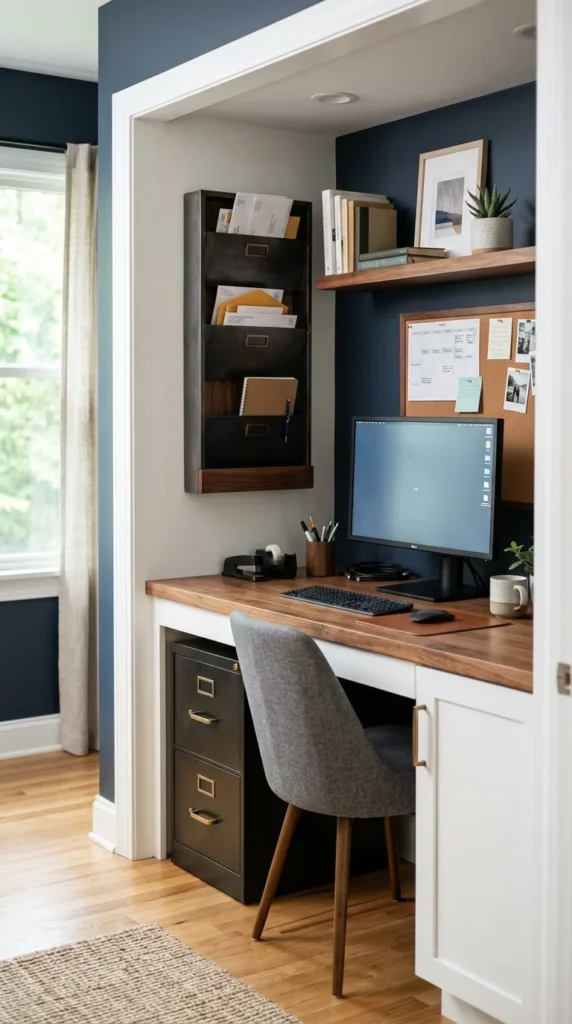
Avoid the temptation to have multiple filing spots throughout the house. When “work” files are in the office, “home” files are in the kitchen, and “tax” files are in the basement, things inevitably get lost. Establish one centralized “Command Center” where all filing happens. By concentrating all your organizational tools in one place, you build a habit of going to that specific spot to process paperwork, ensuring that nothing falls through the cracks and your home office remains the true hub of your productivity.