Your desk is more than just a place to work; it is the command center of your professional life and the sanctuary of your digital hobbies. However, even the most expensive setup can feel cluttered and uninspiring if your monitor is sitting flat on the desk surface. Not only does this lead to poor posture and “tech neck,” but it also wastes valuable real estate where you could be storing your keyboard, notebooks, or daily essentials.
The right monitor stand is a game-changer. It elevates your screen to eye level, provides hidden storage, and adds a layer of sophisticated design to your room. Whether you are a hardcore gamer, a minimalist software engineer, or a creative professional, these 25 modern monitor stand ideas will transform your workspace from mundane to magnificent.
1. Walnut Wood

Walnut wood is the gold standard for high-end office aesthetics. Its deep, rich tones and visible grain patterns bring a touch of nature to a digital environment. A solid walnut riser offers a heavy, premium feel that pairs perfectly with black or silver hardware. It’s an investment piece that ages beautifully and fits seamlessly into both mid-century modern and contemporary decors.
2. Sleek Aluminum

If you are a fan of the Apple ecosystem or industrial design, aluminum is the way to go. These stands are typically forged from a single piece of aircraft-grade metal, offering incredible strength despite their slim profile. They provide a “floating” appearance and are excellent for heat dissipation if you happen to rest a laptop nearby.
3. Dual Riser
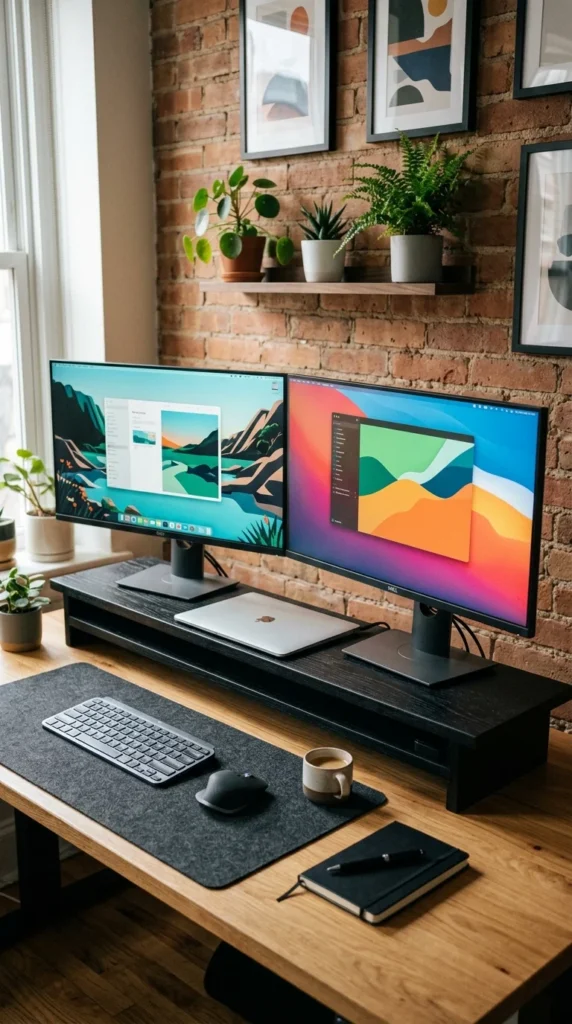
For those rocking a multi-monitor setup, a standard stand won’t cut it. A dual-monitor riser is an elongated platform designed to hold two screens at the exact same height. This creates a unified visual plane, reducing eye strain when moving between windows. The vast space underneath becomes a perfect “garage” for your keyboard and mouse when the workday is over.
4. Tempered Glass
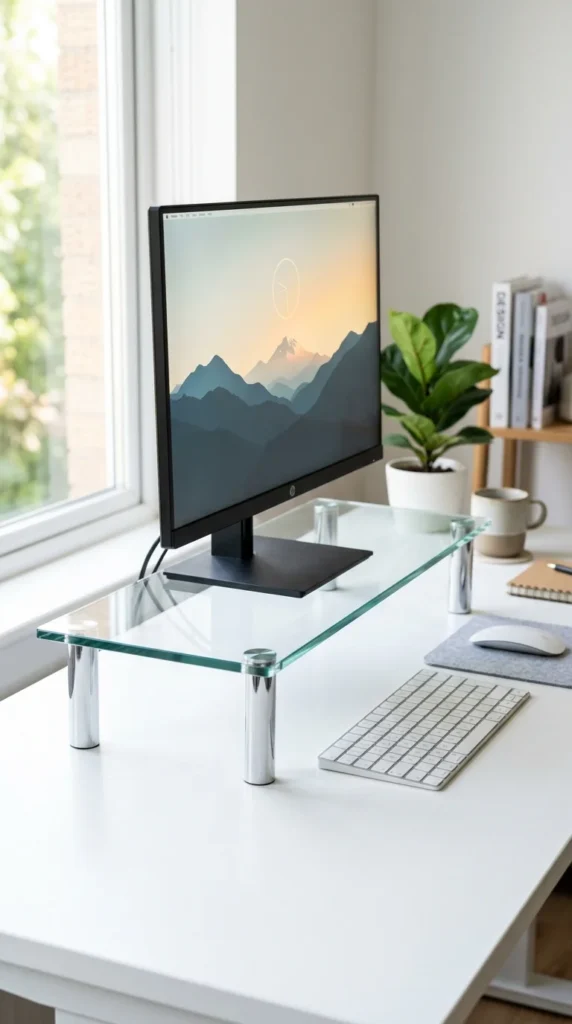
Tempered glass stands are the ultimate solution for small desks. Because they are transparent, they don’t add “visual weight” to the room, making your workspace feel larger and less cluttered. They are incredibly easy to clean and offer a modern, high-tech vibe that complements glass-top desks or high-gloss white furniture.
5. Integrated Drawers
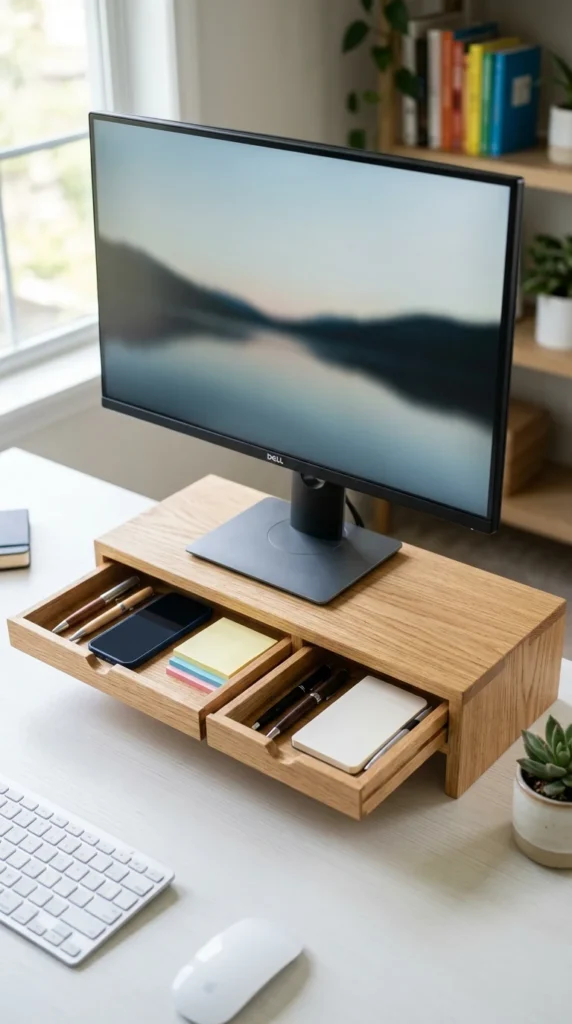
Organization is the key to productivity. A monitor stand with built-in drawers allows you to hide away the “clutter” that usually litters a desk—dongles, charging cables, and stationery. This keeps your workspace looking pristine while ensuring your most-used tools are always within arm’s reach.
6. RGB Lighting
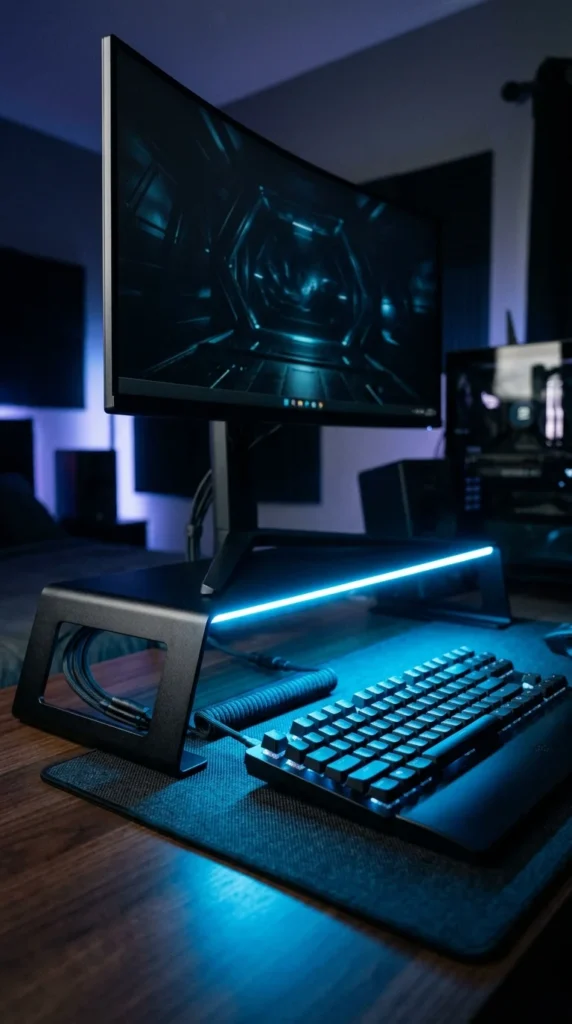
Gamers understand that lighting is everything. An RGB-integrated stand adds an atmospheric glow to your setup, syncing with your PC’s color scheme. Beyond the looks, many of these stands include front-facing USB ports, making it easier to plug in controllers or headsets without reaching for the back of the computer.
7. Natural Cork
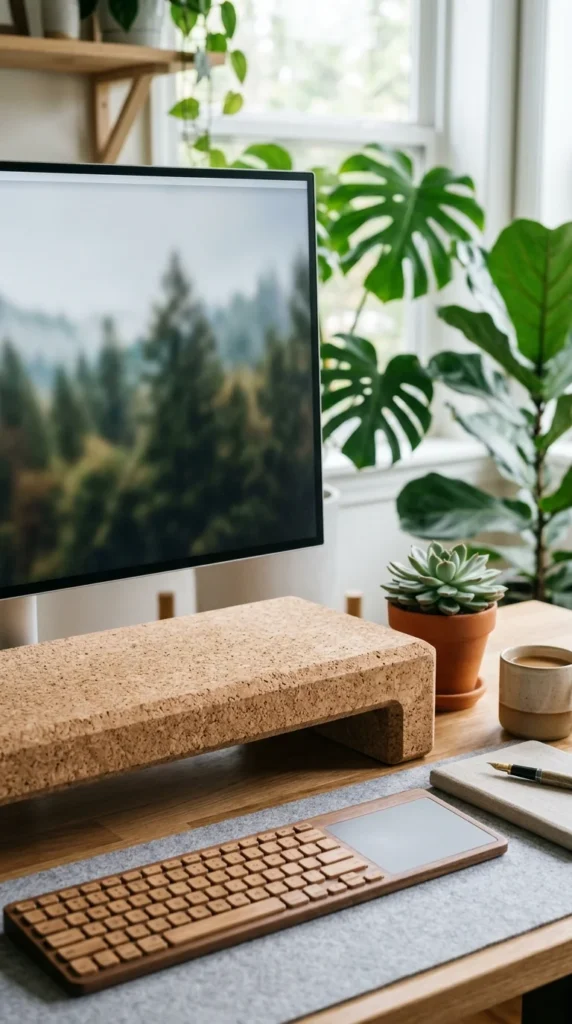
Sustainable design is trending, and cork is leading the way. A cork monitor stand is not only eco-friendly but also provides a soft, non-slip surface. It naturally absorbs sound, which can slightly dampen the “clack” of a mechanical keyboard, and it adds a warm, organic texture to a cold tech setup.
8. Acrylic Blocks
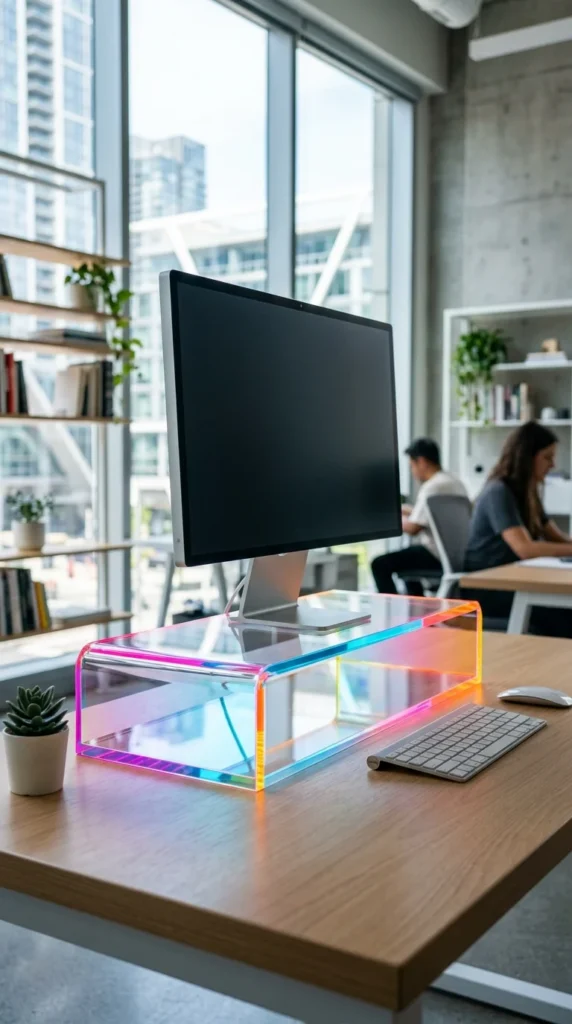
Acrylic stands offer a playful, “ghost-like” aesthetic. High-quality, thick acrylic is surprisingly sturdy and can support heavy ultrawide monitors. Some modern designs feature neon-tinted edges that catch the light, adding a pop of “vaporwave” or “cyberpunk” style to your room.
9. Charging Hubs
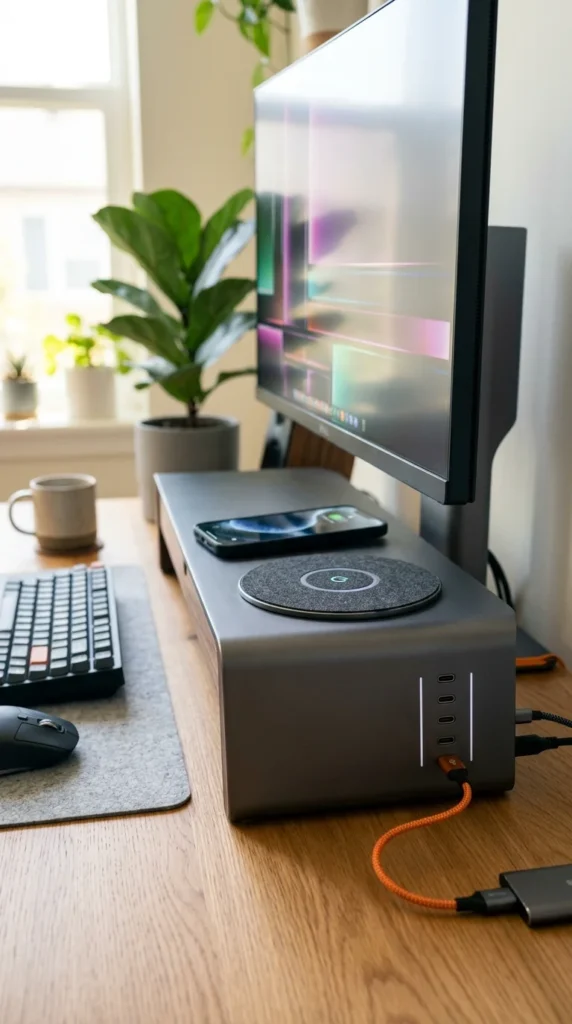
Why use a separate phone charger when your monitor stand can do it for you? Integrated charging stands feature built-in wireless pads and high-speed USB ports. This reduces the number of cables snaking across your desk, keeping your smartphone powered up and your desk looking like a masterpiece of engineering.
10. Foldable Plastic
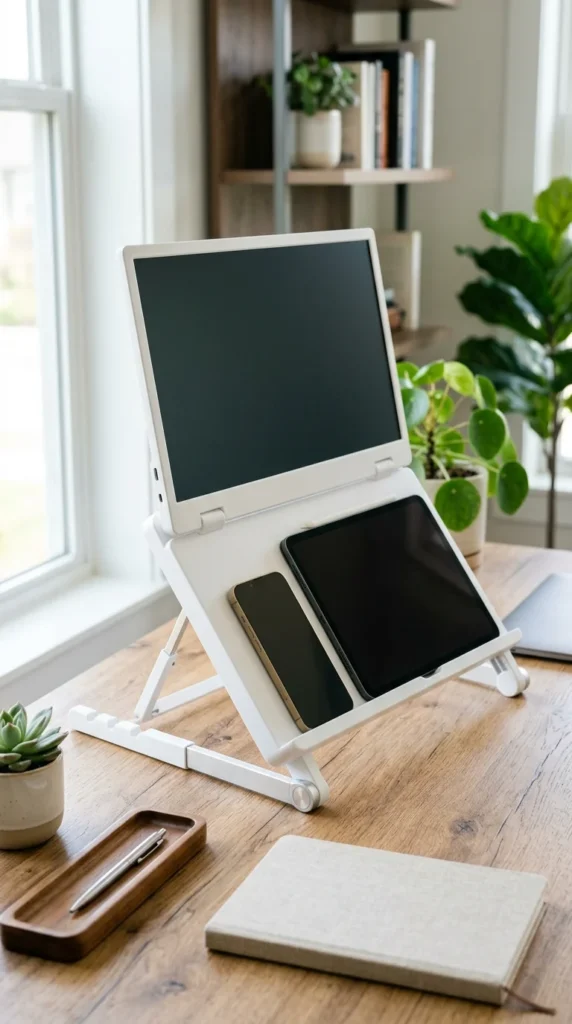
For the digital nomad or the student with limited space, a foldable stand is a lifesaver. These are often made from high-density plastic or lightweight alloys. They can be adjusted to different heights and widths, and when you’re moving or need the desk for another project, they fold flat for easy storage.
11. Industrial Concrete
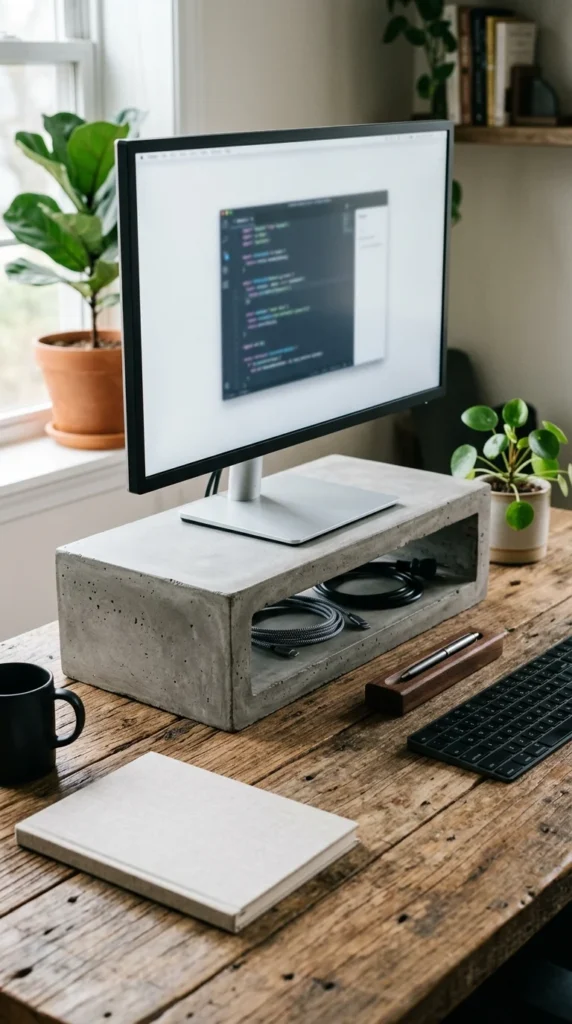
For a truly unique, “loft-style” look, concrete stands are unmatched. They are incredibly stable and provide a raw, architectural feel. The grey neutral tone of the concrete serves as a perfect backdrop for vibrant desk mats or colorful keyboard keycaps.
12. Felt Wrapped
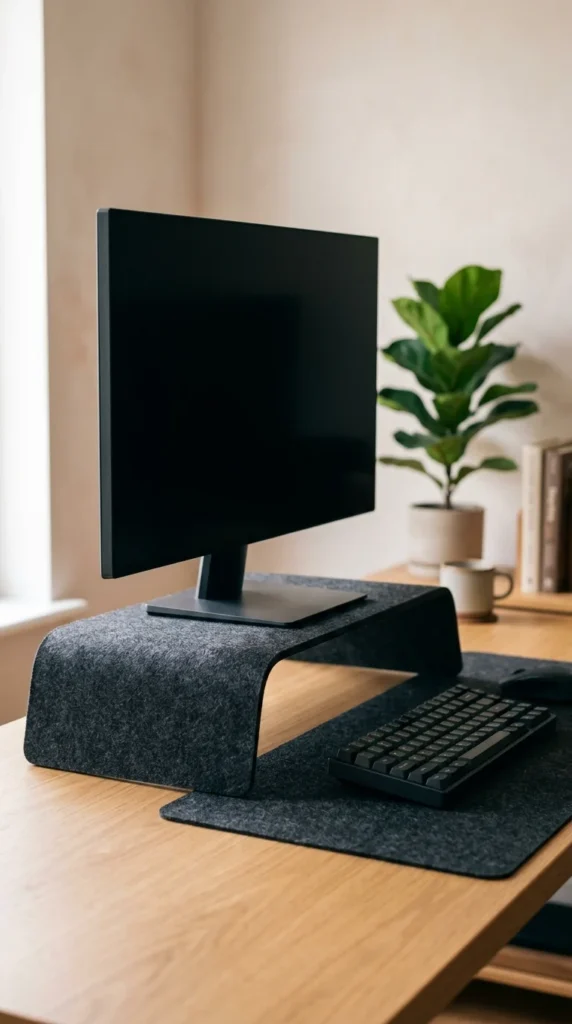
Felt-wrapped stands are about tactile luxury. They bring a “soft-office” vibe to the workspace, making it feel more like a living room and less like a cubicle. The fabric surface prevents scratches on your monitor base and adds a layer of sophisticated texture that is very popular in Scandinavian design.
13. Mid-Century Legs
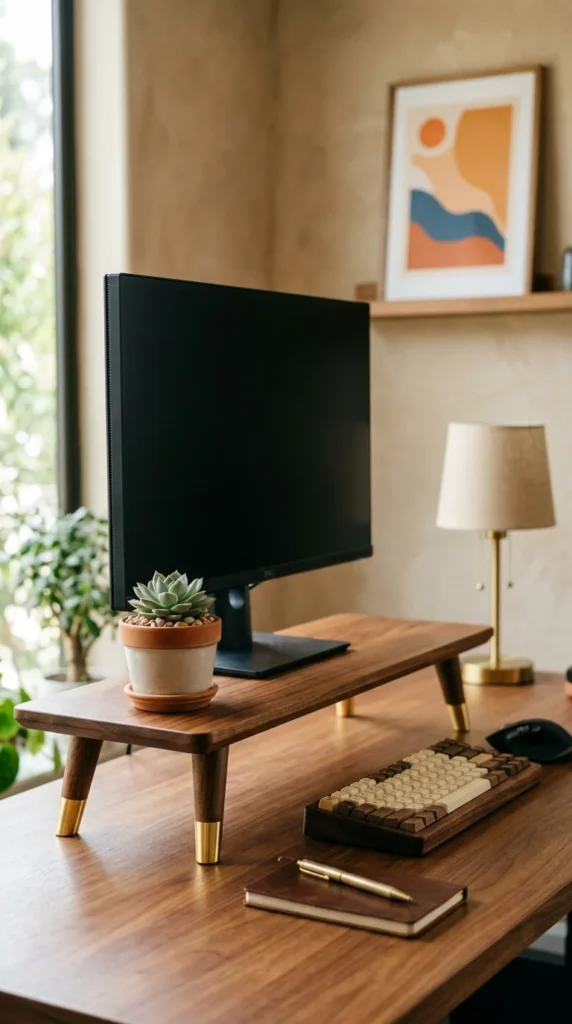
If your home is filled with vintage finds, a mid-century modern monitor stand is the perfect bridge. Featuring those iconic tapered legs and rich wood stains, these stands look more like a piece of designer furniture than a computer accessory. They add height while maintaining an open, airy feel underneath.
14. Mesh Metal
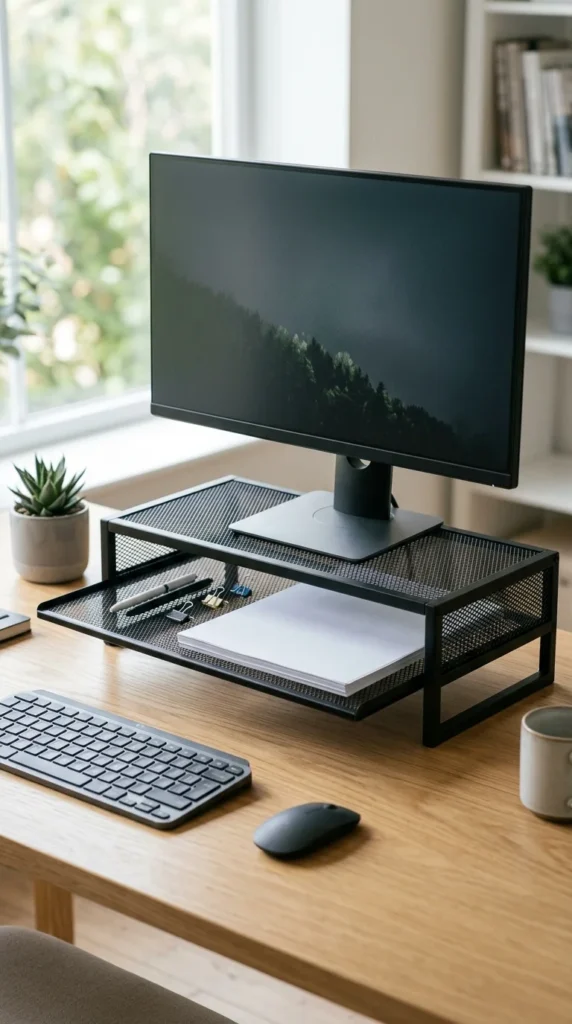
Ventilation is the primary benefit here. If you use a laptop in “clamshell” mode tucked under your stand, a mesh surface allows for maximum airflow, preventing your machine from overheating. These are typically very affordable, durable, and fit perfectly in a professional, no-nonsense office environment.
15. Tiered Bamboo
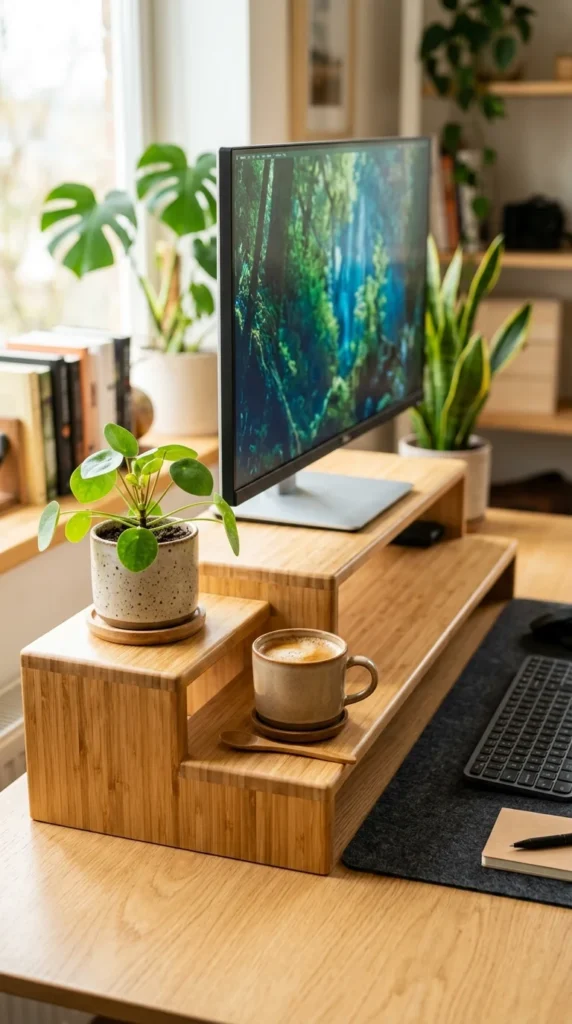
Bamboo is a fast-growing, sustainable material that is naturally water-resistant. A tiered bamboo stand allows you to organize your desk vertically. You can have your monitor on the top tier, a tablet on the middle tier, and your keyboard tucked at the bottom, making use of every inch of vertical space.
16. Clamp-on Shelves
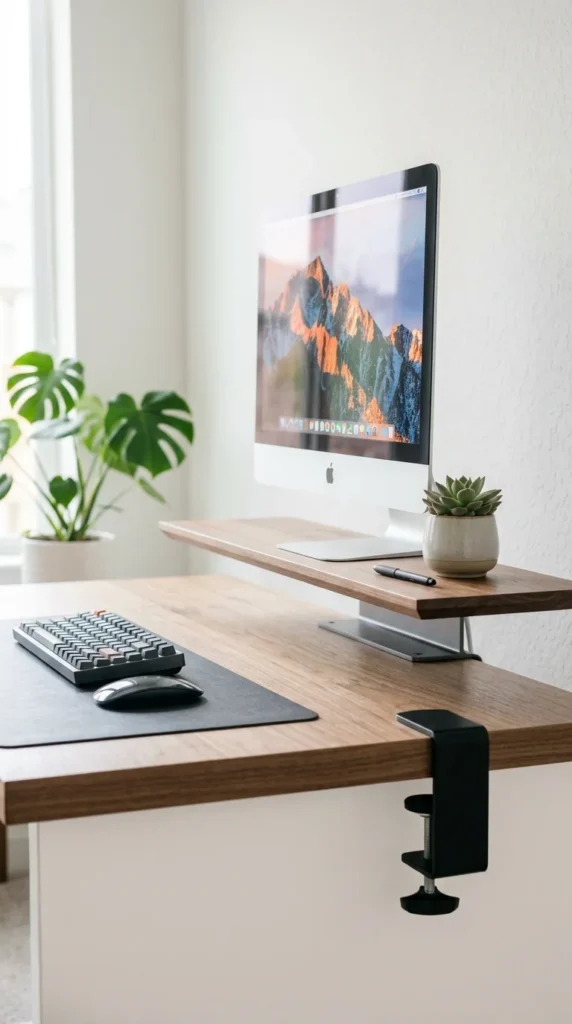
When desk space is at an absolute premium, look to the edges. Clamp-on stands attach to the back of your desk, creating a raised platform that doesn’t touch the main surface at all. This leaves the entire desk area free for notebooks, drawing tablets, or large gaming mousepads.
17. Floating Wall Mount
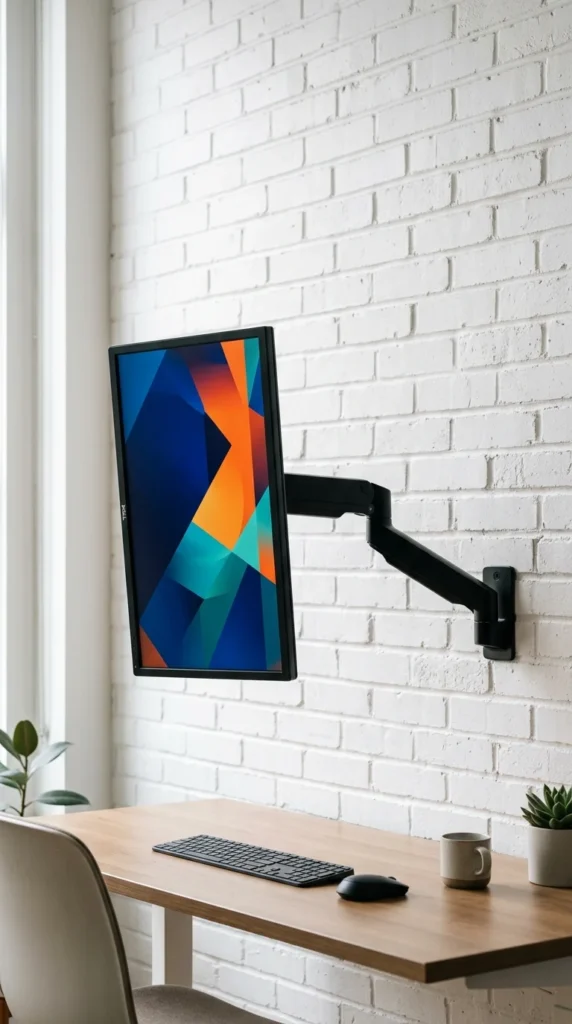
For the ultimate minimalist, the “stand” isn’t on the desk at all. A wall-mounted arm allows you to position your monitor anywhere in 3D space. When you’re done, you can push it back against the wall, leaving your desk completely empty. It’s the cleanest look possible and provides the most ergonomic flexibility.
18. Marble Finish
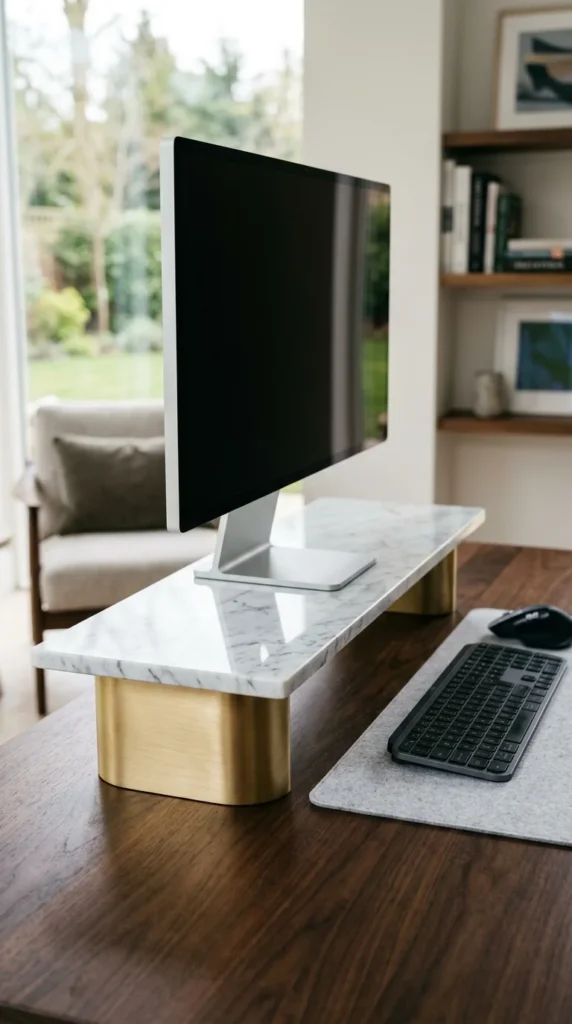
Nothing says “executive” like marble. While often made of a high-quality composite or a heavy stone slab, a marble stand adds a sense of permanence and luxury to the desk. It stays cool to the touch and provides a bright, reflective surface that elevates the light in the room.
19. Leather Accents
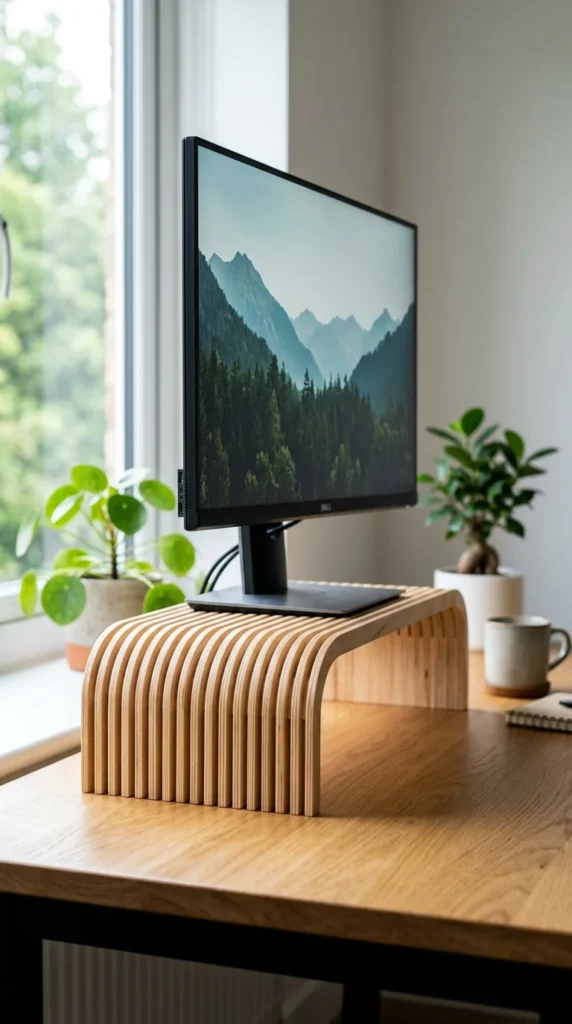
Adding leather to a monitor stand brings a touch of “old-world” craftsmanship to modern technology. The leather provides a soft landing for your monitor base and prevents any sliding. Over time, the leather develops a patina, making your desk setup look better with age.
20. Phone Slots
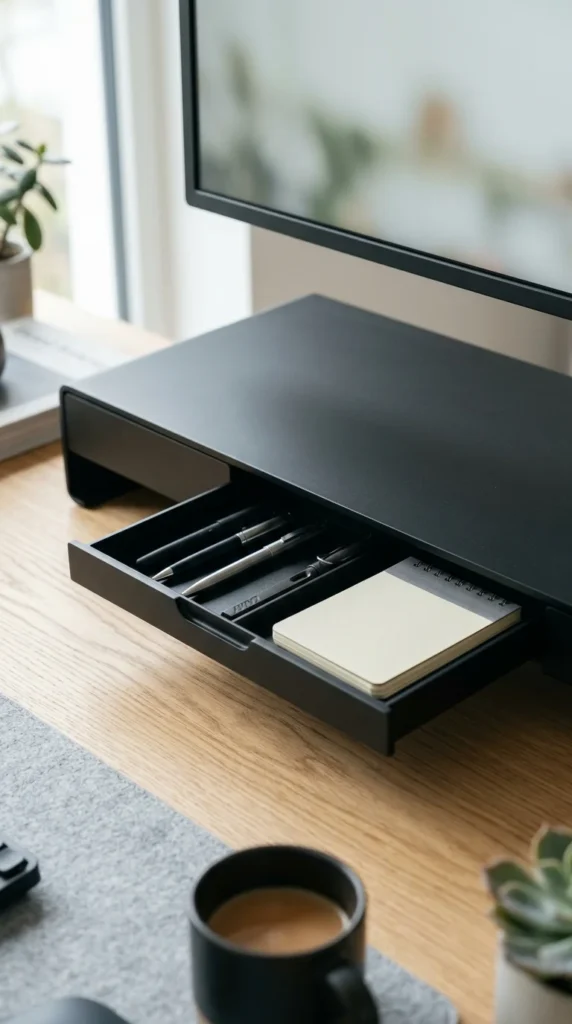
Stay connected without losing focus. Stands with integrated smartphone slots keep your screen visible so you can see notifications at a glance without having to pick up your device. This is a simple but effective productivity hack that keeps your “second screen” perfectly positioned.
21. Corner Wedge
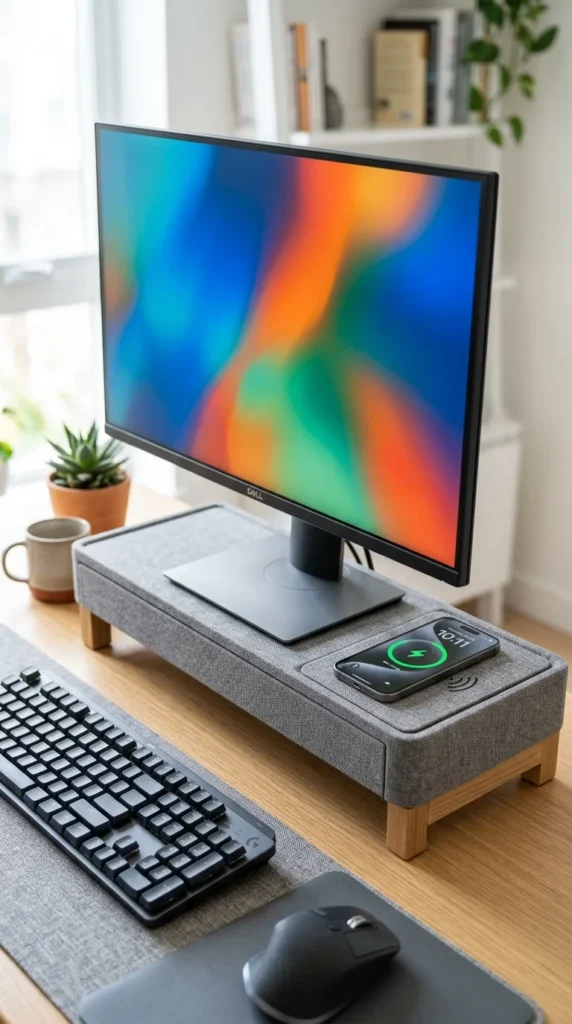
If you work in a corner, a square stand wastes space. A wedge-shaped or triangular stand is designed to fit deep into the corner of your desk, maximizing your usable surface area. It’s the perfect solution for small apartments or cubicles where every square inch counts.
22. Gas Spring Arm
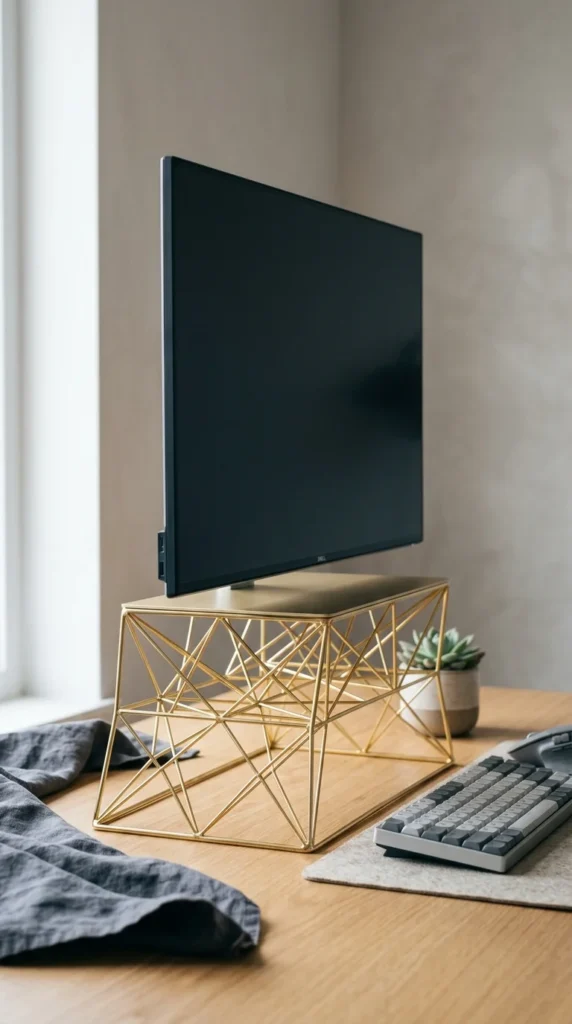
While technically an arm, modern gas spring stands offer unparalleled ergonomics. You can adjust the height, tilt, and rotation of your monitor with a single finger. This allows you to switch between sitting and standing or rotate your monitor to vertical mode for coding or reading long documents instantly.
23. Vented Aluminum
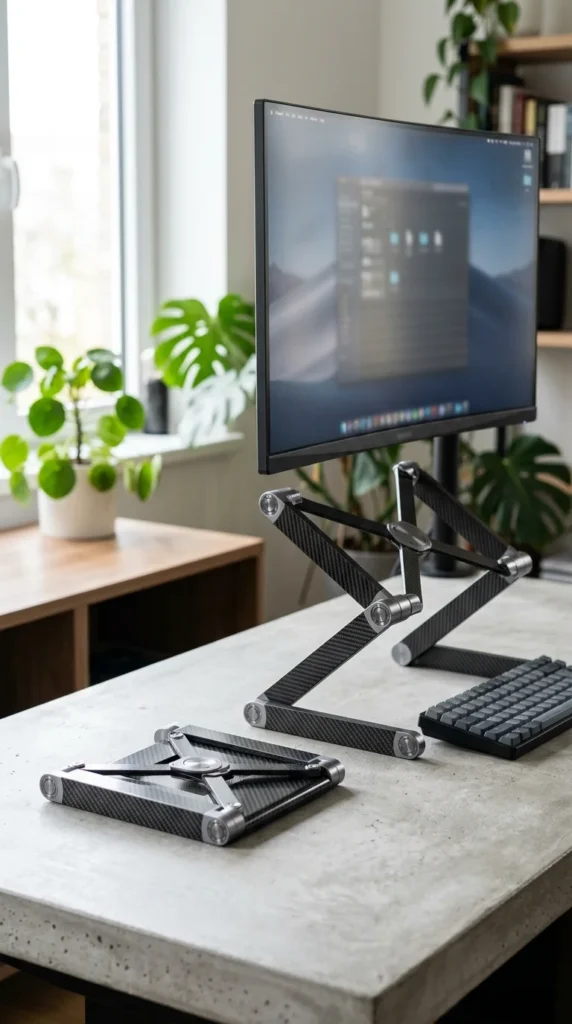
Similar to mesh but with a more premium feel, vented aluminum stands are designed for power users. The holes are often arranged in decorative patterns, providing both aesthetic flair and functional cooling. It’s a “pro” look that fits perfectly in a tech-heavy studio.
24. Nordic Birch
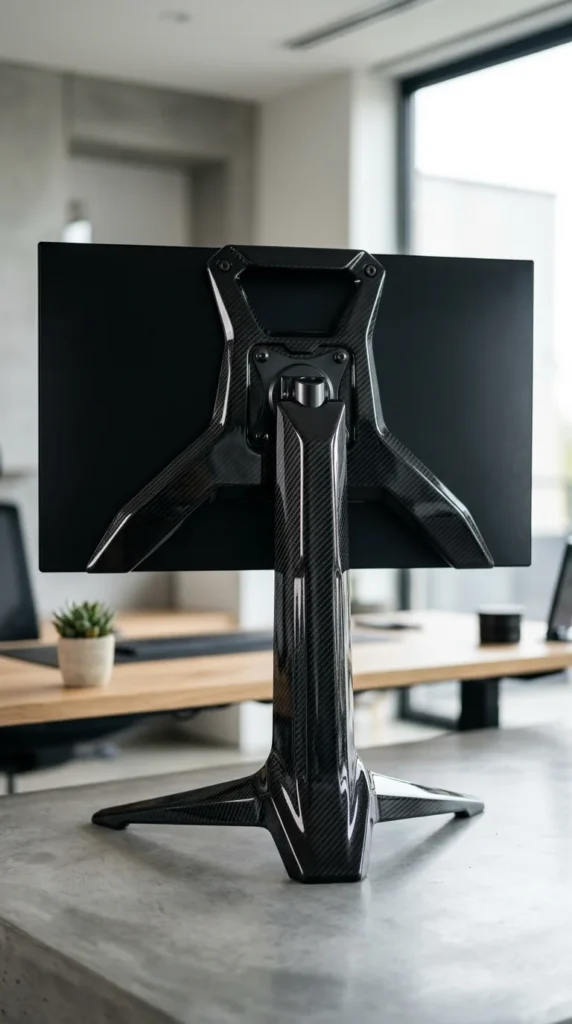
Scandinavian design is all about simplicity and light. A birch plywood stand with its pale color and clean lines creates a calm, focused environment. The visible layers of the plywood on the edges provide a subtle “designer” detail that looks far more expensive than it actually is.
25. Carbon Fiber
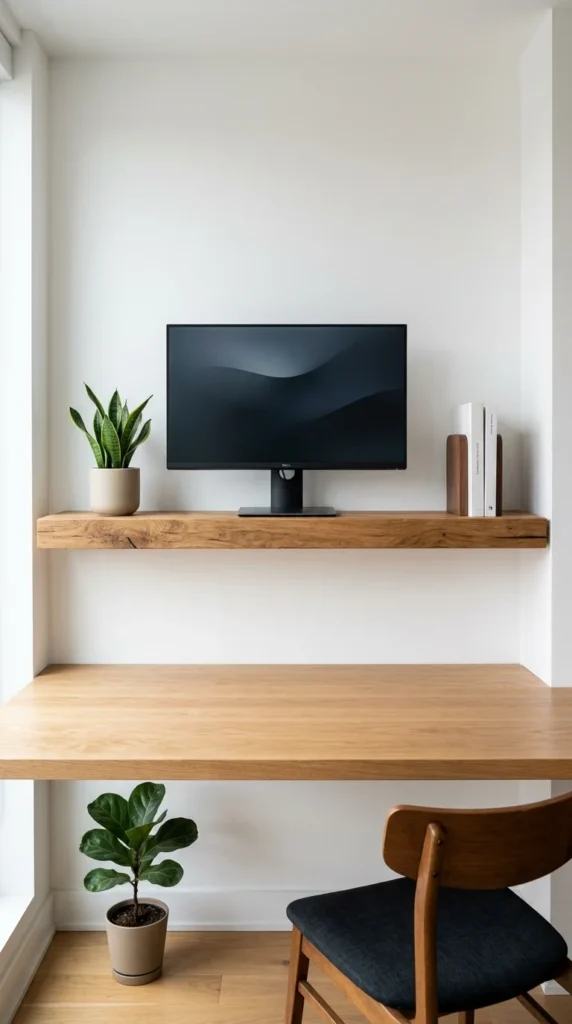
For the tech enthusiast who loves high-performance materials, carbon fiber is the ultimate choice. It is incredibly light, nearly indestructible, and has a distinct textured look that screams “speed.” It’s the perfect match for a high-end gaming PC or a professional video editing suite.
Why a Monitor Stand is a Necessity
Elevating your monitor is not just about looks; it’s about your health. When your monitor is too low, you naturally slouch, putting immense pressure on your neck and shoulders. By raising the screen so the top third of the monitor is at eye level, you encourage a neutral spine and better breathing.
Beyond ergonomics, a stand is the most effective way to manage desk “real estate.” By creating a “second floor” on your desk, you double the space available for storage. In a world where our workspaces are often also our dining tables or hobby benches, being able to slide a keyboard out of sight can provide the mental reset needed to transition from “work mode” to “life mode.”