In the world of modern productivity, your desk is your cockpit. Whether you’re a creative professional, a hardcore gamer, or a remote worker, the real estate on your desk is precious. A cluttered workspace leads to a cluttered mind, and nothing eats up space faster than a bulky monitor base.
Elevating your screen isn’t just about ergonomics—though saving your neck from “tech-slouch” is vital—it’s about reclaiming the surface area beneath your screen. By choosing the right monitor stand, you can transform a cramped cubicle into a streamlined powerhouse. Here are 18 space-saving monitor stand ideas that combine style, function, and ingenious design.
1. Bamboo Riser
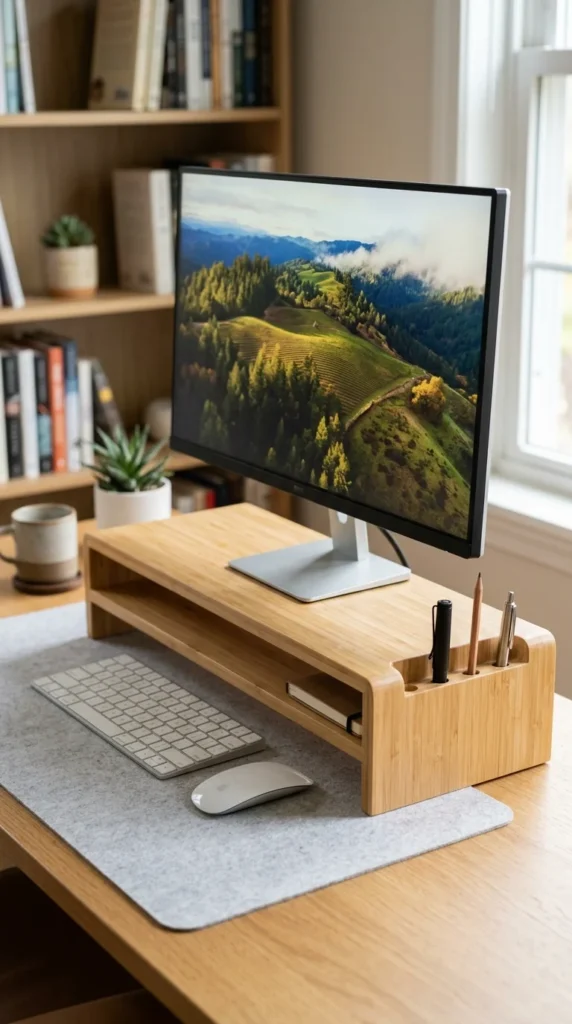
Bamboo risers are a favorite for a reason. They offer a warm, organic aesthetic that softens the industrial look of most technology. Beyond its beauty, bamboo is incredibly sturdy and eco-friendly. Most bamboo stands feature a hollowed-out area underneath where you can tuck your keyboard and mouse when they aren’t in use, instantly doubling your usable desk space for writing or sketching.
2. Acrylic Stand
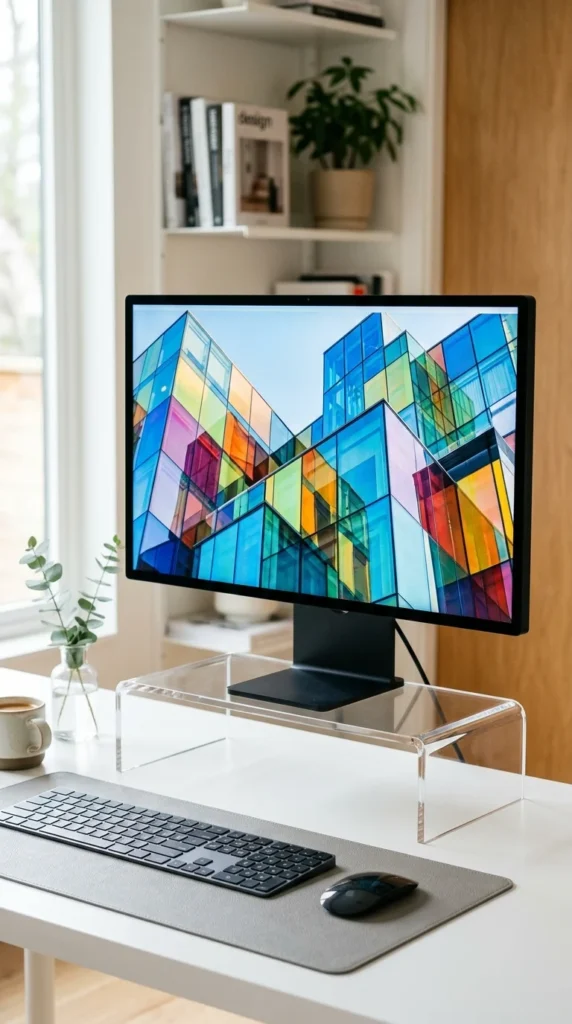
If you want your desk to look as open as possible, go “invisible” with an acrylic stand. Because these stands are transparent, they don’t create a visual “break” on your desk surface, making a small room feel much larger. They are incredibly easy to clean and fit perfectly with any color scheme or decor style.
3. Monitor Arm
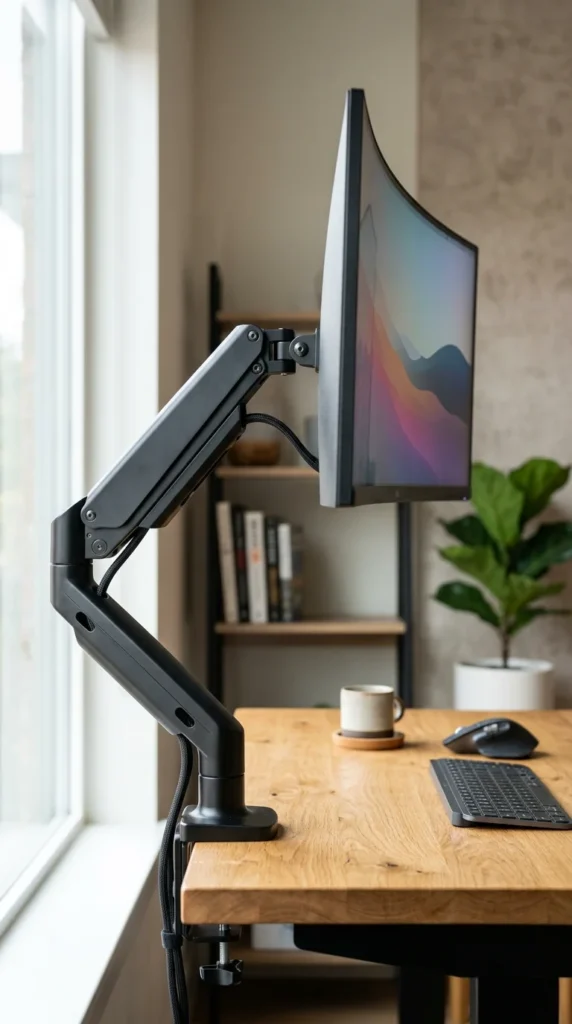
The ultimate space-saver is the monitor arm. By clamping to the edge of your desk or mounting through a grommet hole, this solution removes the footprint of a stand entirely. You gain 100% of the space directly under your monitor. Plus, the flexibility to tilt, swivel, and rotate your screen to any angle makes this the gold standard for ergonomic enthusiasts.
4. Wooden Shelf

Often referred to as a “desk shelf” or “monitor bridge,” this design is a wide platform that runs along the back of your desk. It provides a massive amount of storage underneath for audio interfaces, notebooks, or external hard drives, while the top surface acts as a secondary level for your monitor and decorative plants.
5. Aluminum Riser
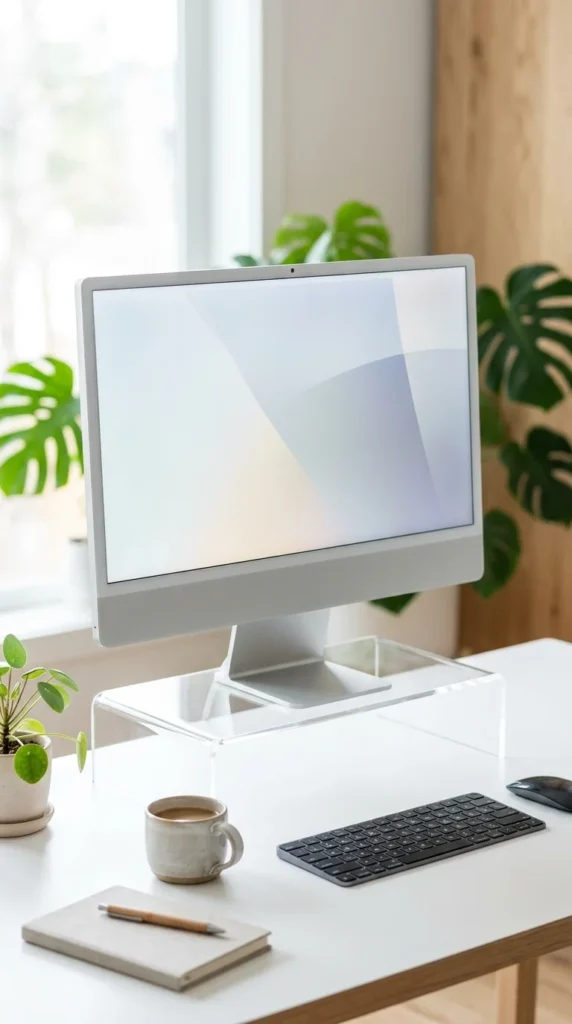
For those who love the sleek, “Apple-esque” look, an aluminum riser is the way to go. These stands are often thin yet incredibly strong, capable of holding heavy monitors without bowing. The metallic finish reflects light, and the slim profile ensures that you have plenty of vertical room underneath for storage hubs or a Mac Mini.
6. Corner Stand
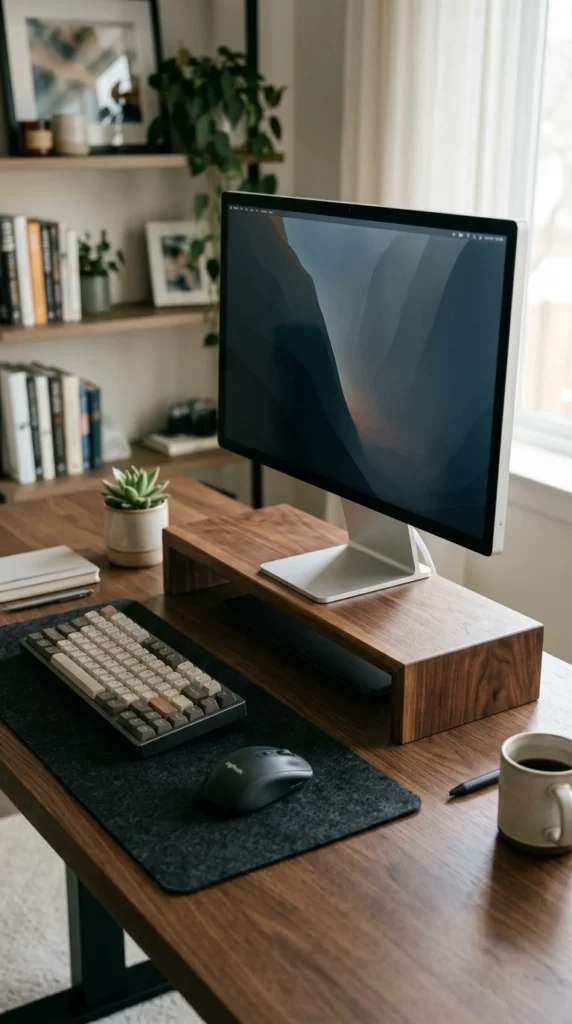
If your desk is tucked into a corner, you likely have “dead space” right in the vertex. A triangular corner stand is specifically shaped to fit into that wedge. This allows you to push your monitor further back than a square stand would allow, giving you more forearm room on the desk surface.
7. Drawer Riser
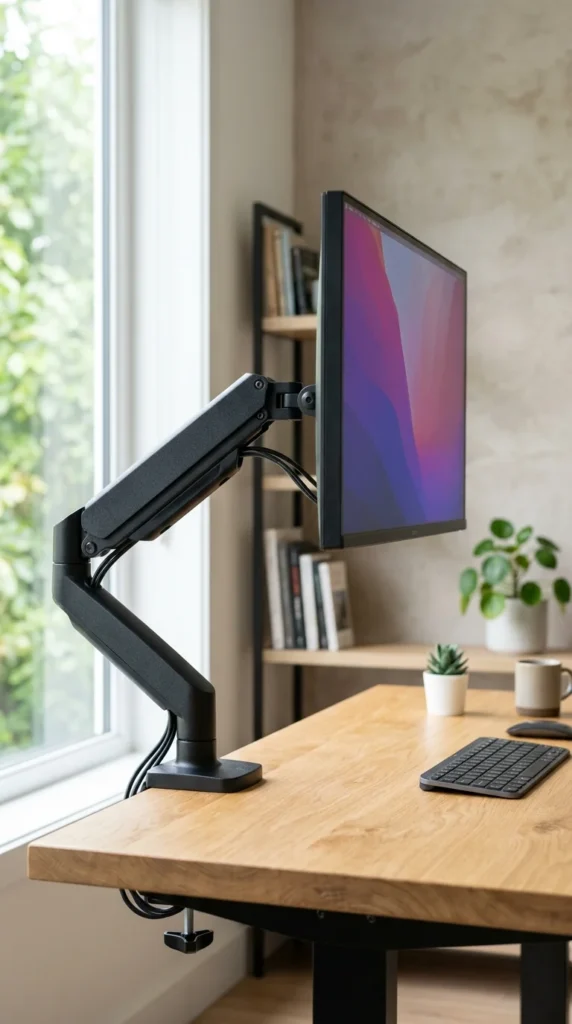
Why stop at just lifting your monitor? A drawer riser combines elevation with organization. By integrating a drawer into the stand itself, you eliminate the need for a separate desk organizer. This is perfect for small desks where every inch of drawer space counts.
8. Glass Stand
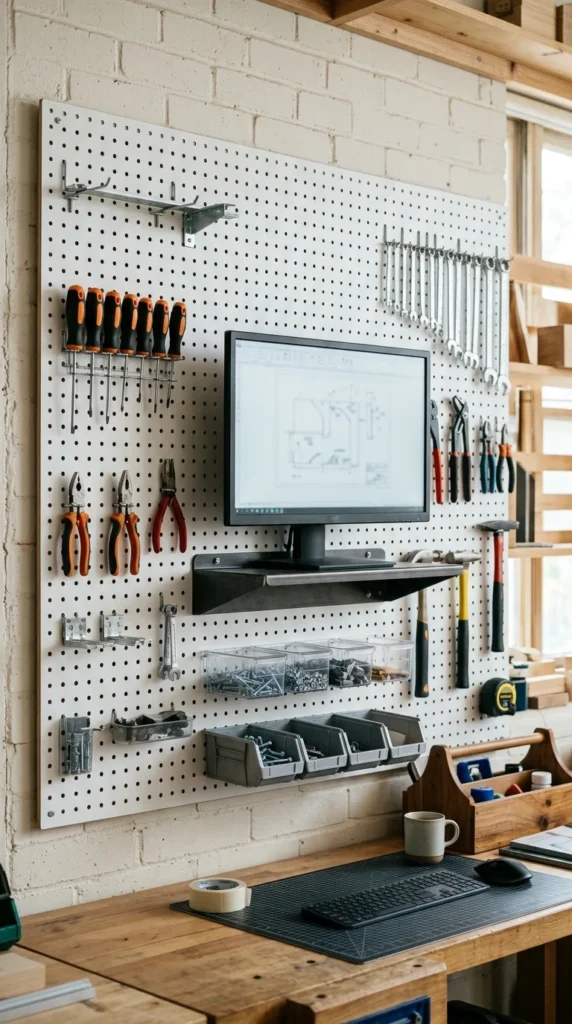
Tempered glass stands offer a sophisticated, modern look. Like acrylic, they provide a sense of transparency that keeps the desk looking light. However, glass is much more resistant to scratches and can support significant weight, making it a great choice for heavy, large-format displays.
9. Wall Mount
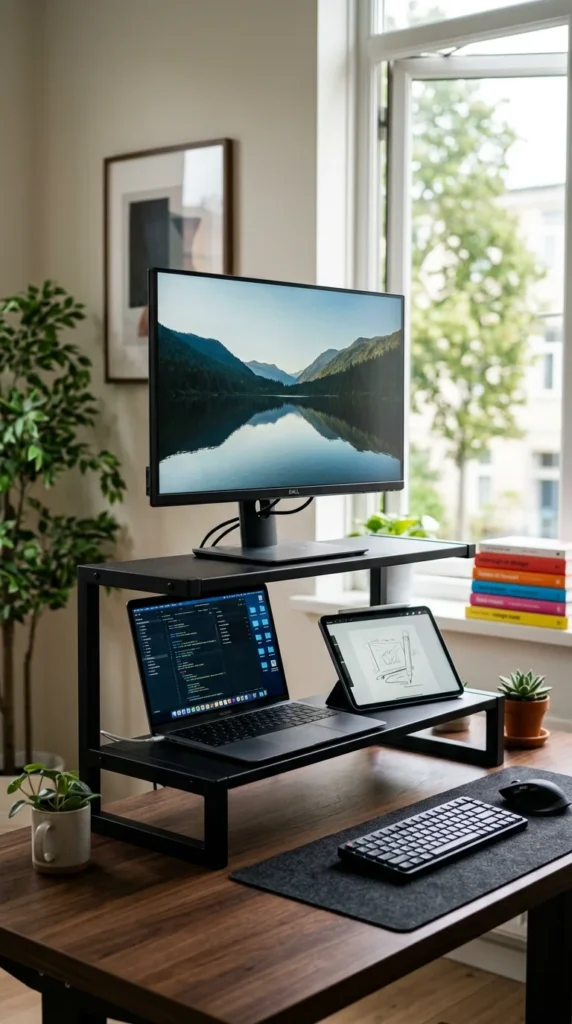
If you never plan on moving your desk, a wall mount is the most drastic and effective way to save space. By attaching the monitor directly to the wall, you eliminate the need for anything to touch the desk. This creates a “floating” effect that is visually stunning and incredibly practical for tiny workstations.
10. DIY Crates
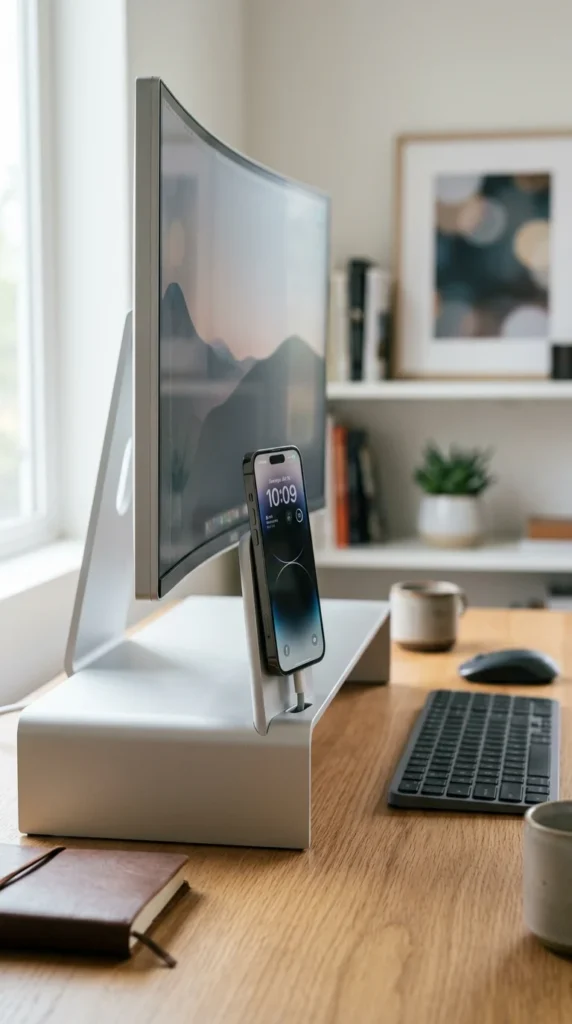
For the budget-conscious or those who love the “shabby chic” look, small wooden crates or vintage boxes can serve as excellent monitor stands. They provide built-in “cubby” storage and add a unique, personalized character to your home office that you can’t buy at a big-box store.
11. Pegboard Integrated
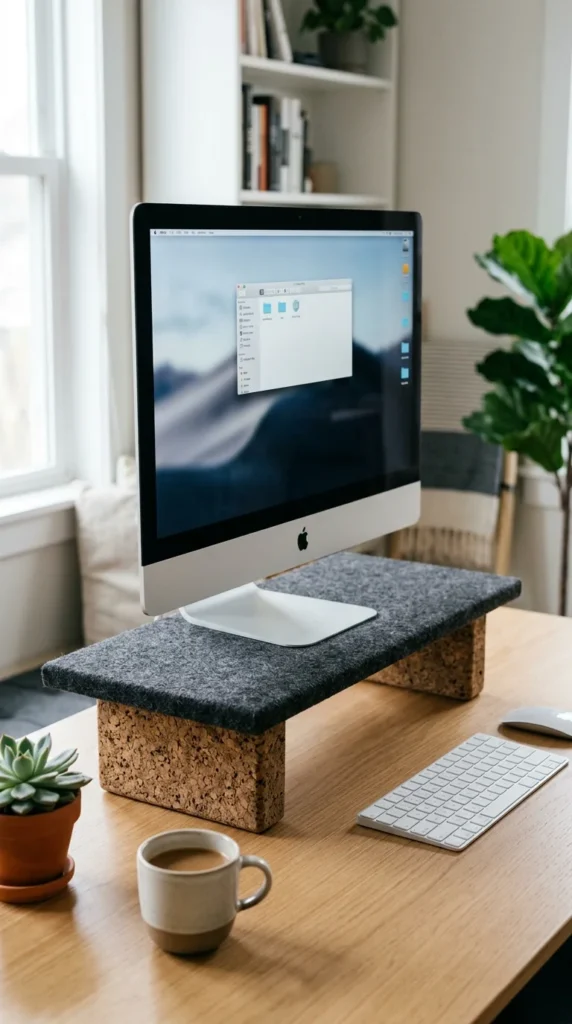
Pegboards are the kings of vertical storage. Some pegboard systems offer sturdy shelf attachments strong enough to hold a monitor. By integrating your screen into your wall-mounted storage system, you unify your workspace and keep all your tools—from headphones to pens—within arm’s reach but off the desk.
12. Dual Stack
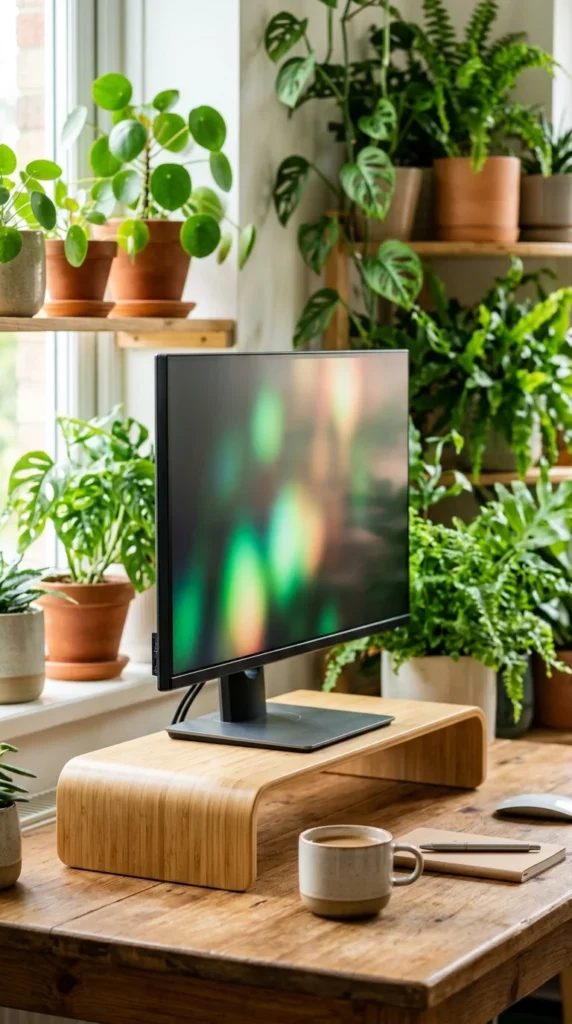
If you use two monitors, don’t put them side-by-side; stack them. A vertical dual monitor stand uses height instead of width. This is particularly useful for coders or writers who need one screen for reference and one for primary work without sacrificing the entire length of their desk.
13. Mobile Slot
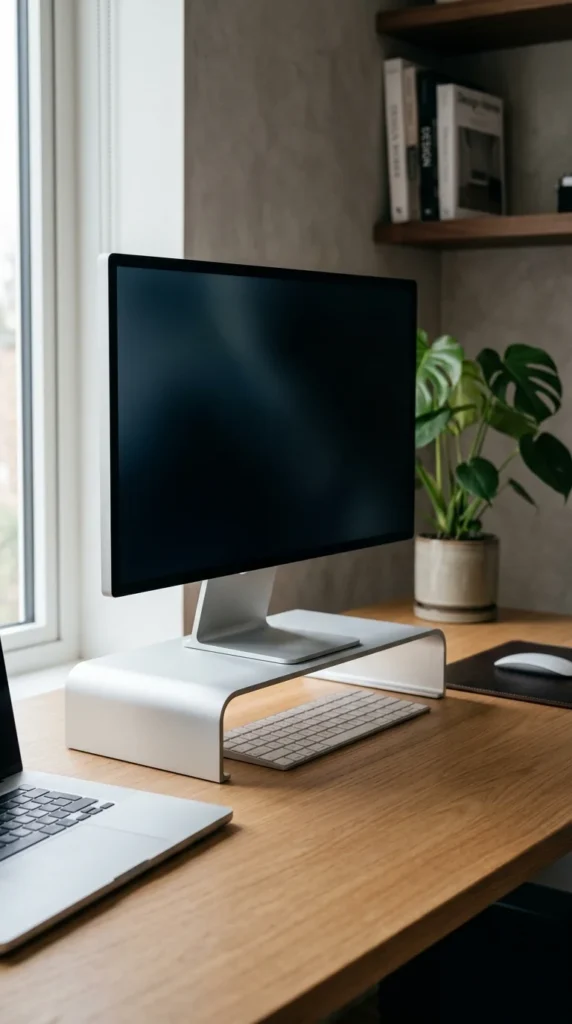
In the age of multi-tasking, we often have our phones propped up against a coffee mug. A monitor stand with a built-in mobile slot solves this problem. It keeps your phone at a visible angle while you work, saving you from having to buy a separate phone stand that would take up more room.
14. Clamp-on Shelf

Similar to a monitor arm but with the stability of a shelf, the clamp-on riser attaches to the back edge of your desk. Because the legs are clamped to the outside or the very edge, the entire area under the shelf remains unobstructed and open for your use.
15. Felt and Cork
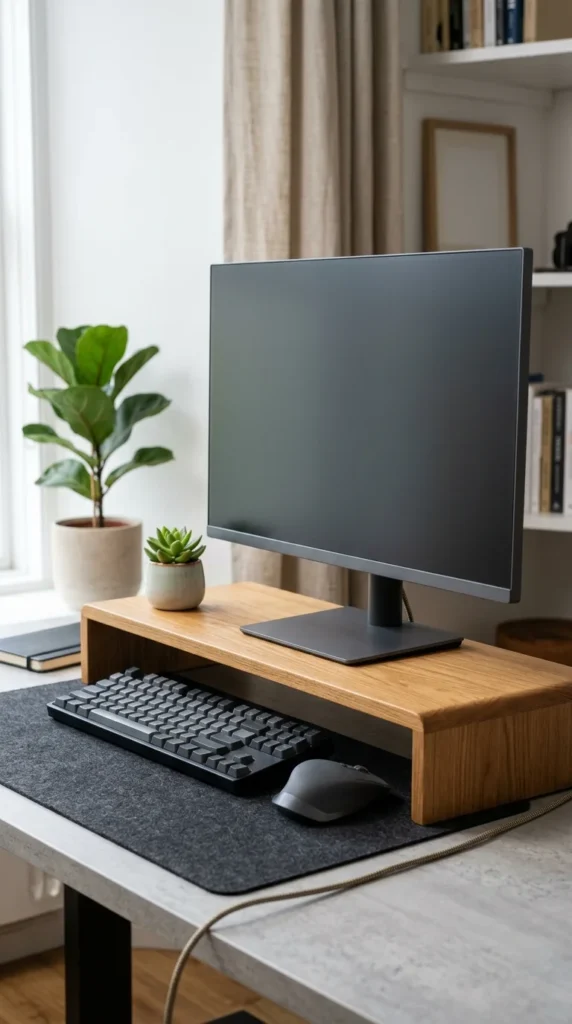
For a tactile and cozy workspace, look for stands that incorporate natural materials like felt and cork. Felt-topped stands prevent your monitor base from scratching and provide a soft landing spot for your keys or watch. Cork feet ensure the stand doesn’t slip while protecting your desk’s finish.
16. Rotating Base
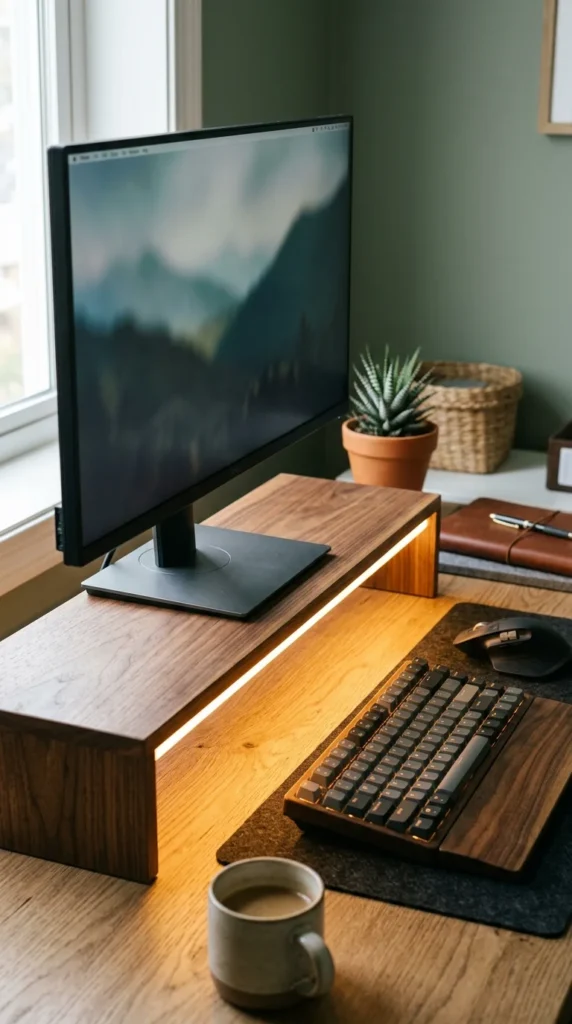
If you often have to show your screen to someone sitting across from you or beside you, a rotating stand is a lifesaver. These stands have a small footprint but offer 360-degree movement, ensuring you never have to drag a heavy monitor base across your desk and risk scratching the surface.
17. Adjustable Leg Riser
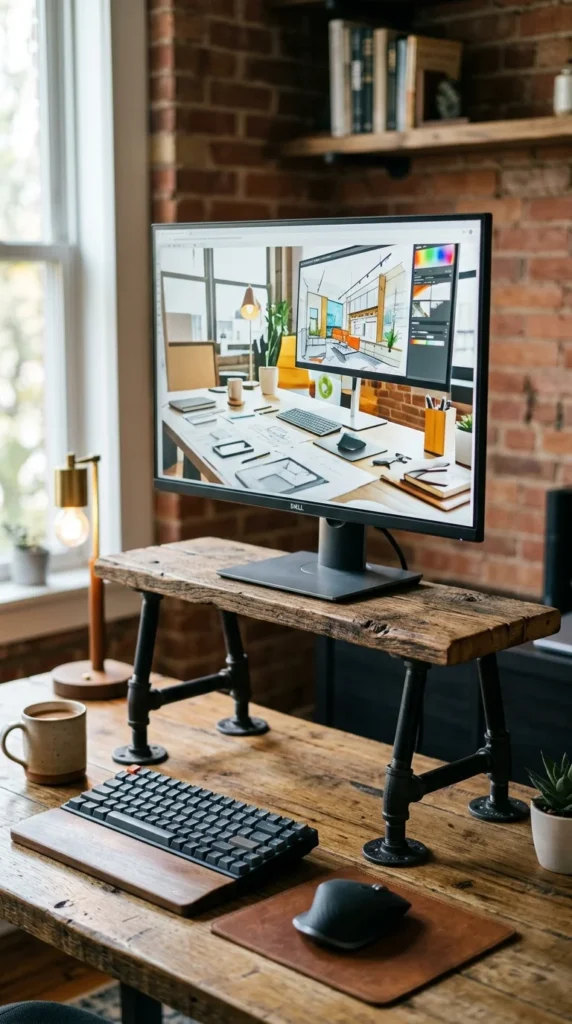
Not everyone is the same height, and neither are all chairs. An adjustable leg riser allows you to customize the height of your monitor to your exact eye level. This prevents you from needing to stack books under a fixed stand, keeping the look clean and professional.
18. Foldable Stand
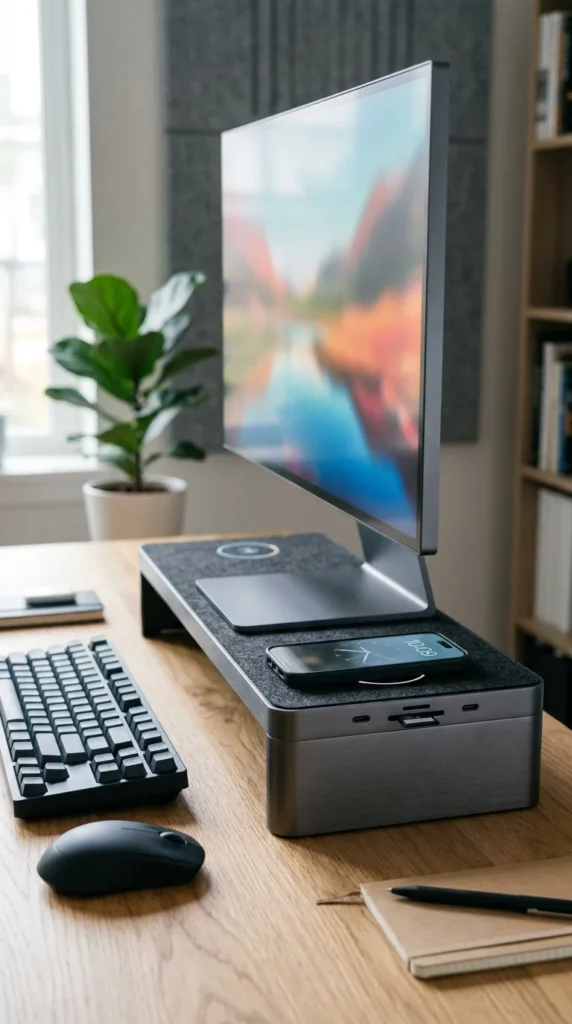
For those who work at a kitchen table or in a flexible “hot-desking” environment, a foldable stand is a game-changer. You can set it up in seconds to get the ergonomic benefits of a riser and then fold it flat to tuck away in a drawer or laptop bag when the workday is over.