
Spending hours hunched over a laptop is a recipe for neck strain, back pain, and long-term postural issues. Because laptops are designed with the keyboard and screen attached, it is nearly impossible to maintain an ergonomic position without external help. A laptop stand is the simplest yet most effective way to elevate your screen to eye level, allowing your spine to remain neutral while you work.
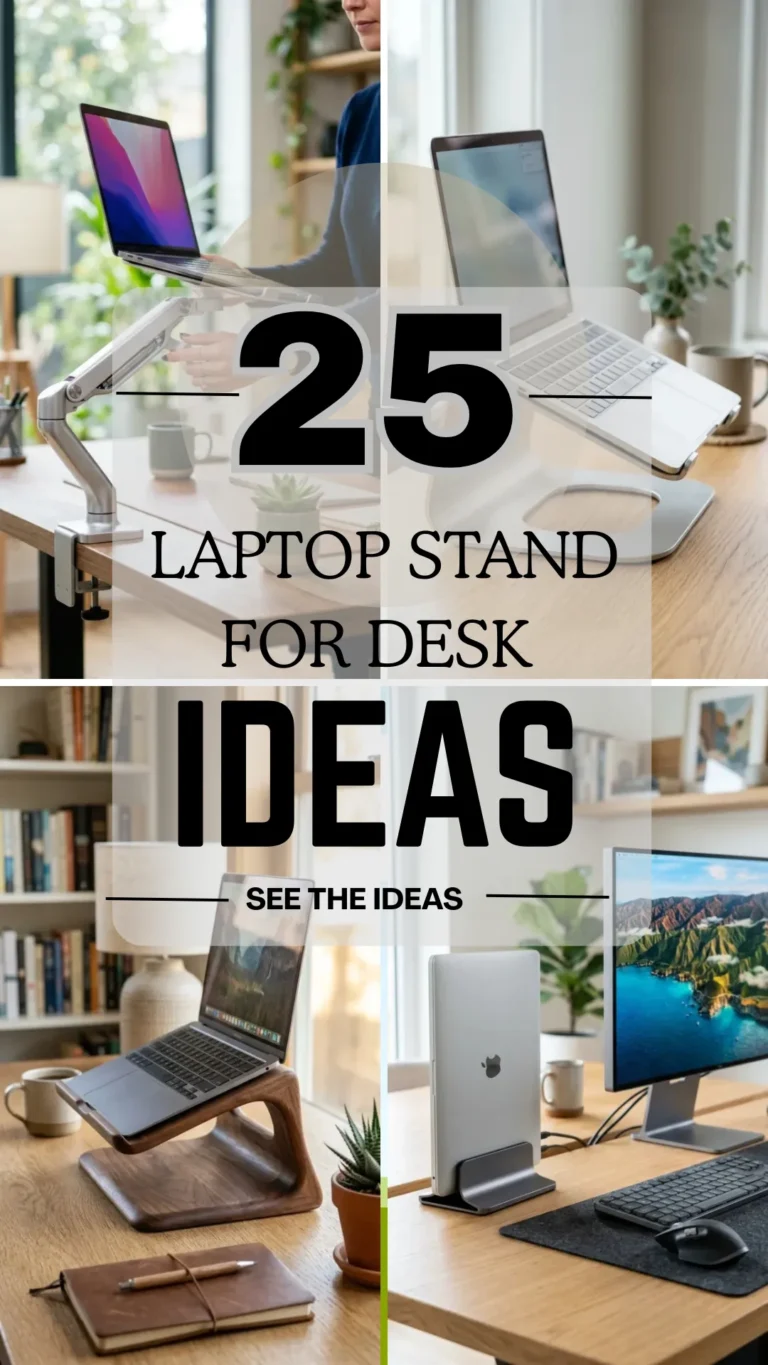
Beyond health benefits, the right stand can transform your workspace aesthetic, improve your device’s cooling, and even free up valuable desk real estate. From minimalist wooden designs to high-tech mechanical arms, here are 25 laptop stand ideas to revolutionize your workflow.
1. Aluminum Riser
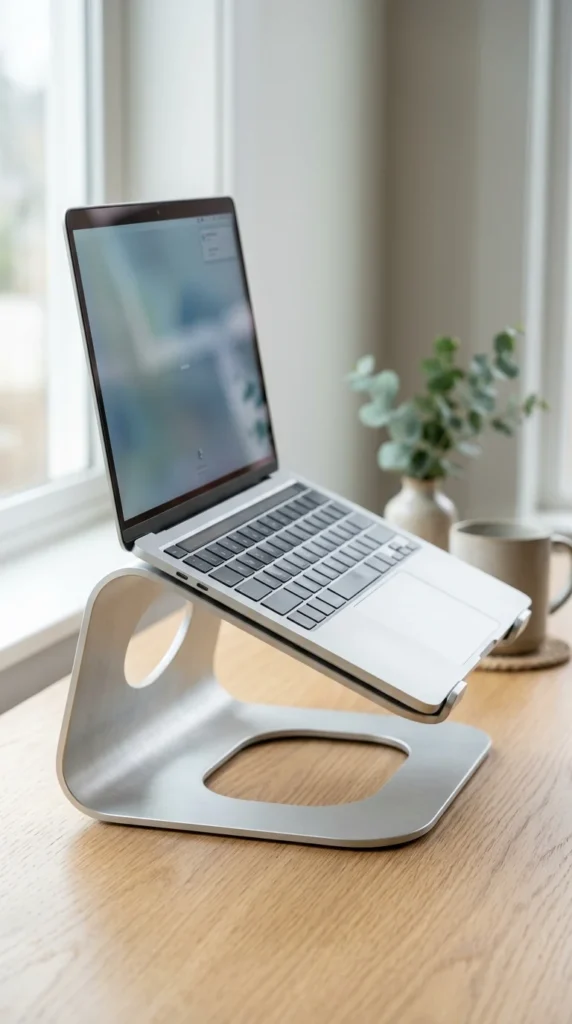
Aluminum risers are the gold standard for modern offices. They offer a sturdy, non-slip foundation that matches the aesthetic of most high-end laptops. Because aluminum is a natural heat conductor, these stands help draw heat away from your device, keeping the internal fans from working overtime.
2. Wooden Stand
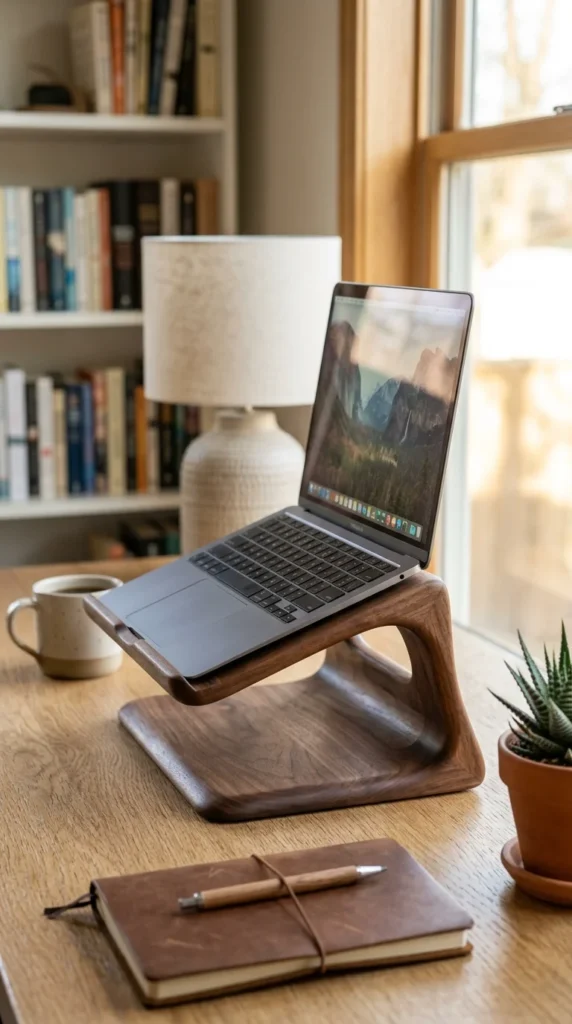
If you want to bring a touch of nature to your desk, a wooden stand is the perfect choice. Whether made from walnut, oak, or maple, these stands add warmth to a tech-heavy environment. They are often carved from single pieces of wood, making them as much a piece of art as a functional tool.
3. Vertical Dock
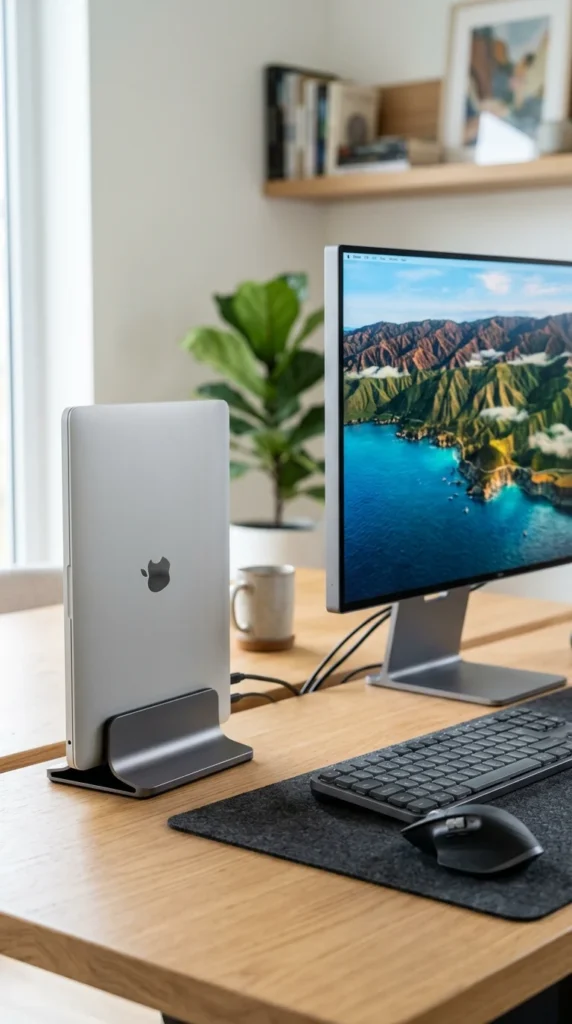
For those who use their laptop primarily with an external monitor, a vertical dock is a game-changer. It holds your laptop in a “clamshell” position, standing it upright to save massive amounts of desk space. It’s the ultimate solution for a clean, minimalist setup.
4. Adjustable Arm
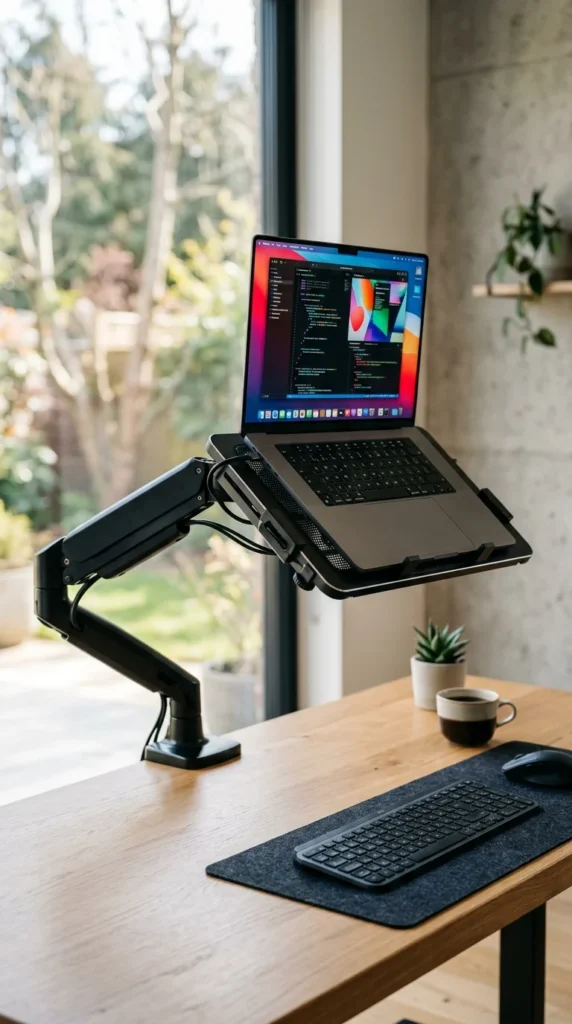
An adjustable laptop arm offers the most flexibility. Clamped to the edge of your desk, it allows you to swing, tilt, and rotate your laptop to the perfect height and angle. This is ideal for professionals who switch between sitting and standing throughout the day.
5. Foldable Stand
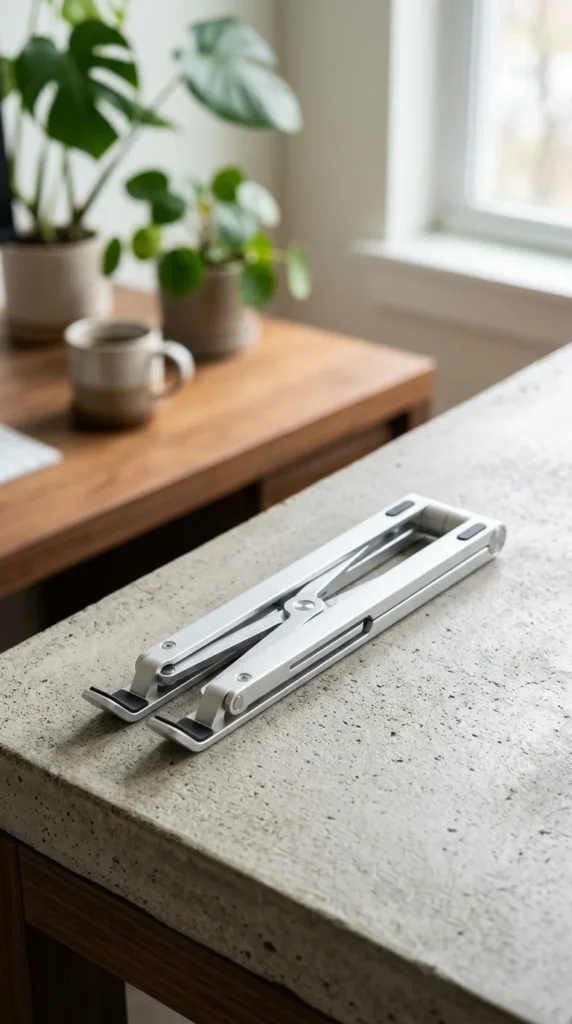
For digital nomads and frequent travelers, a foldable stand is essential. These designs typically collapse into a small wand that fits easily into a backpack side pocket. Despite their light weight, they provide a significant height boost to prevent “tech neck” at coffee shops or airports.
6. Ventilated Mesh
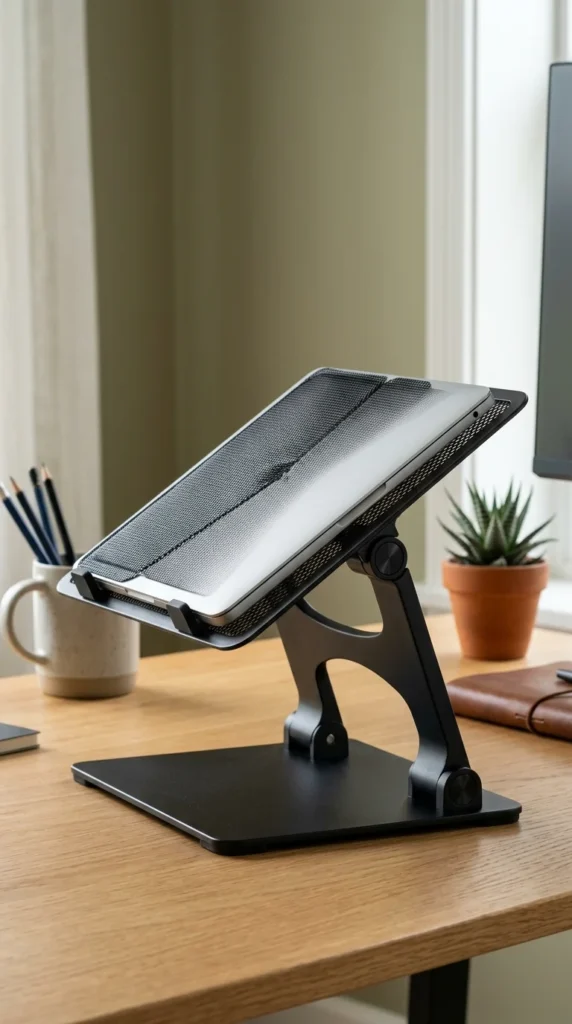
If your laptop tends to run hot during heavy tasks like video editing or gaming, a ventilated mesh stand is a practical budget option. The perforated surface allows for maximum airflow, preventing thermal throttling and extending the lifespan of your hardware.
7. Gas Spring
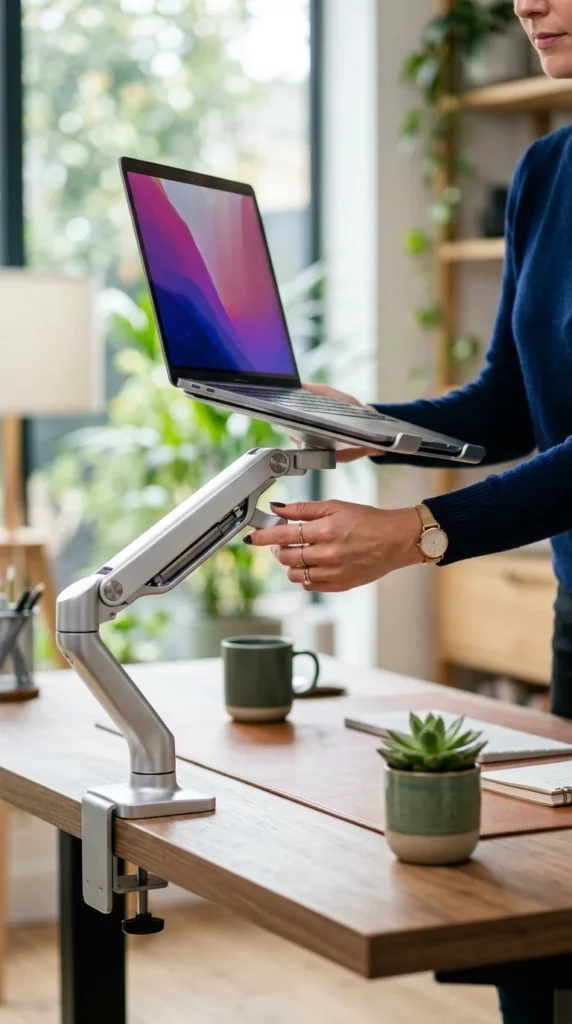
Gas spring stands provide a premium, “weightless” feel. With a simple touch, you can raise or lower the laptop to your exact eye level. These are perfect for shared workstations where different users need to adjust the height quickly and easily.
8. Bamboo Riser
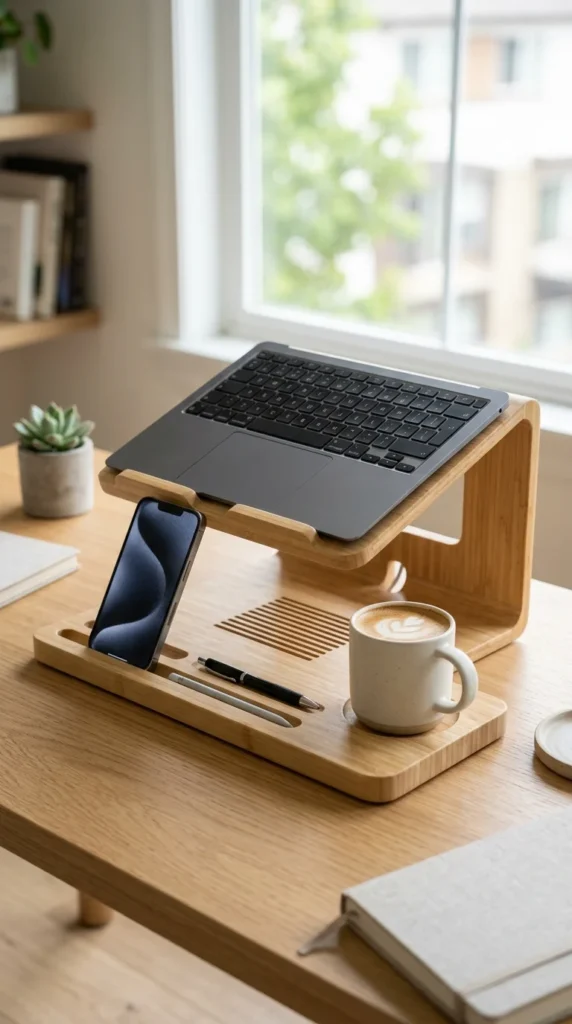
Bamboo is a sustainable, fast-growing material that looks fantastic on a white or light-colored desk. Many bamboo stands come with built-in “valet” features, such as carved-out spots for your phone, pens, or paperclips, helping you declutter while you work.
9. Transparent Acrylic
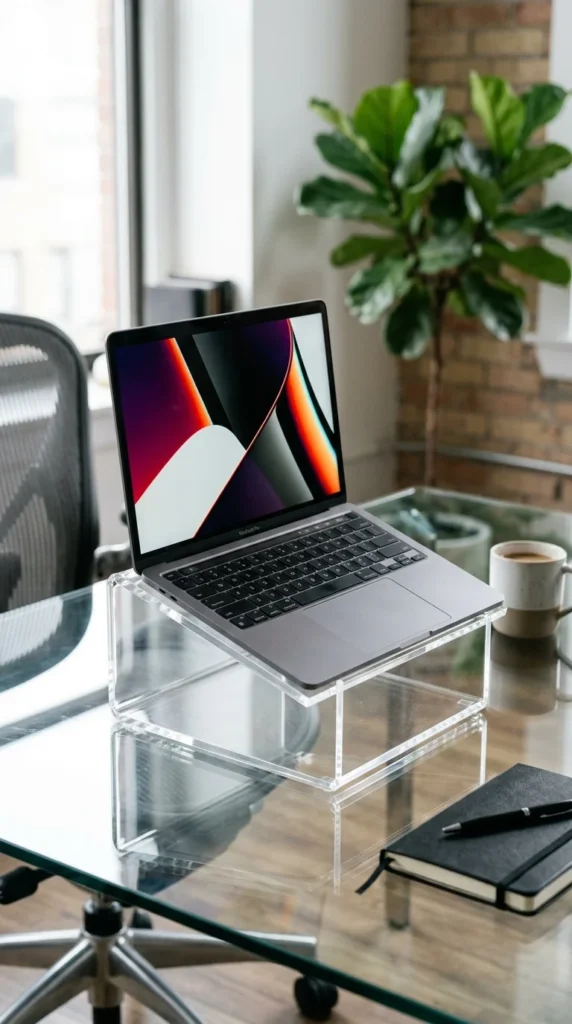
For a “floating” look, transparent acrylic stands are unmatched. They are perfect for small spaces because they don’t add visual clutter to the room. They are durable, easy to clean, and fit perfectly into a contemporary or “glam” office aesthetic.
10. Integrated Hub
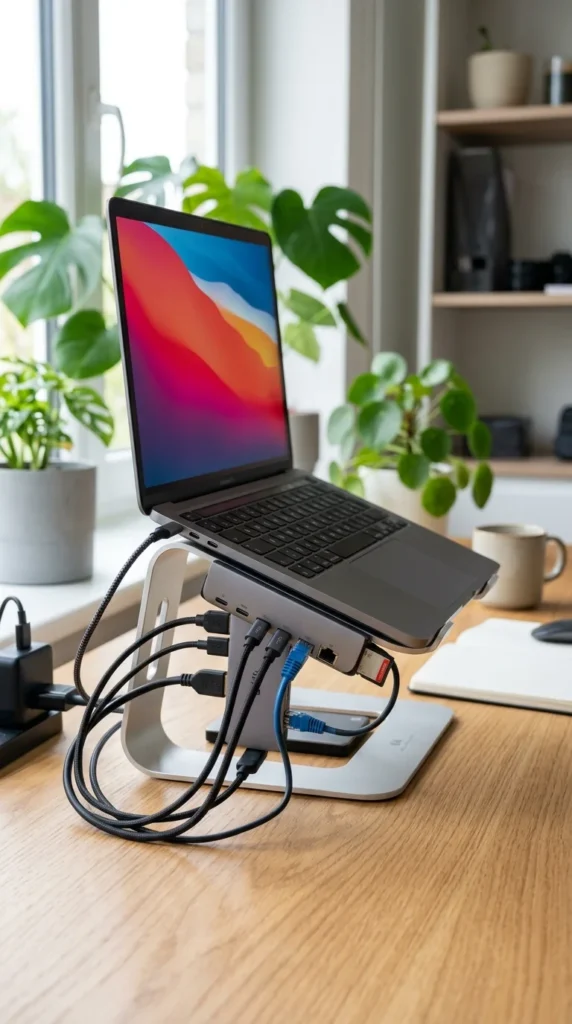
Why have a stand and a dongle when you can have both in one? Stands with integrated hubs allow you to plug in your monitors, mouse, and charging cables directly into the stand base. This reduces cable clutter and simplifies your “one-cable” setup.
11. Rotating Base

If you often collaborate with colleagues or need to show your screen to someone across the desk, a rotating stand is a lifesaver. These stands feature a swivel base that allows for 360-degree rotation without moving the entire unit.
12. Ergonomic Wedge

Not everyone wants their laptop six inches in the air. An ergonomic wedge provides a subtle tilt (usually 15 to 20 degrees). This angle is better for typing on the laptop’s actual keyboard while still providing a slight lift for the screen.
13. DIY Cardboard
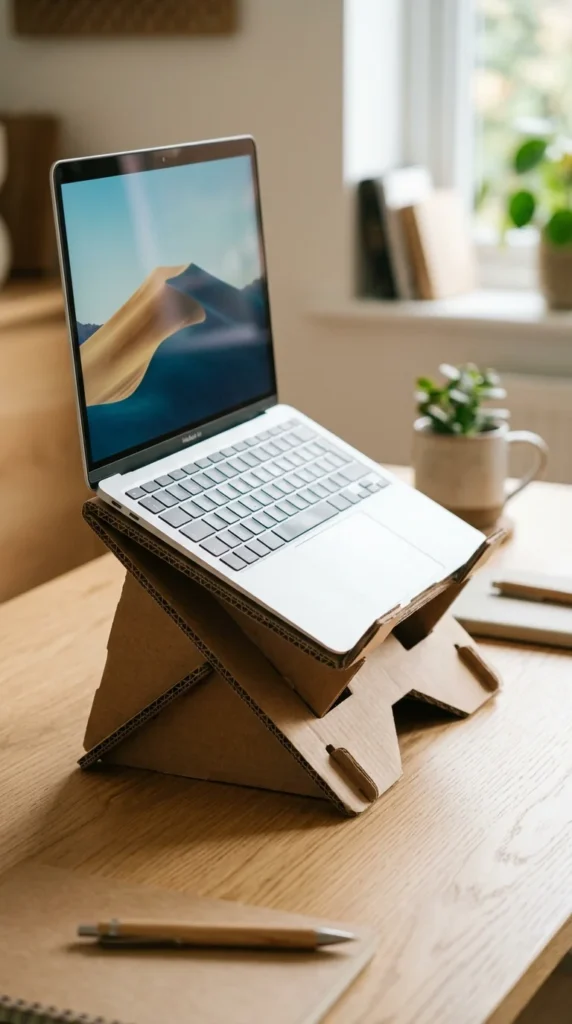
You don’t always need to spend money to improve your ergonomics. There are many templates online for creating a sturdy laptop stand out of recycled cardboard. It’s an eco-friendly, zero-cost way to test if you like a raised screen before investing in a permanent solution.
14. Dual Mount
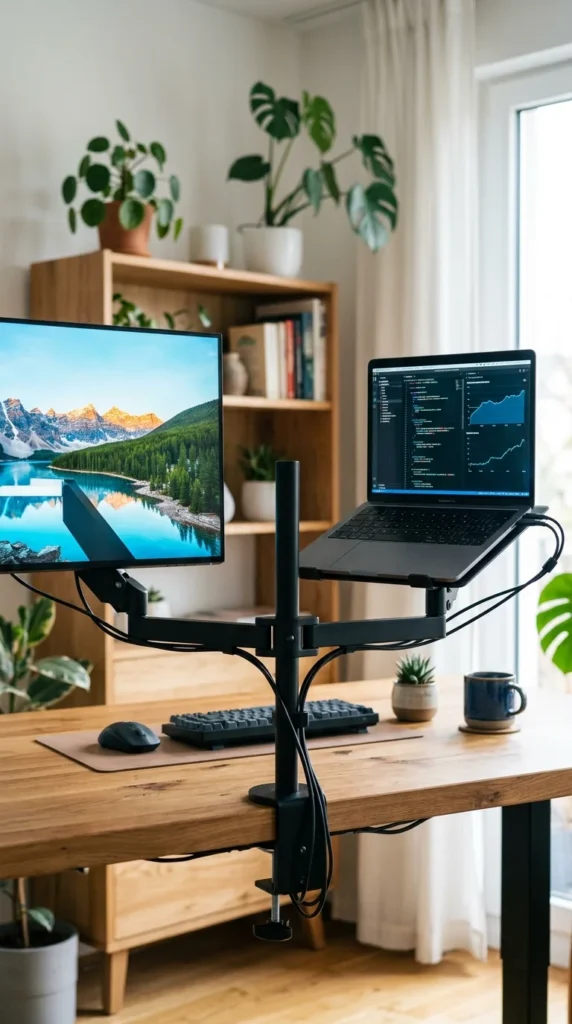
For the ultimate power-user setup, a dual mount holds both your monitor and your laptop side-by-side. This ensures both screens are at the exact same height, creating a seamless multi-monitor experience that prevents eye strain.
15. Cooling Pad
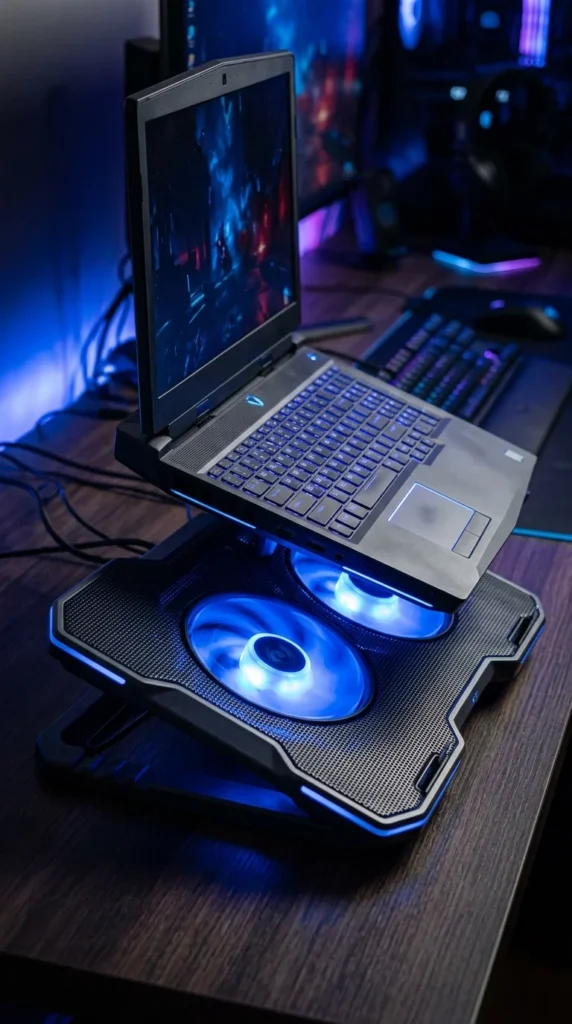
Gaming laptops generate a massive amount of heat. A cooling pad stand uses high-speed fans to force cool air into the laptop’s intake vents. Many of these also feature adjustable height settings, combining ergonomics with performance.
16. Leather Wrap
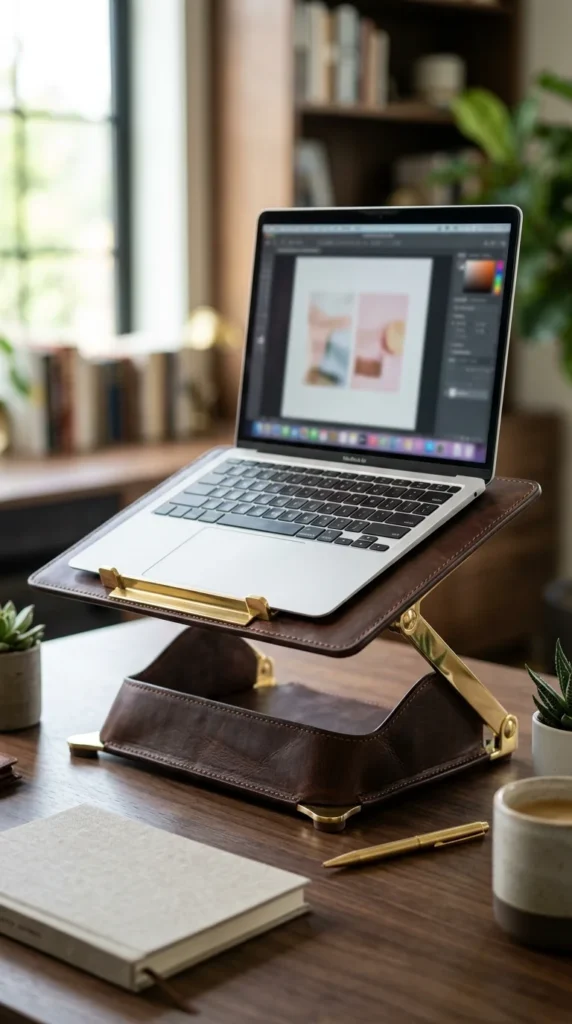
For the executive office, a leather-wrapped stand offers a touch of sophistication. It feels premium to the touch and protects the bottom of your laptop from scratches. These stands often develop a beautiful patina over time.
17. Clamp-On Shelf
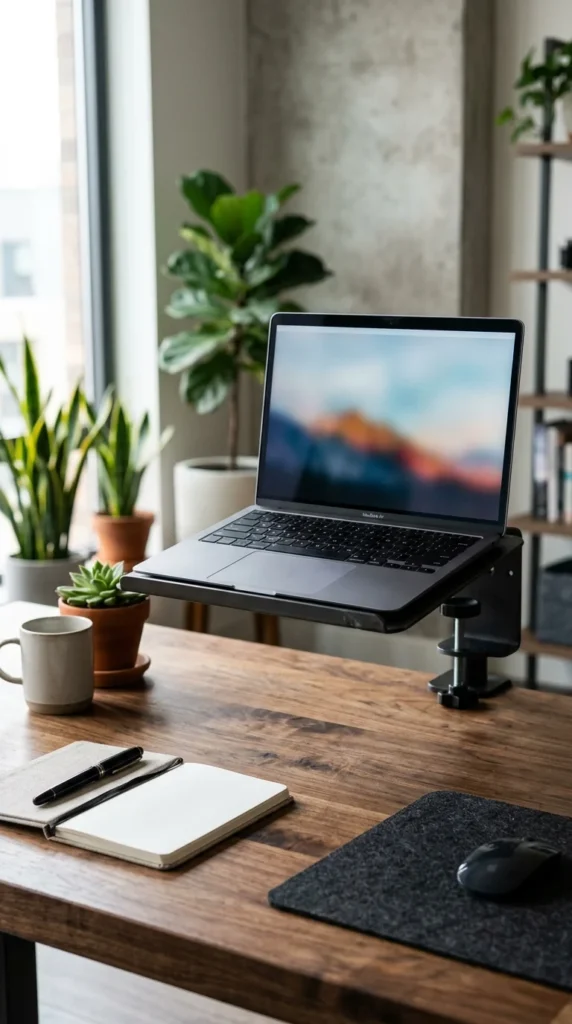
When desk space is at a premium, a clamp-on shelf is the answer. By attaching the stand to the edge of the desk, you keep the entire desktop surface free for notebooks, tablets, or coffee.
18. Adhesive Moft

The “un-stand” stand. These ultra-thin adhesive panels stick to the bottom of your laptop and fold out like origami when you need them. They add virtually no bulk, making them the best choice for people who hate carrying extra accessories.
19. Solid Steel
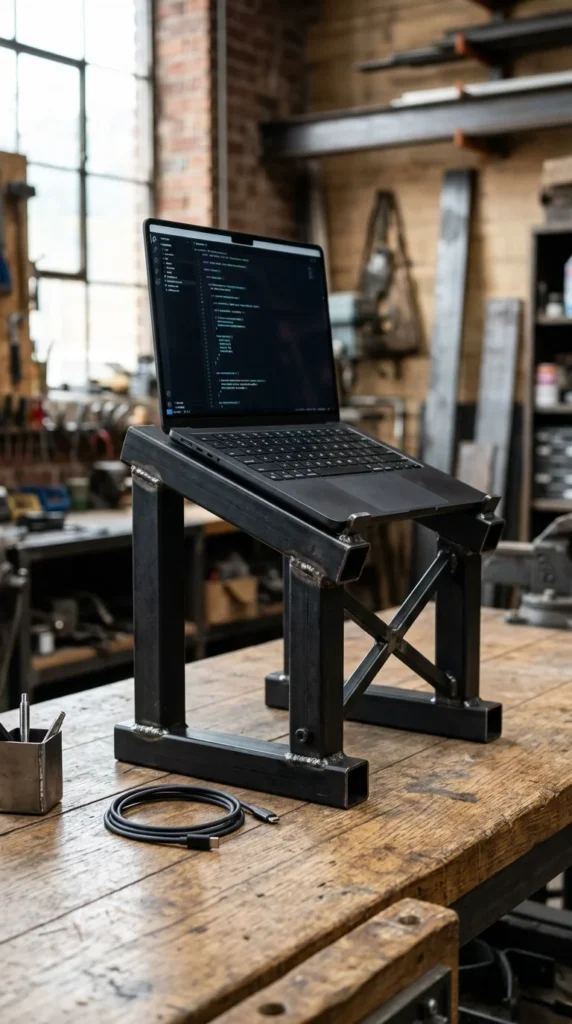
If you have a heavy 17-inch workstation laptop, you need a stand that won’t wobble. Solid steel stands are incredibly stable and provide an industrial, rugged look that fits well in studios or workshops.
20. Minimalist Tripod
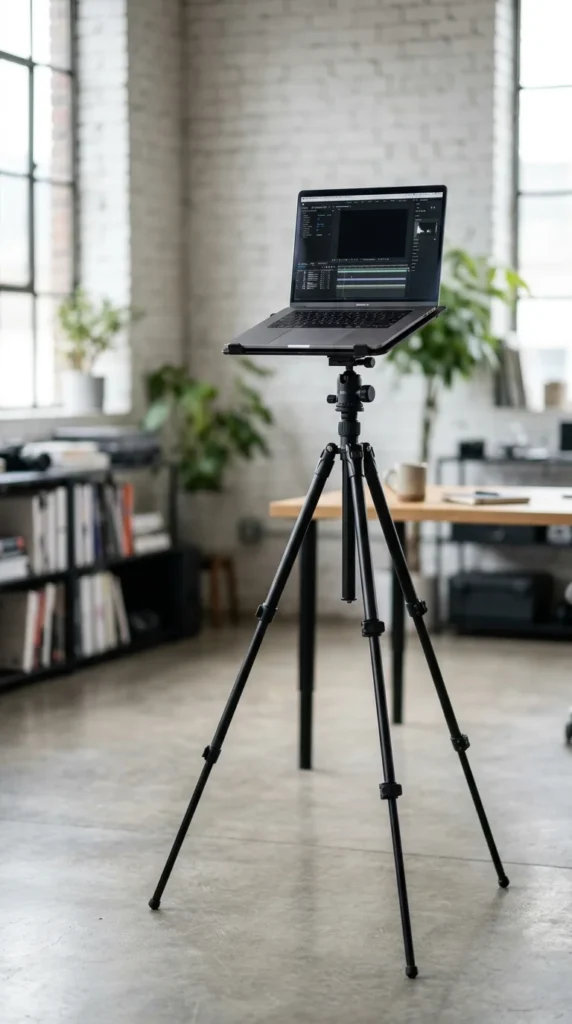
A tripod stand is perfect for photographers or those who want a portable standing desk solution. These can be adjusted to much greater heights than standard desk stands, allowing you to use your laptop while standing anywhere in the room.
21. Felt Padded
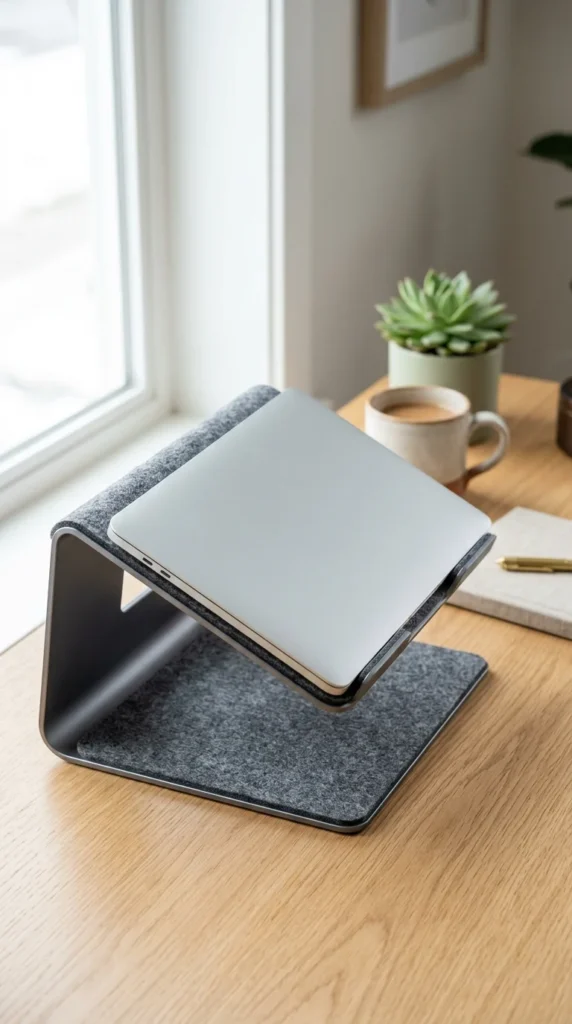
Felt-padded stands are designed with care for your device. The soft material prevents any metal-on-metal contact, ensuring your laptop stays in pristine condition. The texture also adds a cozy, Scandinavian vibe to your workspace.
22. Stackable Riser
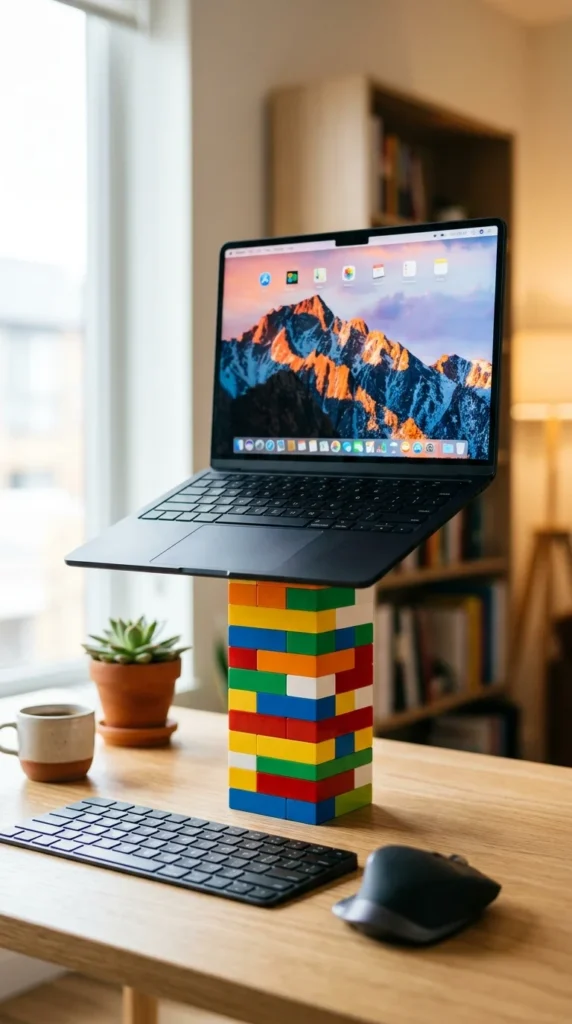
Modular stackable risers allow you to customize the height in increments. This is a very practical solution if you aren’t sure exactly how high you need your screen to be. You can simply add or remove blocks until it feels just right.
23. RGB Integrated
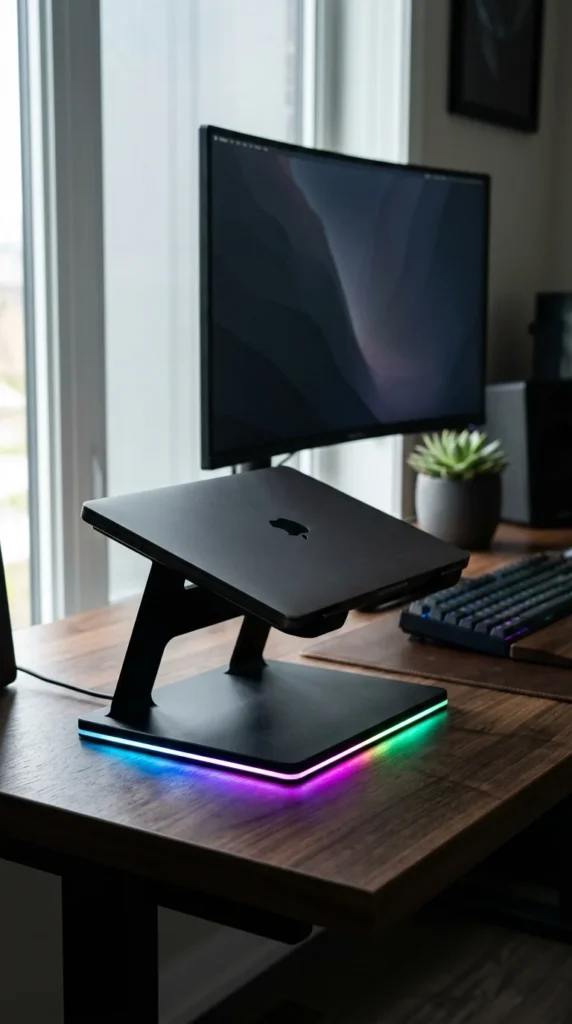
For the aesthetic-driven gamer, an RGB stand syncs with your keyboard and mouse. Beyond the lights, these stands are usually built to be very sturdy to support heavy gaming rigs and include extra USB ports for peripherals.
24. Wall-Mounted

If you want a permanent “tech station,” consider mounting a laptop tray directly to the wall. This creates a zero-footprint workspace that looks incredibly futuristic and clean.
25. Book Pile
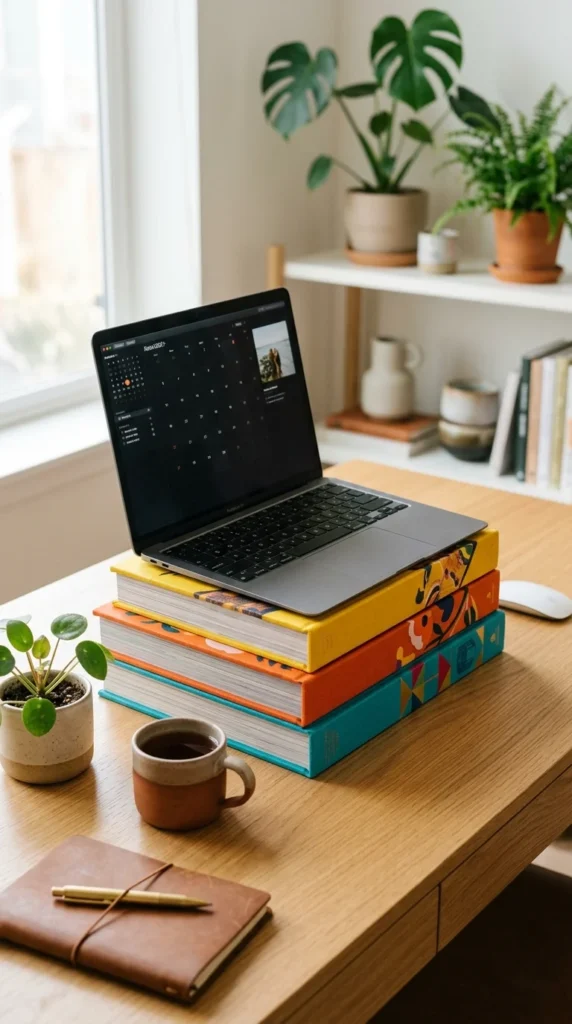
The classic “low-tech” solution. Using a stack of beautiful, hardcover books can actually look quite intentional and scholarly. It’s a great way to personalize your space and use what you already have to save your neck from strain.