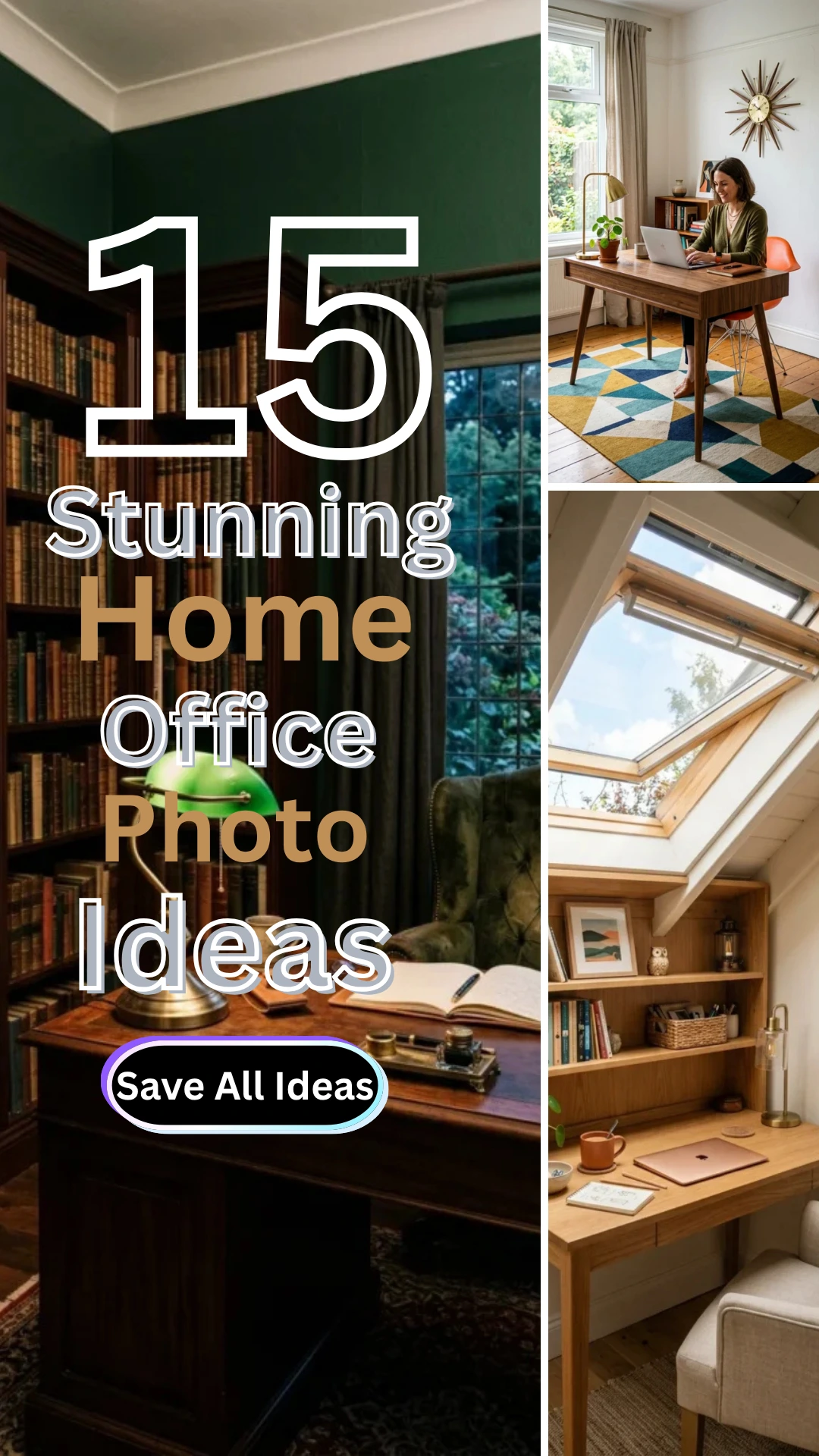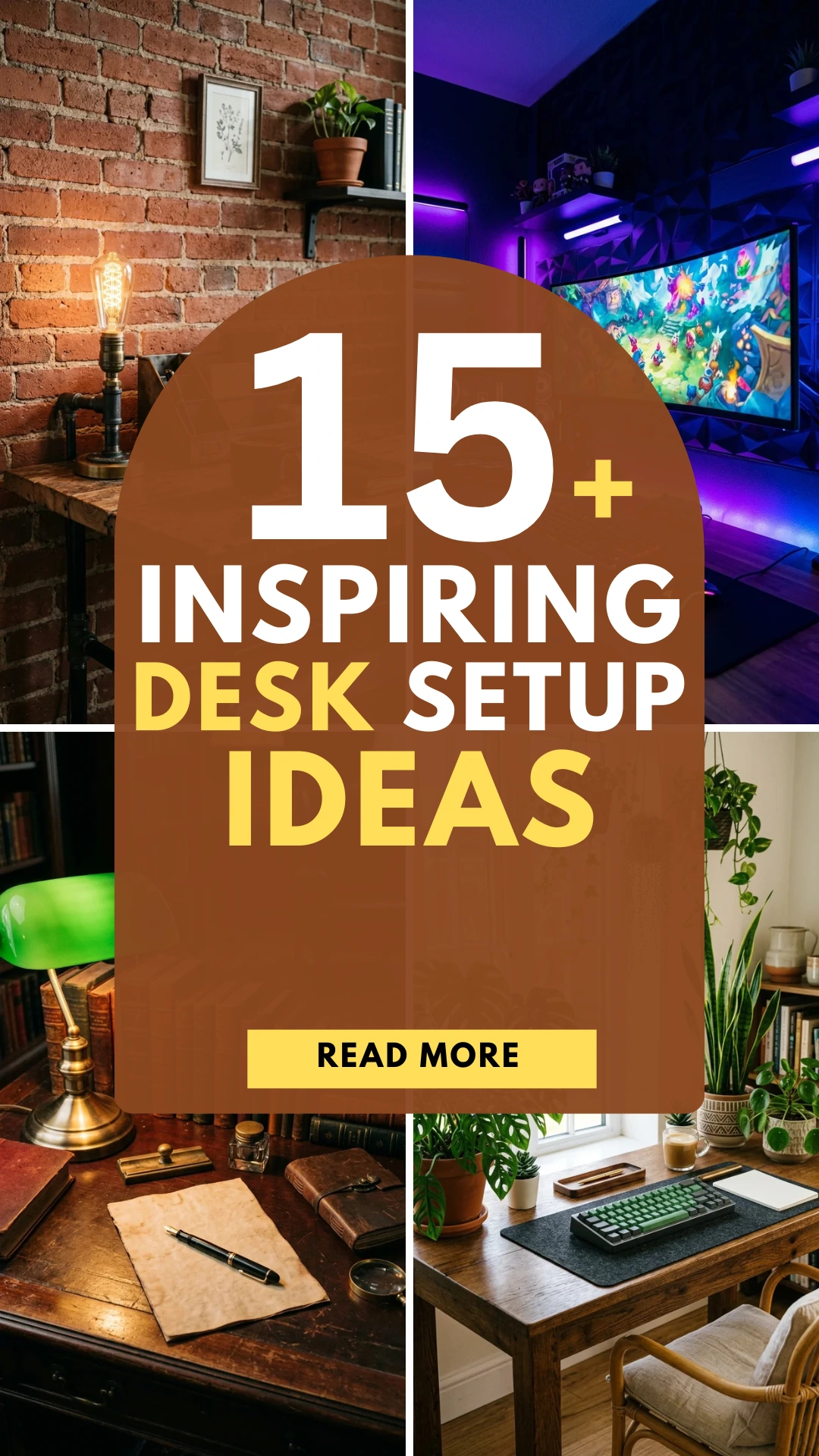

The shift toward remote work has transformed the home office from a luxury into a necessity. However, throwing a laptop on a kitchen table isn’t a long-term solution. To truly thrive, you need a space that balances comfort, functionality, and inspiration. Creating a workspace you love is about more than just aesthetics; it’s about optimizing your environment to boost focus and preserve your physical health. Here are 21 simple steps to craft the ultimate home office.
1. The Location Secret: How to Find the Perfect Distraction-Free Spot
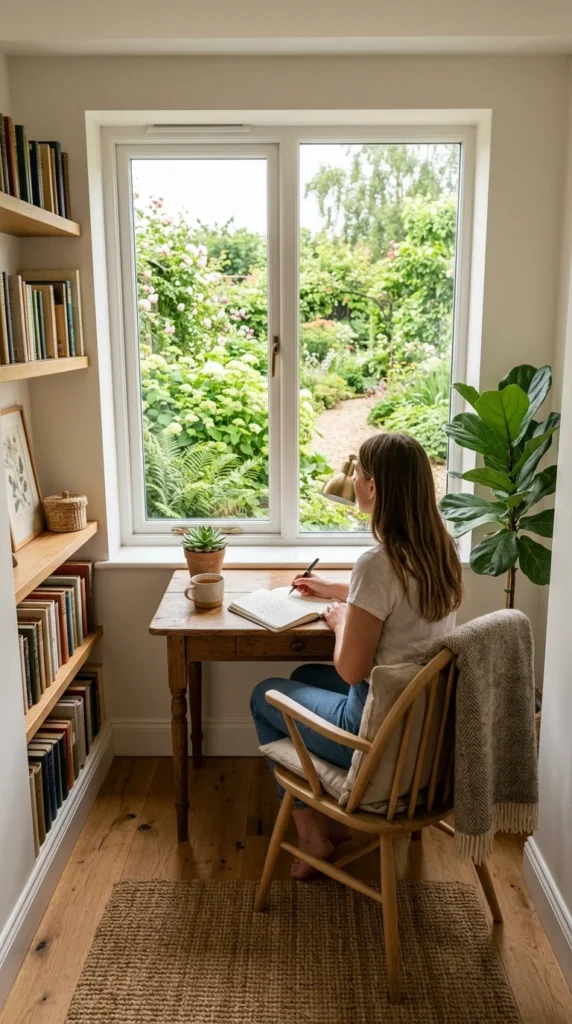
The foundation of a great office is its placement. Ideally, you want a dedicated room with a door to separate work life from home life. If a spare room isn’t available, look for a quiet “niche”—a hallway end, a refurbished closet (cloffice), or a corner of a guest bedroom. Avoid high-traffic areas like the kitchen or living room where distractions are frequent.
2.Standing vs. Sitting: Choose a Desk That Boosts Daily Productivity
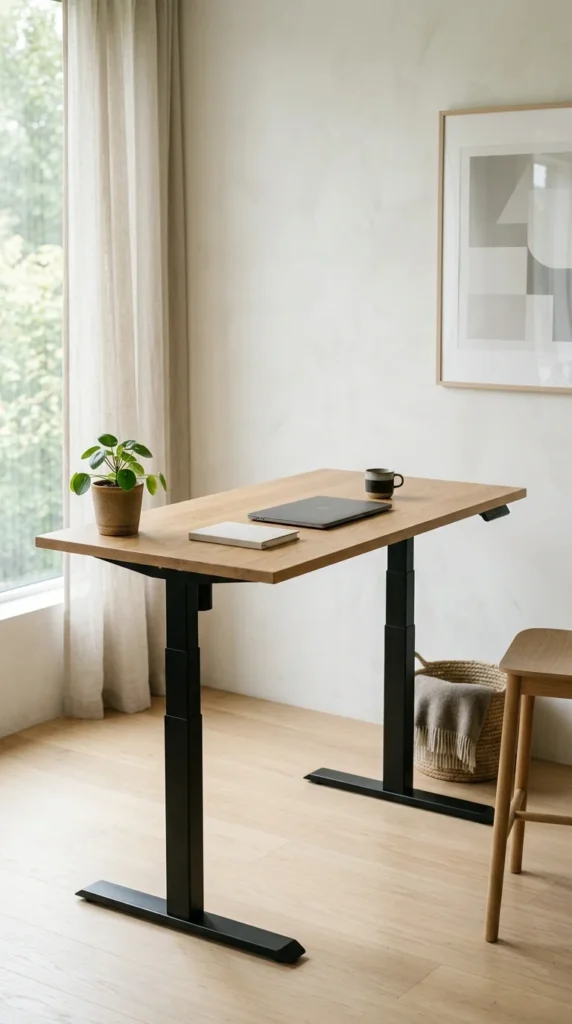
Your desk is your command center. Consider a height-adjustable standing desk to encourage movement throughout the day. Ensure the surface area is large enough to accommodate your hardware without feeling cramped. A depth of at least 30 inches is recommended to maintain a healthy distance between your eyes and the screen.
3. Save Your Back: The Ergonomic Chair Guide for 8-Hour Workdays
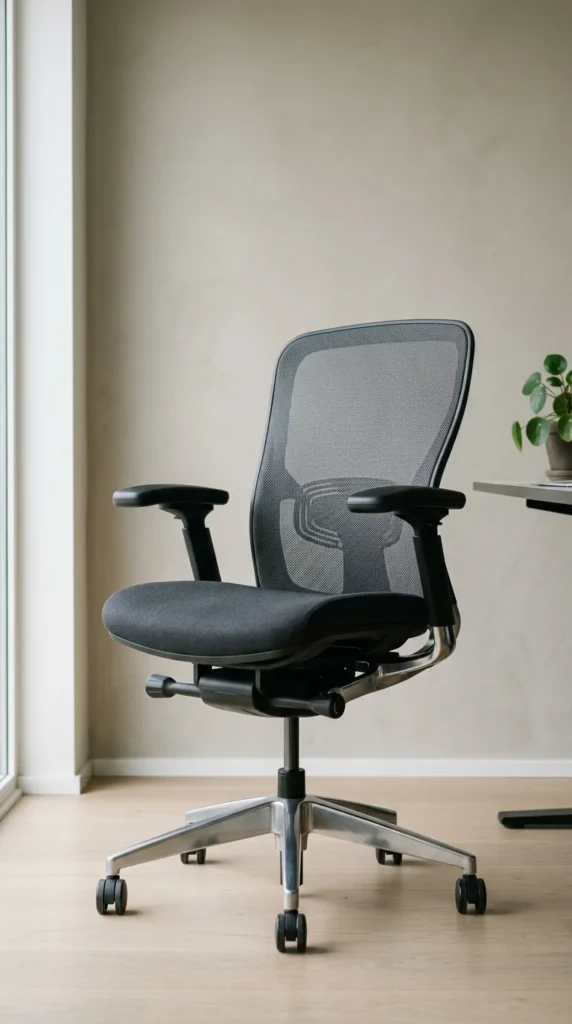
Never skimp on the chair. You will likely spend thousands of hours here. Look for an ergonomic design that offers lumbar support, adjustable height, and tilt functionality. Your feet should rest flat on the floor with your knees at a 90-degree angle. Mesh materials are excellent for breathability during long sessions.
4. Beat Eye Strain: The 3-Layer Lighting Formula for Focus
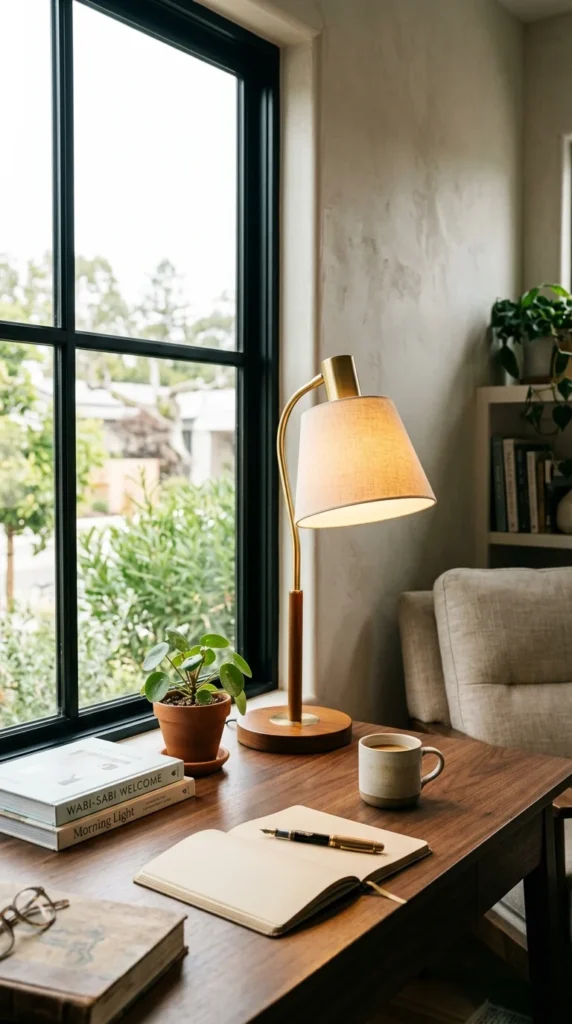
Poor lighting leads to eye strain and headaches. Position your desk to maximize natural light, but avoid placing the screen directly in front of a window to prevent glare. Supplement this with “layered lighting”: a bright overhead light for general visibility and a dedicated task lamp for focused work.
5. Double Your Screen Space: Why Laptops Alone Ruin Workflow
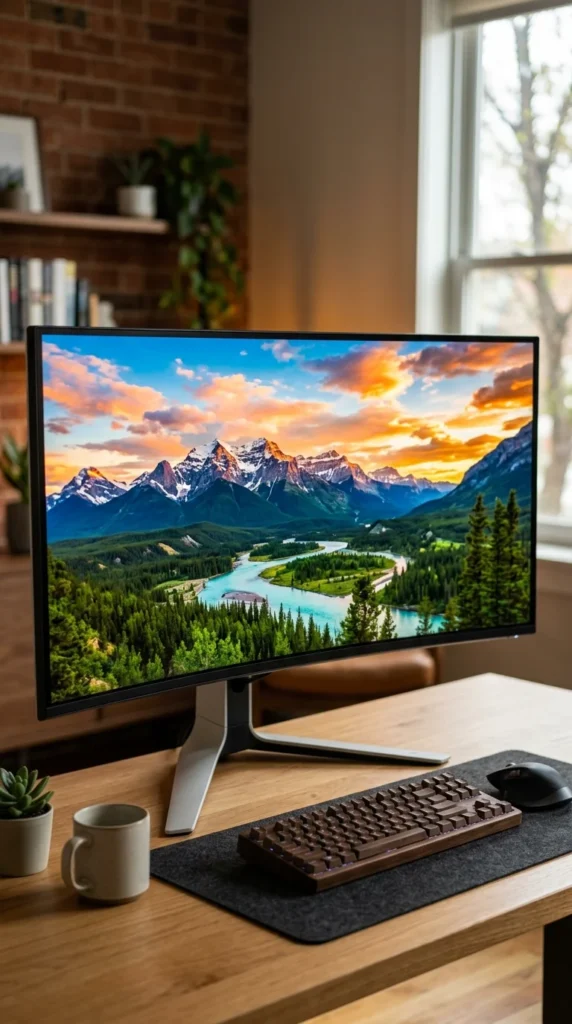
A tiny laptop screen is an ergonomic nightmare. Invest in a large external monitor (27 inches or larger). If your work involves multitasking, consider a dual-monitor setup or a single ultra-wide screen. The top of the monitor should be at or slightly below eye level to prevent neck strain.
6. Type Faster & Hurt Less: Protect Your Wrists with the Right Keyboard
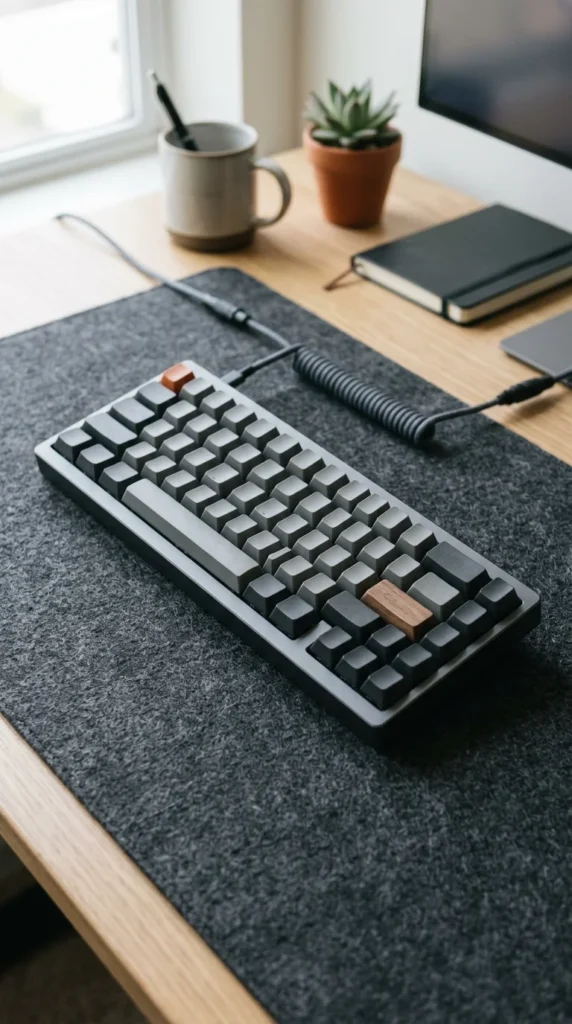
The right keyboard can improve typing speed and reduce wrist fatigue. Mechanical keyboards offer tactile feedback that many find satisfying, while ergonomic “split” keyboards can help prevent carpal tunnel syndrome. Ensure the keyboard is positioned so your elbows stay at a 90-degree angle.
7. Ergonomic Mouse Upgrade: Eliminate Pain & Keep Hands Comfortable
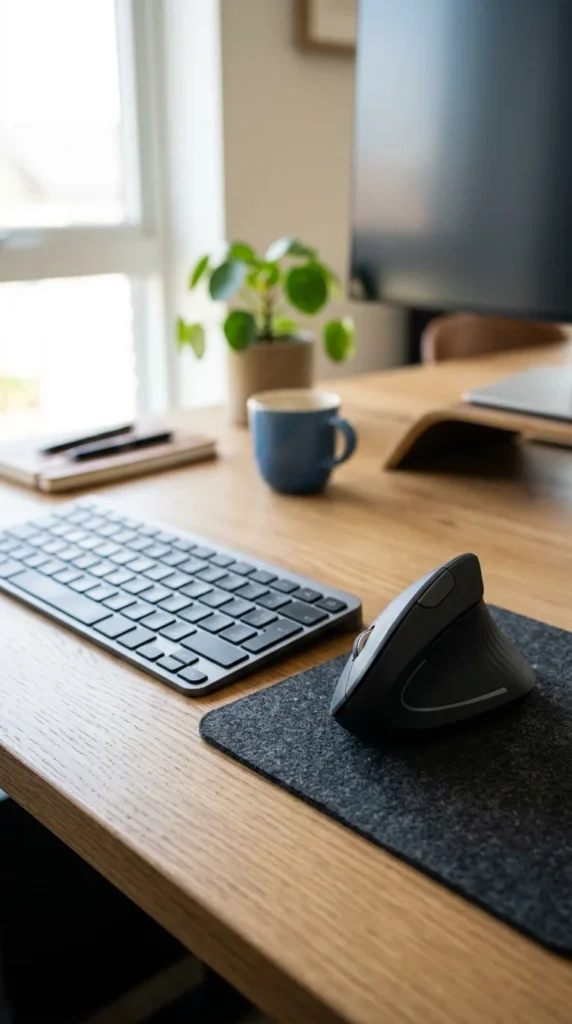
Standard mice force your forearm to twist. An ergonomic or vertical mouse keeps your hand in a “handshake” position, which is much more natural for your tendons. If you have limited desk space, a trackball mouse is a great alternative as it stays stationary.
8. Drop-Free Zoom Calls: How to Fix Your Home Wi-Fi for Good
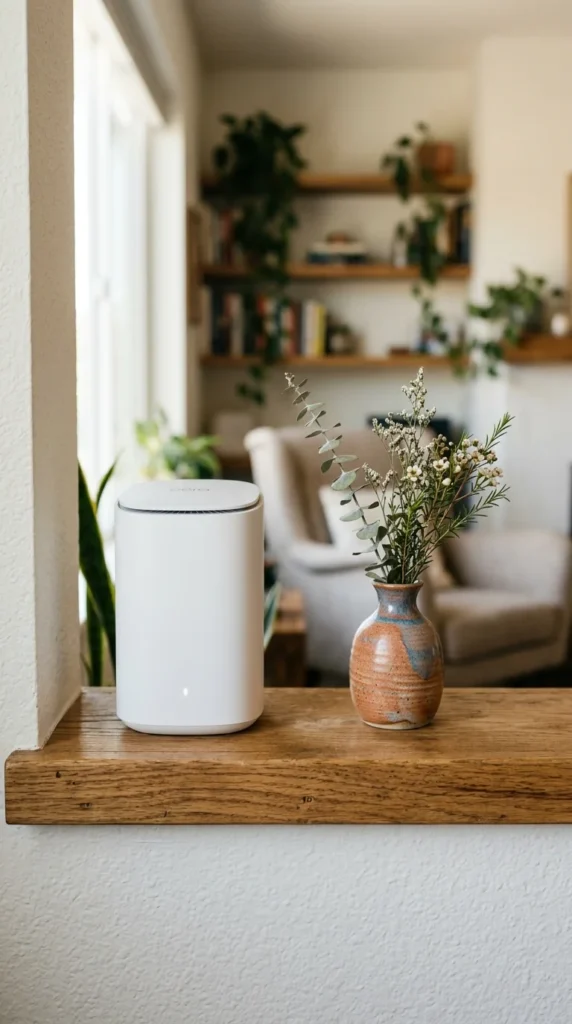
A laggy connection is the ultimate productivity killer. If possible, use an Ethernet cable for a hardwired, stable connection. If you must use Wi-Fi, invest in a high-quality mesh router system to ensure full coverage throughout your home, especially if your office is far from the main router.
9. Clear Desk, Clear Mind: 5-Minute Hacks to Cut Visual Noise
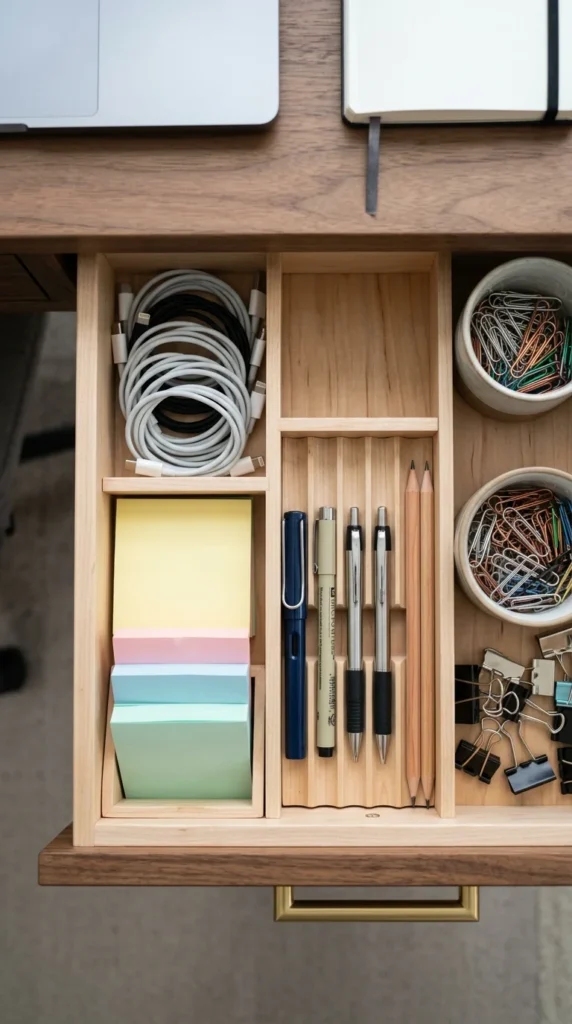
A cluttered desk leads to a cluttered mind. Use drawer organizers, letter trays, and pen holders to keep small items in their place. The goal is to have a clear workspace at the end of every day, which helps you “shut down” mentally when work hours are over.
10. Hide the Chaos: Easy Steps to Tame Messy Desk Wires
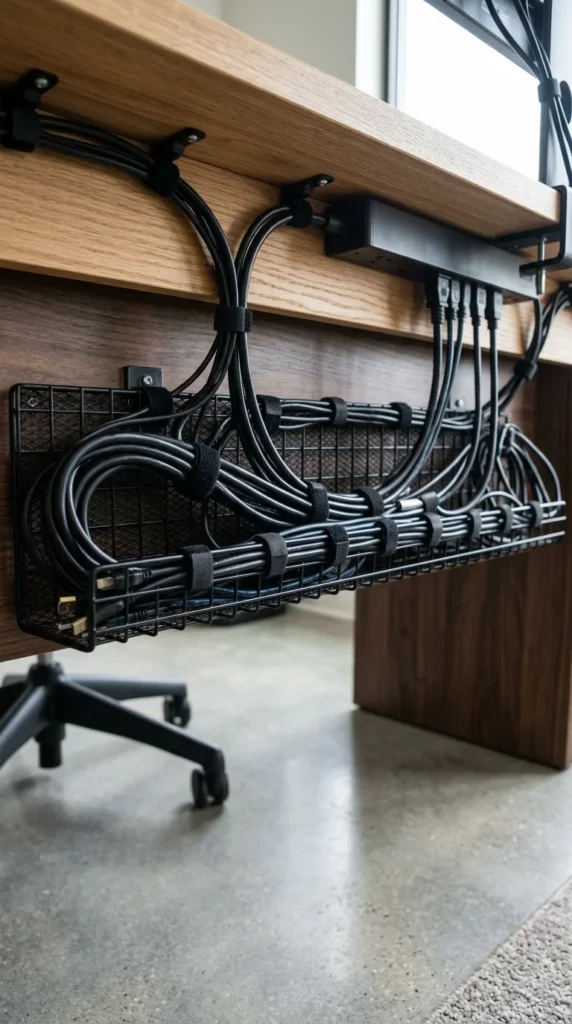
Tangled wires create visual stress and a tripping hazard. Use cable sleeves, under-desk trays, and adhesive clips to hide power cords and peripheral wires. A clean look underneath your desk makes the entire room feel more professional and spacious.
11. Breathe Easy & Beat Stress: 3 Low-Maintenance Desk Plants
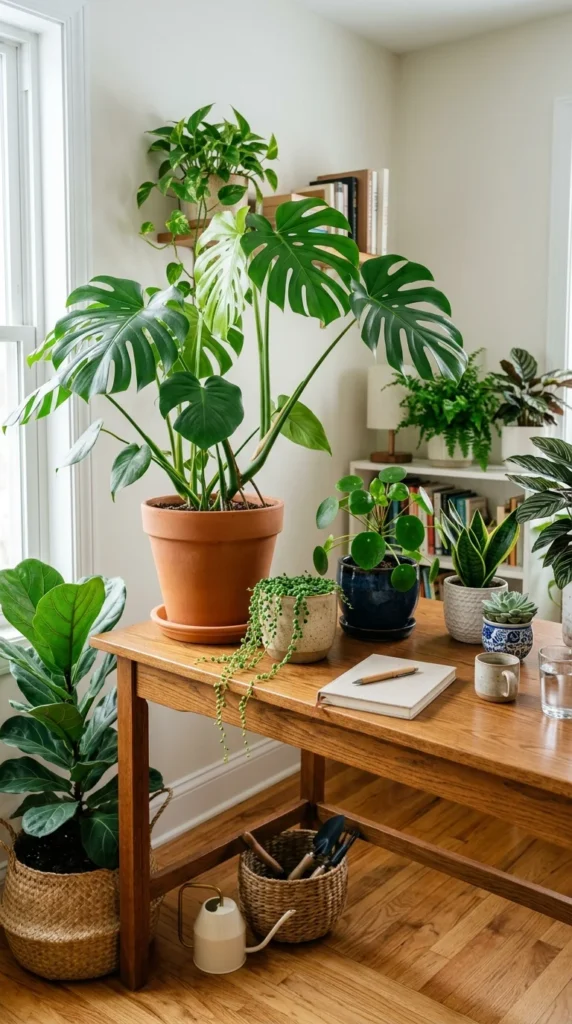
Plants do more than just look pretty. They improve air quality and have been proven to reduce stress and boost creativity. Choose low-maintenance varieties like Snake Plants, Pothos, or ZZ Plants if you don’t have a green thumb.
12. Silence the Noise: How to Echo-Proof Your Office on a Budget
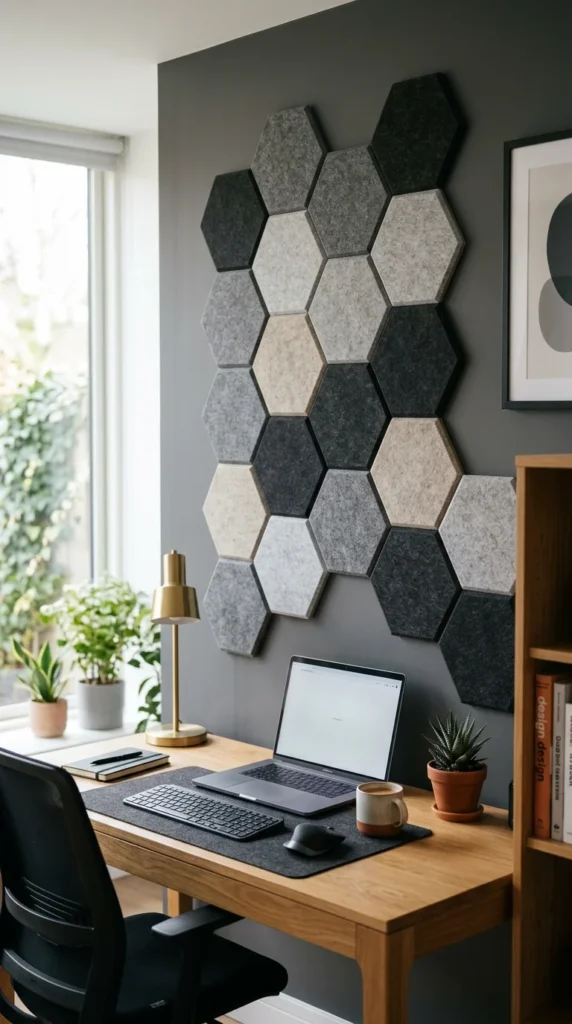
If your office is echoey or loud, it will disrupt your focus and sound unprofessional on calls. Soften the room with a plush rug, heavy curtains, or specialized acoustic wall panels. These elements absorb sound and create a “quiet zone” conducive to deep work.
13. Maximize Your Space: Smart Vertical Storage Hacks for Small Offices

Even in a digital world, we have physical items. Vertical storage, like floating shelves or a tall bookcase, maximizes your square footage. Use uniform bins or baskets to hide miscellaneous supplies and keep the aesthetic cohesive.
14. Make It Yours: Personal Touches That Elevate Your Daily Work Vibe
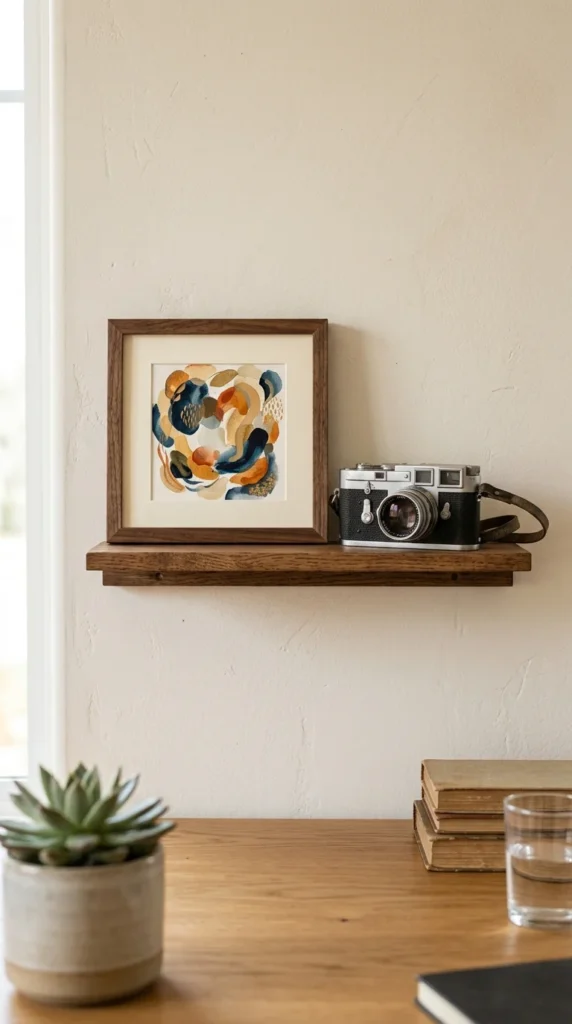
This is your space—make it yours. Add items that bring you joy, such as a favorite piece of art, a travel souvenir, or a framed photo. These personal touches make the space feel inviting rather than clinical, encouraging you to actually enjoy being there.
15. Studio-Quality Sound: Audio Upgrades to Always Sound Like a Pro

For clear communication and deep focus, audio is key. A pair of noise-canceling headphones is essential for blocking out household noise. Additionally, a dedicated USB microphone will make you sound significantly better during video conferences than a built-in laptop mic.
16. Look Sharp on Camera: Ditch Your Low-Quality Laptop Webcam
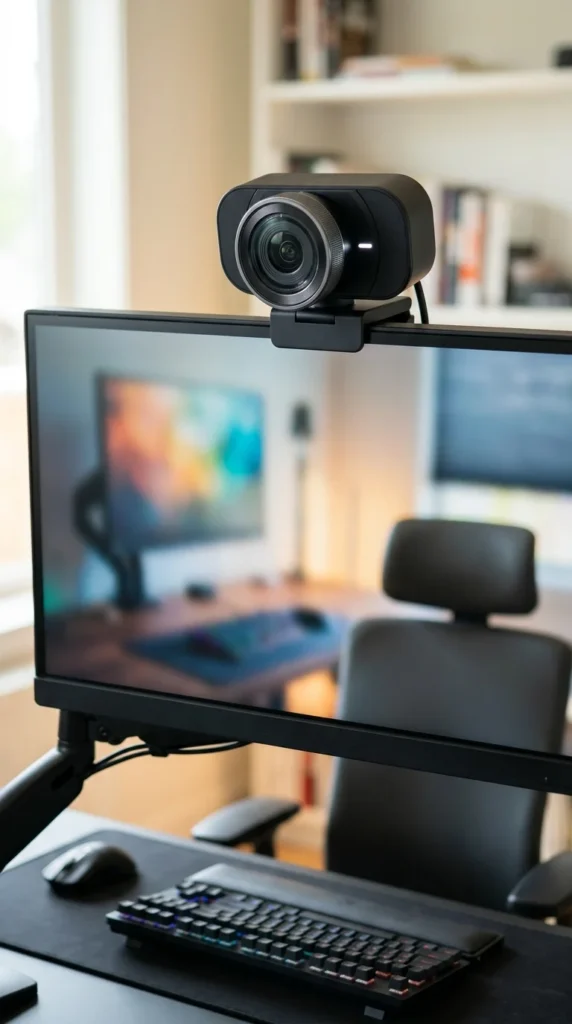
Most built-in laptop cameras are low quality and positioned at an unflattering “chin-up” angle. A 1080p or 4K external webcam placed at eye level ensures you look sharp and professional. Good video quality builds better rapport with colleagues and clients.
17. Protect Your Tech: Essential Surge Protectors Every Setup Needs
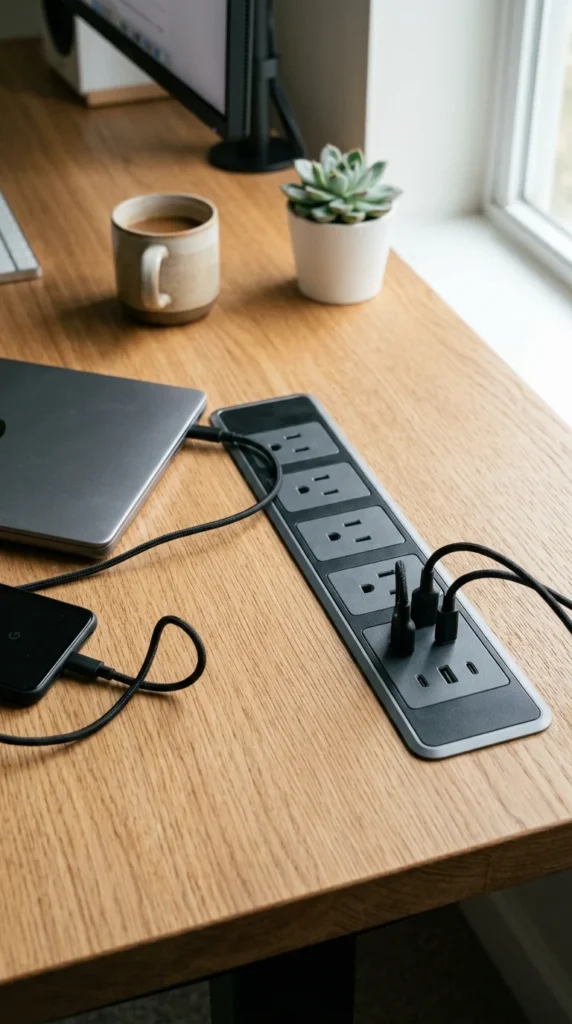
You will need more outlets than you think. Use a high-quality surge protector to protect your expensive equipment from power spikes. Look for models that include USB-A and USB-C ports to charge your phone and peripherals directly without needing extra wall bricks.
18. Stop Work Fatigue: How Fresh Air & Purifiers Keep You Energized
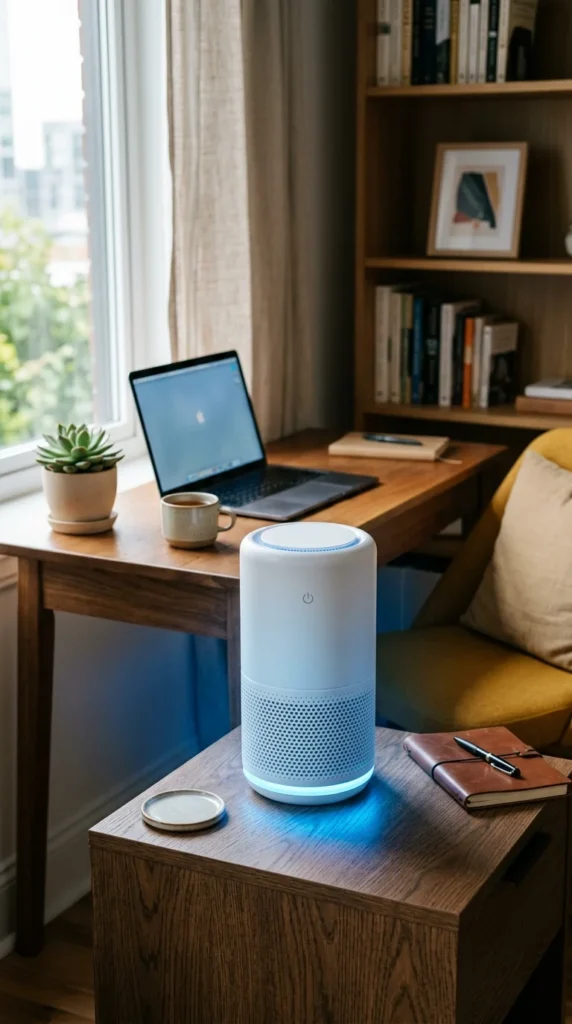
Stale air leads to fatigue. If you can’t open a window, use an air purifier with a HEPA filter to remove dust and allergens. A small humidifier can also help during the winter months to prevent your eyes and throat from becoming dry and irritated.
19. Ace the First Impression: Build a Professional Video Backdrop

In the age of Zoom, your background is your business card. Ensure the area behind your chair is clean and professional. Avoid messy beds or open closets. A simple gallery wall or a bookshelf can provide a sophisticated backdrop for your video calls.
20. The 10-Minute Recharge: Why Every Office Needs a Break Zone
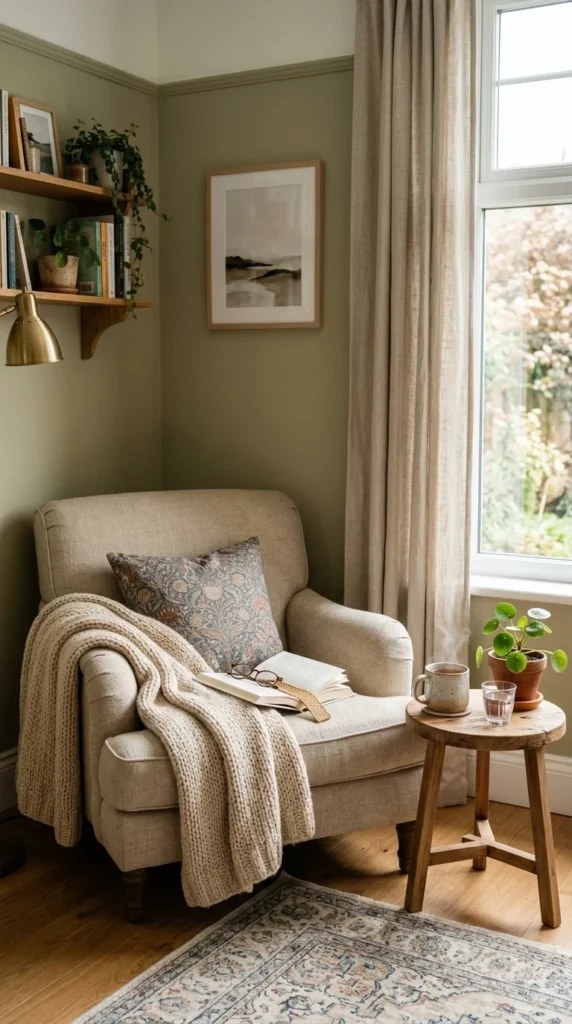
Don’t stay glued to your desk all day. If space permits, add a “secondary” seating area like a comfortable armchair. Use this spot for reading, brainstorming, or just taking a 10-minute coffee break. Changing your physical position can spark new ideas.
21. The Friday Reset: Keep Your Workspace Organized Forever
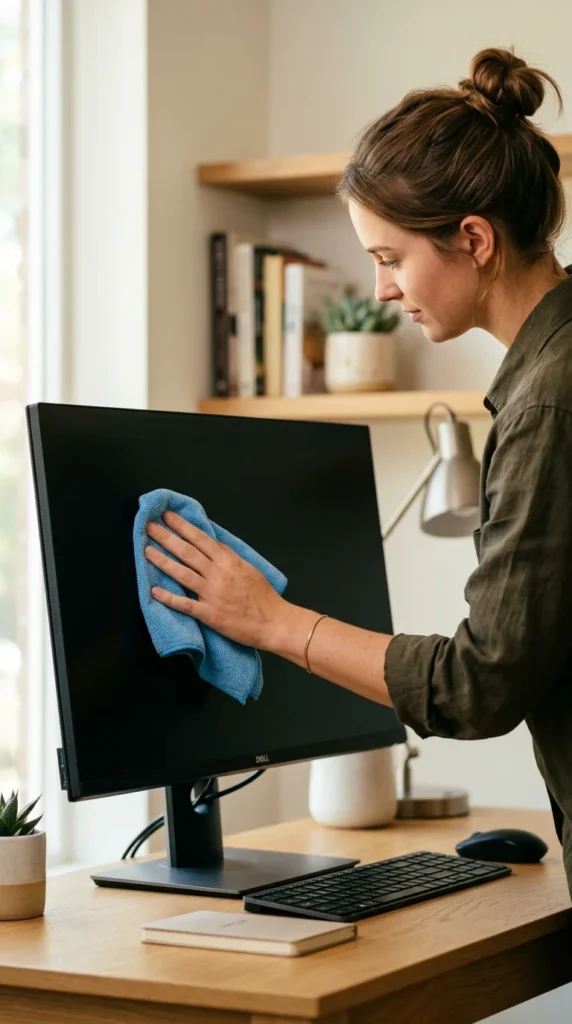
The final step is keeping it that way. Spend five minutes at the end of every Friday cleaning your equipment and tidying the desk. A fresh start on Monday morning is the best gift you can give your future self, ensuring your home office remains a place you truly love.