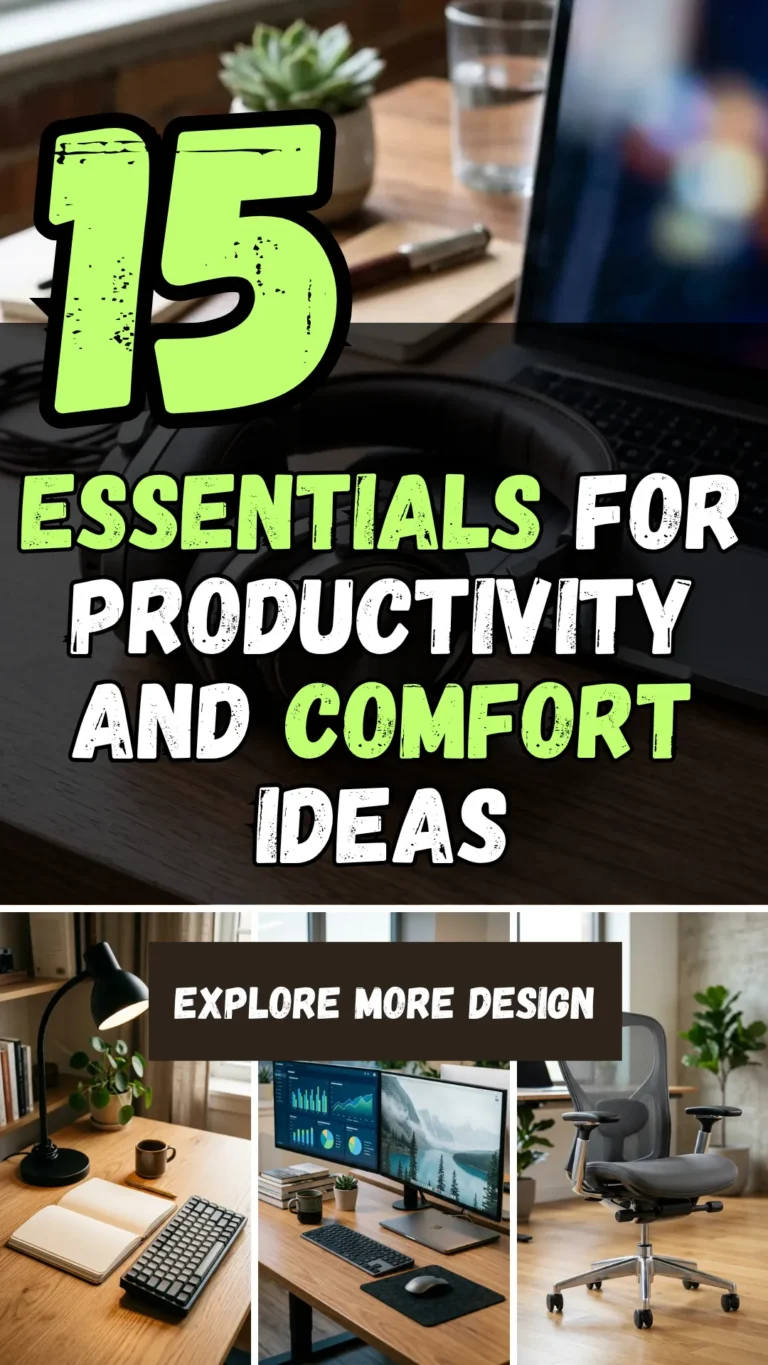

The transition to working from home (WFH) has transformed from a temporary fix to a permanent lifestyle for millions. However, sitting at a kitchen table with a laptop and a spotty Wi-Fi connection isn’t a sustainable strategy. To truly thrive in a remote environment, you need more than just a computer; you need a curated ecosystem that fosters focus, protects your physical health, and keeps your professional momentum high.
Whether you are a seasoned remote veteran or a newcomer to the virtual office, this comprehensive checklist will help you build the ultimate sanctuary for productivity.
1. Ergonomic Chair
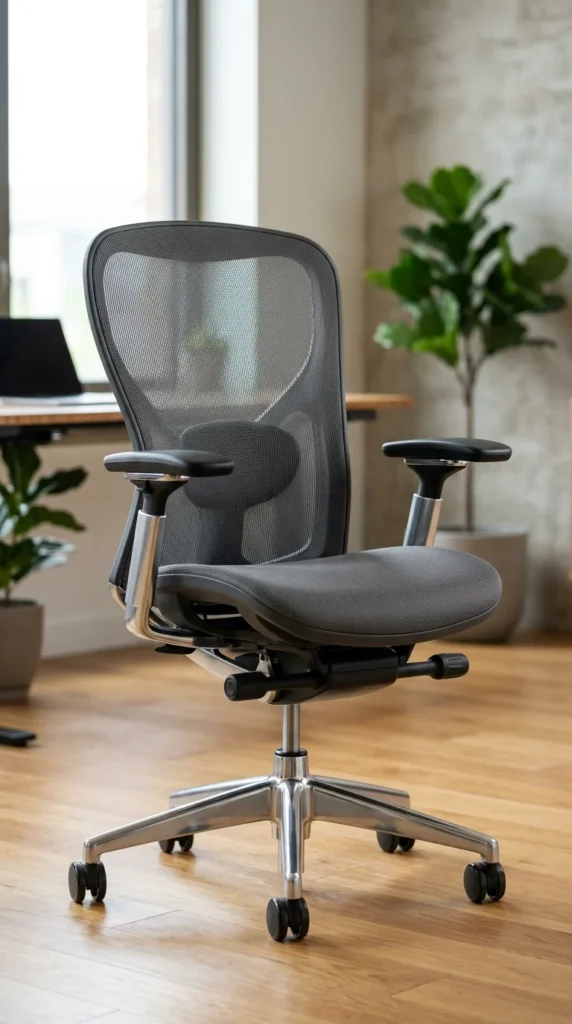
The foundation of any successful WFH setup is where you spend 90% of your time. A standard dining chair or a soft sofa might feel fine for an hour, but over a forty-hour work week, they can lead to chronic back pain and poor posture. An ergonomic chair is an investment in your long-term health. Look for models that offer adjustable seat height, tilt tension, and specifically, lumbar support that follows the natural “S” curve of your spine.
- Key Feature: Breathable mesh material to prevent overheating.
- Pro Tip: Your knees should be at a 90-degree angle with your feet flat on the floor.
2. Standing Desk
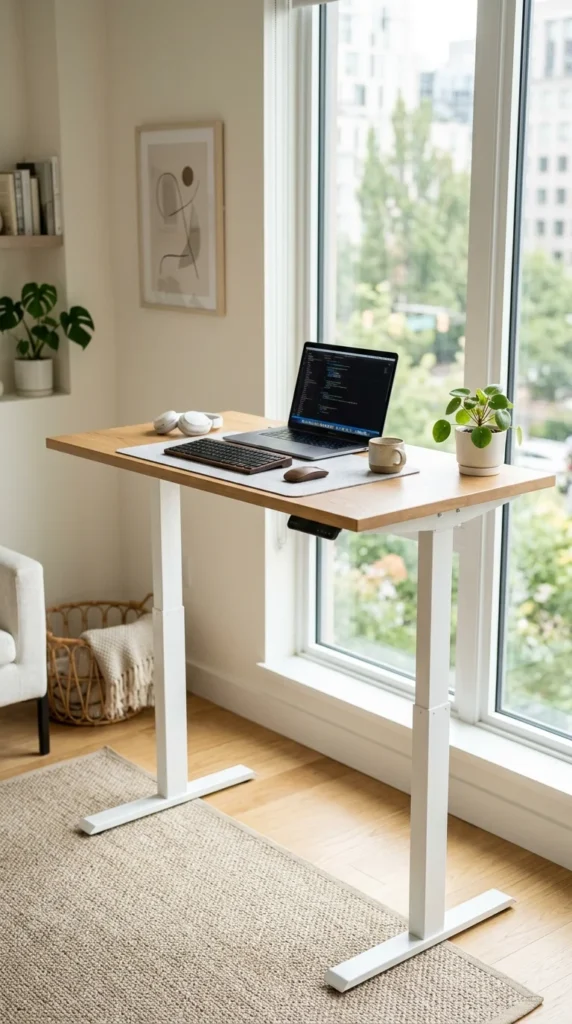
Sedentary behavior is the silent enemy of the remote worker. A height-adjustable standing desk allows you to transition between sitting and standing throughout the day, which can improve circulation, boost energy levels, and reduce the risk of cardiovascular issues. Modern motorized desks make this transition seamless with the push of a button.
- Key Feature: Programmable height presets for quick adjustments.
- Pro Tip: Aim to stand for 15–30 minutes for every hour of sitting.
3. High-Speed Internet
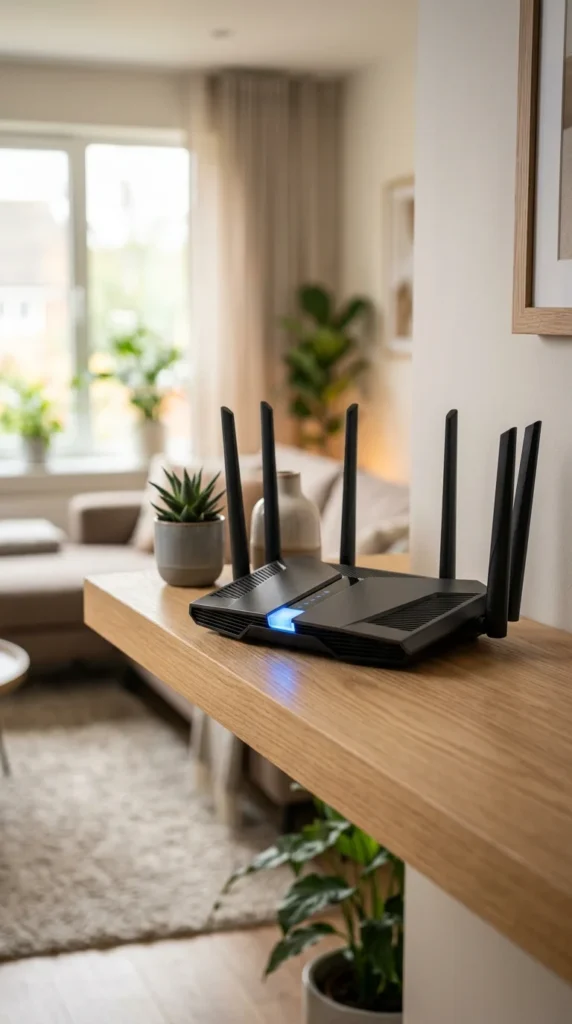
Nothing kills productivity faster than a lagging Zoom call or a slow file upload. For a professional WFH setup, “basic” internet isn’t enough. You need a high-bandwidth connection and a reliable router. If your office is far from the main router, consider a Mesh Wi-Fi system to eliminate dead zones and ensure a stable signal across your entire home.
- Key Feature: Wi-Fi 6 compatibility for faster speeds and more device capacity.
- Pro Tip: Use an Ethernet cable for a hardwired connection during critical meetings.
4. Noise-Canceling Headphones
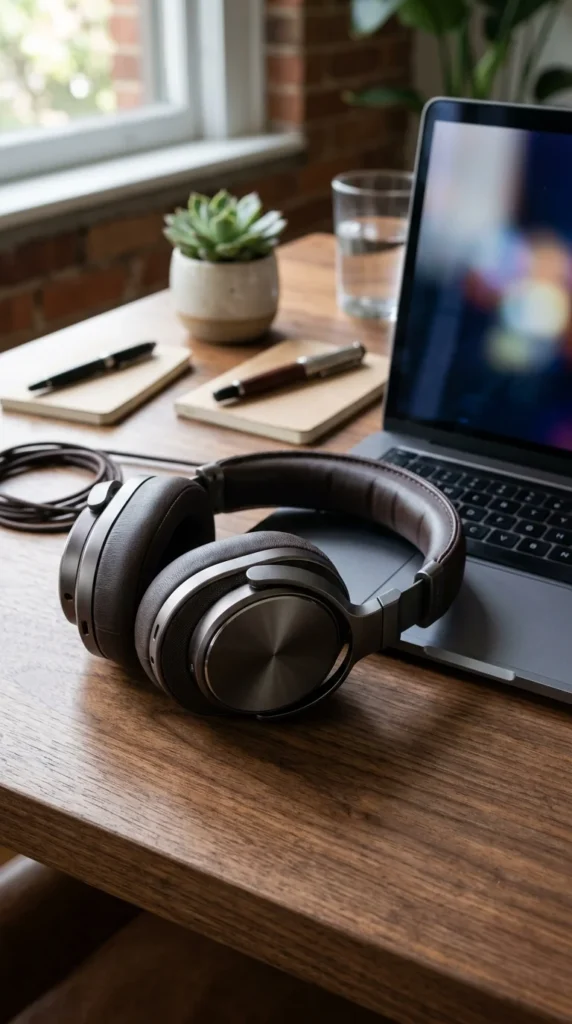
Home environments are filled with distractions: barking dogs, laundry machines, or neighbors mowing the lawn. Active Noise Canceling (ANC) headphones are a game-changer. They create a “cone of silence” that allows you to enter a flow state regardless of what is happening around you. Look for a pair with a high-quality built-in microphone for crystal-clear calls.
- Key Feature: Long battery life (20+ hours) and multi-device pairing.
- Pro Tip: Use “transparency mode” when you need to be aware of your surroundings.
5. Dual Monitors
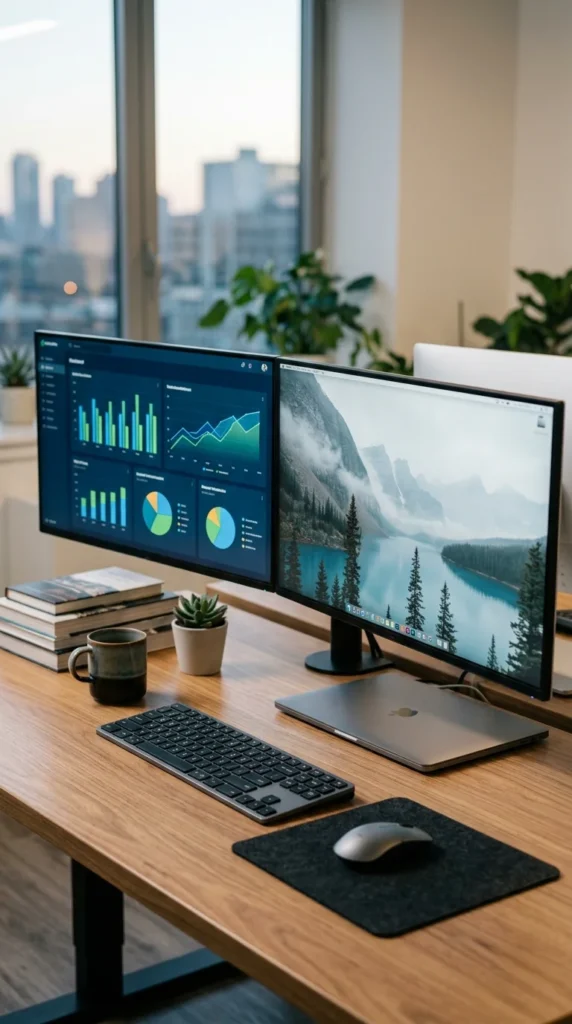
Screen real estate is directly proportional to productivity. Constantly flipping between tabs and windows wastes time and causes mental fatigue. A dual-monitor setup allows you to have your primary work on one screen and your communication tools (like Slack or Email) or reference materials on the other. If you work in design, coding, or finance, a second monitor isn’t just a luxury—it’s a necessity that can increase your efficiency by up to 40%.
6. Task Lighting
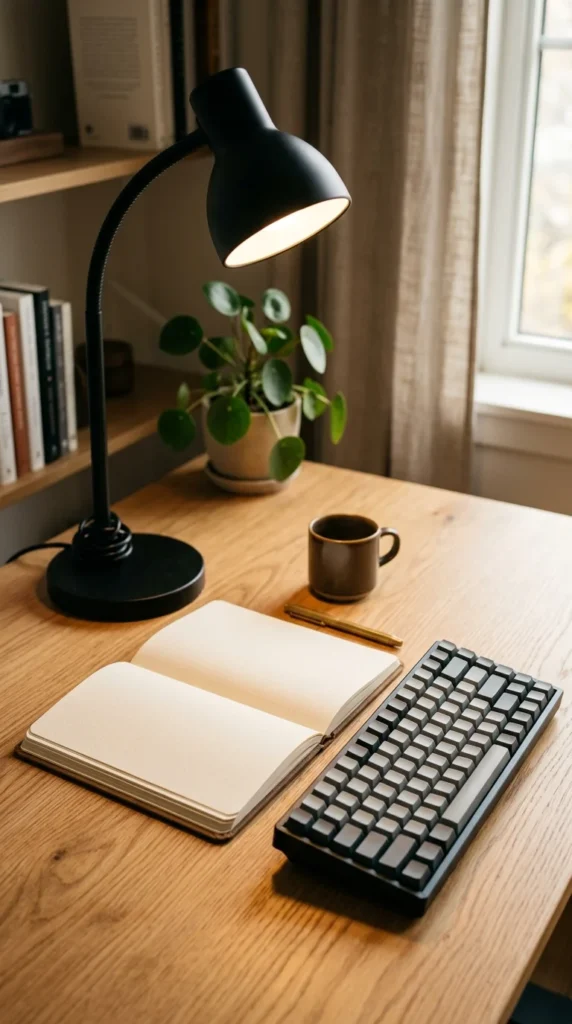
Standard overhead lighting is often too dim or creates harsh glares on screens. Proper task lighting reduces eye strain and helps signal to your brain that it is “work time.” Look for a desk lamp with adjustable brightness and color temperature. Cooler, bluer light is excellent for focus during the morning, while warmer, yellow tones are easier on the eyes in the late afternoon. Position the light source to avoid shadows on your primary workspace.
7. Mechanical Keyboard
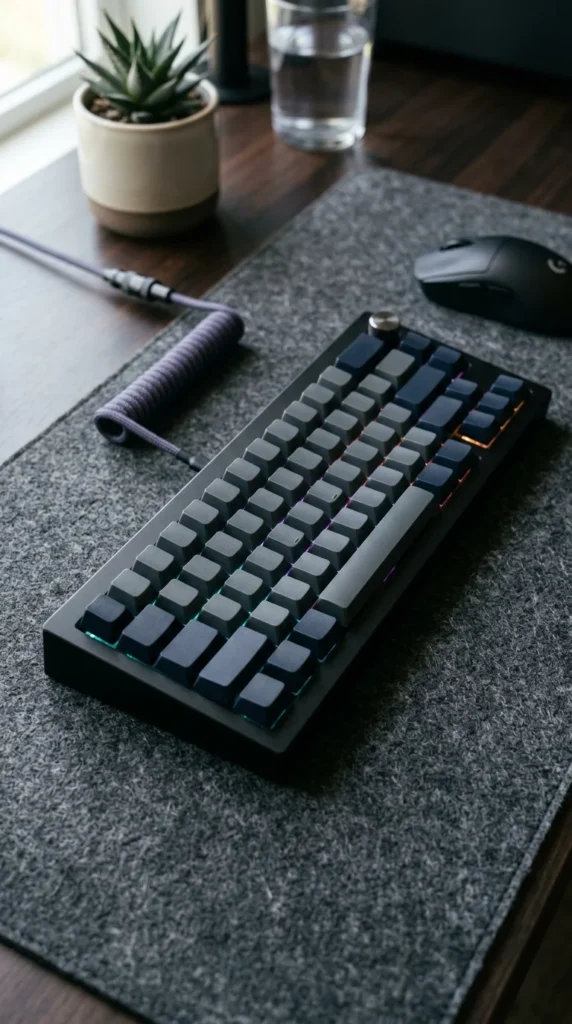
If you spend your day typing, the tactile feedback of a mechanical keyboard can significantly improve your typing speed and accuracy. Unlike the “mushy” feel of standard laptop keys, mechanical switches provide a satisfying click and a consistent response. They are also highly customizable, allowing you to choose switches that range from silent and linear to loud and tactile, depending on your personal preference and environment.
8. Ergonomic Mouse
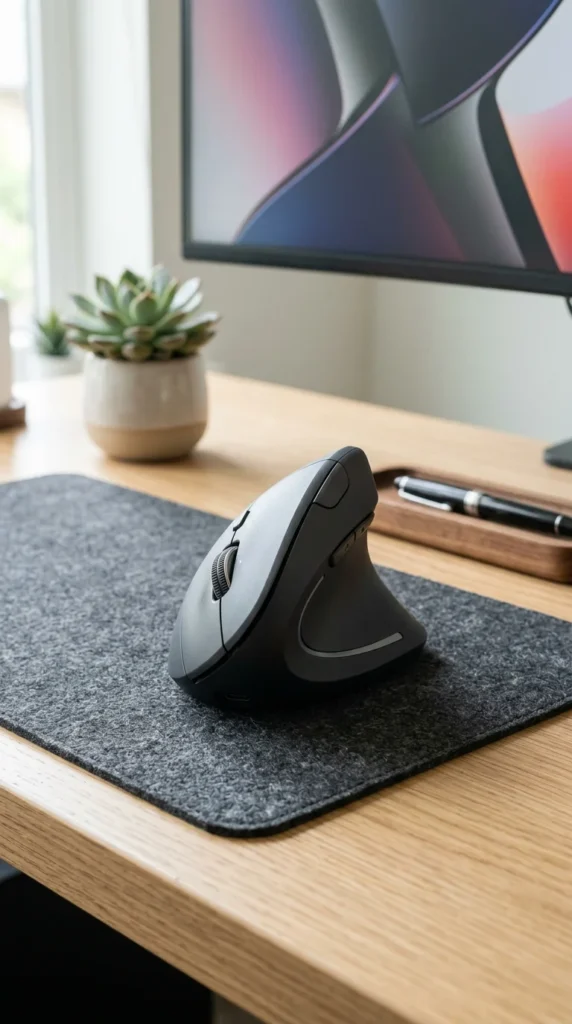
Traditional mice force your forearm into a twisted position, which can lead to carpal tunnel syndrome over time. An ergonomic mouse—whether it’s a vertical model or a high-performance trackball—keeps your hand in a more natural “handshake” position. This reduces muscle tension and allows for smoother, more precise movements. It is a small change that makes a massive difference in comfort during long days of navigation.
9. Laptop Stand
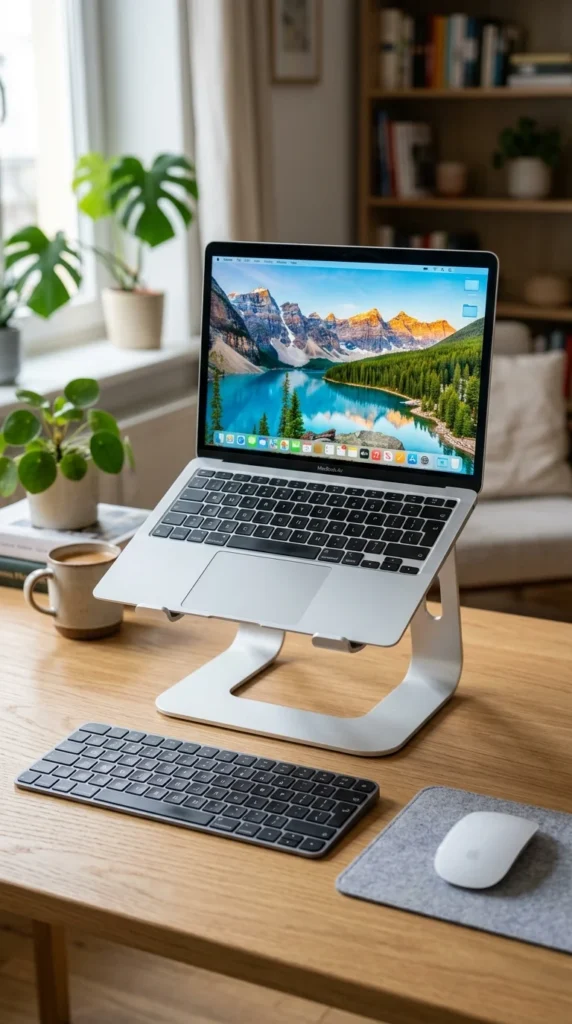
Using a laptop directly on a desk forces you to look down, straining your neck and upper back. A laptop stand raises the screen to eye level, promoting better posture. When combined with an external keyboard and mouse, this setup mimics the ergonomics of a desktop computer while maintaining the portability of a laptop. It also aids in heat dissipation, keeping your device cool during intensive tasks.
10. Cable Management
A cluttered desk leads to a cluttered mind. Tangled cords are not only an eyesore but also a physical hazard. Use cable sleeves, under-desk trays, and adhesive clips to route your power cords, HDMI cables, and chargers. Keeping these out of sight creates a clean, minimalist aesthetic that reduces visual stress and makes your workspace feel more professional and organized.
11. Indoor Plants
Bringing a bit of nature indoors has proven psychological benefits. Plants like Snake Plants, Pothos, or Peace Lilies are low-maintenance and can actually improve indoor air quality by filtering out toxins. Beyond the biology, the presence of greenery reduces stress levels and boosts creativity. A touch of life on your desk makes your home office feel less like a clinical workspace and more like a curated environment.
12. Blue Light Glasses

Staring at digital screens for hours on end exposes your eyes to high levels of blue light, which can lead to headaches, dry eyes, and disrupted sleep patterns. Blue light blocking glasses filter out the harshest wavelengths, reducing digital eye strain. They are particularly useful if you find yourself working late into the evening, as they help prevent the screen’s light from tricking your brain into staying awake.
13. Water Flask

In an office, walking to the water cooler is a social ritual. At home, it’s easy to forget to hydrate. Keeping a large, insulated flask at your desk ensures that you have cold water within reach throughout the day. Proper hydration is essential for maintaining cognitive function and energy levels. Aim for a bottle that holds at least 32 ounces to minimize the number of times you have to leave your “zone” for a refill.
14. Personal Stationery

Even in a digital world, the act of writing by hand can help with memory retention and planning. Having a dedicated notebook or planner allows you to jot down quick ideas, sketch out concepts, or keep a physical “To-Do” list. There is a psychological satisfaction in physically crossing an item off a list that a digital app simply cannot replicate. High-quality stationery adds a touch of tactile luxury to your workday.