Is your desk currently a chaotic landscape of coffee mugs, notebooks, and tangled wires? If you find yourself constantly pushing your keyboard aside to make room for a sketchpad or a sandwich, you aren’t alone. Desk real estate is some of the most valuable property in your home or office, and a keyboard tray is the ultimate “basement renovation” for your workspace.
Beyond just clearing clutter, the right keyboard tray can save your wrists from strain and your neck from stiffness. By lowering the typing surface to a more natural height, you create an ergonomic “neutral zone” that allows your shoulders to drop and your posture to align. Whether you are a gamer looking for more mouse room or a professional seeking a minimalist aesthetic, these 20 space-saving keyboard tray ideas will help you reclaim your desk.
1. Clamp-On Trays
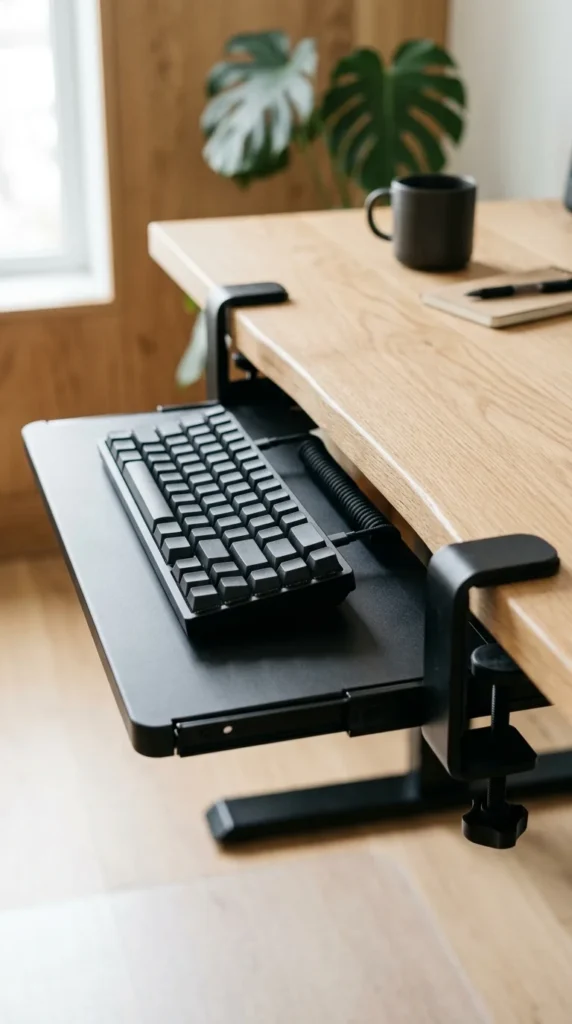
The clamp-on tray is the gold standard for renters and those who fear the power drill. These units utilize sturdy C-clamps to grip the edge of your desk, requiring zero permanent modifications. They are incredibly easy to install and can be moved from one side of the desk to the other in seconds. Because they sit slightly lower than the desktop, they immediately improve your typing ergonomics without the need for a complex setup.
2. Under-Desk Slides
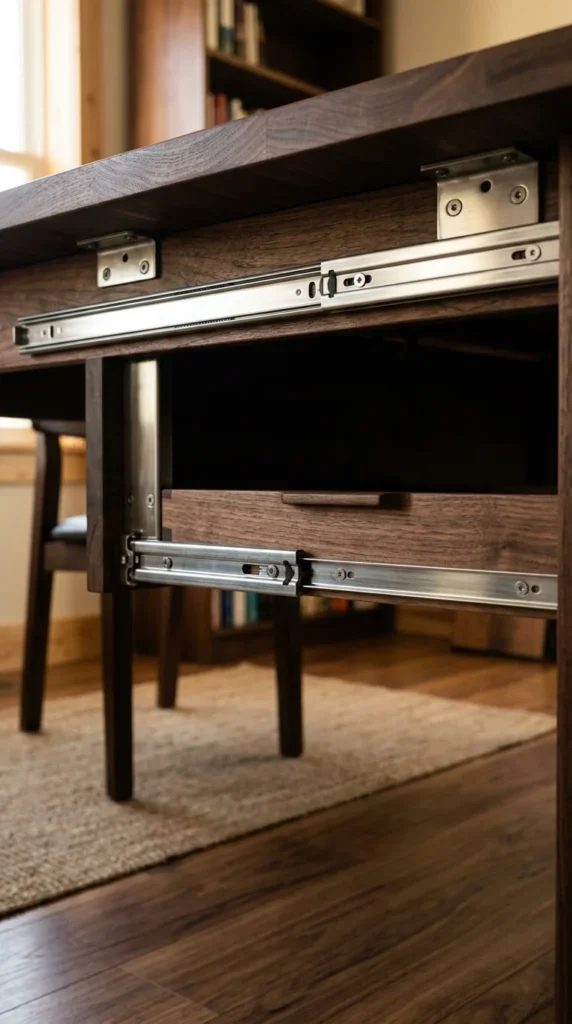
Under-desk slides offer a classic, “now you see it, now you don’t” functionality. These trays are mounted on ball-bearing tracks that allow the keyboard to glide effortlessly out of sight when the workday ends. This is the perfect solution for multi-purpose tables that serve as both a workstation and a dining area or a crafting space. The sliding mechanism ensures that your keyboard is always protected from dust and spills when not in use.
3. Adjustable Arms
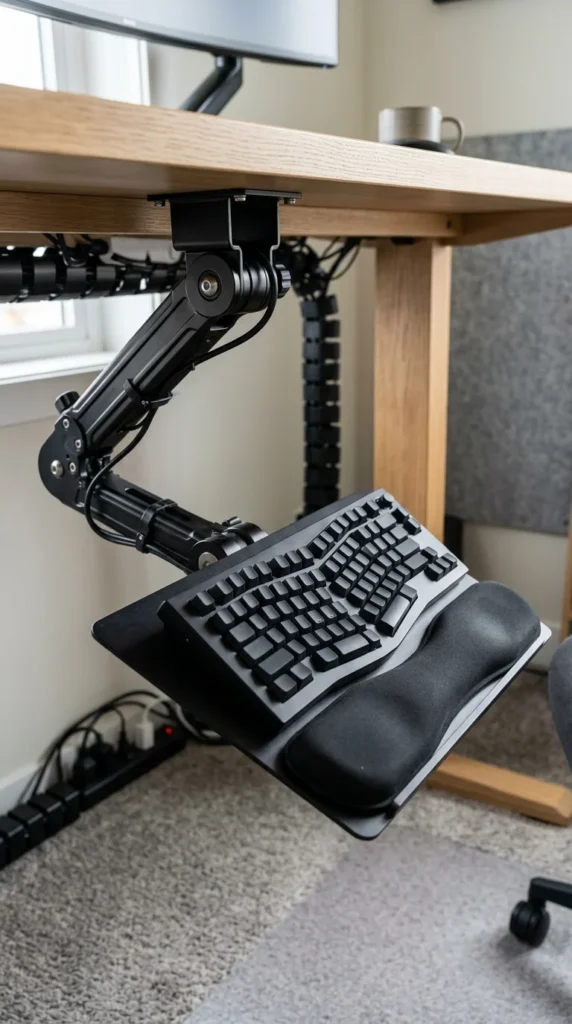
If you are serious about ergonomics, an adjustable arm tray is the way to go. These systems allow for “3D” movement: you can adjust the height, the tilt (negative tilt is great for wrist health), and even the lateral position. By bringing the keyboard closer to your lap and angling it slightly away from you, you reduce the risk of carpal tunnel syndrome while keeping the entire desktop surface free for monitors and accessories.
4. Bamboo Trays
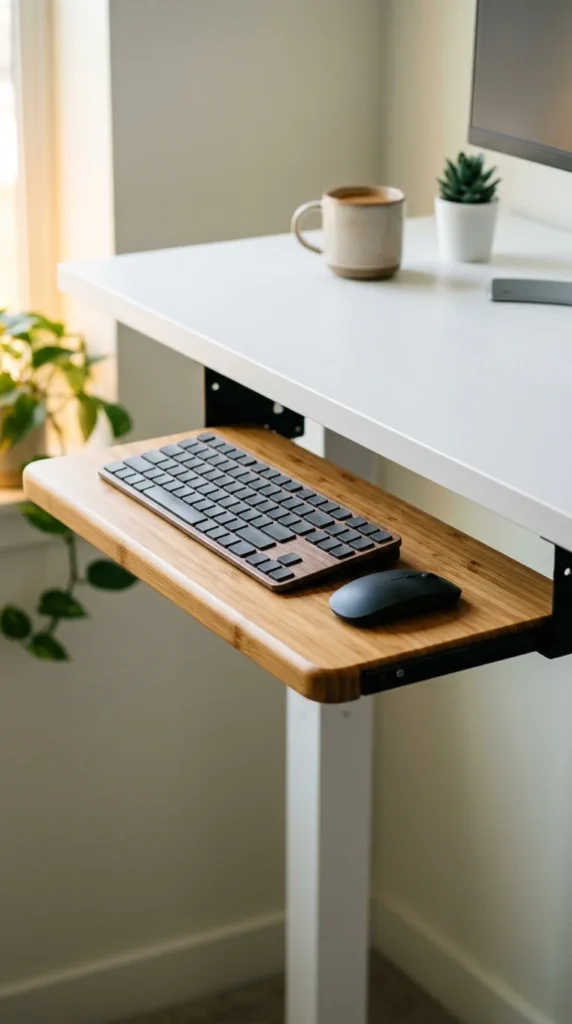
For those who want to avoid the cold, industrial look of plastic and metal, bamboo keyboard trays offer a sustainable and aesthetic alternative. Bamboo is naturally durable and incredibly lightweight, making it an excellent material for an under-desk addition. The organic texture adds warmth to your workspace, bridging the gap between high-tech equipment and a cozy, natural environment.
5. Corner Trays
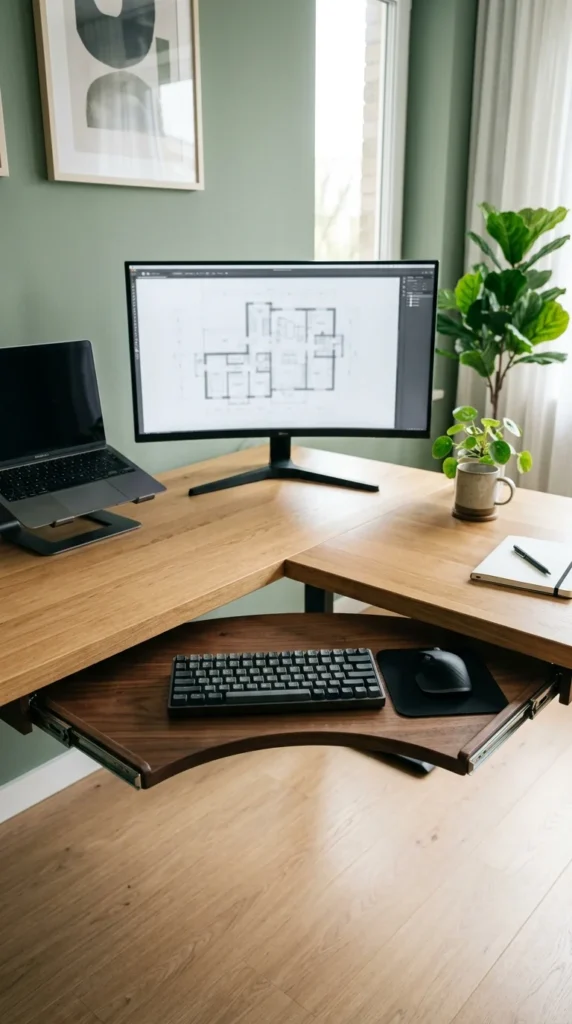
Corner desks are notorious for having “dead zones” in the very back where the two sides meet. A specialized corner keyboard tray utilizes this deep space effectively. By mounting the tray at the vertex of the L-shape, you turn a hard-to-reach area into your primary command center. This setup provides ample room on both the left and right sides of the desk for secondary monitors, printers, or document holders.
6. Pull-Out Drawers
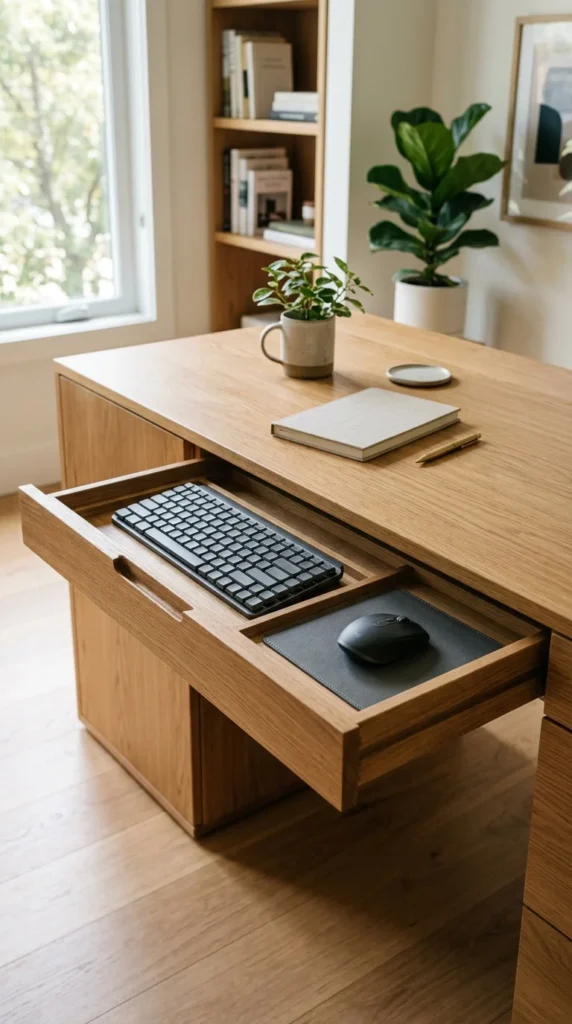
A pull-out drawer tray is the stealthiest option on this list. Often designed to look like a standard desk drawer, it hides your peripherals completely behind a decorative front panel. This is an ideal solution for home offices located in living rooms or bedrooms where you want to hide the “work” aspect of the room once the clock hits 5:00 PM.
7. Swivel Trays
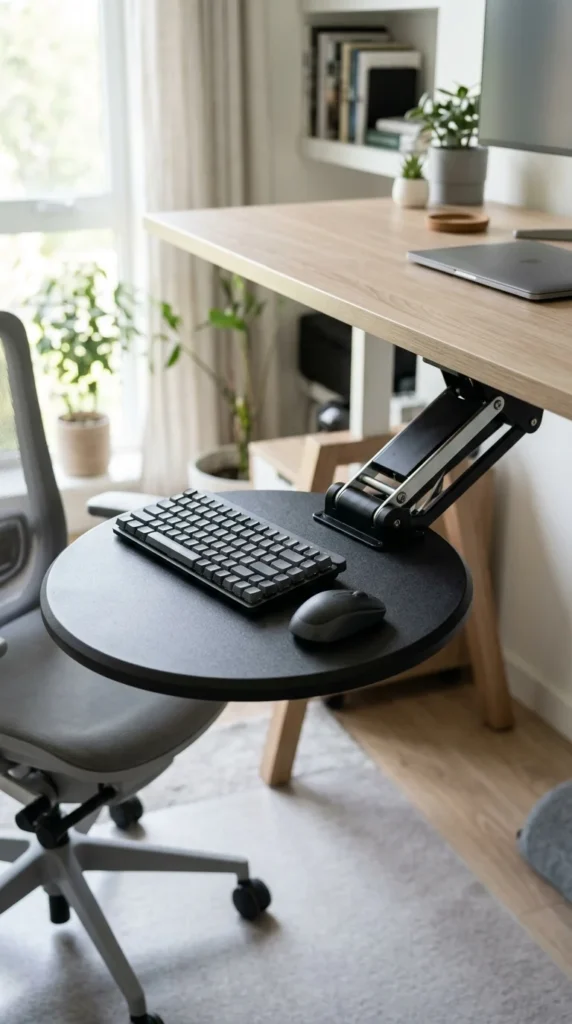
Not everyone sits perfectly centered at their desk all day. Swivel trays are mounted on a central pivot point, allowing the keyboard to swing left or right. This is particularly useful for people with large, multi-monitor setups who find themselves turning their chairs frequently. You can pull the keyboard toward you at the exact angle you need, ensuring your body stays aligned with whichever screen you are focusing on.
8. Clip-On Platforms
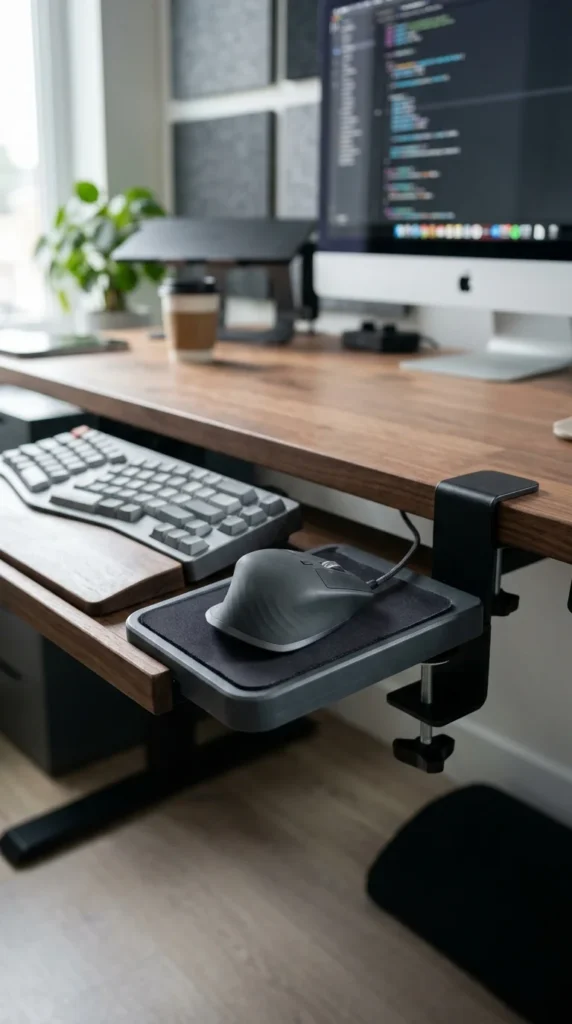
If your current tray is just a few inches too narrow, a clip-on platform can save the day. These are often used as “mouse wings” that attach to the side of a standard keyboard tray. This keeps your mouse on the same level as your keyboard, preventing the “reach-up” strain that happens when your keyboard is on a tray but your mouse remains on the desktop.
9. Sit-Stand Converters
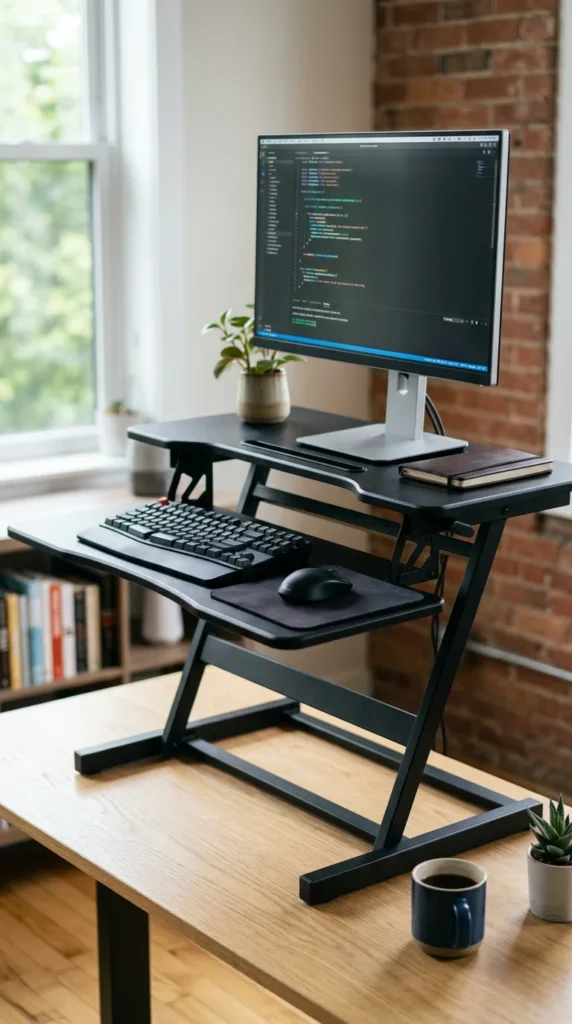
While many keyboard trays go under the desk, some are part of a larger sit-stand converter that sits on the desk. These units feature a primary shelf for your monitor and a lower, protruding tray for your keyboard. When you transition from sitting to standing, the keyboard tray moves with the unit, ensuring you maintain the perfect ergonomic distance between your eyes and your hands at any height.
10. DIY Wooden Trays
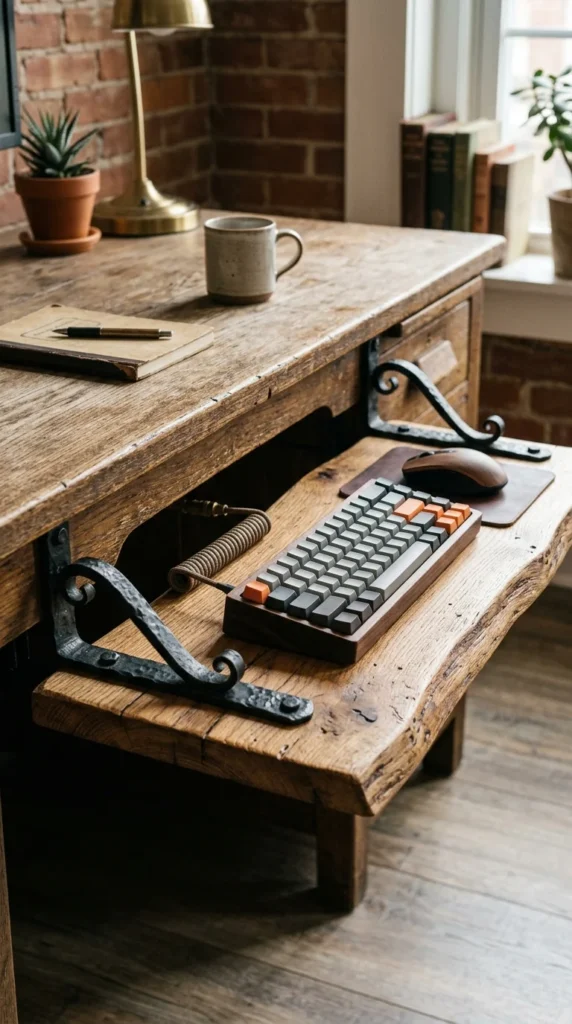
For the makers and hobbyists, a DIY wooden tray allows for complete customization. You can choose a wood species that matches your desk exactly and cut the dimensions to fit your specific keyboard and mouse setup. Using heavy-duty drawer slides from a hardware store, you can build a tray that is wider and sturdier than many commercial options, often at a fraction of the cost.
11. Metal Mesh Trays
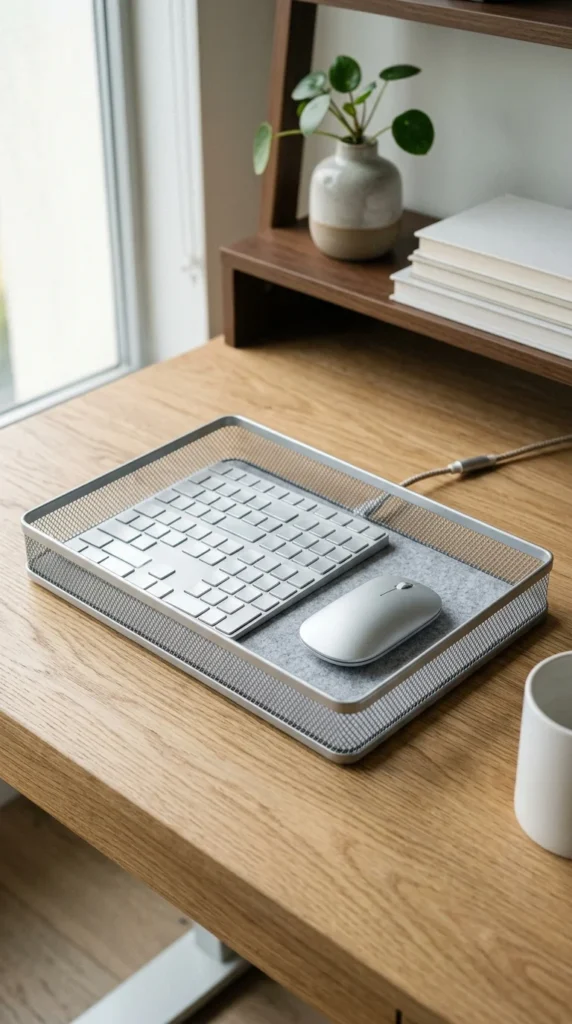
Metal mesh trays provide a modern, industrial vibe and have the added benefit of being incredibly lightweight. The perforated surface allows for excellent airflow, which can be a subtle benefit if you tend to have warm hands or if you use a laptop on the tray. They are also very easy to clean and often come in slim profiles that maximize legroom.
12. Trackless Trays
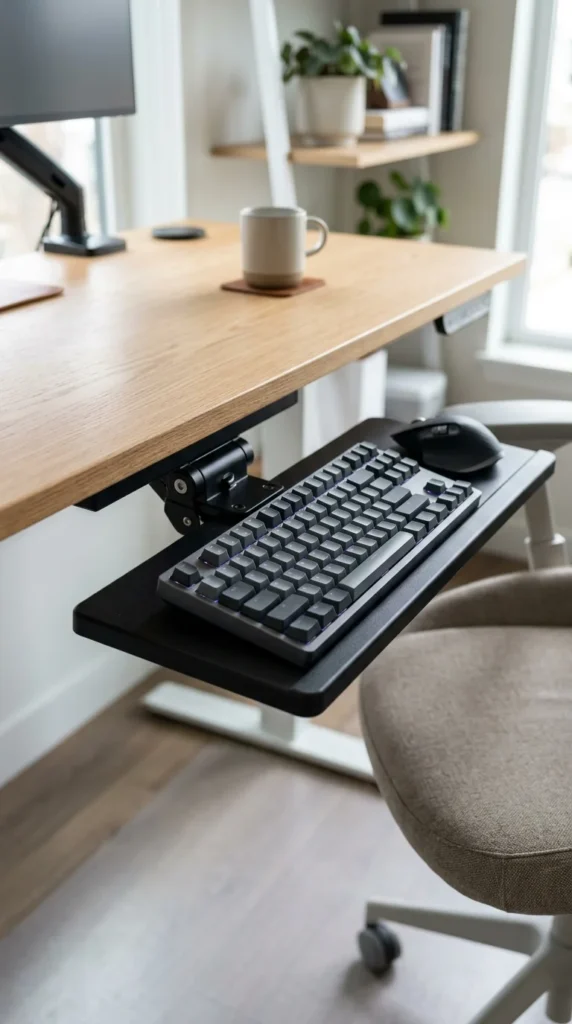
One common complaint about keyboard trays is that the long tracks interfere with the crossbars of certain desks. Trackless trays use a compact mechanism that requires very little depth to mount. This makes them the perfect choice for shallow desks or desks with central support beams where a traditional 17-inch track simply won’t fit.
13. Keyboard Drawers with Storage
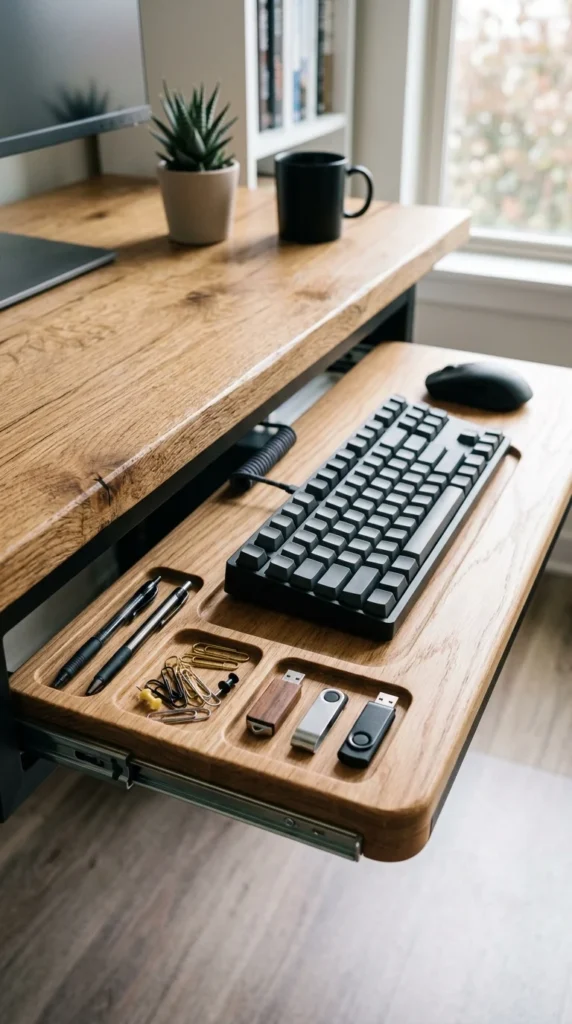
Why stop at just holding a keyboard? Some trays are designed with integrated storage compartments. These small nooks on the periphery of the typing area are perfect for pens, sticky notes, or thumb drives. It’s a “space-saver within a space-saver,” helping you clear even more of those small, easy-to-lose items off your main desktop.
14. Tilting Trays
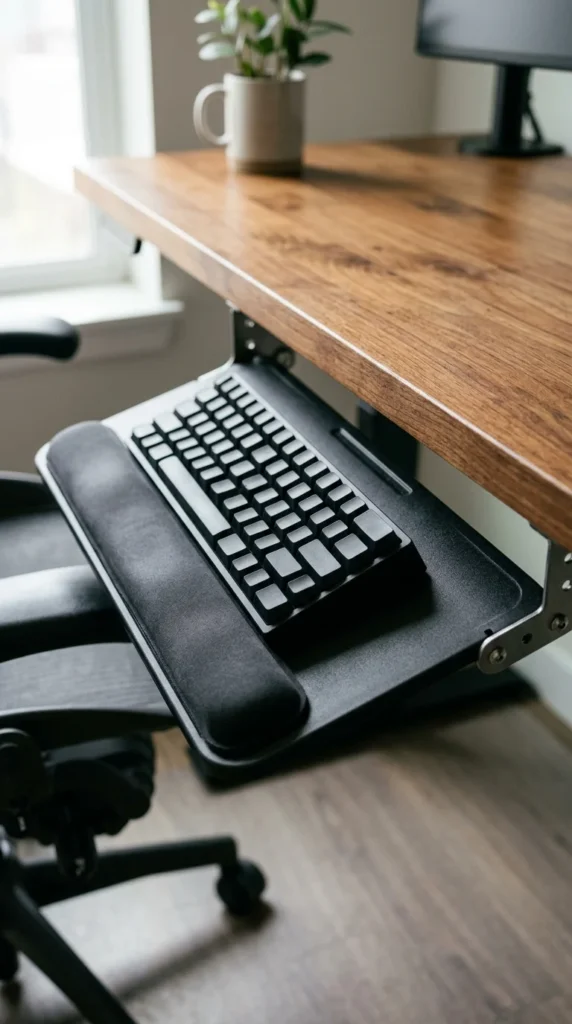
A tilting tray is designed specifically for negative tilt. This means the back of the keyboard (the part furthest from you) is lower than the front. This position mimics the natural angle of your hands when your arms are resting at your side. By using a tilting tray, you can type for longer periods with significantly less fatigue in your forearms and wrists.
15. Transparent Acrylic Trays

If you have a glass desk or a very modern, airy office, a transparent acrylic tray maintains that visual openness. Because it is see-through, it doesn’t add “visual weight” to the room, making a small office feel larger. These trays are surprisingly sturdy and offer a high-end, designer look that fits perfectly with contemporary decor.
16. Heavy-Duty Industrial Trays

For the gamers or those using heavy, full-sized mechanical keyboards, a heavy-duty industrial tray is essential. These are built to handle the weight and the aggressive movements of gaming without wobbling or flexing. Often made of thick steel, they provide a rock-solid typing platform that feels as stable as the desk itself.
17. Split-Level Trays
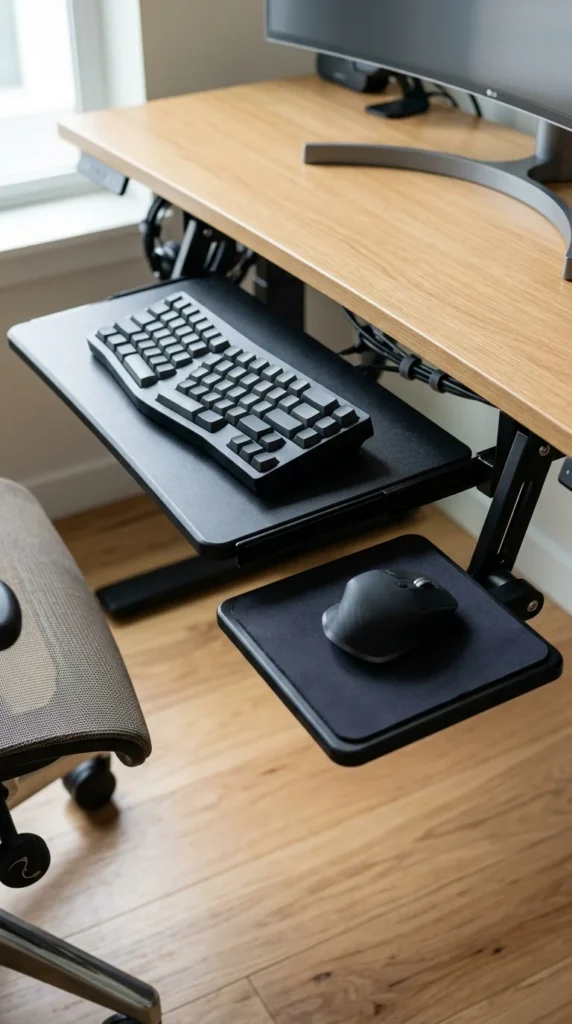
A split-level tray acknowledges that the ideal height for typing might not be the ideal height for mousing. These trays allow you to position the mouse slightly lower or higher than the keyboard, or even at a different tilt. This level of customization is perfect for users who suffer from specific shoulder or elbow discomfort and need to fine-tune their posture.
18. Mouse-Inclusive Trays
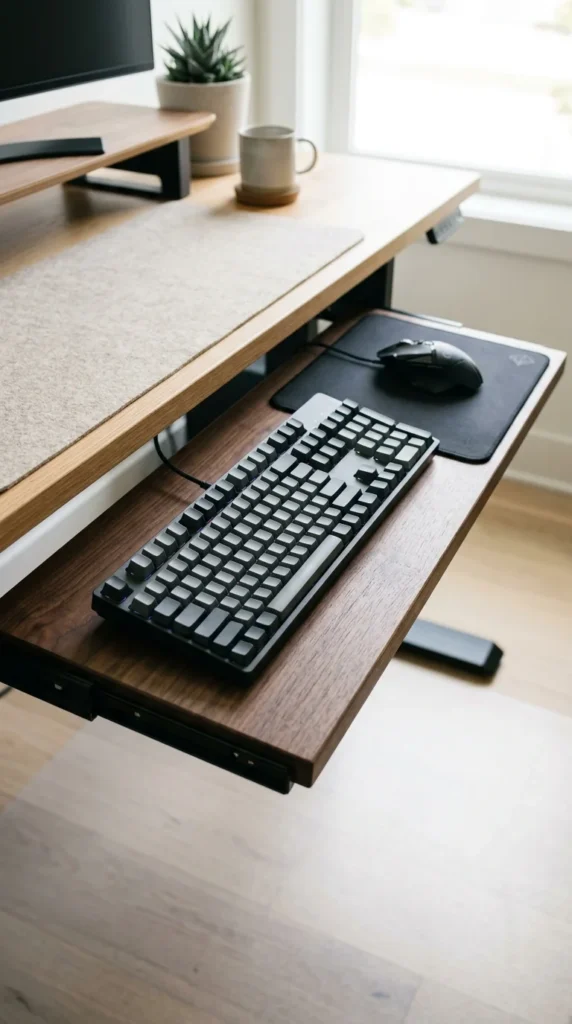
Standard keyboard trays can be cramped, forcing your mouse into a tiny corner. Mouse-inclusive trays are extra-wide (often 28 to 30 inches), providing a single, continuous surface for both devices. This is particularly popular among graphic designers and gamers who need long, sweeping mouse movements that a small “clip-on” platform just can’t accommodate.
19. Minimalist Felt Trays
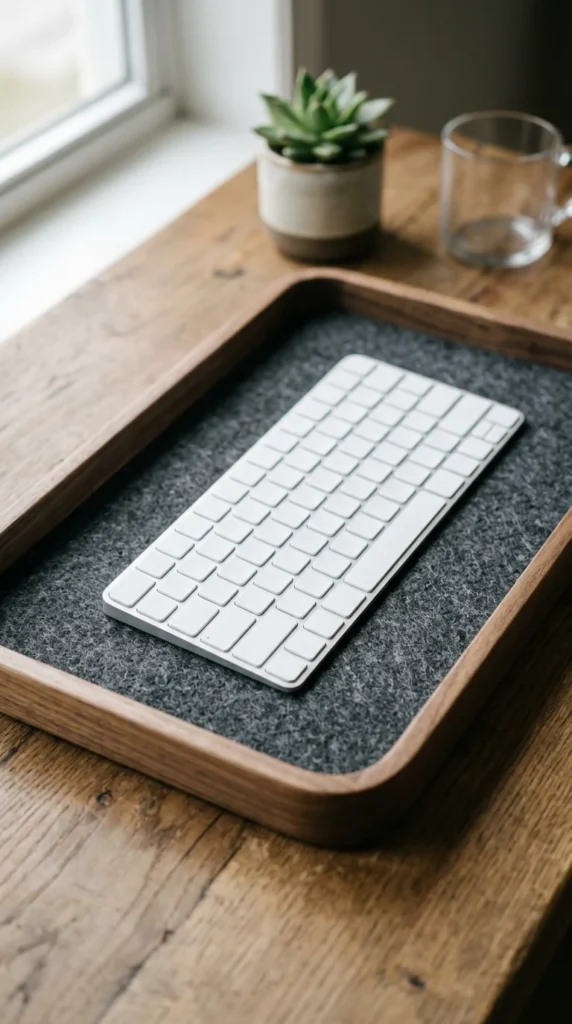
For a tactile and quiet experience, some trays now incorporate felt or fabric linings. Not only does this look incredibly sophisticated, but it also acts as a built-in sound dampener for clicky keyboards. The soft surface is gentle on the wrists and prevents the keyboard from sliding around, all while adding a touch of Scandinavian design to your workspace.
20. Wall-Mounted Trays
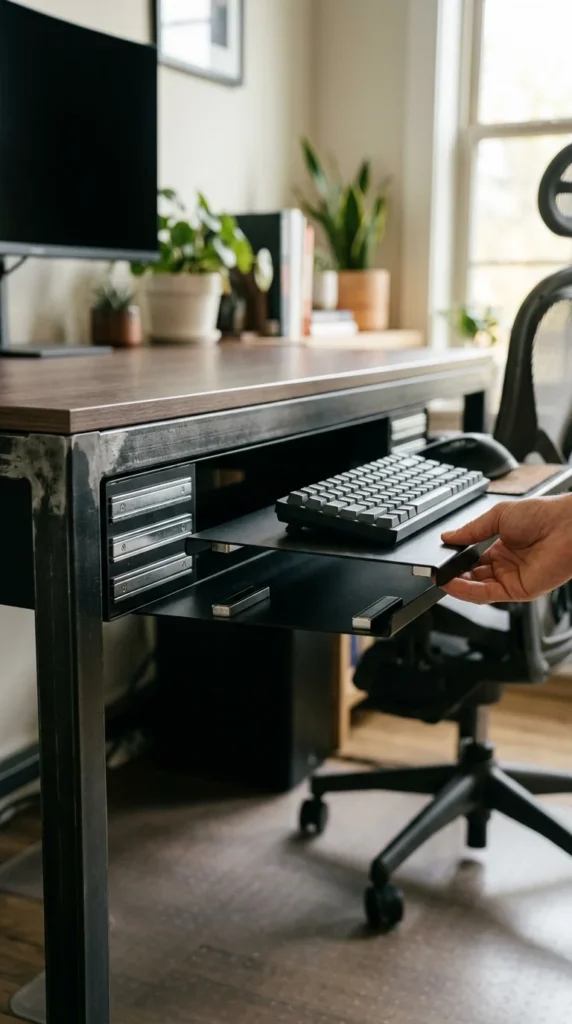
When you have no desk at all, the wall-mounted tray is the ultimate space-saver. These are often used in medical environments or tiny “standing nooks.” The tray is mounted to a wall stud and can usually be folded flat against the wall when not in use. Paired with a wall-mounted monitor, this setup allows you to have a fully functional workstation with a footprint of nearly zero square feet on the floor.