

The “cable spaghetti” nightmare is a universal struggle for anyone with a computer. Between power bricks, monitor cables, USB peripherals, and charging cords, the space beneath your desk can quickly turn into a chaotic nest of dust-collecting wires. Not only is this an eyesore, but it also poses a tripping hazard and makes cleaning nearly impossible.
The solution lies in the humble under-desk cable tray. By lifting your wires off the floor and tucking them neatly against the underside of your desktop, you can transform your workspace into a sanctuary of productivity. Here are 26 smart ideas to help you reclaim your space.
1. Metal Mesh
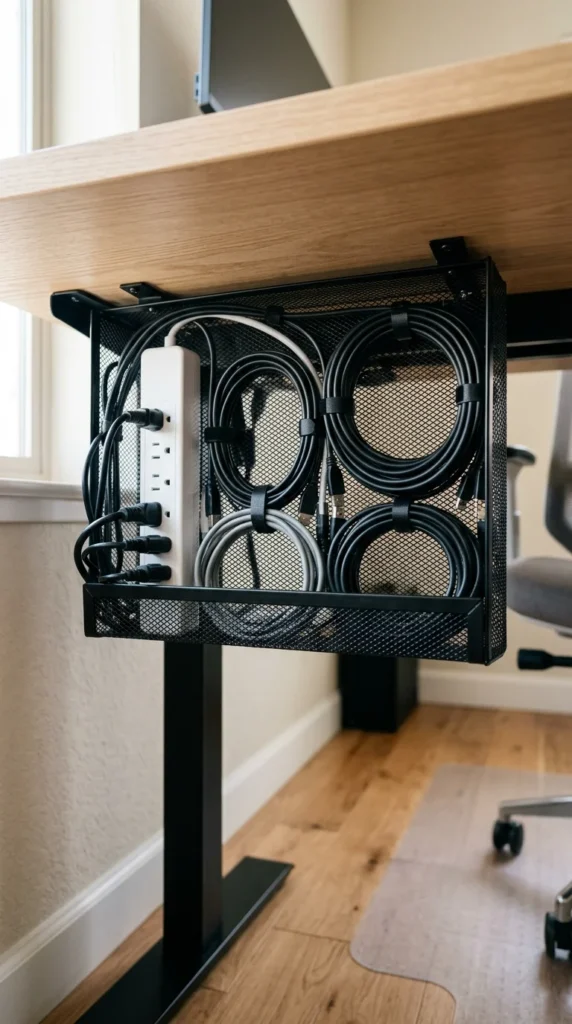
Metal mesh trays are the gold standard for cable management. Their grid-like structure allows for maximum airflow, which is essential if you have bulky power bricks that tend to run hot. They are also incredibly versatile, as you can use zip ties or Velcro straps to secure cables directly to any point on the mesh.
2. Plastic Channels

If you prefer a cleaner, more solid look, plastic channels are the way to go. These are often U-shaped or rectangular troughs that hide the cables entirely from view. They work best for lighter setups where you don’t need to frequently swap out peripherals.
3. J-Channel Raceways
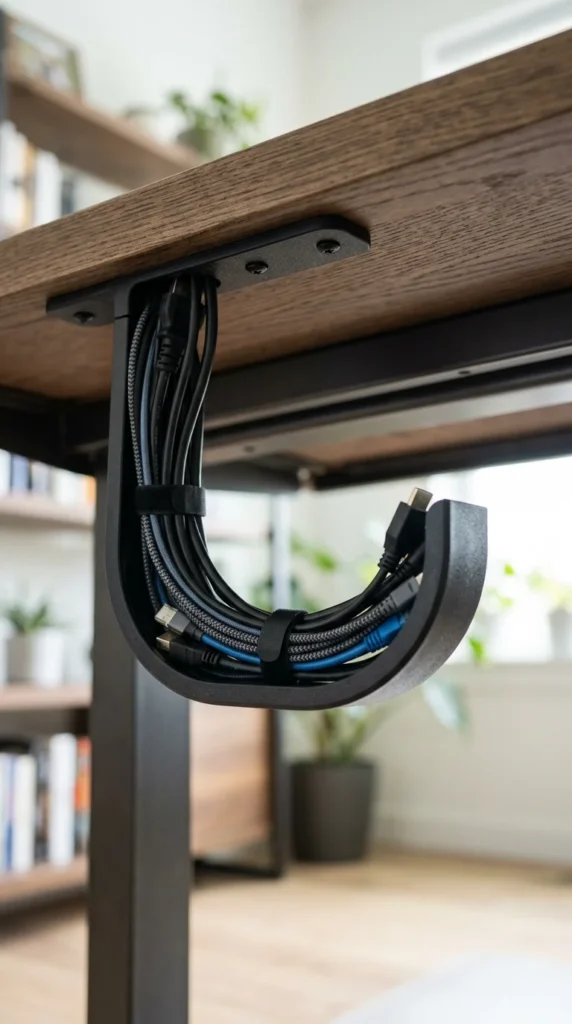
J-channels are named for their shape. They feature a curved “J” hook that allows you to simply drop cables in without having to thread them through holes. This makes them the most convenient option for people who are constantly adding or removing gear from their desk setup.
4. Magnetic Trays
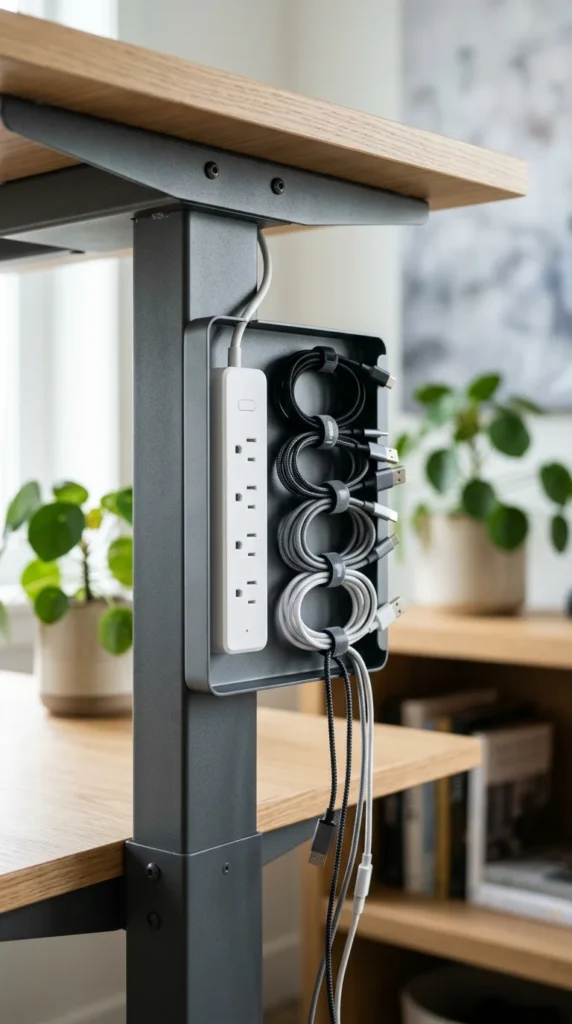
For those with metal-framed desks or standing desks, magnetic trays are a game-changer. They require zero drilling and can be repositioned in seconds. These are perfect for renters or anyone hesitant to put permanent holes in their high-end furniture.
5. Clamp-on Trays
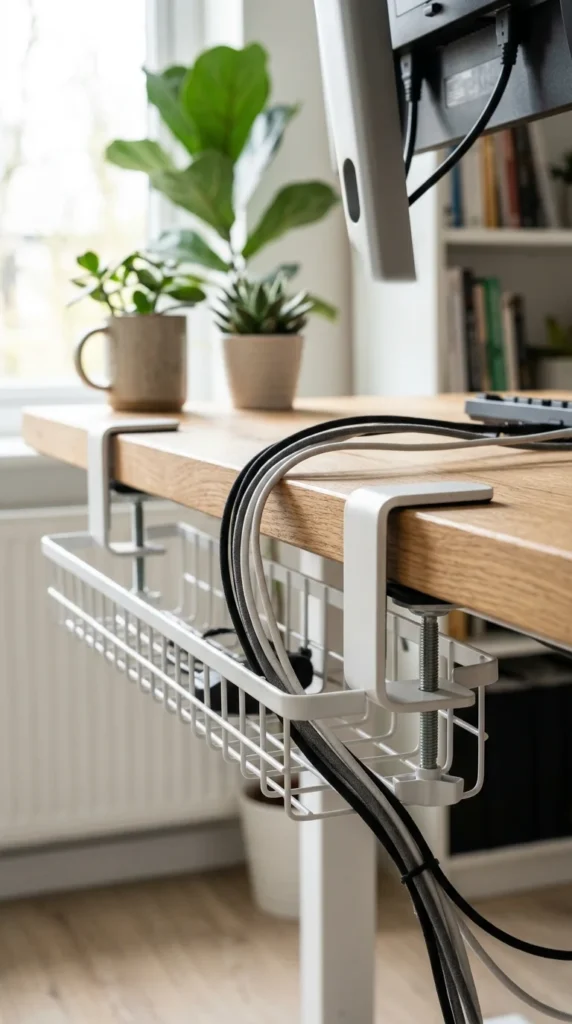
Clamp-on trays are the ultimate non-permanent solution. They use C-clamps to grip the edge of your desk, providing a heavy-duty storage area for power bricks and surge protectors. They are particularly popular for glass desks where drilling is not an option.
6. Wood Trays

For a premium, bespoke look, a wooden cable tray can be matched exactly to your desktop material. This turns a functional necessity into a design feature. Many high-end woodworkers build these directly into the desk frame for a seamless aesthetic.
7. Wire Baskets
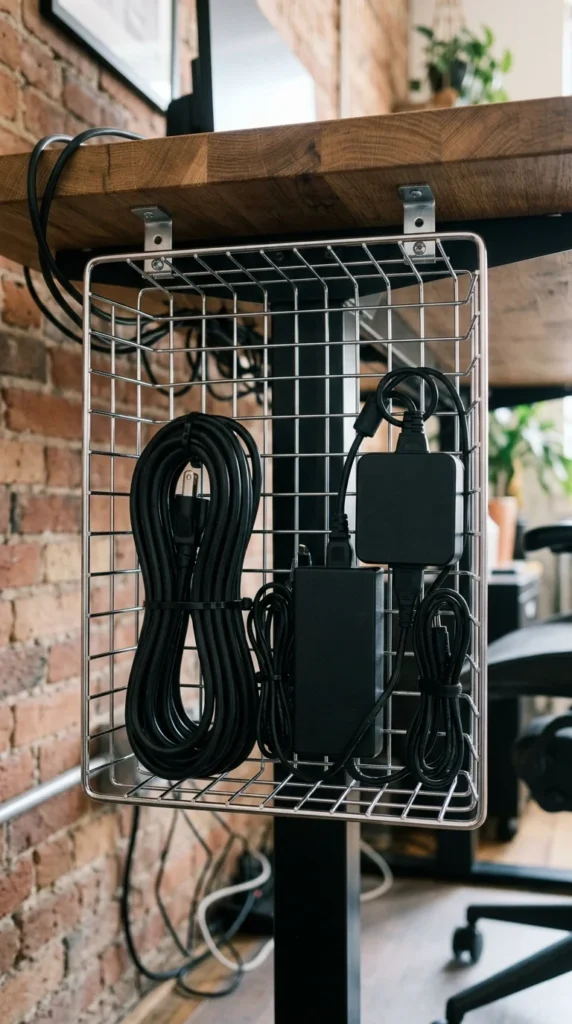
Wire baskets offer more depth than standard trays. If you have massive “power bricks” (like those for gaming laptops or ultra-wide monitors), a deep wire basket ensures they won’t fall out or dangle precariously.
8. Hidden Power Strip Trays
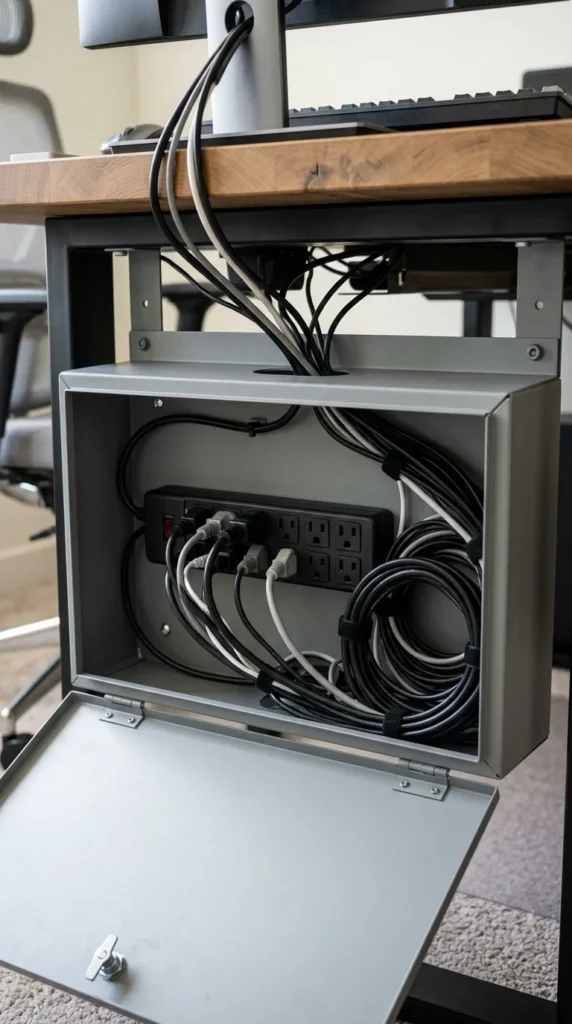
Some trays are specifically designed to house the entire power strip. These “boxes” often have lids or covers, ensuring that the most cluttered part of your setup—where the plugs meet the strip—is completely invisible from every angle.
9. Fabric Sleeves

Fabric or felt cable organizers add a soft texture to your workspace. They are flexible, lightweight, and often use buttons or zippers to enclose the wires. This is a great choice for a “cozy” office aesthetic where cold metal or plastic feels out of place.
10. DIY PVC Pipes
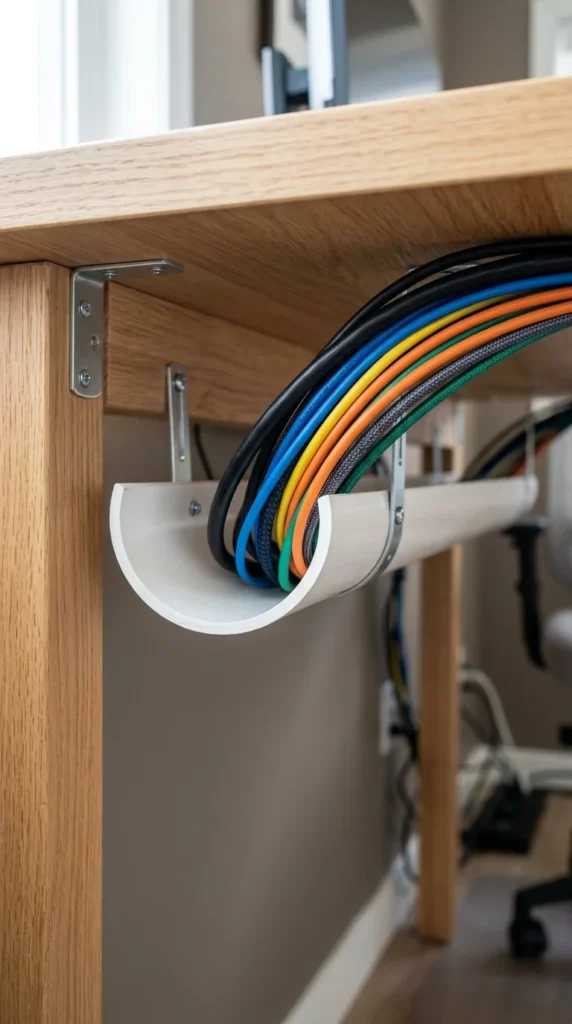
For the budget-conscious DIYer, a PVC pipe sliced in half makes an excellent cable tray. It’s incredibly cheap, can be painted any color to match your desk, and provides a smooth surface that won’t snag or damage delicate cables.
11. Privacy Panels
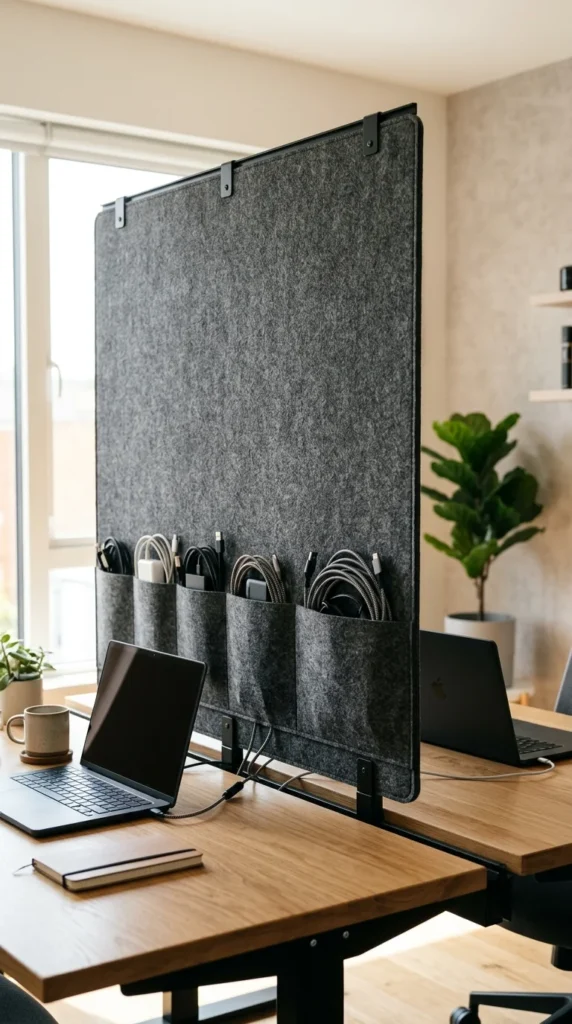
Privacy panels serve two purposes: they block the view of your legs (and the wall behind your desk) and provide a massive surface area to hide cables. Many modern office panels come with built-in troughs or clips on the inner side specifically for wire management.
12. Under-Desk Drawers
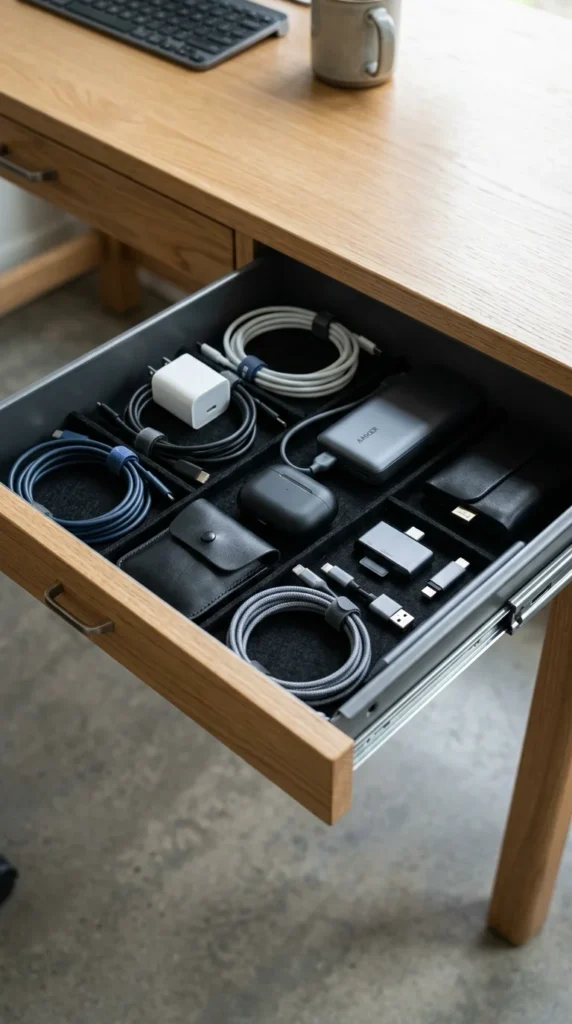
If you want your cables to be completely out of sight and out of mind, consider a shallow under-desk drawer. By drilling a hole in the back of the drawer, you can house your power strip inside, leaving the desktop and the floor perfectly clear.
13. Foldable Trays
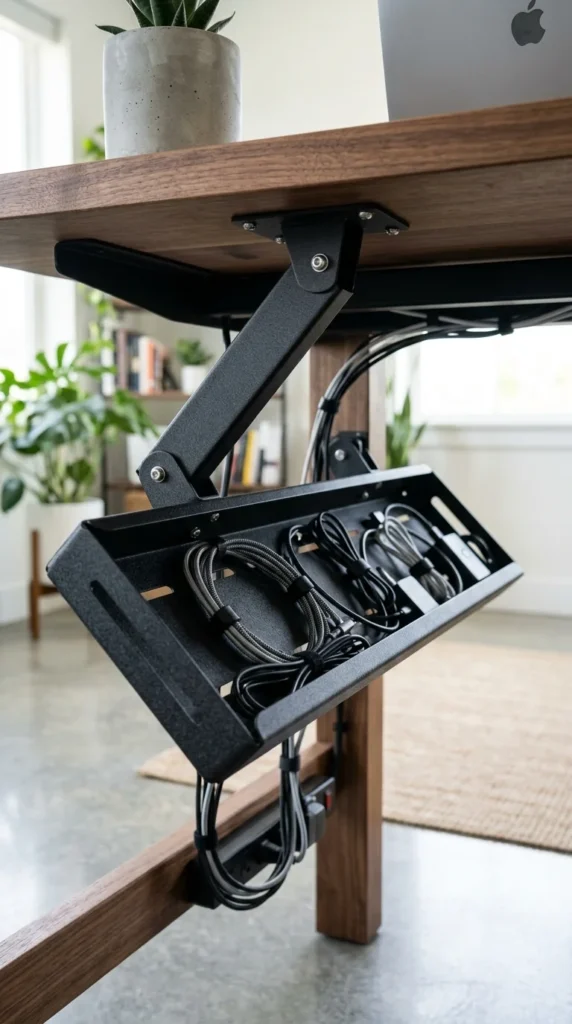
Accessing cables in a fixed tray can be a pain. Foldable or “swing” trays solve this by allowing you to drop the tray down when you need to plug something in, then snap it back into a locked, hidden position when you’re done.
14. Modular Segments
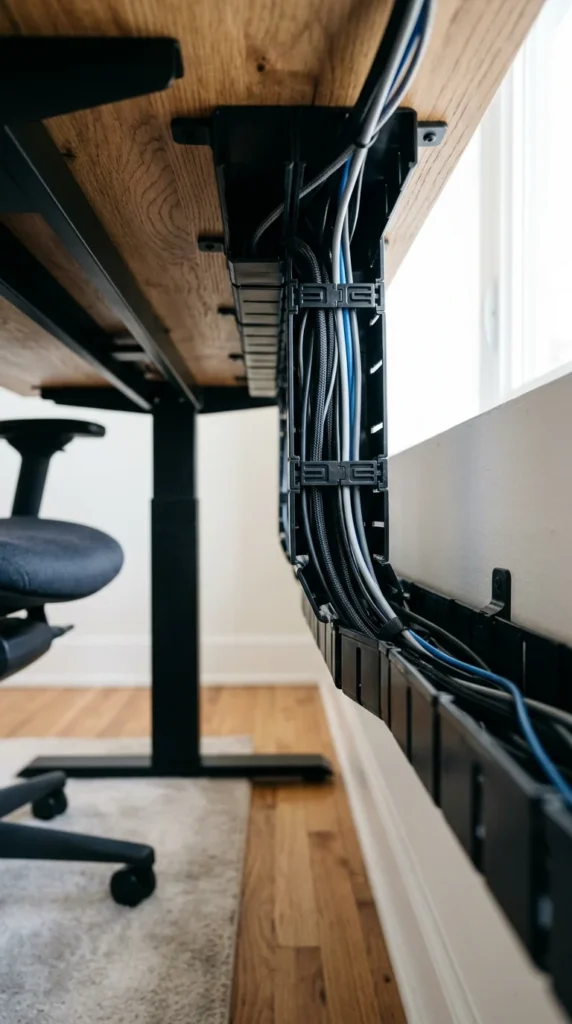
Modular systems consist of short segments that you can chain together. This is ideal for L-shaped desks or extra-long executive desks where a single standard tray isn’t long enough to cover the entire span.
15. Cable Nets
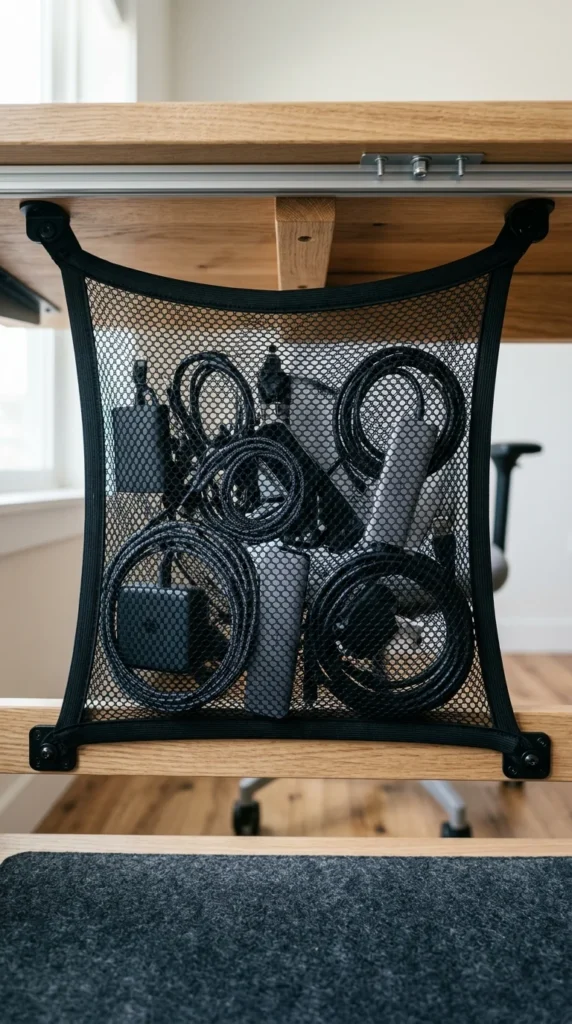
Cable nets are the most flexible option. Because they are made of elastic or nylon mesh, they can stretch to accommodate even the bulkiest items. They are also very low-profile and weigh almost nothing.
16. Perforated Steel
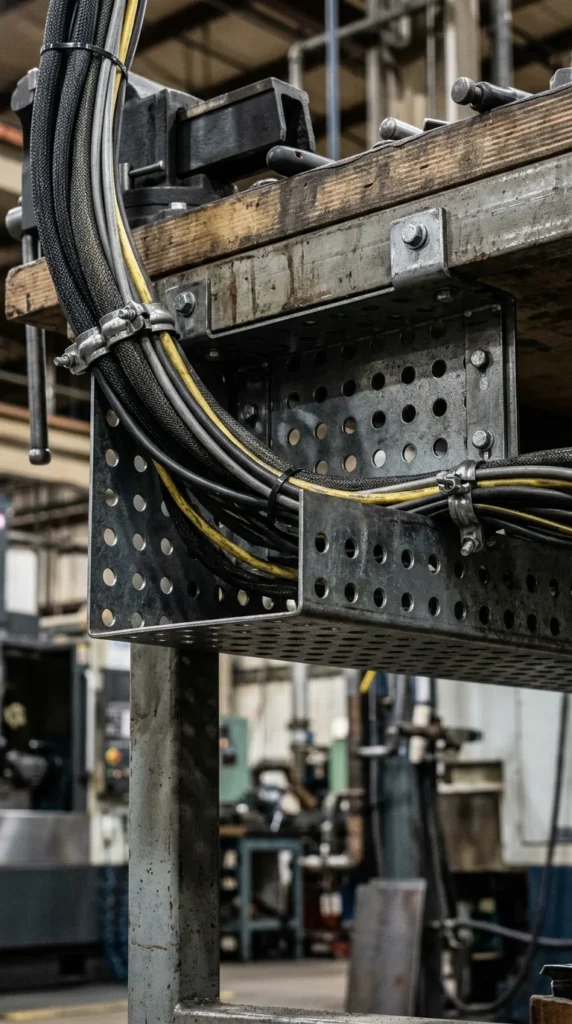
Perforated steel trays are built for durability. They offer a more “tech” or industrial look and are often found in server rooms or high-end studio setups. The holes provide excellent ventilation and plenty of points for mounting cable ties.
17. Adhesive Troughs
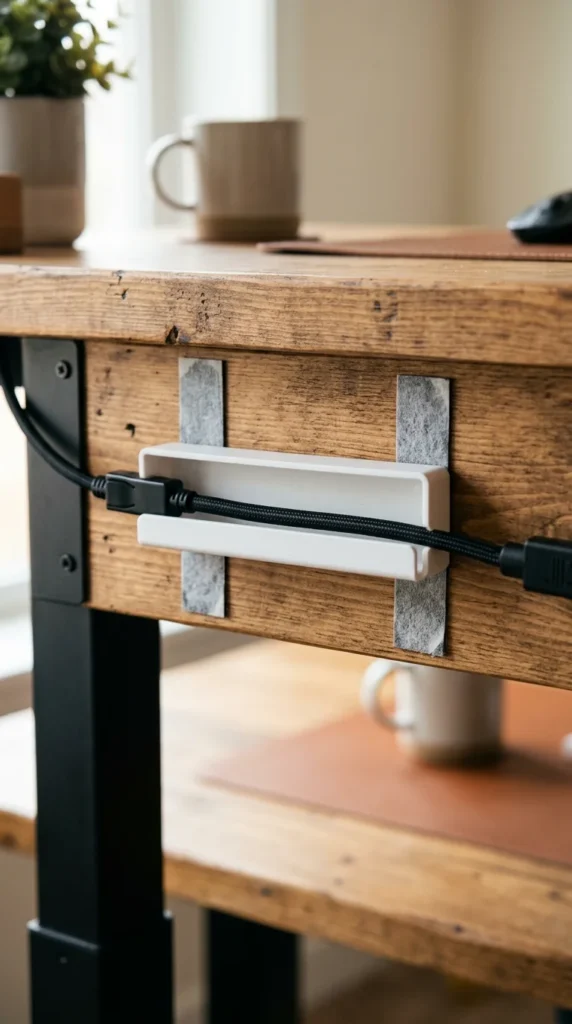
If you have a very light setup—perhaps just a laptop and a single monitor—you don’t need heavy steel. Small adhesive-backed troughs can be stuck directly to the desk, saving you the trouble of using a power drill.
18. Signum-Style Racks

Inspired by the famous IKEA design, these racks are minimalist and functional. They consist of a single horizontal rail with branching “arms” that support the cables. They are open-air, making it very easy to weave cables through the structure.
19. Dual-Layer Trays
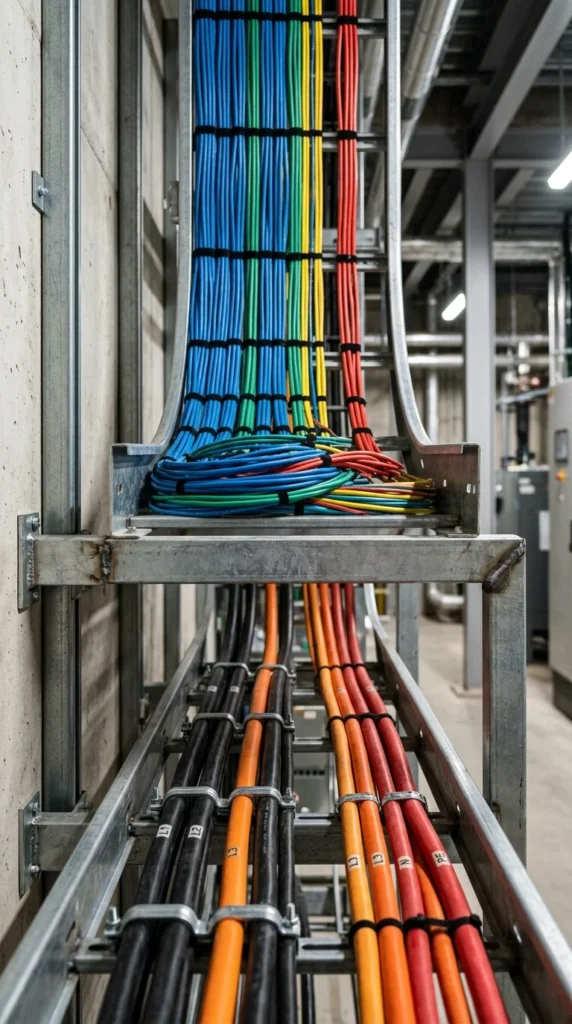
Pro-tip: keep your power cables and data cables (like HDMI or Ethernet) separate to avoid electromagnetic interference. Dual-layer trays provide two distinct decks, allowing you to organize by cable type for a cleaner signal and a more organized look.
20. Corner Trays
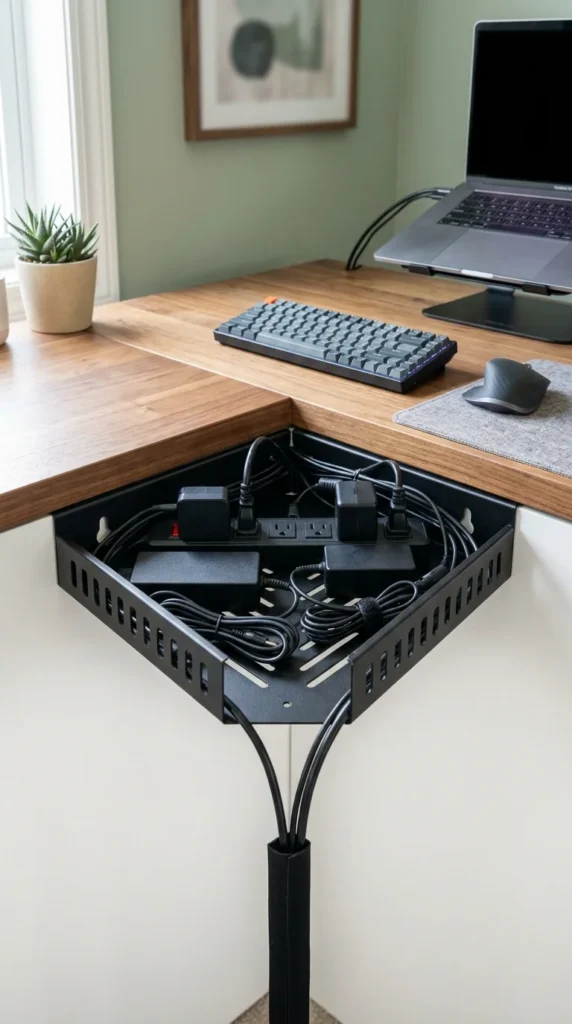
The corner of an L-shaped desk is often a “dead zone” for organization. A specialized corner tray utilizes this space, providing a centralized hub for all the cables coming from both sides of the desk.
21. Back-Mounted Rails

If you don’t want anything hanging “under” the desk, back-mounted rails are the answer. They attach to the rear edge of the wood, keeping cables parallel to the desk’s profile. This is the most discrete option for desks positioned against a wall.
22. Brush-Strip Trays

Brush-strip trays add a touch of luxury. The “brushes” allow cables to enter the tray at any point while hiding the messy interior from view. It provides a very “clean” exit point for your wires.
23. Clear Acrylic
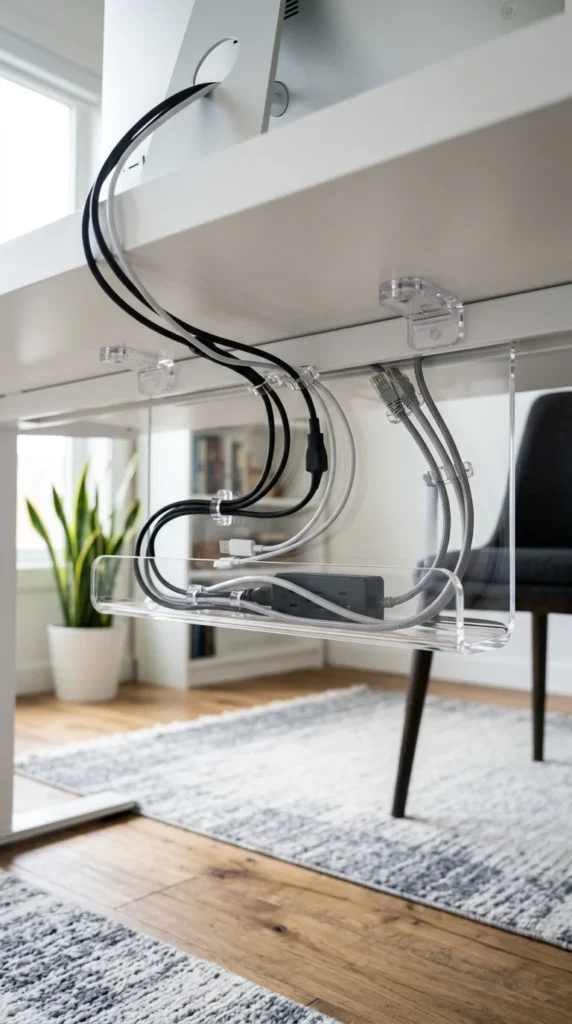
For an ultra-modern, “invisible” look, clear acrylic trays are stunning. They don’t hide the cables as much as they organize them into a neat, visible line. This works best if you use colored or braided cables that you actually want to show off.
24. Felt Organizers
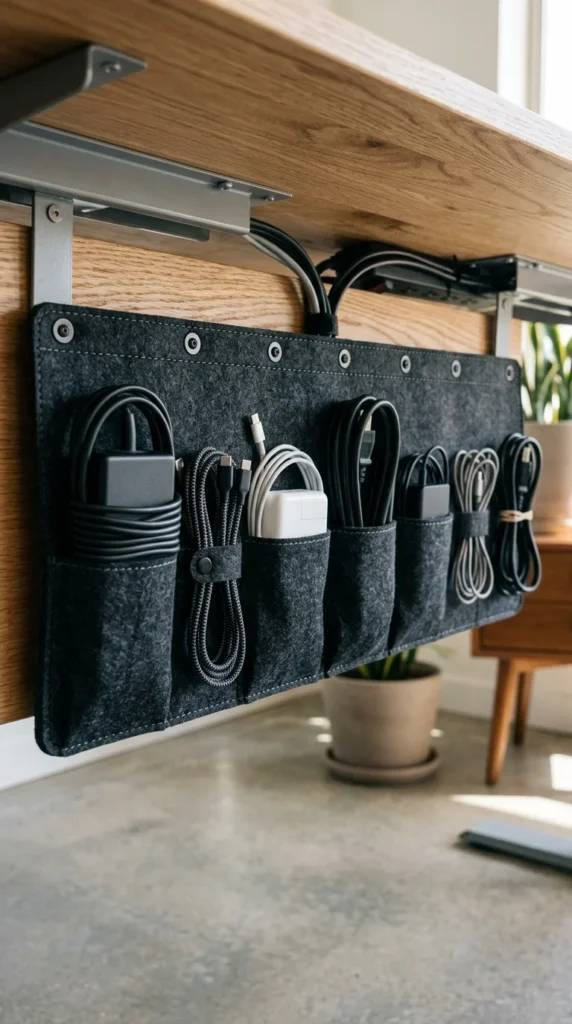
Similar to fabric sleeves, felt organizers are soft and tactile. They often come with individual pockets, allowing you to separate your MacBook charger from your monitor brick, preventing them from scratching each other or tangling.
25. Heavy-Duty Steel
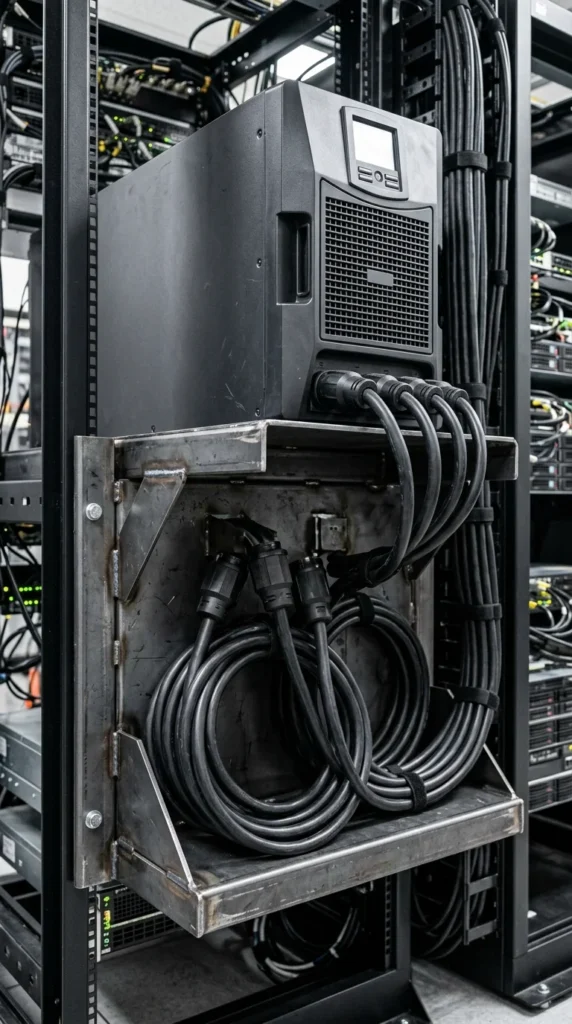
If your setup includes a UPS (Uninterruptible Power Supply) or a massive heavy-duty power station, a standard tray won’t cut it. Heavy-duty steel trays are reinforced to hold 20-30 pounds of equipment without sagging or bending.
26. Integrated Grommet Trays

The most efficient setups use a tray positioned directly beneath a desk grommet (the plastic-lined hole in the desktop). This ensures that the moment a cable leaves your monitor, it is immediately caught by the tray, leaving zero visible slack on top of the desk.