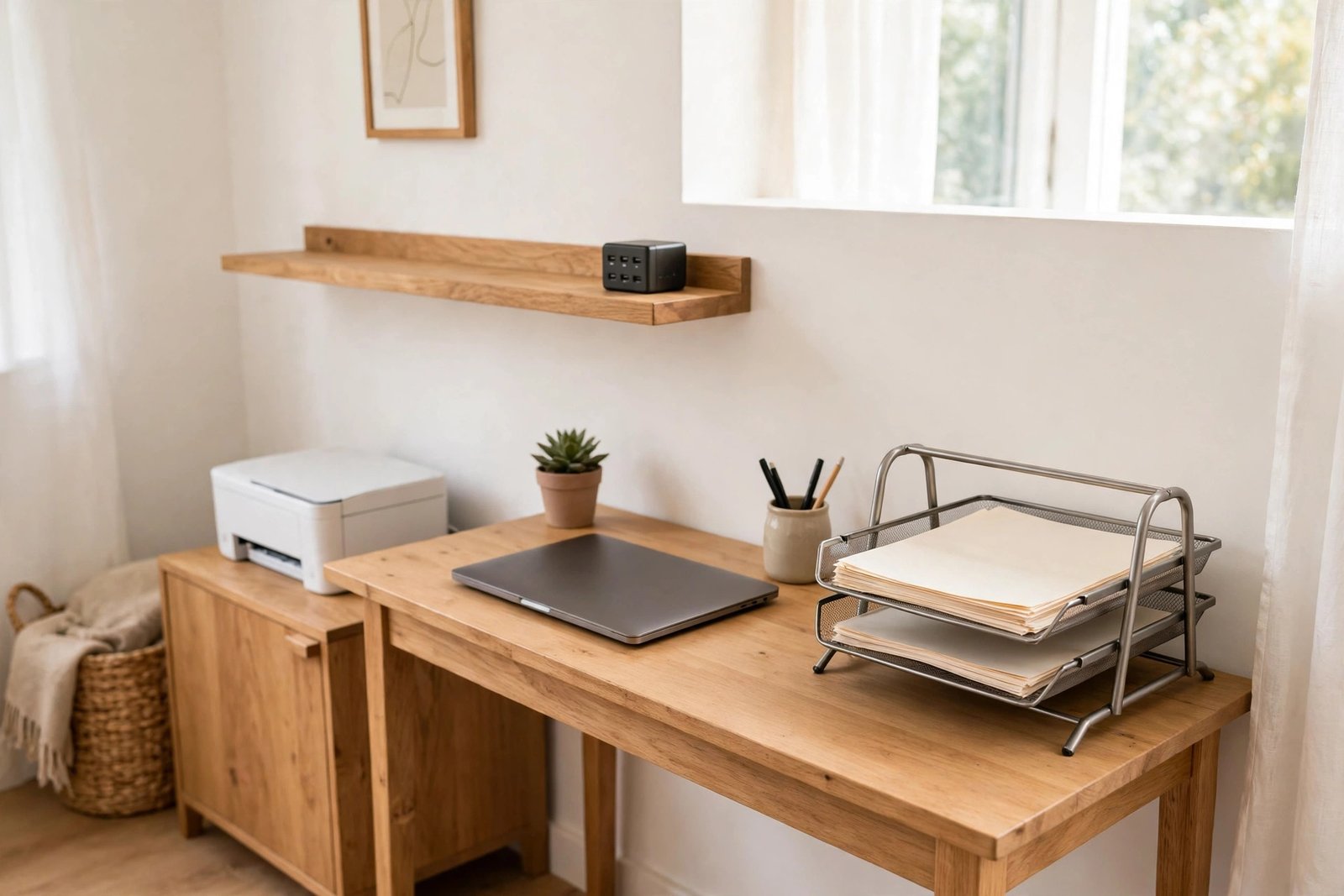
Every home office has three trouble items. The printer sits on the desk because there was nowhere else to put it. Files spread across every surface because they never got a real home. Chargers migrate from room to room, tangle in drawers, and vanish the moment you need one. None of these items is difficult on its own. The problem is that most offices never decided where each one should live, so they all live wherever they were last dropped.
This guide gives each of the three a proper home: a printer spot that respects space and cables, a file system based on how often you actually touch paper, and one fixed charging home so leads stop wandering. The rules work in a dedicated office, a corner desk, or a shared room.
Quick Answer
Decide where a printer files and chargers should live by how often you use them. The printer belongs near power and your desk but off the working surface, on a stand, shelf or cart. Files belong in two places only: a small active tray within reach, and one archive spot for everything finished. Chargers belong in one fixed charging home, such as a drawer or lidded box near a socket, and every charger returns there after use.
- Daily-use items earn a place within arm’s reach; everything else moves further away.
- The printer needs power, a flat stable surface, and room to open its lid and paper tray.
- Files split into “active this week” and “finished” — never a third, vague pile.
- One charging home ends the house-wide charger hunt.
Start With the Rule: Distance Follows Use
Before placing anything, sort the three items by how often you truly use them. Most people print a few times a week at most, touch a handful of active files daily, and charge devices every single day. That order should decide the map of your room. Chargers earn the closest, easiest spot. Active files come next. The printer, bulky but rarely touched, can live the furthest away, even in another part of the room or just outside it.
This sounds obvious, yet most offices are arranged the opposite way: the printer takes the prime desk corner because it arrived first, while the phone charger you use twice a day dangles from a random socket behind the sofa. Reversing that order is the single biggest improvement this guide asks you to make.
The Printer: Close to Power, Off the Desk
A printer has four needs: a stable flat surface, a power socket, enough clearance to open the lid and load paper, and a cable path that does not cross your legs. Notice that “on the desk” is not one of them. Unless you print many times a day, the printer is a guest that visits your work, not a resident of your work surface.
Good homes for a printer include a low cabinet or sturdy shelf beside the desk, a rolling cart that slides under or beside the desk, the top of a filing cabinet, or a shelf in a nearby cupboard if the cable run is short and safe. Keep it at a height where loading paper and clearing a jam does not mean kneeling or stretching. If you print rarely, a spot a few steps away is a fair trade for a clear desk every day.
Store the paper with the printer, not in a separate cupboard across the room. A small stack in a tray or box beside the machine means printing is one trip, not three. Spare ink or toner can live in the same place, in a labelled box, so you know at a glance when you are running low.
Wherever it lands, the printer’s cables should drop straight down to the socket or join your main cable run. Our guide to hiding and organising the cords under your desk shows how to keep that run tidy once the printer has its fixed place.

Files: Two Homes, Not Five Piles
Files cause clutter because they collect in stages: the desk pile, the shelf pile, the floor pile, the “important” pile you are afraid to move. The fix is to give paper exactly two homes and a simple rule for moving between them.
Home one is the active spot: a single tray, upright file holder, or shallow box within arm’s reach of your chair. It holds only what you are working on this week: current projects, forms in progress, post that needs a reply. If it is full, something in it is finished and must move. Keeping this spot small is the point; a small container forces honest decisions.
Home two is the archive: one box, drawer, or cabinet section for finished paper you must keep, such as contracts, tax documents, and guarantees. It can live further away, on a higher shelf or in another room, because you open it rarely. What it cannot be is a second desk pile with a lid.
Paper moves in one direction only: desk, to active tray, to archive, to recycling. If you need help building the daily habit that keeps paper flowing, our simple filing routine for desks where paper piles keep growing walks through it step by step. For placement, the zone thinking in our guide to labelling and zoning a home office so it stays organised helps you decide which shelf or drawer each home should occupy.
Chargers: One Fixed Charging Home
Chargers wander because they follow devices, and devices wander everywhere. The answer is not more chargers; it is one charging home that everything returns to. Choose a drawer near your desk, a lidded box on a shelf, or a small charging stand beside a socket. Every charger for your work devices lives there: laptop, phone, tablet, headphones, watch.
Set the home up once: a power strip inside or behind it, each lead coiled loosely with a simple tie, and each lead marked near the plug end so you can tell them apart without untangling the whole box. Then make one rule and keep it: a charger that leaves the home for a trip comes back the same day you do.
Keep spare and rarely used leads out of the charging home. Old cables for devices you no longer own are the main reason charger drawers become nests. Put genuine spares in the archive area with other backup supplies, and recycle leads for devices that have left the house.

A Simple Map for the Whole Room
Put together, the three decisions make a map with four rings. On the desk surface: only today’s work. Within arm’s reach: active files, daily supplies, and the charging home if your desk has a drawer. Elsewhere in the room: the printer, its paper and ink, and backup supplies. Outside the room, if space is tight: the archive box, which you open a few times a year at most.
Test your current setup against that map. Anything bulky and rarely used that sits inside the first two rings is a candidate to move, and anything you use daily that lives outside them should move closer. Most offices need only two or three swaps to feel completely different.
Mistakes to Avoid
- Giving the printer the best desk corner by default. It is the bulkiest item and the least touched; it earns a side spot, not the centre.
- Keeping paper in several “temporary” piles. Temporary piles never move. Two homes and a one-way flow keep paper honest.
- Storing printer paper and ink far from the printer. Every print job becomes a tour of the house, and supplies get bought twice because the first lot was forgotten.
- Letting chargers live wherever they were last used. Without a fixed home, you will always be hunting for the one lead you need.
- Filling the charging home with dead cables. Leads for old devices turn a useful drawer into a tangle that hides the chargers you actually use.
- Putting the archive in prime space. Finished files are opened rarely; they do not deserve the shelf you can reach without standing up.
Frequently Asked Questions
Can the printer live in another room?
Yes, if you print only a few times a week and the walk is short. A hallway cabinet or a shelf in a nearby room works well, as long as the printer has stable power and you keep its paper and ink beside it. If you print many times a day, keep it in the office but off the desk surface.
How many files should the active tray hold?
Only what you are working on this week. For most people that is one slim tray or upright holder. When it feels full, that is the signal to archive or recycle, not to buy a bigger tray.
What if several people share the same chargers?
Keep one shared charging home and agree the rule together: leads stay at the home and devices come to them, not the other way round. A small stand with several leads ready covers most family and shared-office needs.
Where should spare cables and backup supplies go?
With the archive, in one labelled box away from the daily workspace. Backups are used rarely, so they belong in the outer rings of the room, where they stay findable without cluttering the desk area.
Conclusion
Printers, files, and chargers stop causing clutter the moment each one has an address. Give the printer a powered side spot with its paper, give files two homes with a one-way flow between them, and give chargers a single fixed home they always return to. Arrange all three by how often you use them, and the desk stays clear for the work itself.
