In the modern era of remote work and digital creativity, the ergonomics of your workspace are more than just a luxury—they are a necessity. Long hours spent typing can lead to wrist strain, neck pain, and poor posture if your equipment isn’t positioned correctly. Enter the keyboard tray: a simple yet transformative addition to any desk that brings the keys to your natural resting height.
Whether you are looking to save precious desk real estate or seeking the perfect tilt to protect your joints, there is a solution tailored for you. Here are 16 smart keyboard tray ideas to elevate your workstation comfort and efficiency.
1. Under-Desk Slide
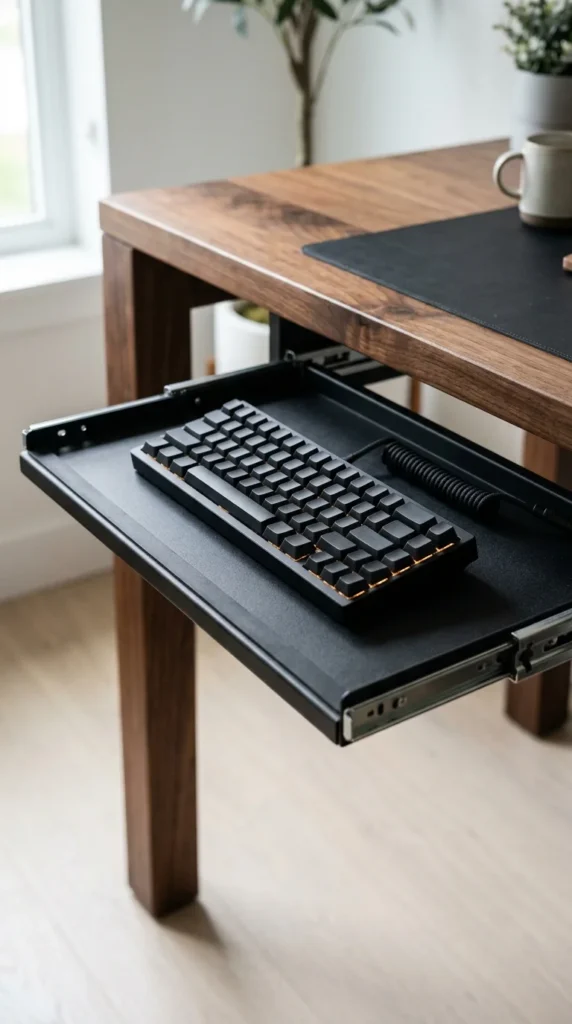
The classic under-desk slide is the gold standard for minimalist setups. By mounting the tray on tracks, you can tuck your keyboard and mouse completely out of sight when the workday is over. This not only clears your desk for other tasks—like sketching or reading—but also keeps your workspace looking organized and professional. Look for models with high-quality ball-bearing slides to ensure a silent, fluid motion every time you pull it out.
2. Articulating Arm
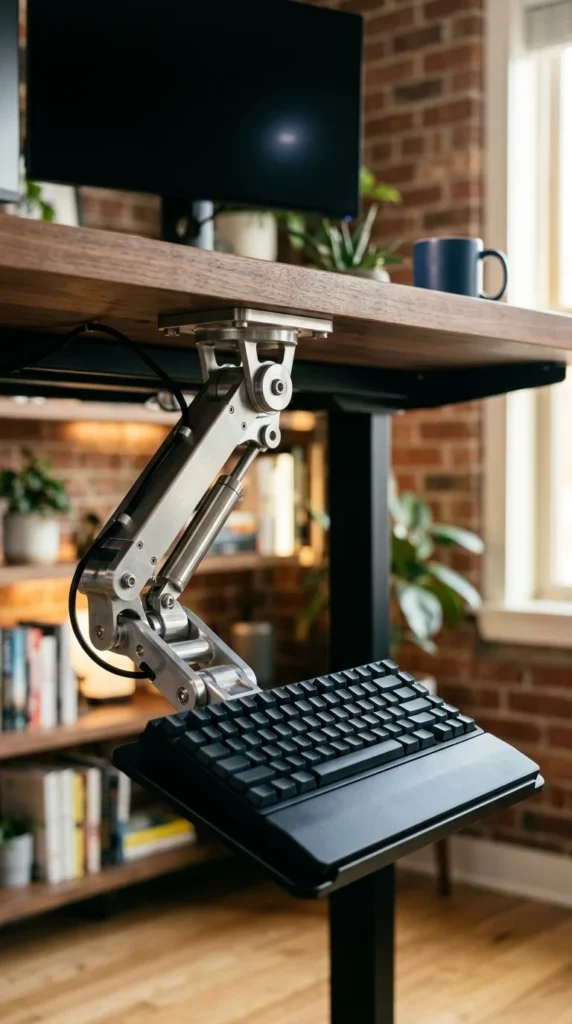
For those who prioritize ergonomic precision, an articulating arm tray is the ultimate choice. Unlike fixed tracks, these trays are mounted on a flexible arm that allows for height adjustment, side-to-side swiveling, and tilt control. This allows you to achieve a “negative tilt,” where the back of the keyboard is lower than the front, which is widely considered the healthiest position for preventing carpal tunnel syndrome.
3. Clamp-On Style
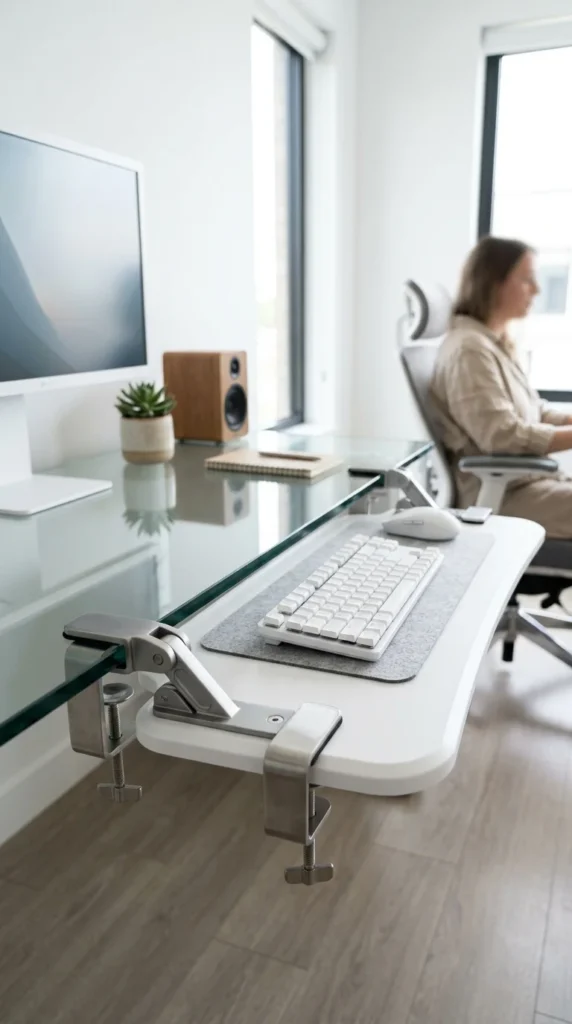
If you rent your home or own a glass or high-end solid wood desk, you might be hesitant to drill holes for a permanent mount. The clamp-on keyboard tray offers a drill-free solution. Using heavy-duty C-clamps, these trays can be attached or removed in seconds. They are surprisingly stable and provide an immediate ergonomic upgrade without any permanent alteration to your furniture.
4. Extra-Wide Surface
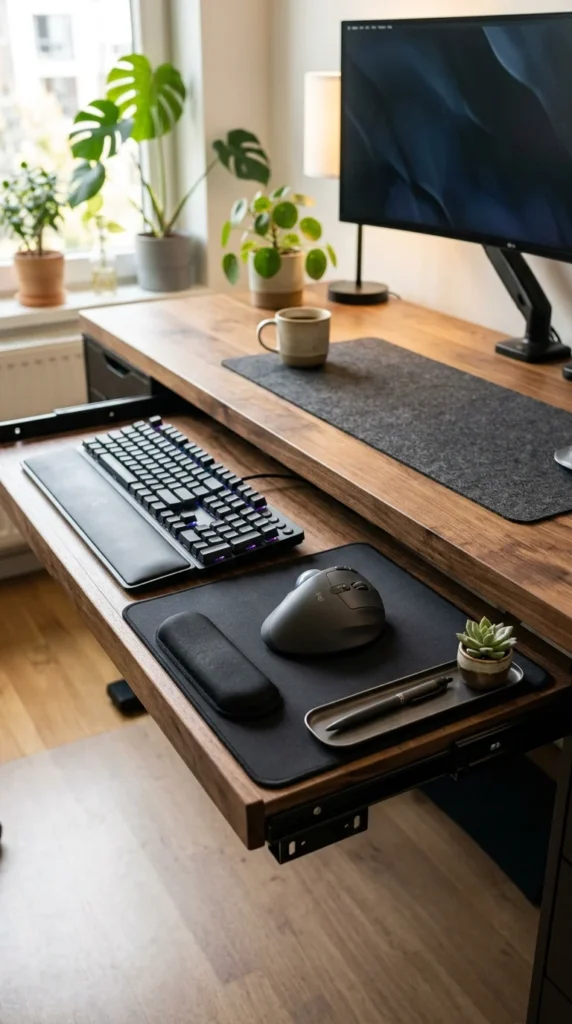
Many standard keyboard trays are too cramped to accommodate both a keyboard and a mouse comfortably. An extra-wide tray solves this by providing a unified platform for all your input devices. This prevents the “shoulder reach” that occurs when your mouse is on a different level than your keyboard, keeping your arms tucked comfortably at your sides in a neutral position.
5. 360-Degree Swivel
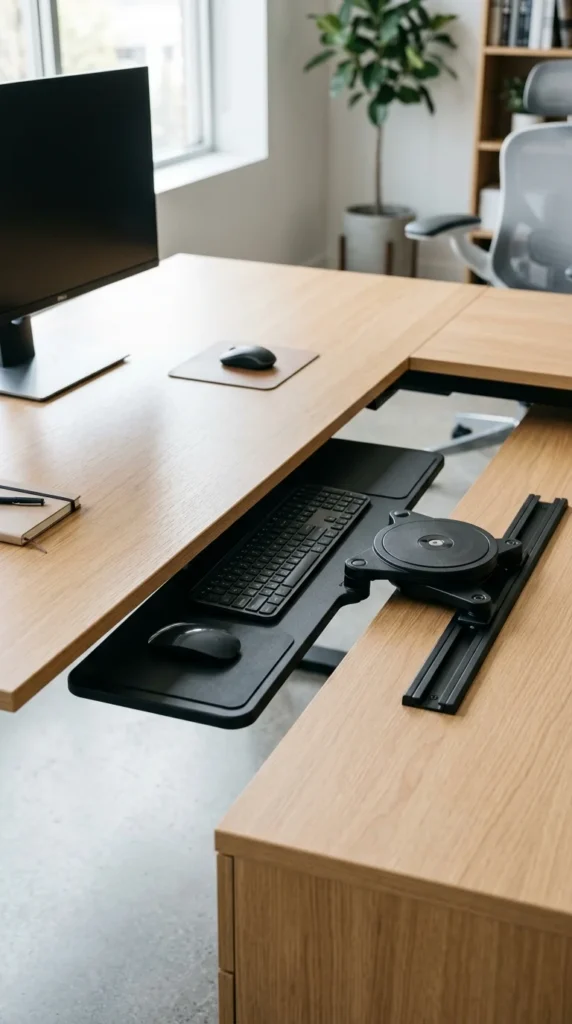
Space-saving is the name of the game with a 360-degree swivel tray. Instead of just sliding forward and backward, these trays can rotate horizontally. This is particularly useful for L-shaped desks or corner workstations where a traditional slide-out might be blocked by desk legs or drawers. It allows you to pivot the keyboard to the perfect angle for your body, regardless of how you are sitting.
6. Tilting Platform
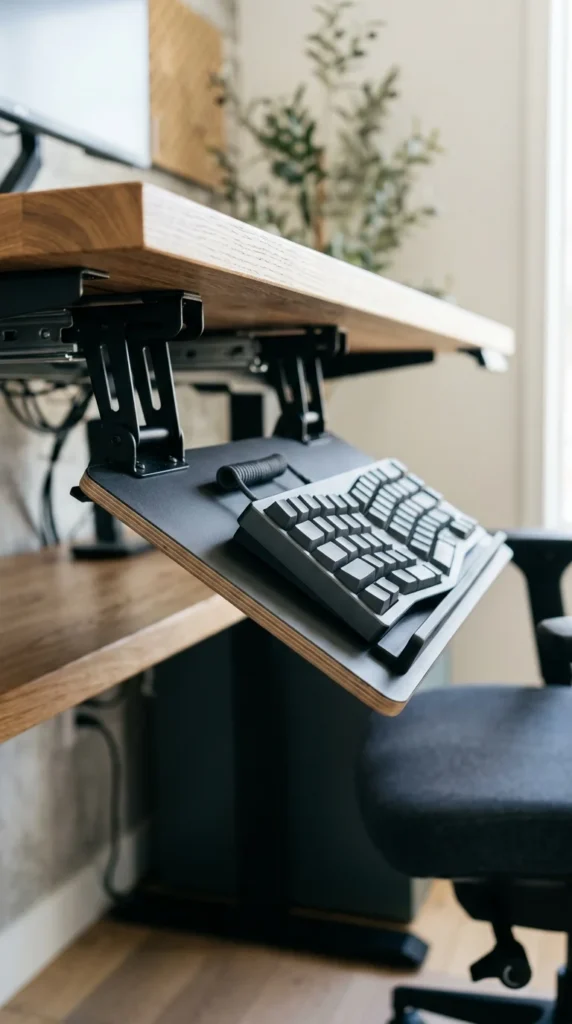
Focusing specifically on the angle of your wrists, a tilting platform tray allows you to adjust the slope of your typing surface. Most experts recommend a negative tilt, which follows the natural downward slope of your forearms. This reduces the extension required in your wrists, significantly lowering the risk of repetitive strain injuries over long work sessions.
7. DIY Wood
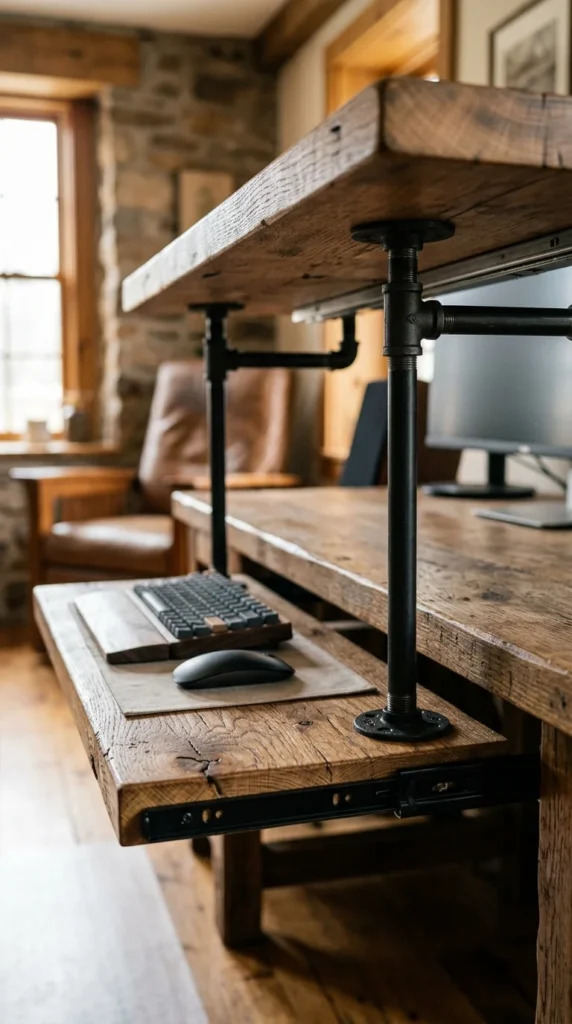
For the DIY enthusiast, a custom wooden keyboard tray allows you to match your tray perfectly to your desk’s aesthetic. By purchasing a set of heavy-duty drawer slides and a piece of finished hardwood, you can create a tray that is exactly the right width and depth for your needs. This is a great way to add a touch of warmth and personality to a cold, clinical office space.
8. Corner Solution
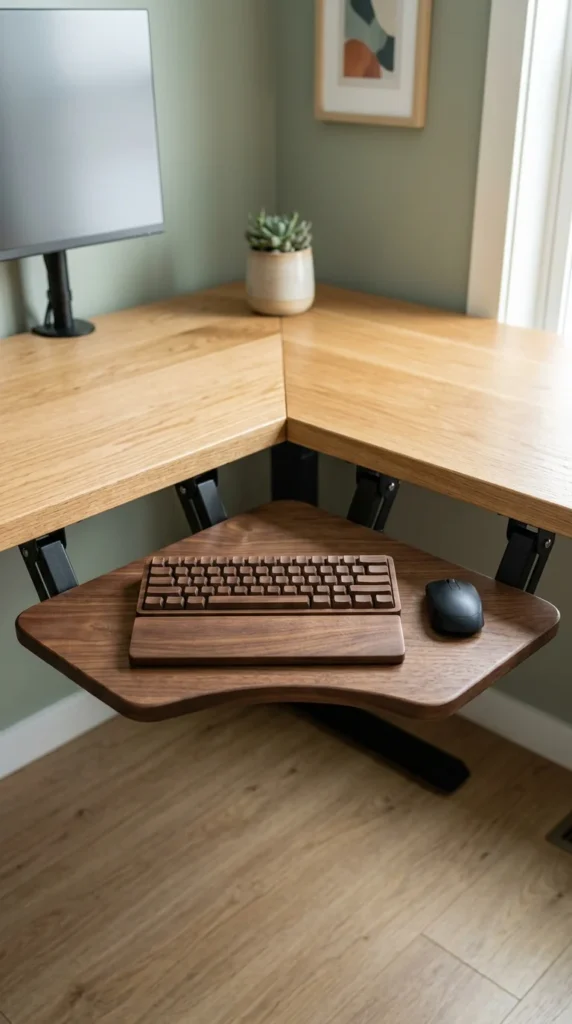
Corner desks offer a lot of surface area but can be tricky for keyboard placement. A corner-specific tray is designed to bridge the gap in the “V” of the desk, turning a sharp corner into a functional, ergonomic cockpit. These usually feature a diagonal mounting bracket and a wider, curved platform to ensure you aren’t cramped against the desk edges.
9. Standing Desk Adapter
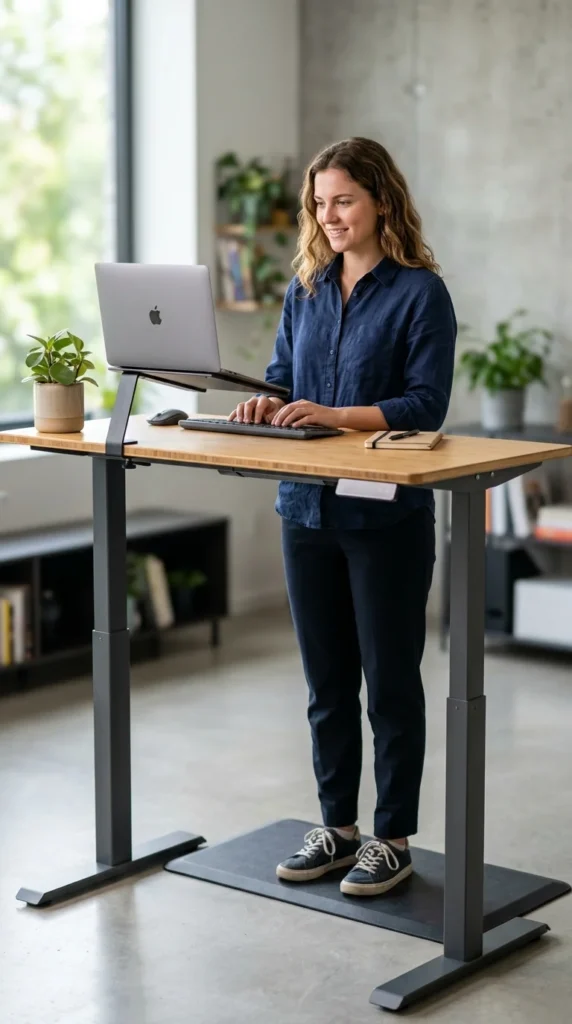
If you use a sit-stand desk, you need a keyboard tray that moves with you. These adapters are designed to be lightweight so they don’t strain the desk’s motor, yet sturdy enough to remain stable while you type at a standing height. Having a tray on a standing desk is crucial because it allows you to maintain the correct 90-degree elbow bend even as the desk height changes.
10. Bamboo Eco-Friendly
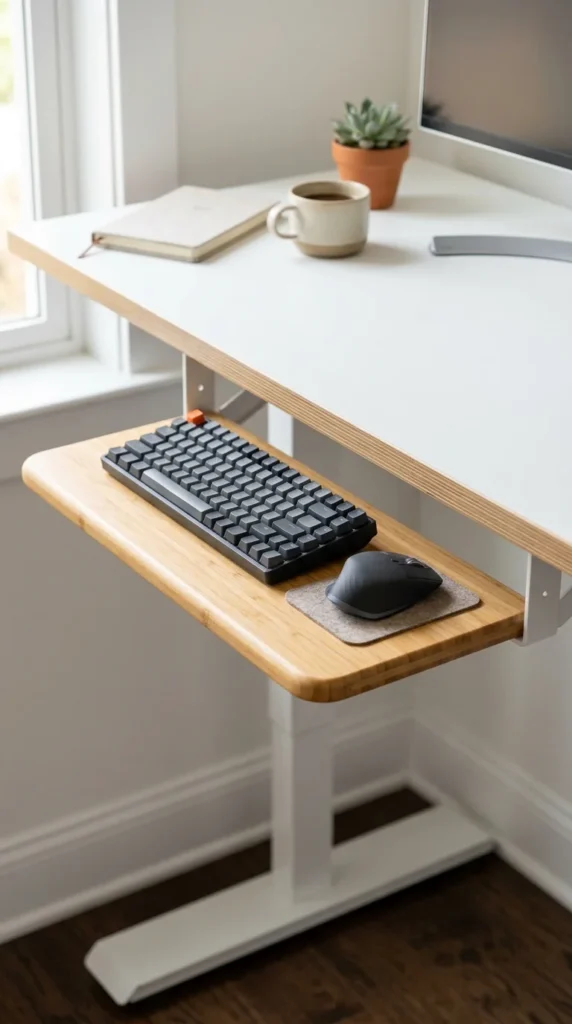
Sustainability meets style with bamboo keyboard trays. Bamboo is not only an eco-friendly material due to its rapid growth rate, but it is also incredibly durable and resistant to warping. These trays often feature a minimalist, “Zen” aesthetic that fits perfectly with Scandinavian or modern office designs, providing a soft, organic touch to your tech setup.
11. Compact Design
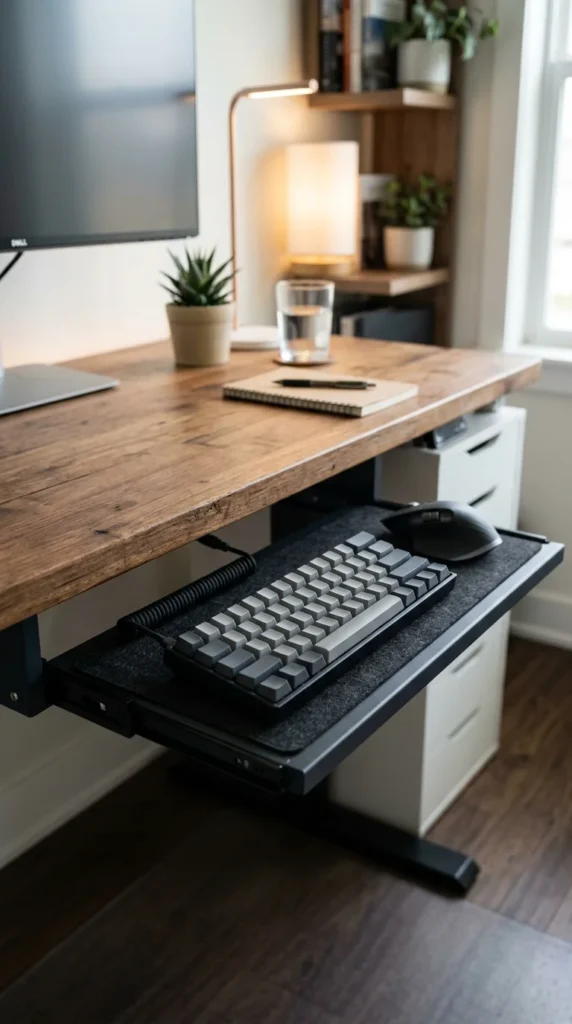
In tiny apartments or small home offices, every inch counts. A compact keyboard tray is designed specifically for “tenkeyless” or 60% keyboards. By stripping away the extra width needed for a number pad or a massive mousepad, these trays fit into the narrowest of desk spaces, ensuring that even the smallest desk can be an ergonomic powerhouse.
12. Heavy-Duty Steel
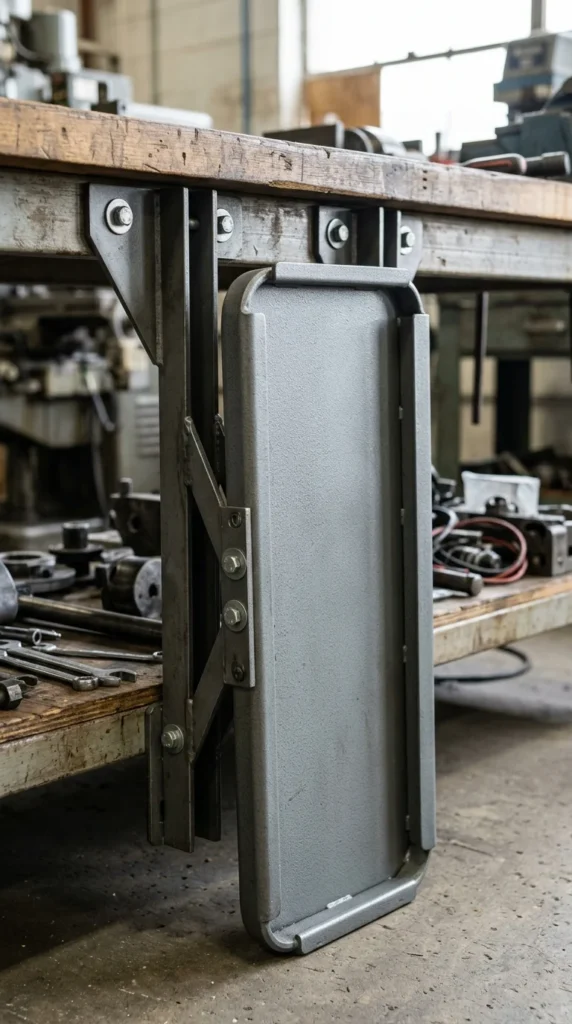
For high-traffic environments or users who tend to lean heavily on their desks, a heavy-duty steel tray is the answer. These are built to withstand significant weight and vibration. They are often found in laboratory or industrial settings, but they are equally valuable at home if you want a tray that feels rock-solid and won’t bounce or flex while you type.
13. Dual-Tier Tray

Some users find that they prefer their mouse at a slightly different height than their keyboard. A dual-tier or “split” tray allows for this customization. By elevating the mouse platform, you can keep your arm in a more neutral position, preventing the shoulder from dropping too low. Many of these models also allow the mouse platform to slide over the keyboard when not in use.
14. Hidden Drawer
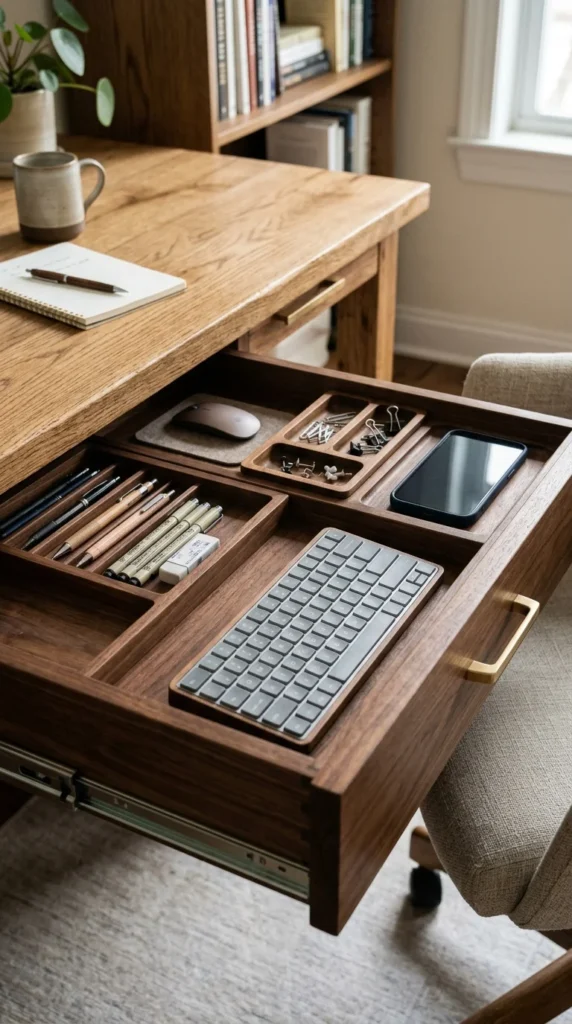
If you hate the look of office equipment, the hidden drawer approach is for you. This looks like a standard desk drawer from the outside, but when pulled out, the front panel flips down to create a flat typing surface. It’s the perfect blend of secret storage and ergonomic function, keeping your keyboard clean and dust-free when the work day is done.
15. Wrist-Rest Integrated
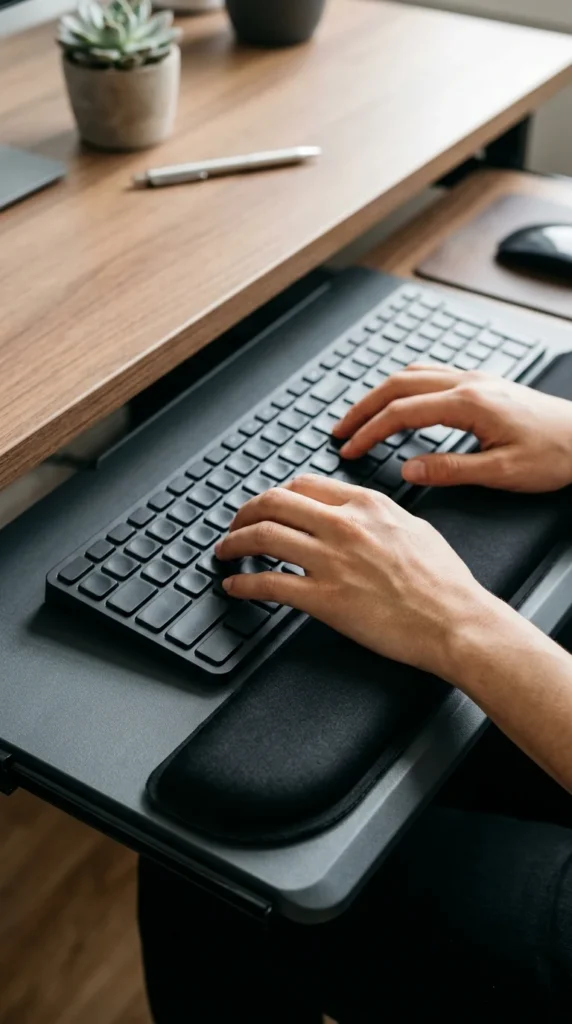
Comfort is the priority with an integrated wrist-rest tray. Instead of buying a separate pad that might slide around, these trays feature a built-in cushion made of foam or gel. This ensures that your palms are always supported at the correct height, reducing the pressure on the underside of your wrists and making those marathon typing sessions much more bearable.
16. RGB Backlit Tray
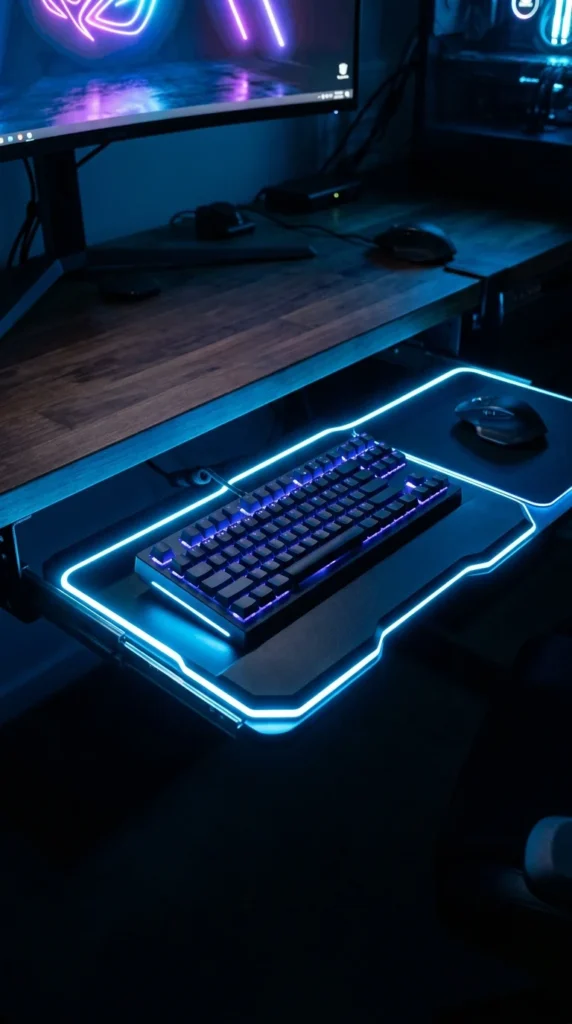
For the gamers and tech enthusiasts, an RGB backlit tray adds a layer of futuristic flair to the setup. These trays often feature translucent edges or built-in LED strips that can be synced with your PC’s lighting. Beyond the aesthetics, the subtle under-glow can actually help you see your keys and mouse in a dimly lit room, reducing eye strain during late-night sessions.