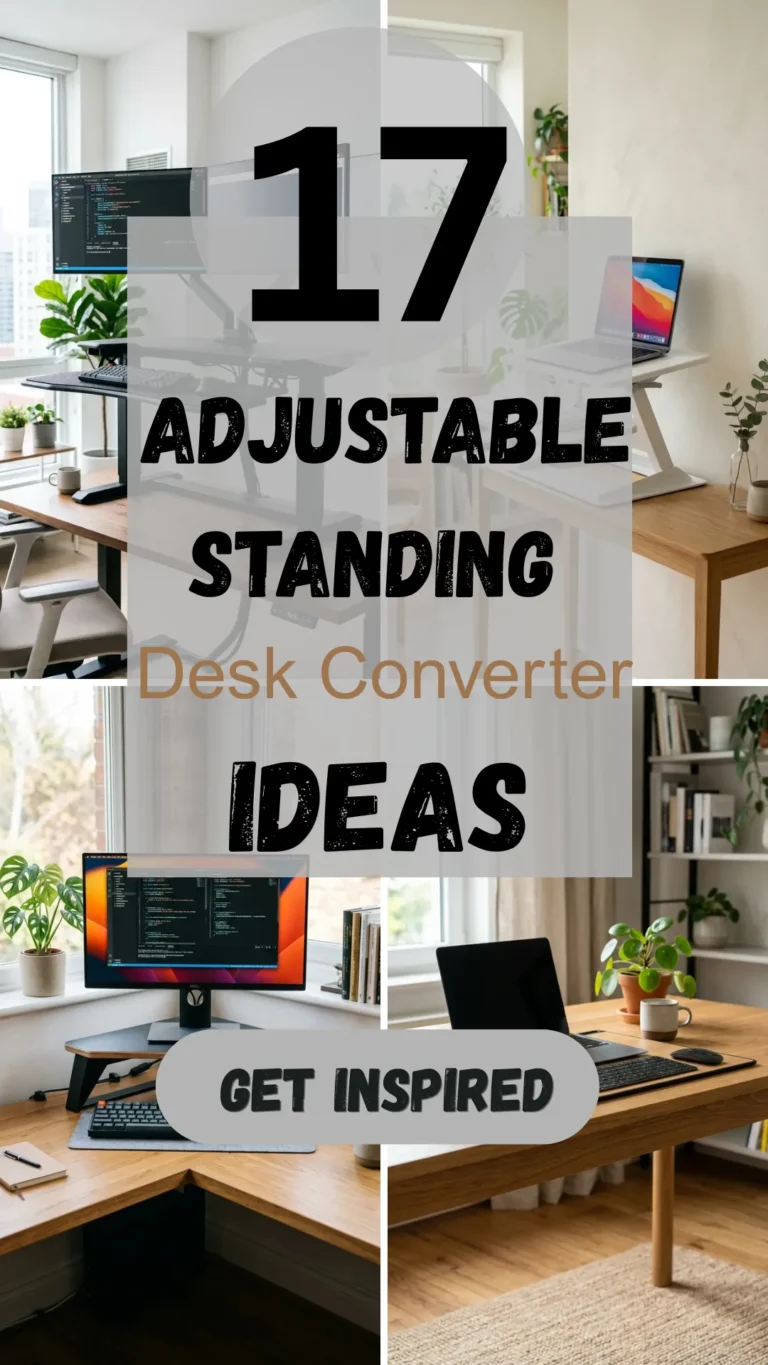

The modern workspace is evolving, and with it, our understanding of how physical movement impacts mental clarity. Long hours spent tethered to a chair are increasingly linked to fatigue, back pain, and a decline in creative energy. Enter the standing desk converter—a versatile solution that transforms any standard desk into a dynamic workstation. By allowing you to switch between sitting and standing in seconds, these converters help maintain blood flow, reduce sedentary risks, and keep your focus sharp.
Whether you are working from a cramped apartment or a spacious executive suite, there is a converter designed to fit your workflow. Here are 17 innovative standing desk converter ideas to revitalize your productivity.
1. Electric Motorized
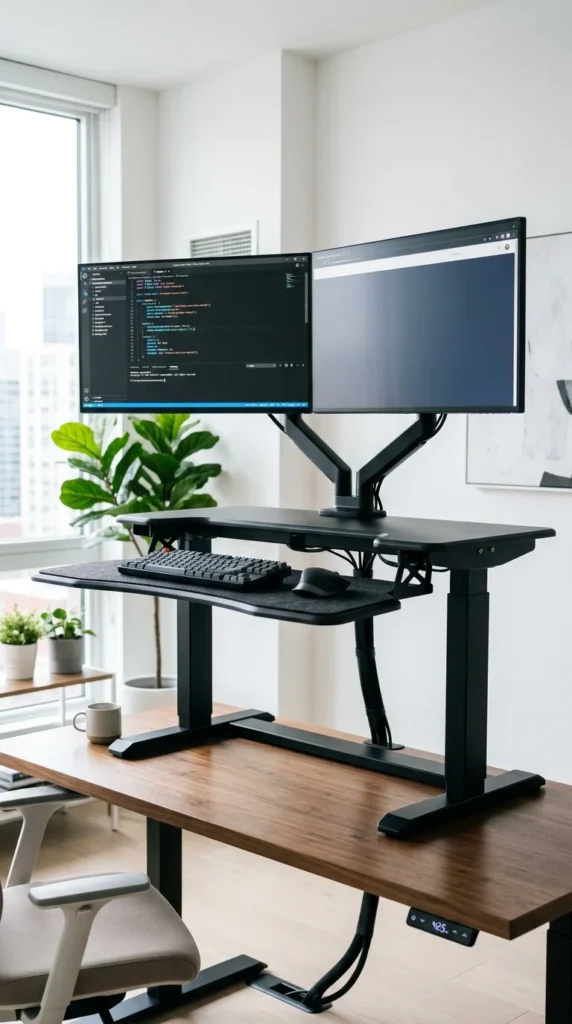
For those who want maximum convenience, the electric motorized converter is the gold standard. With the push of a button, internal motors quietly lift your entire workstation to your precise eye level. This eliminates the physical strain of manual lifting, making it ideal for users with heavy equipment or those who prefer incremental height adjustments. Many models feature programmable memory settings, allowing you to save your ideal sitting and standing heights for a seamless transition every time.
2. Gas Spring
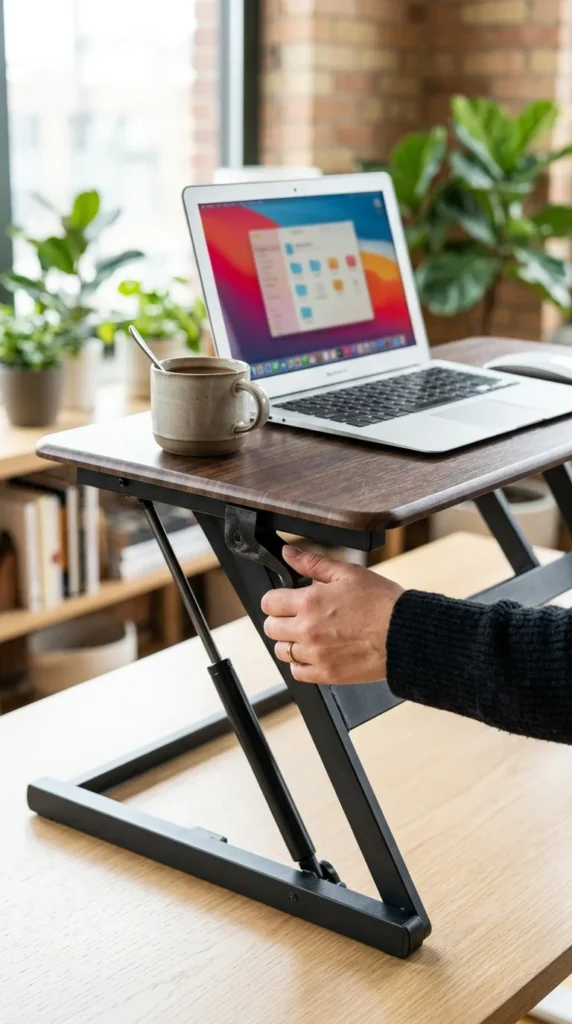
Gas spring converters utilize pneumatic mechanisms—similar to the shocks on a car—to provide a smooth, assisted lift. They are incredibly popular because they offer a balance between manual control and ease of use. A simple squeeze of a handle allows the platform to glide up or down, locking firmly into place once released. This design is perfect for fast-paced environments where you need to change your posture frequently throughout the day without fumbling with knobs or buttons.
3. Compact Minimalist
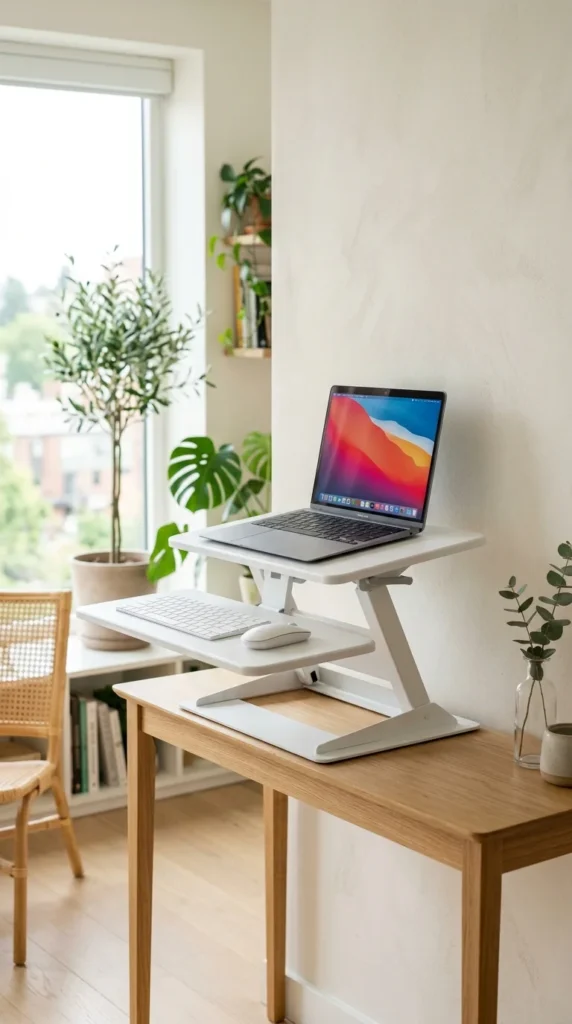
If you are working with limited square footage, a compact minimalist converter is your best friend. These models are designed with a small footprint that fits on narrow desks or even kitchen counters. Despite their size, they provide a stable surface for a laptop and a mouse, ensuring that even the smallest “cloffice” (closet-office) can benefit from ergonomic standing heights. Their lightweight nature also makes them easy to move if you need to clear your desk for other tasks.
4. Dual Monitor
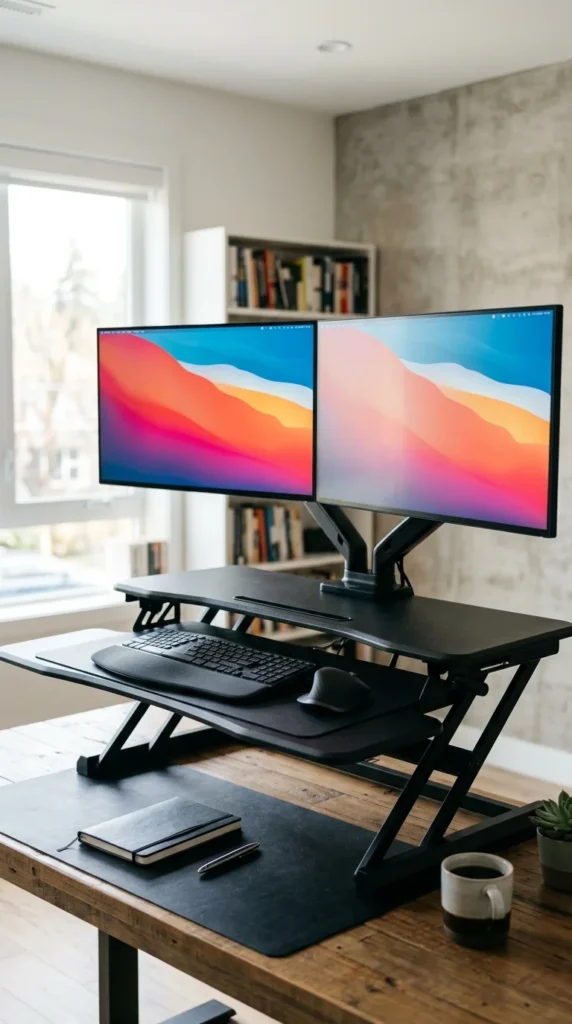
Productivity often requires multiple screens, and the dual-monitor converter is built to handle the weight and width of a twin-display setup. These converters feature extra-wide top platforms and reinforced frames to prevent wobbling. By keeping both screens at the correct ergonomic height, they reduce neck strain and allow for better multitasking, making them a staple for developers, data analysts, and creative professionals.
5. Extra Wide
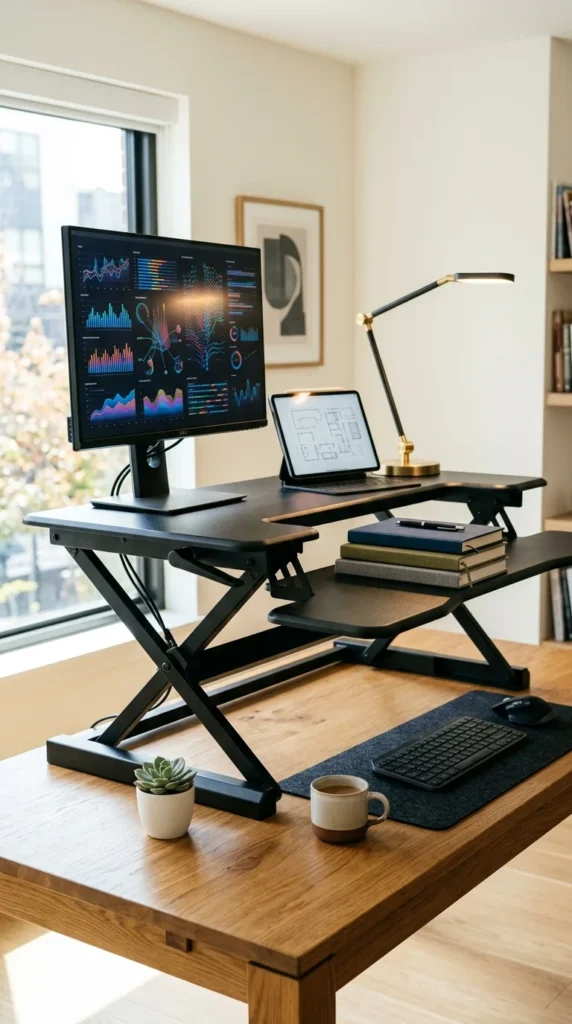
Sometimes, you need more than just a place for your computer. An extra-wide converter provides ample “real estate” for documents, tablets, coffee mugs, and stationery. This setup is ideal for those who engage in “analog” work alongside their digital tasks. The added space ensures that your entire workflow moves up with you when you stand, so you don’t have to keep reaching down to your seated desk level for your notes.
6. Corner Solution
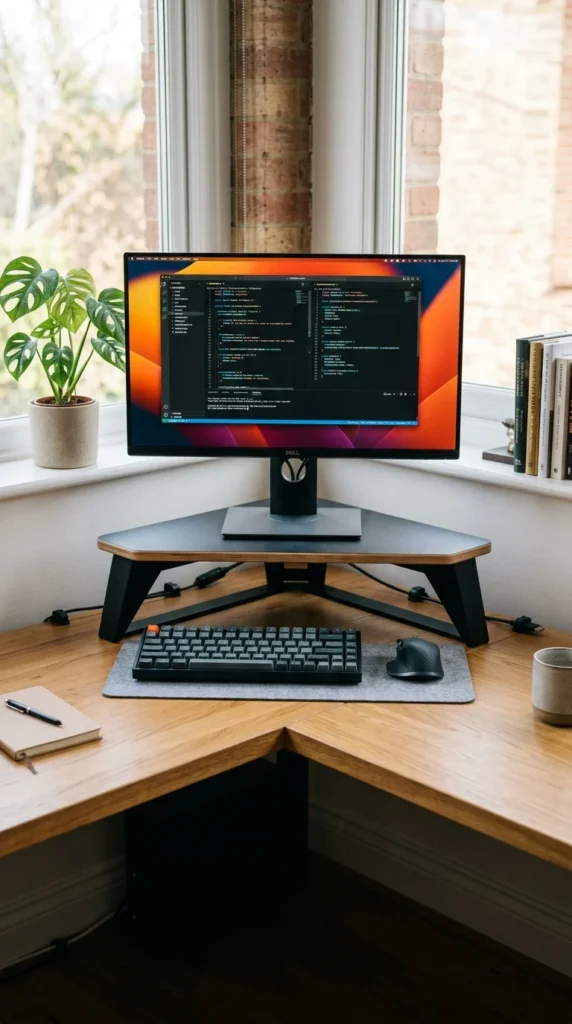
Corner desks offer great surface area but can be tricky for standard rectangular converters. A corner-specific standing desk converter features a tapered, triangular base designed to fit snugly into the 90-degree angle of your workstation. This utilizes the deepest part of your desk, which is often wasted space, providing a large workspace while keeping the rest of your desk clear for other equipment.
7. Portable Folding
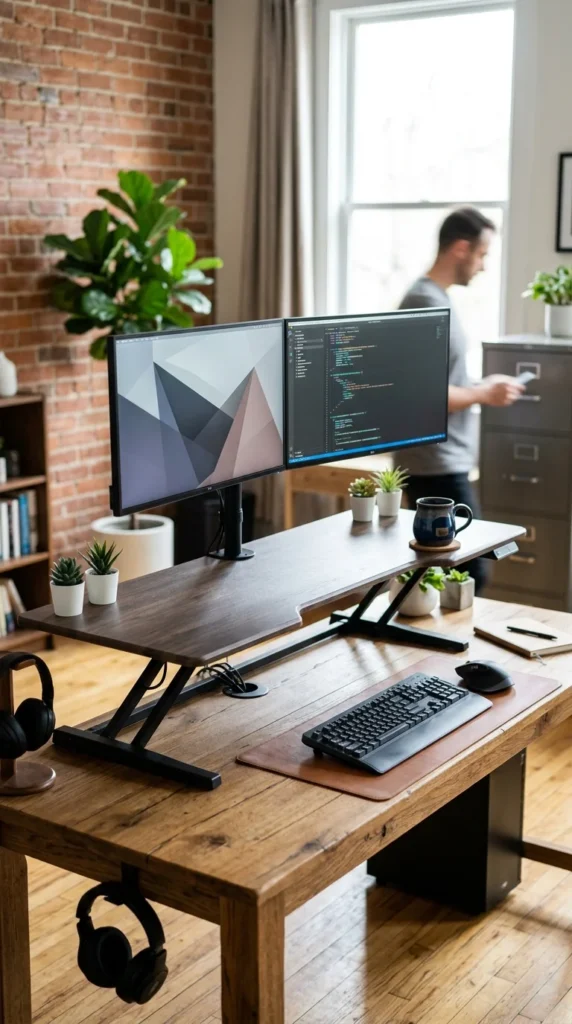
For the digital nomad or the hybrid worker who moves between the kitchen table and the home office, the portable folding converter is a game-changer. These are typically very thin when collapsed, allowing them to be tucked under a bed or behind a sofa. They are built for portability, often featuring built-in handles, making it possible to have an ergonomic setup wherever you find a flat surface.
8. Wooden Aesthetic

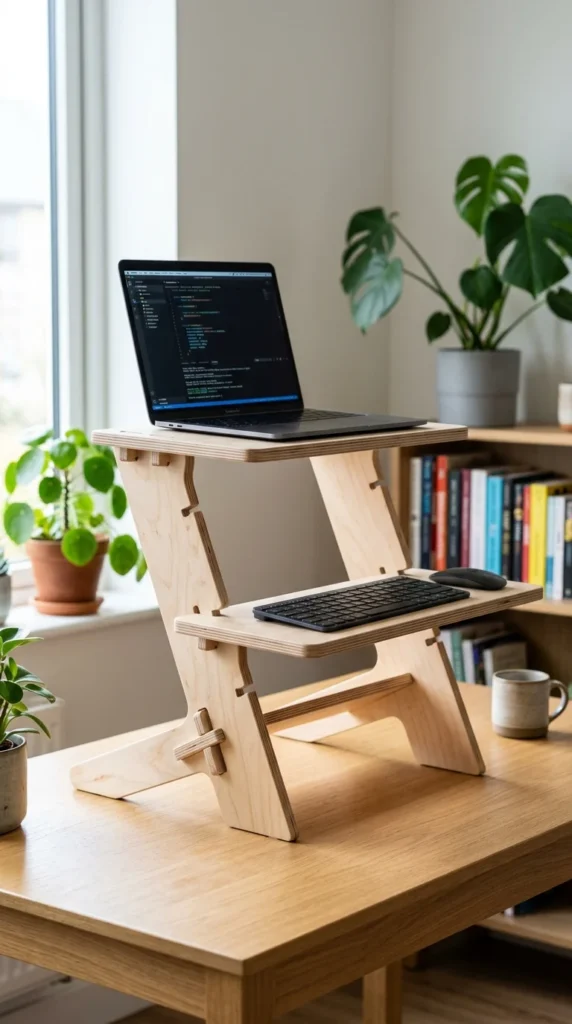
Function doesn’t have to sacrifice style. Wooden standing desk converters offer a warm, organic look that blends seamlessly with home decor. Many of these designs use a “slot and peg” system, where you manually move the wooden shelves to different heights. Not only are they eco-friendly, but they also serve as a piece of furniture that enhances the visual appeal of your workspace rather than looking like a piece of office machinery.
9. Laptop Dedicated
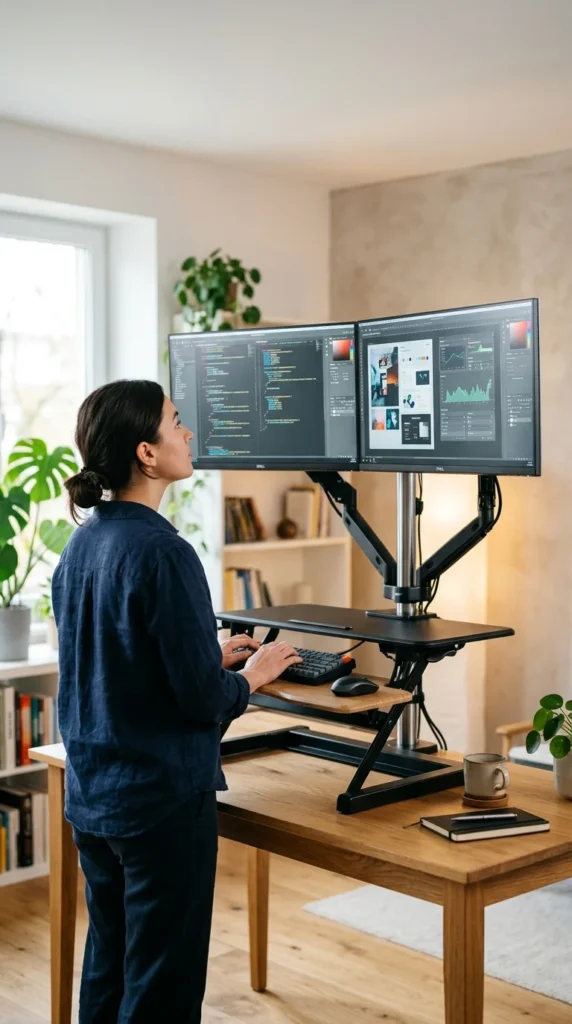
If you don’t use external monitors, a laptop-dedicated converter is the most efficient choice. These are often smaller and lighter than their full-sized counterparts. They focus on raising the laptop screen to eye level while providing a stable surface for typing. Some models include built-in fans or ventilation holes to prevent your laptop from overheating during intense work sessions.
10. Heavy Duty
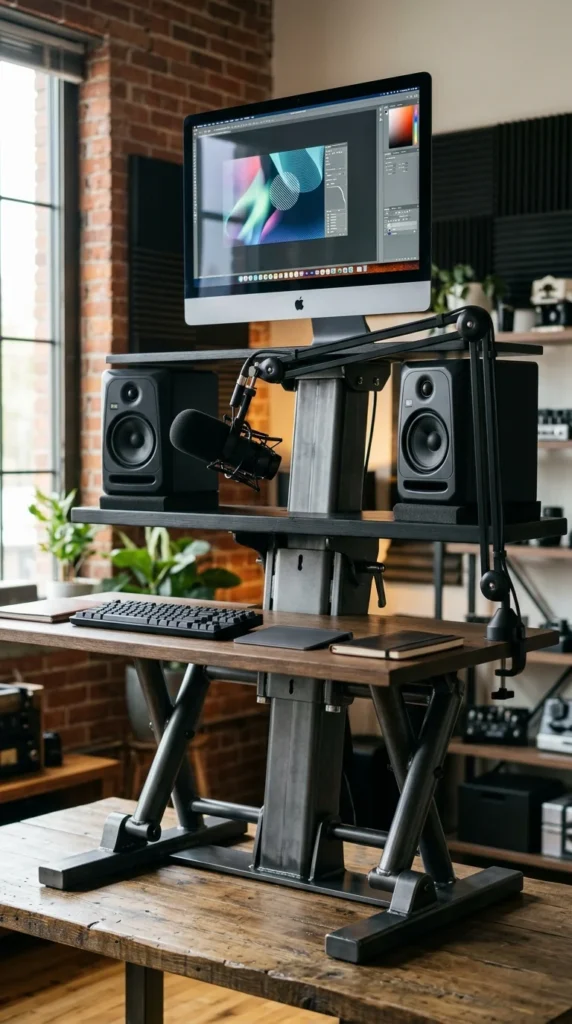
Power users with heavy equipment—such as iMacs, multiple large displays, or heavy-duty peripherals—require a converter that won’t sag or shake. Heavy-duty converters are built with reinforced steel frames and high-weight capacity gas springs. They offer maximum stability, ensuring that even when you are typing vigorously at the highest setting, your screens remain rock-steady.
11. X-Frame Design
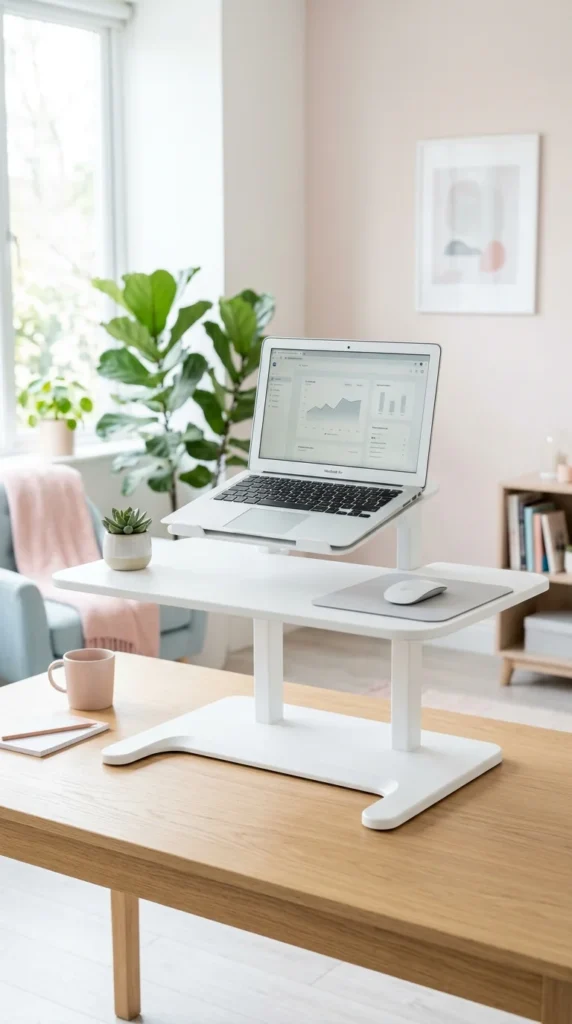
The X-frame (or Scissor Lift) design is one of the most stable mechanical structures for a converter. As the name suggests, the support legs form an “X” that expands and contracts. The primary benefit of this design is that it lifts the workstation straight up and down, rather than moving it forward as it rises. This is crucial for users in tight spaces who don’t want their workstation protruding into their walking path when they stand.
12. Z-Lift Mechanism
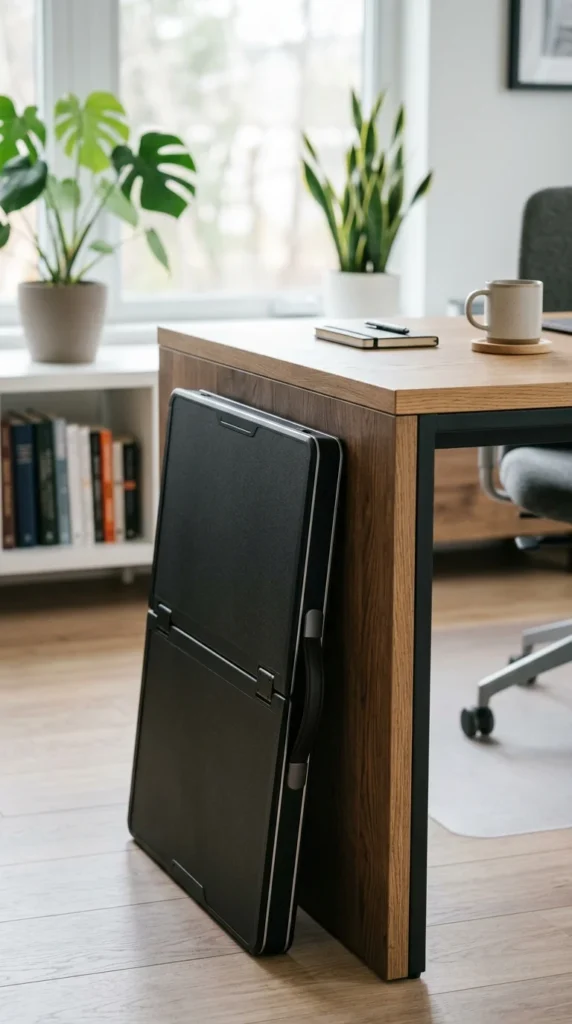
Unlike the X-frame, the Z-lift mechanism moves the platform slightly outward as it goes up. This can be beneficial because it puts a little more distance between you and your monitors when you are standing, which is often more comfortable for the eyes. The “Z” structure is generally very easy to operate and is found in many of the most popular mid-range converters on the market.
13. Keyboard Tray
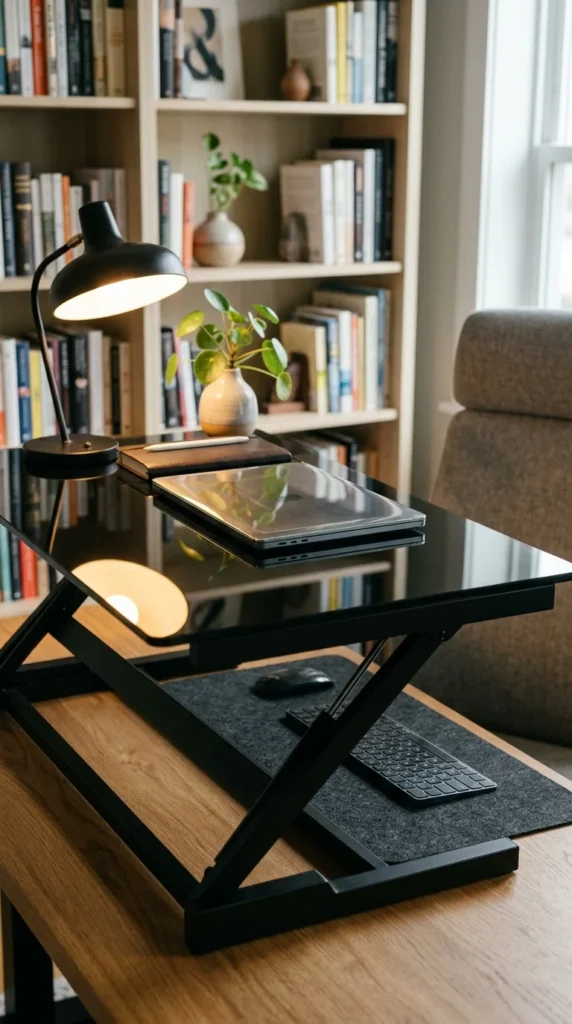
Ergonomics isn’t just about the height of your screen; it’s about the position of your wrists. A converter with a dedicated, tiered keyboard tray allows for a “neutral” typing position, where your elbows are at a 90-degree angle while your eyes are looking straight ahead at the monitor. This double-tier design is essential for preventing repetitive strain injuries and carpal tunnel syndrome during long workdays.
14. Vertical Tower
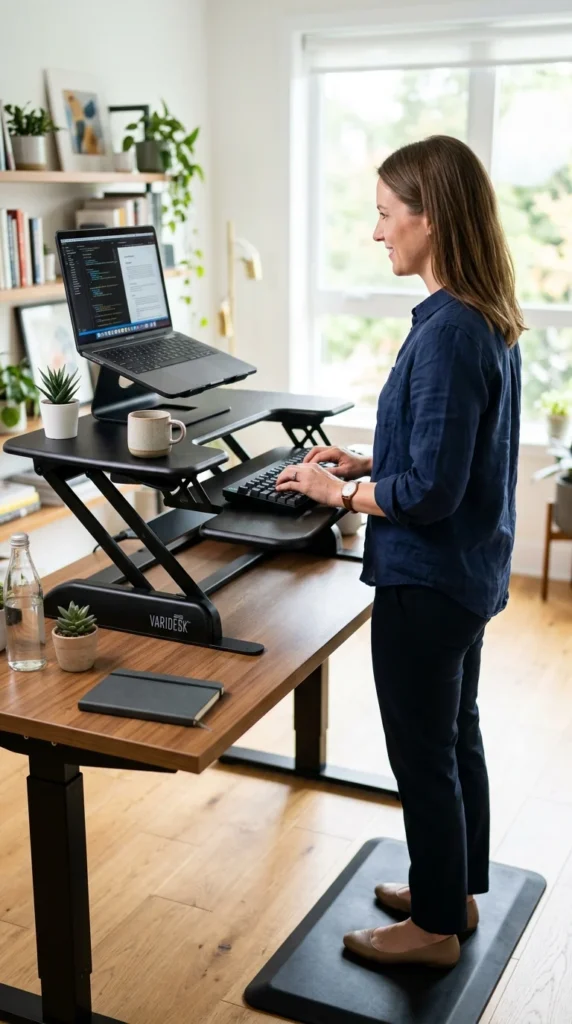
The vertical tower converter is a minimalist’s dream. It typically consists of a central pole that clamps to the back of the desk, with adjustable arms for the monitor and keyboard. This design takes up the least amount of desk surface area possible, leaving the entire table open for other tasks. It provides a very “floating” and modern look to any office setup.
15. Ergonomic Curve

A converter with an ergonomic curve features a “U-shaped” cutout in the front. This allows you to stand closer to the monitor and provides a place to rest your forearms comfortably. The curve helps reduce the reach required to access your keyboard and mouse, promoting a more natural posture and reducing shoulder tension over time.
16. Budget Friendly
You don’t need to spend a fortune to start standing. Budget-friendly converters focus on the essentials: a sturdy platform and a reliable lift mechanism. While they may lack features like built-in USB ports or fancy finishes, they provide the same health benefits as premium models. These are excellent for students or those testing the “standing desk” lifestyle for the first time.
17. Professional Executive

The professional executive converter is designed for high-end office environments. These models prioritize aesthetics, often featuring premium materials like mahogany finishes, leather-wrapped surfaces, and integrated cable management systems that hide all wires from view. They are designed to look like a permanent, high-quality extension of an executive desk while providing top-tier ergonomic functionality.