
In an era of constant digital noise and cluttered schedules, your physical environment plays a pivotal role in your mental clarity. A minimalist desk setup isn’t just about aesthetics; it is a functional philosophy designed to reduce cognitive load and spark creativity. By stripping away the unnecessary, you create a vacuum that your best ideas can fill. Whether you are a software developer, a creative writer, or a corporate executive, these 21 ideas will help you transform your workspace into a sanctuary of productivity.
1. Monochrome Palette
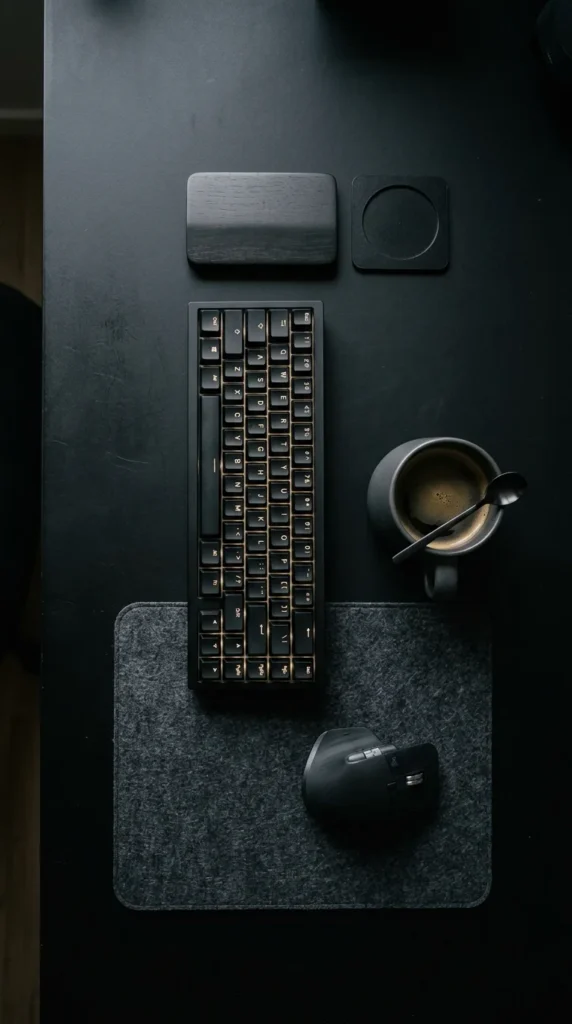
Choosing a monochromatic color scheme is the fastest way to achieve visual harmony. When your monitor, keyboard, mouse, and desk all share the same hue—be it stark white, deep black, or various shades of grey—the eye isn’t drawn to any single object. This lack of visual “interruption” allows you to focus entirely on the screen. Black setups offer a sleek, “stealth” vibe that hides shadows well, while all-white setups maximize reflected light, making a small room feel significantly larger and more energetic.
2. Cable Management
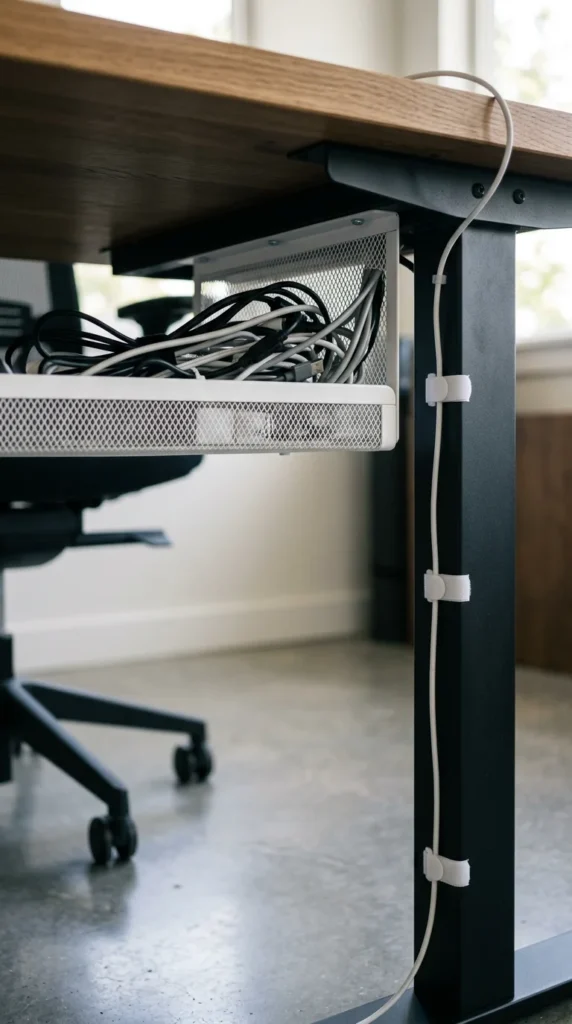
The greatest enemy of minimalism is the “rat’s nest” of cables. To achieve a truly clean look, you must invest in cable management. Use under-desk trays to hold power strips and excess cord lengths. For the few wires that must remain on top of the desk, use weighted cable anchors or routed channels. The goal is “invisible power”—the illusion that your devices are powered by magic rather than a chaotic web of copper and plastic.
3. Monitor Arm
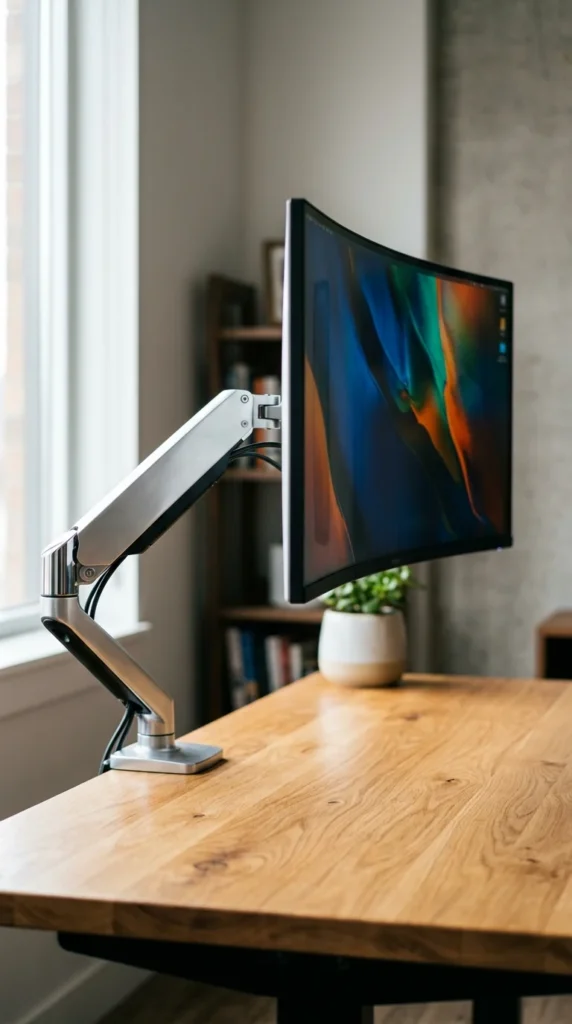
Standard monitor stands are bulky and occupy precious desk real estate. By switching to a desk-mounted monitor arm, you “reclaim” the surface area directly beneath your screen. This creates an airy, floating effect that makes the setup feel lightweight. Additionally, monitor arms allow for perfect ergonomic adjustment, enabling you to tilt, swivel, and height-adjust your screen to prevent neck strain, which is essential for long-form deep work.
4. Wireless Tools
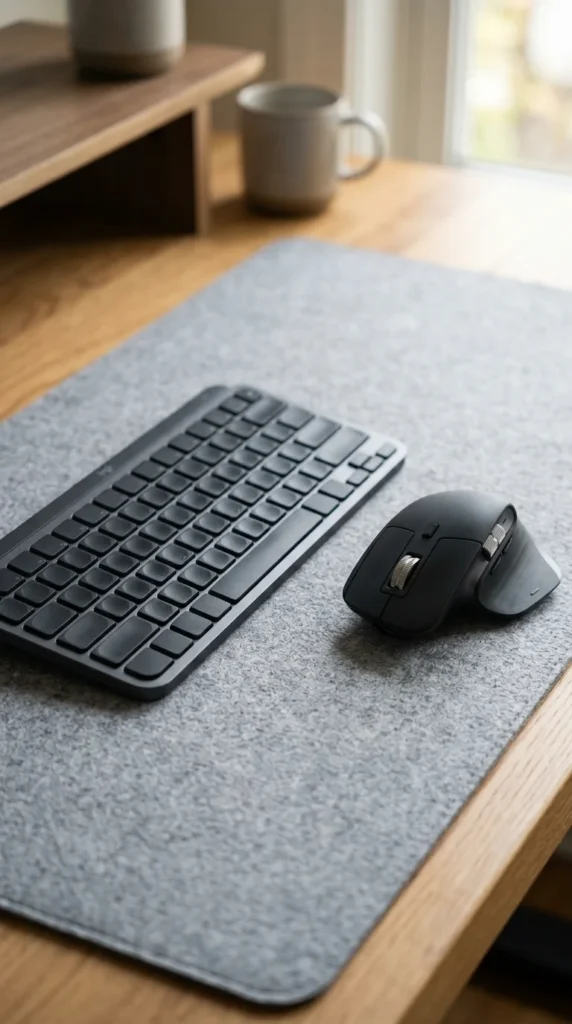
If you want to eliminate clutter, go wireless. Modern Bluetooth and 2.4GHz technology have reached a point where latency is virtually unnoticeable for most tasks. A wireless mouse and keyboard allow you to move your peripherals freely or even tuck them away in a drawer when you’re done for the day. This flexibility is key to a multi-purpose space where your “work desk” might need to become a “reading desk” in the evening.
5. Nature Integration
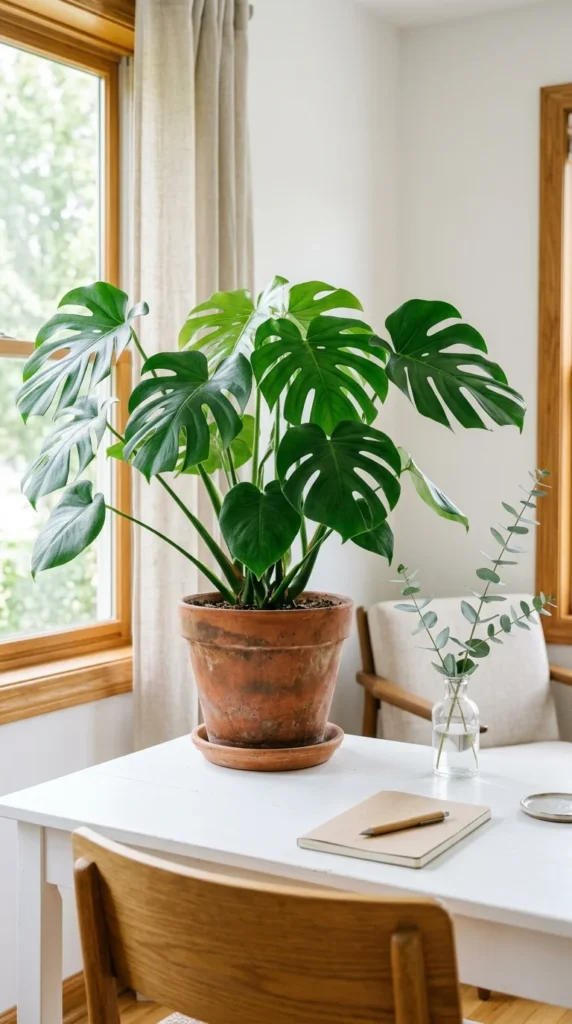
Minimalism can sometimes feel cold or clinical. Introducing “biophilic” design—incorporating natural elements—softens the environment. A single large plant or a few small succulents can improve air quality and provide a necessary “eye break” from the blue light of your screen. The organic shapes of leaves provide a beautiful contrast to the sharp, hard lines of technology, creating a more balanced and inviting atmosphere.
6. Desk Riser
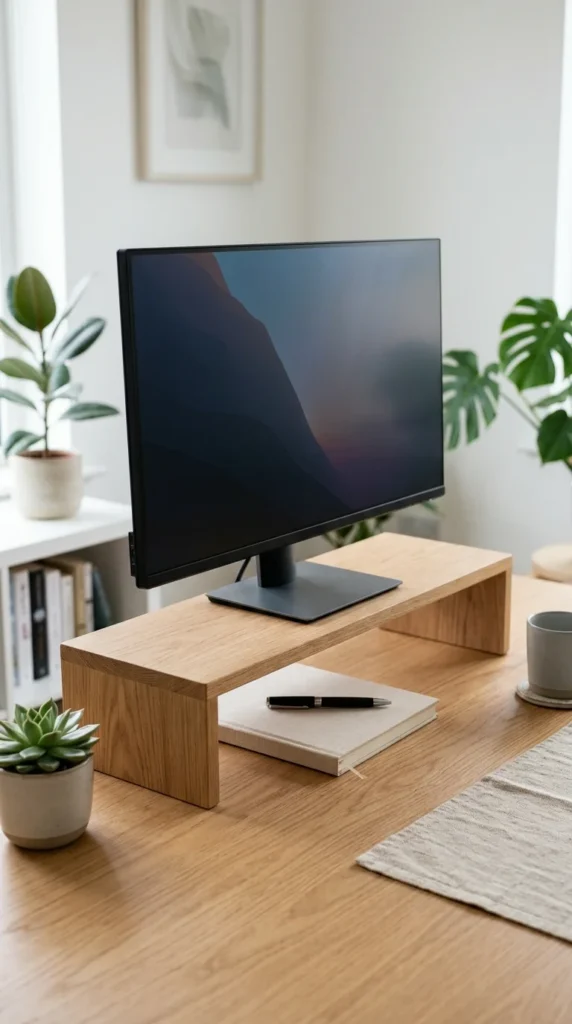
A desk riser or “desk shelf” is a favorite among minimalist enthusiasts. It adds a secondary level to your workspace, allowing you to elevate your monitor to eye level while creating a “garage” underneath for your keyboard or laptop. This layered approach adds depth to your setup without adding clutter, providing a designated home for small items like pens or external hard drives that would otherwise float around aimlessly.
7. Minimalist Lighting
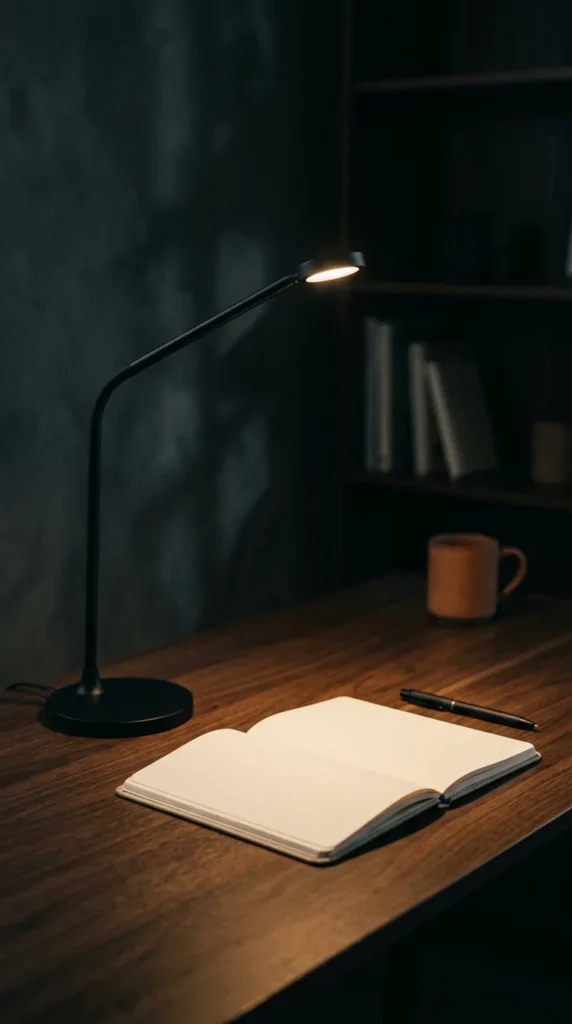
Lighting should be intentional. Instead of relying on harsh overhead fluorescent lights, use a minimalist desk lamp or a monitor light bar. A light bar sits on top of your monitor, illuminating your workspace without causing screen glare or taking up any desk space. This “task lighting” helps define your work area and creates a cozy, focused “bubble” that signals to your brain that it is time to concentrate.
8. Wall Storage
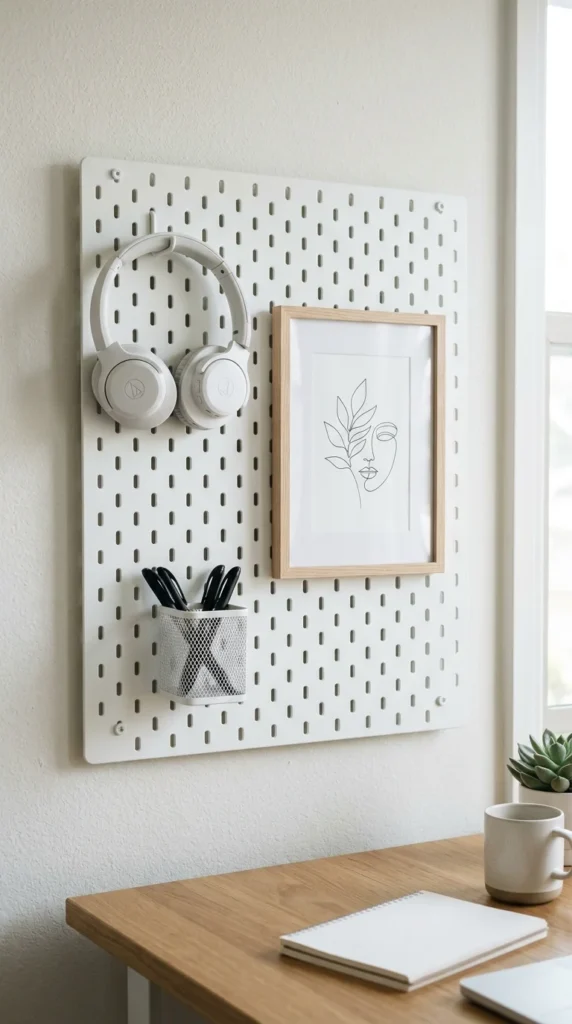
If your desk is small, look upward. Utilizing wall space for storage keeps your primary work surface clear. A pegboard system or a few floating shelves can hold your essentials—headphones, notebooks, and backup drives—within arm’s reach but off the desk. The key here is “curated storage”; don’t fill the wall with junk. Treat each item on the wall as a piece of a gallery.
9. Felt Mat
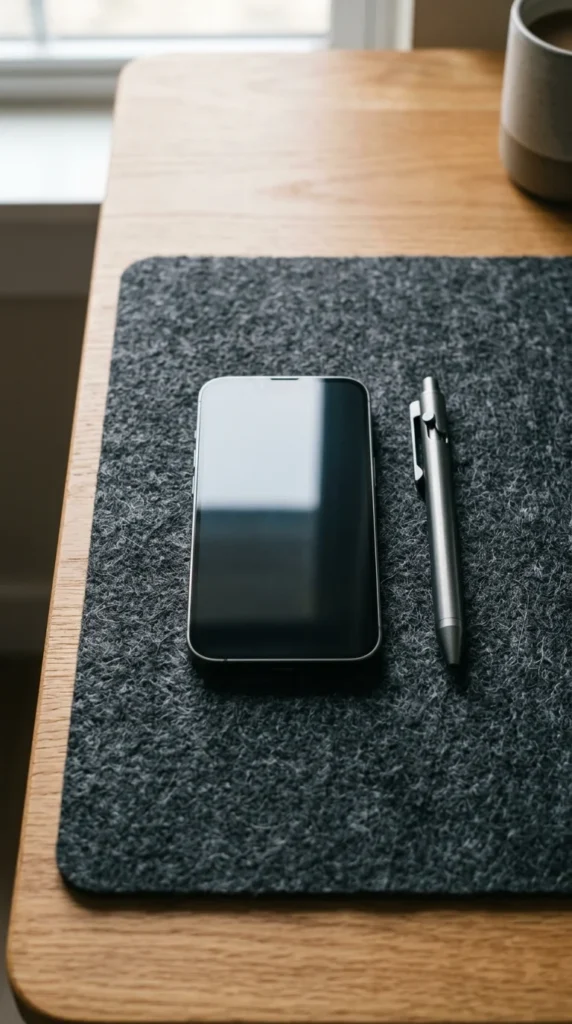
A desk mat (or “blotter”) serves as an anchor for your setup. It defines the “work zone” and adds a layer of tactile comfort. Felt or wool mats are particularly popular in minimalist setups because they add warmth and dampen the sound of your keyboard and mouse. Beyond the aesthetics, a mat protects your desk surface from scratches and provides a consistent tracking surface for your mouse.
10. Vertical Dock
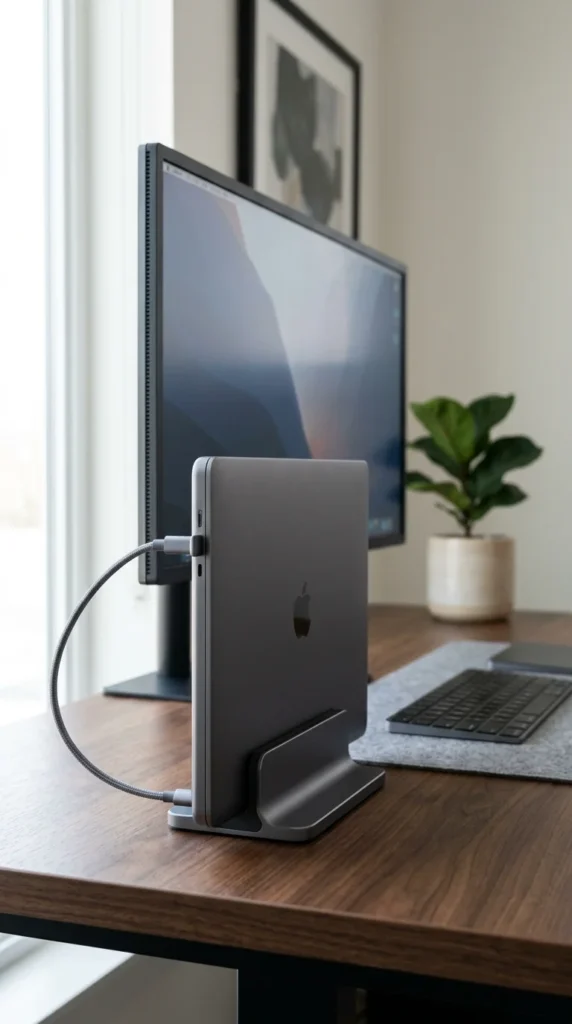
For those who use a laptop as their primary computer but prefer a large external monitor, a vertical dock is a game-changer. Instead of leaving your laptop open and taking up space, you slide it into a vertical stand. This “clamshell mode” treats your laptop like a powerful CPU tower, hiding the screen and keyboard you aren’t using and drastically reducing the physical footprint of your tech.
11. Hidden Drawer
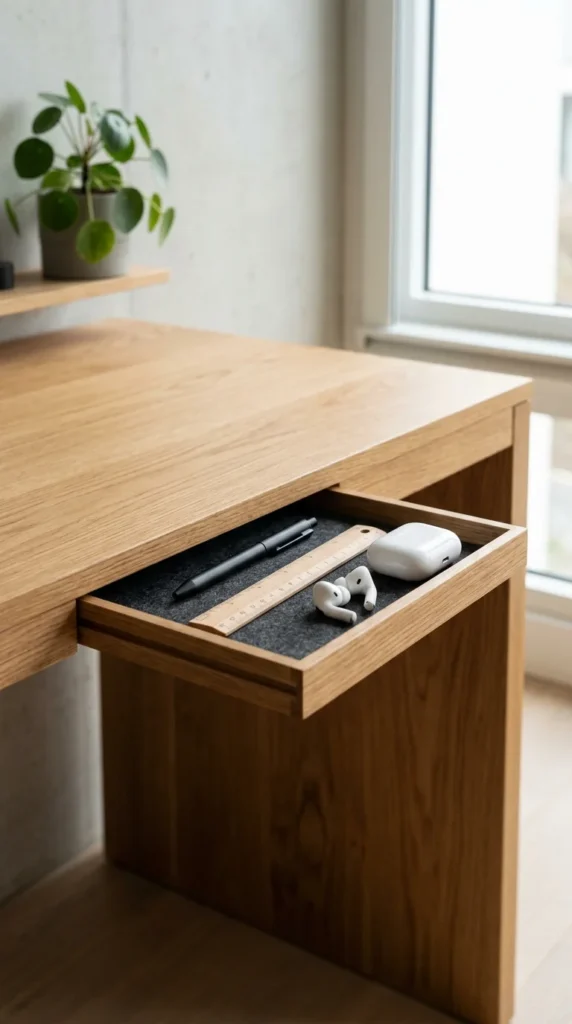
Minimalism is often about “out of sight, out of mind.” If your desk doesn’t have built-in drawers, you can install an adhesive or screw-on under-desk drawer. This provides a “hidden” spot for the small items that usually clutter a desk—lip balm, charging cables, or USB sticks. By giving these “micro-clutter” items a home, you ensure that the top of your desk remains a pristine canvas for your work.
12. Floating Shelves
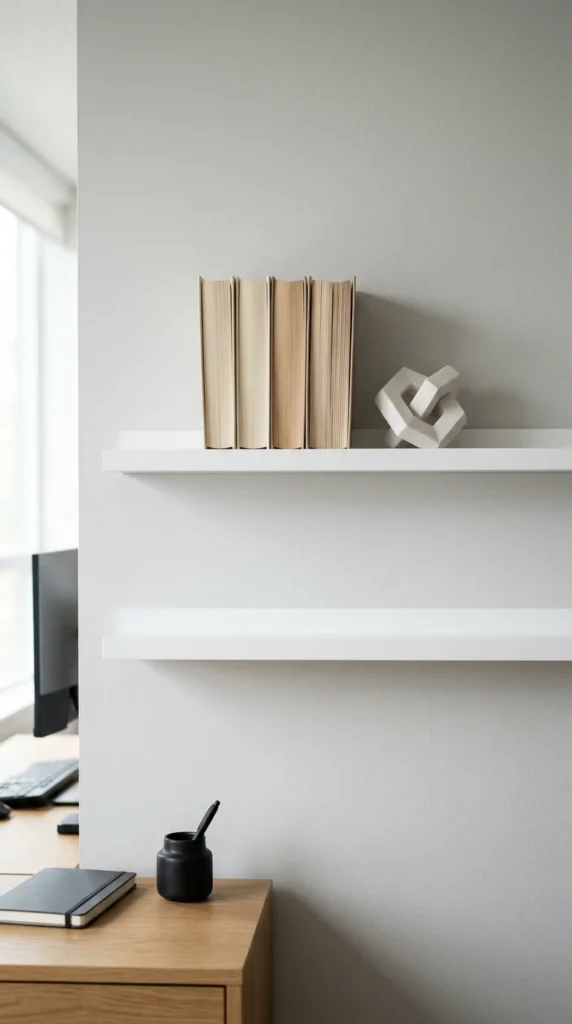
Floating shelves provide a place for personality without infringing on your productivity zone. In a minimalist setup, the goal is to keep these shelves sparsely populated. One or two meaningful objects, a favorite book, or a small piece of art can make the space feel personal and “lived-in” without making it feel messy. The “floating” nature of the shelves keeps the floor and desk area feeling open and breezy.
13. Geometric Decor
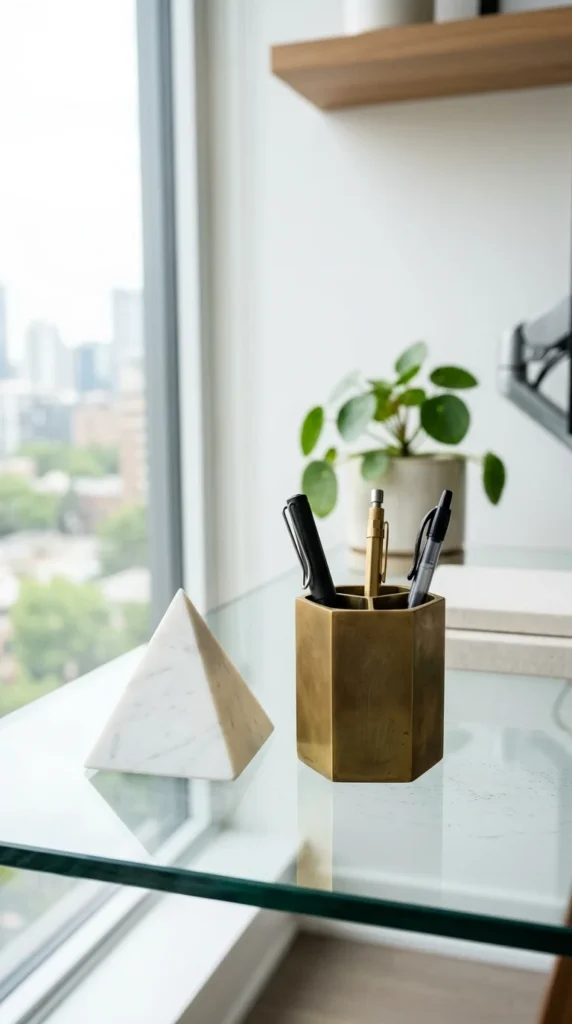
When you do choose to add decor, choose items with strong geometric shapes. Triangles, spheres, and cubes feel architectural and deliberate. A single geometric paperweight or a minimalist clock can serve as a focal point. These items should be high quality and heavy; in a minimalist setup, the “quality over quantity” rule is absolute.
14. Ergonomic Chair
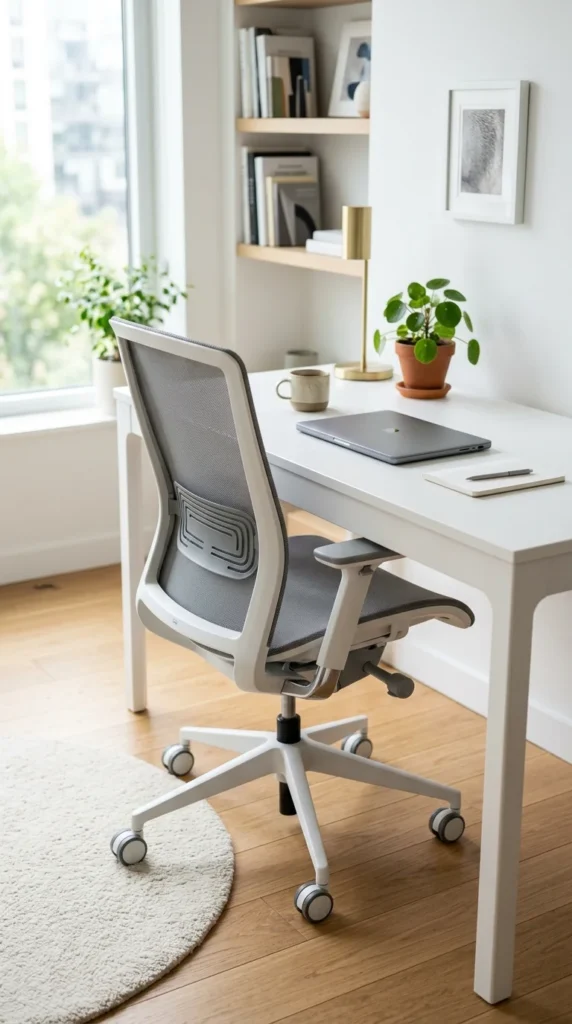
Minimalism isn’t just a look; it’s about optimizing your experience. A cluttered mind often comes from physical discomfort. A high-quality ergonomic chair with a clean silhouette ensures you can focus on your work for hours without being distracted by back pain. Look for chairs with mesh materials and slim frames that don’t dominate the room visually but offer maximum support.
15. Headphone Hook
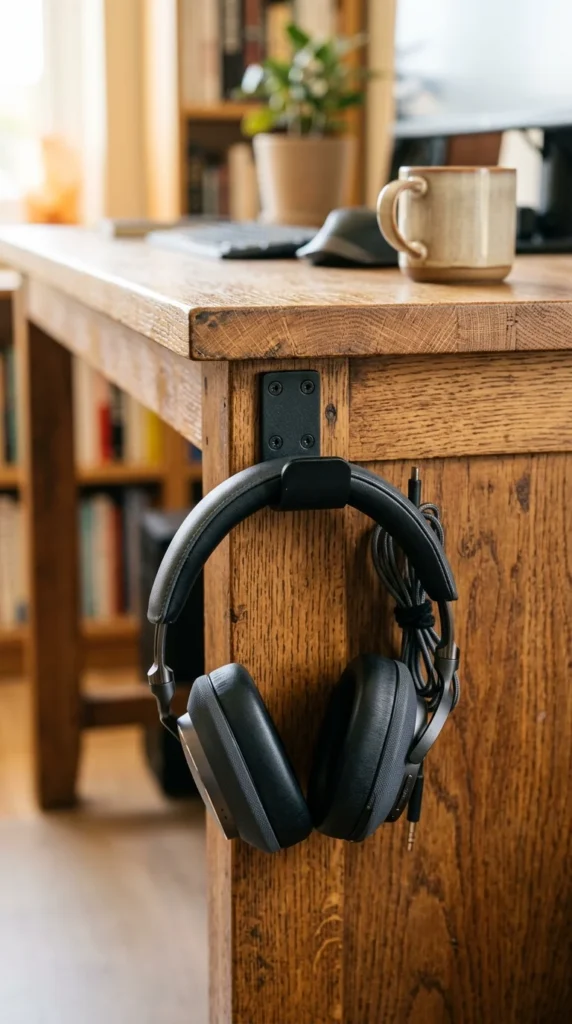
Headphones are a staple of the modern workspace, but they are notoriously difficult to store neatly. A simple under-desk hook or a slim stand keeps them accessible but off the main surface. This small addition prevents the “clutter creep” that happens when you set your headphones down in a different spot every time you take them off.
16. Natural Wood

There is something inherently calming about natural materials. A solid wood desk—whether it’s light birch, warm oak, or deep walnut—brings an element of the outdoors inside. Natural wood grain is “visual white noise”; it’s interesting to look at but not distracting. Pairing a wooden desk with white or black tech creates a timeless, “Scandi-minimalist” look that never goes out of style.
17. Smart Lighting
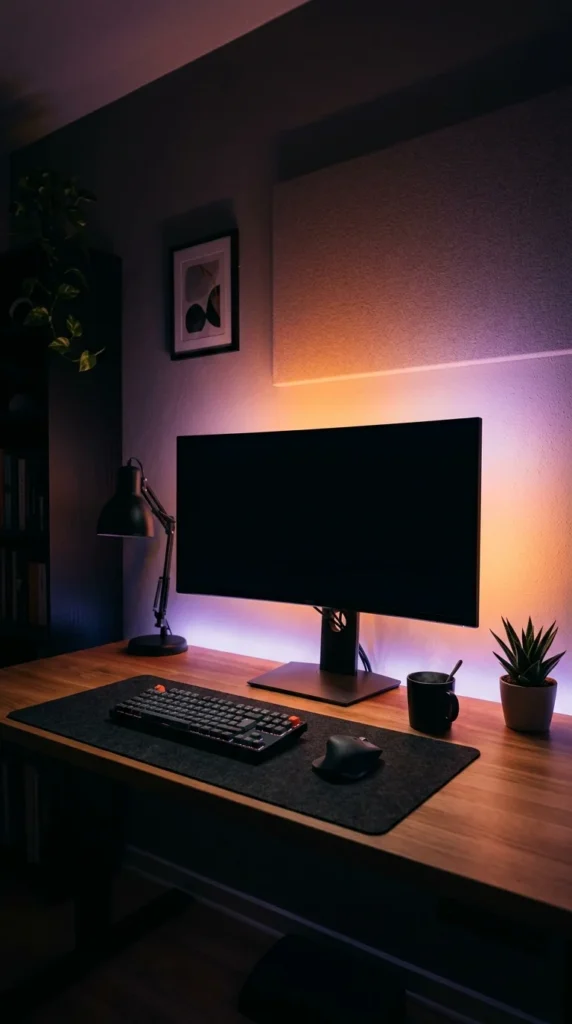
Minimalism can adapt to the time of day. Using smart LED strips behind your desk or monitor (bias lighting) can reduce eye strain in the evenings. By setting these lights to a warm amber or a soft dim white, you can create a “zen mode” for evening work. The beauty of smart lighting is that the hardware remains hidden, while the effect completely transforms the mood of the room.
18. Glass Surfaces
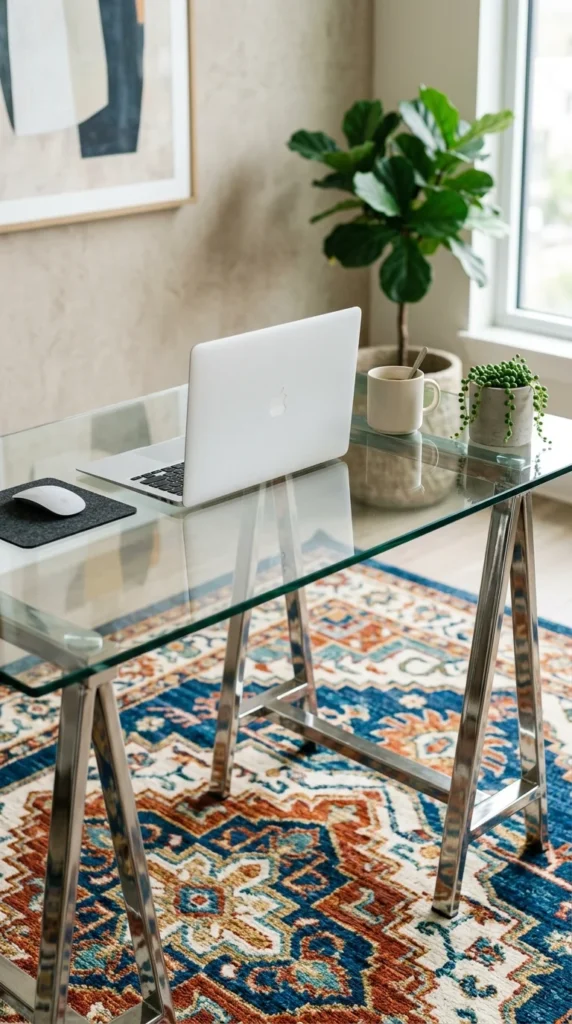
If you are working in a very small room, a glass desk is a secret weapon. Because you can see through it, the desk occupies almost no “visual weight.” It makes the floor space seem continuous, preventing the room from feeling cramped. While glass requires more frequent cleaning to keep it looking pristine, the reward is a workspace that feels incredibly light and futuristic.
19. Digital Minimalism
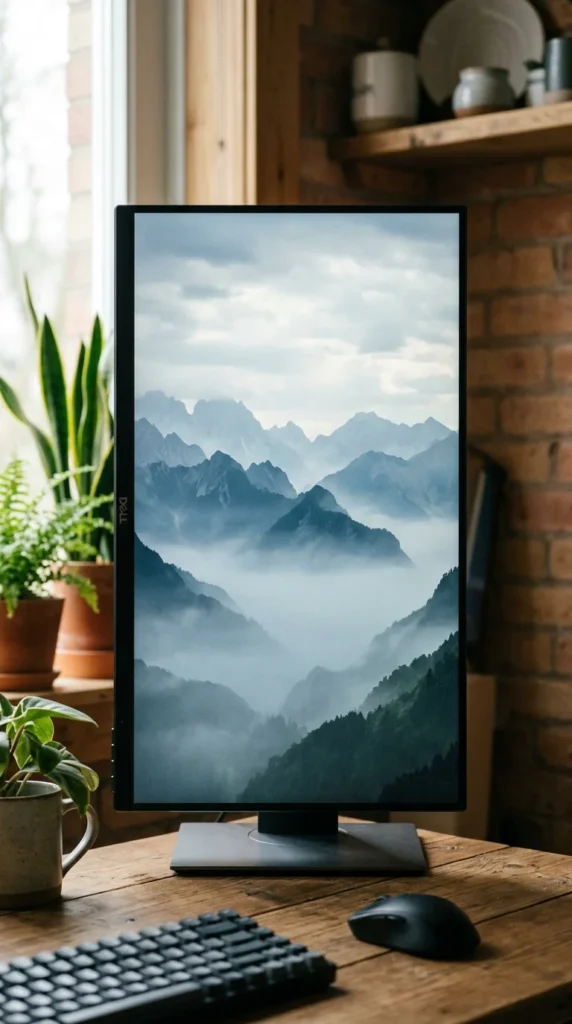
A clean physical desk is only half the battle. If your computer desktop is covered in icons, your brain will still feel cluttered. Adopt digital minimalism by hiding your taskbar, using a clean, high-resolution wallpaper, and organizing your files into a searchable system like “Alfred” or “Spotlight” rather than keeping them on the screen. When your digital “view” is as clean as your physical one, your focus will skyrocket.
20. Color Accents
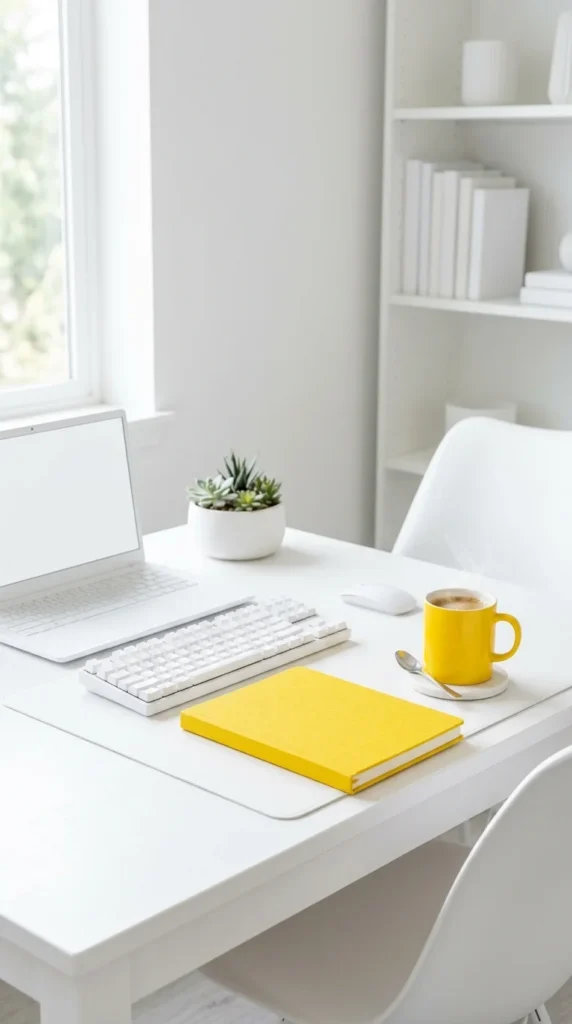
Minimalism doesn’t have to be colorless. In fact, a “pop” of color can be very effective. By keeping 90% of your setup neutral (white, black, or wood), you can use one or two items in a bold color—like a red chair, a blue mousepad, or a yellow lamp—to give the space personality. This keeps the room from feeling “flat” while maintaining the orderly vibe of a minimalist space.
21. Open Space
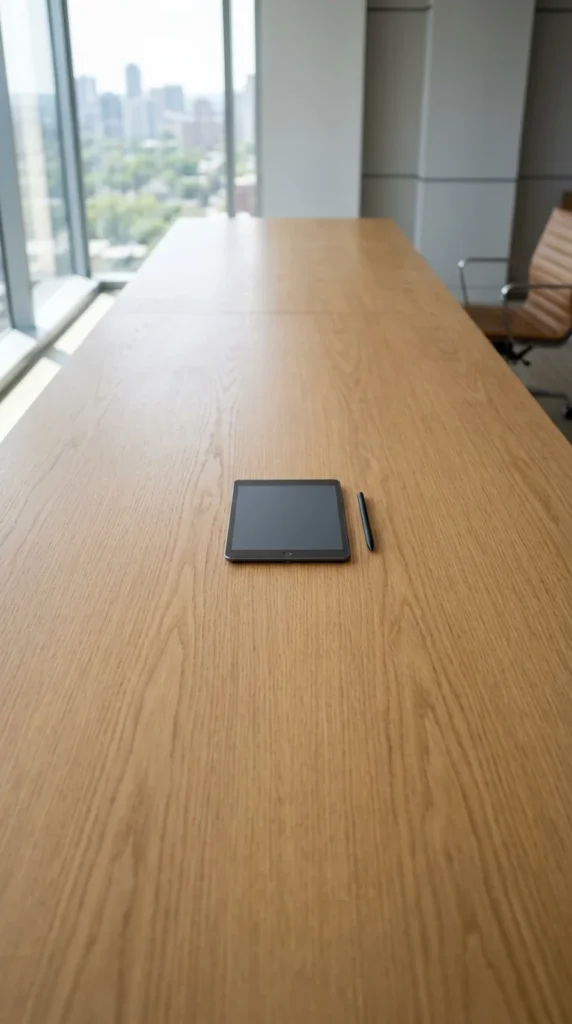
The most important element of a minimalist desk is the “empty space.” We often feel the need to fill every square inch of a desk with something. The bravest minimalist choice you can make is to leave a portion of your desk completely empty. This “white space” acts as a buffer for your mind, providing a place to rest your eyes or a clear area to think, brainstorm, or sketch without having to move objects out of the way first.