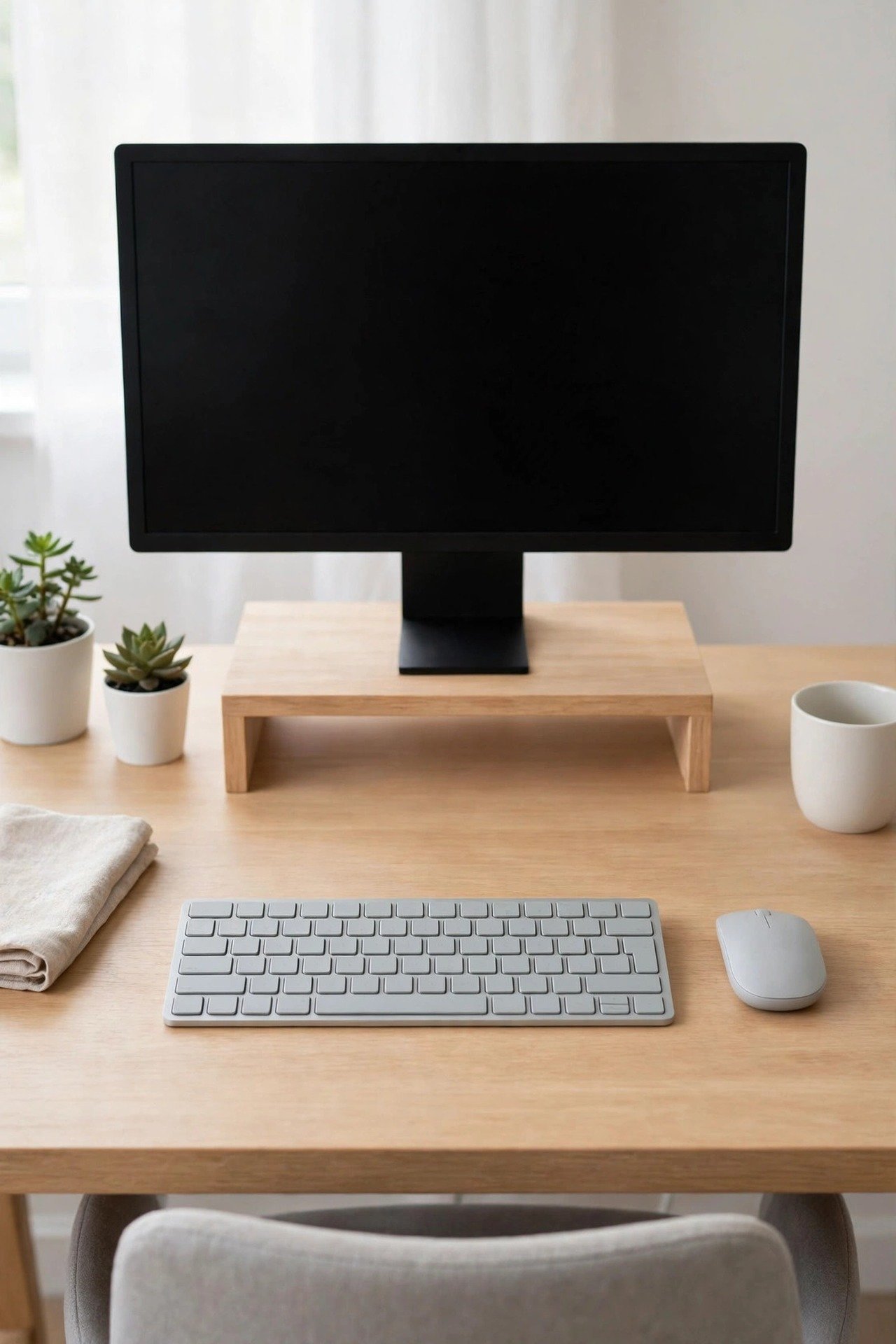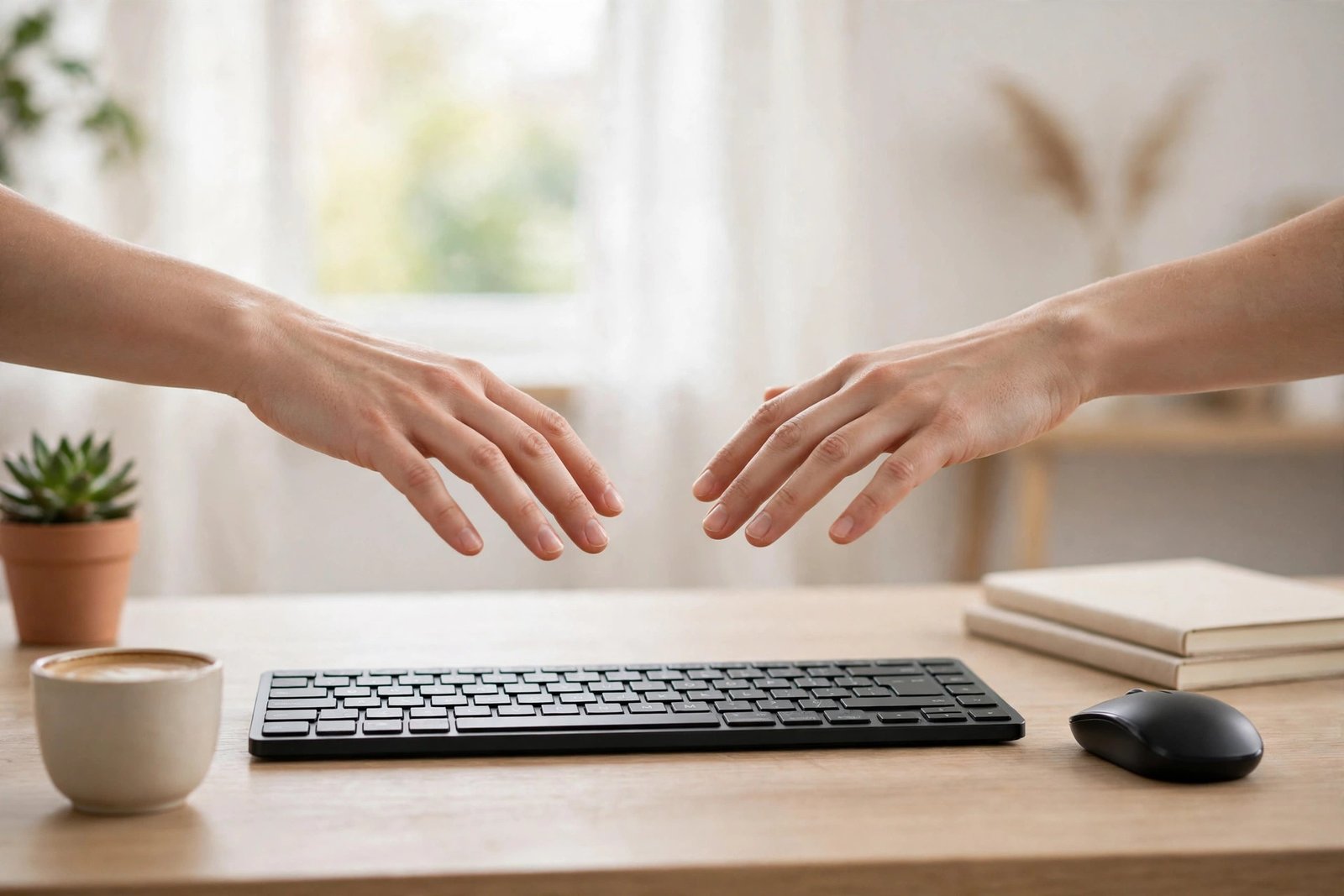
Wrist pain from typing usually builds slowly. It starts as a mild ache at the end of a long day, fades overnight, then returns a little sooner each week. In many cases the cause is not the typing itself but the position your wrists are forced into while you type: bent upward toward a high desk, angled sideways toward a crowded keyboard, or resting with pressure on the hard edge of the desk. Those are setup problems, and setup problems have setup fixes.
This guide covers the desk changes that commonly help: desk and chair height, keyboard position and angle, mouse placement, and how your wrists rest while you work. One important note before anything else: this article offers desk setup guidance, not medical advice. Wrist pain can have many causes, and if yours is ongoing, worsening, or includes numbness, tingling, weakness, or pain that wakes you at night, please talk to a doctor or physiotherapist promptly rather than relying on furniture changes.
Quick Answer
If you have wrist pain from typing, aim for a neutral position: your wrists float straight and level while you type, neither bent up nor pressed down, with your forearms roughly parallel to the floor. To get there, set your chair and desk so your elbows sit at about 90 degrees, place the keyboard flat or tilted slightly away from you rather than propped up, keep the mouse right beside the keyboard at the same height, and rest your hands on a soft surface only during pauses, not while you are actively typing.
- Wrists straight, level, and floating while you type.
- Elbows at about 90 degrees, shoulders relaxed.
- Keyboard flat, not raised on its rear legs.
- Mouse close beside the keyboard, never a long reach away.
Start With Desk and Chair Height
Almost every wrist position problem begins with height. If the desk surface is too high relative to your chair, your hands have to climb up onto it, and your wrists bend backward every time you type. If it is too low, you reach down and your wrists bend the other way. Both bends put strain on the small structures inside the wrist, hour after hour.
Run the same test you would for any desk check. Sit with your feet flat and your knees level with your hips, then rest your hands on the keyboard. Your forearms should be roughly parallel to the floor, your shoulders down and relaxed, and your wrists should continue the line of your forearms without bending up or down. If they do not, our full guide on whether your desk is too high or too low walks through how to correct the mismatch with chair adjustments, footrests, or a keyboard tray.
Keep Your Wrists Floating, Not Resting
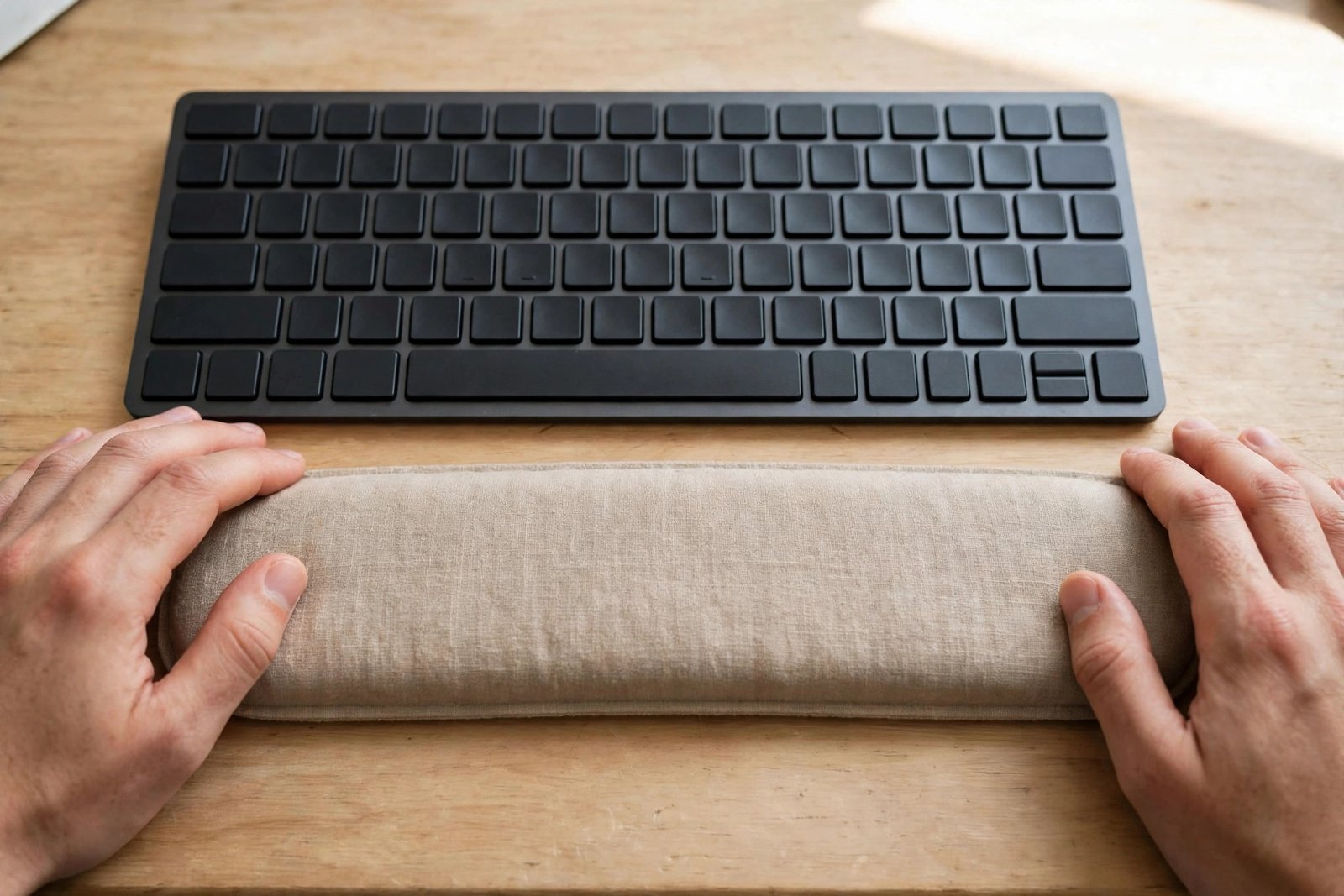
One of the most common habits behind aching wrists is planting the heels of your hands on the desk or on a wrist rest and typing from there. It feels supportive, but it presses on the underside of the wrist exactly where nerves and tendons pass through, and it forces your fingers to stretch for every key while your wrists stay pinned in place.
The healthier pattern is to let your hands float above the keyboard while you type, moving your whole arm gently to reach keys rather than stretching your fingers from a fixed point. A wrist rest still has a place: use it during pauses, when you are reading or thinking, as a soft cushion for your palms. Just lift off it when the typing starts again. If your desk has a sharp front edge, a mat or edge pad also helps by removing the hard line your forearms may rest against between bursts of typing.
Set the Keyboard Flat and Close
Most keyboards have small folding legs at the back that tilt the keys toward you. That tilt feels helpful but actually bends your wrists upward, the exact position to avoid. Fold the legs away and let the keyboard lie flat, or even tilt it very slightly away from you if your desk setup allows it, so your wrists stay level.
Position matters as much as angle. The keyboard should sit directly in front of you, centred on your body and on the letter keys you use most, not pushed to one side because the desk is crowded. Keep it close enough that your elbows stay near your sides; a keyboard at the back of a deep desk makes you reach forward, and reaching pulls your wrists into the desk edge. If your screen position forces you to sit far back, check your monitor placement against our guide to fixing a monitor at the wrong height so the whole setup lines up.
Give the Mouse the Same Treatment
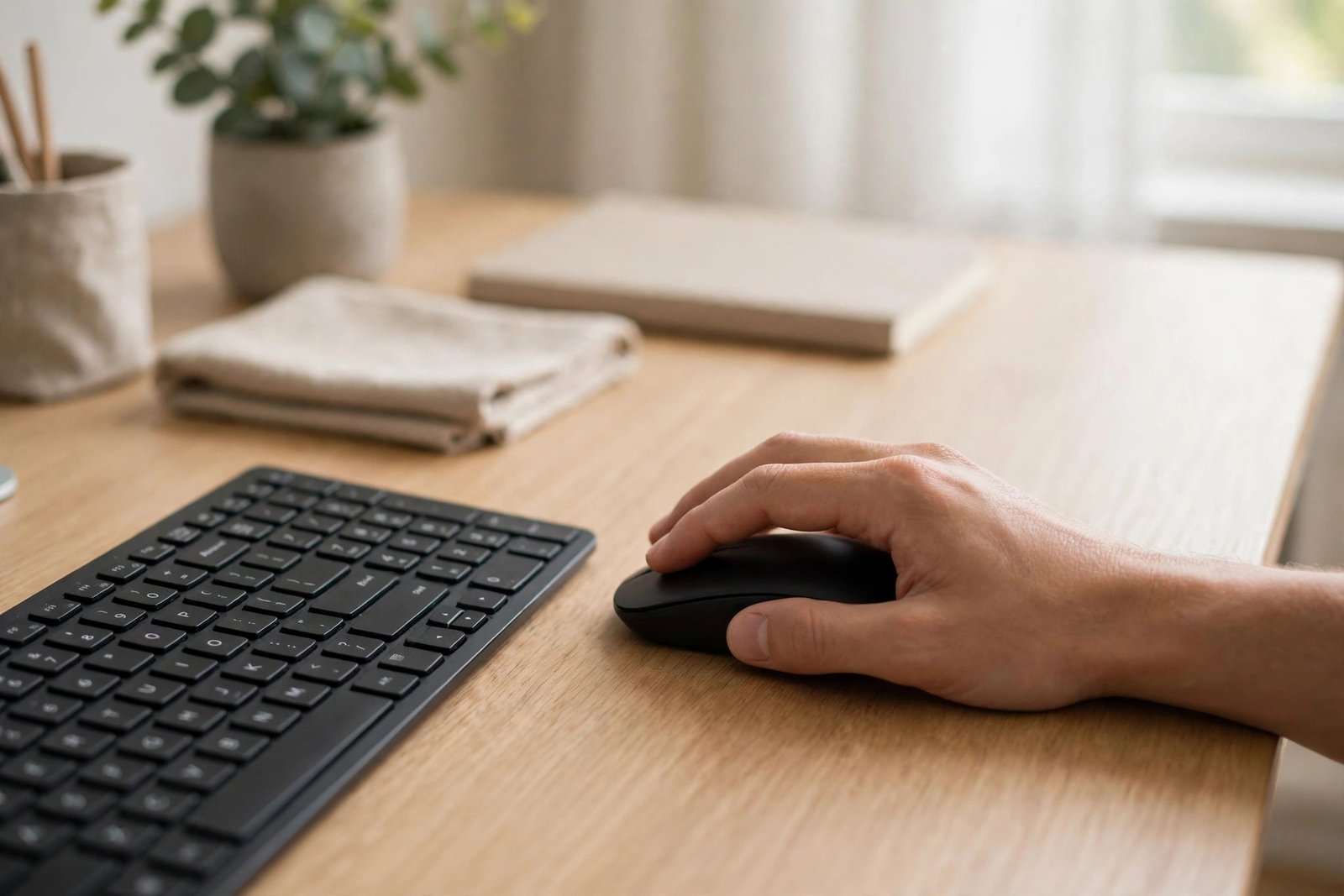
The mouse is a frequent hidden cause of one-sided wrist pain. If it sits far to the right, higher than the keyboard, or on top of a pile of papers, your right wrist bends sideways and upward for every small movement, thousands of times a day. Place the mouse immediately beside the keyboard, on the same level surface, as close to your body as the keyboard is.
Hold it lightly. Many people grip the mouse tightly and move it with wrist flicks alone. Instead, relax your hand so it rests over the mouse with your wrist straight, and let some of the movement come from your forearm. If you work from a bedroom desk or another improvised spot, it is especially easy for the mouse to end up in an awkward corner; the layout ideas in our article on a home office in a bedroom show how to keep the typing zone clear even in a shared space.
Habits That Support the Setup
Good equipment positions work best alongside small habits. Brief pauses matter: lift your hands off the keyboard when you stop to think, and every half hour or so, stand up, let your arms hang, and gently shake out your hands. These micro-breaks cost seconds and interrupt the steady strain that builds during long, unbroken typing sessions.
Typing technique helps too. A light touch on the keys, rather than pounding them, reduces the force travelling into your fingers and wrists. So does keeping your wrists warm; cold hands and wrists often feel stiffer and ache sooner, so a comfortable room temperature or a short warm-up of rubbing your hands together on cold mornings is a small but real help. None of this replaces medical care when it is needed, but together with a neutral position it removes most of the daily strain a bad setup creates.
Mistakes to Avoid
- Typing with your wrists resting on the desk. Pressure on the underside of the wrist while your fingers move is one of the main habits behind typing aches.
- Raising the keyboard on its rear legs. The tilt bends your wrists upward all day. Flat is better.
- Reaching for the mouse. A mouse placed far away or at a different height strains one wrist constantly.
- Pushing through worsening pain. Setup fixes address strain from posture; pain that keeps growing, or comes with numbness or tingling, needs a doctor or physiotherapist.
- Buying a special keyboard before fixing heights. An ergonomic keyboard on a badly positioned desk still leaves your wrists bent.
Frequently Asked Questions
Should I use a wrist rest while typing?
Use it between typing, not during it. A wrist rest is a soft place to park your palms while you read or think. While you type, your hands should float so your wrists stay straight and free of pressure.
Is an ergonomic keyboard worth buying?
It can help some people, especially split or gently curved designs that keep the wrists straighter. But fix your desk and chair height and keyboard position first. Those free changes solve the problem for many people, and any special keyboard works better on a correctly set desk.
Why does only my mouse hand hurt?
The mouse hand usually works harder than we realise: it stays tensed over the mouse, bends sideways to reach it, and clicks thousands of times. Move the mouse close beside the keyboard, keep it at the same height, and practise a lighter grip.
When should wrist pain be checked by a professional?
If pain lasts more than a couple of weeks despite better setup, keeps getting worse, or comes with numbness, tingling, weakness, or night pain, see a doctor or physiotherapist. Those signs can point to something that furniture changes cannot fix.
Conclusion
Wrist pain from typing is often your desk asking to be rearranged. Set your chair and desk so your forearms sit level, keep the keyboard flat and close, let your wrists float while you type, and park your hands on a soft rest only during pauses. Add short breaks and a light touch, and you remove most of the strain a poor setup creates. And if the pain persists or worsens, treat that as useful information too — a prompt to get proper medical advice rather than to keep adjusting furniture.