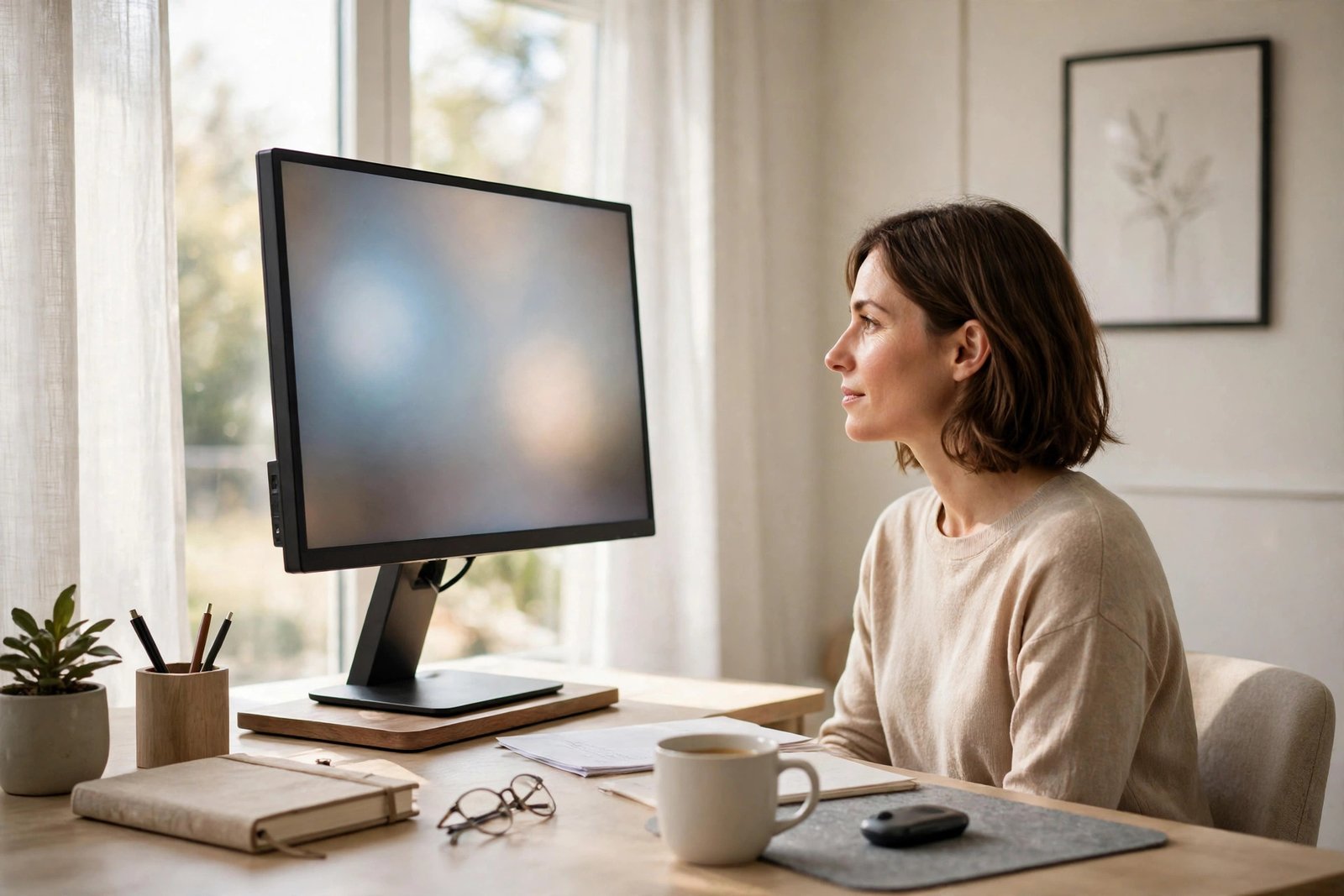
A monitor at the wrong height is one of the most common causes of an aching neck and tired eyes at a desk. If the screen sits too low, your head tilts down for hours and the muscles at the back of your neck carry the load. If it sits too high, you tilt your head back and your eyes dry out as you stare upward. The good news is that monitor position is one of the easiest parts of a desk setup to fix, and it costs nothing more than a few books or a sturdy box to test.
This guide explains how to find the right height, the right distance, and the right angle for your screen, and how to arrange things if you use a laptop or two monitors. A short note first: this is setup guidance only. If neck pain or eye problems are ongoing, worsening, or include headaches that keep returning, please talk to a doctor, physiotherapist, or eye specialist instead of relying on screen adjustments alone.
Quick Answer
If your monitor is at the wrong height, raise or lower it until the top of the screen sits at or slightly below your eye level when you sit upright, with the screen about an arm’s length away and tilted back very slightly. Most people have their screen far too low, especially on a laptop. Use a stand, a stack of books, or a box to lift it, and if you work on a laptop, add a separate keyboard and mouse so you are not forced to choose between a good screen height and a good hand position.
- Top of the screen at or just below eye level.
- Screen roughly an arm’s length from your eyes.
- Centre of the screen slightly below straight-ahead gaze, so you look very slightly down.
- Laptop users: raise the laptop and use a separate keyboard and mouse.
How to Check Your Current Monitor Height
Sit in your chair the way you normally work, with your back supported and your feet flat. Look straight ahead at the wall as if you were looking into the distance. Now, without moving your head, let your eyes drop naturally to your screen. Your gaze should land somewhere in the upper third of the screen. If it lands on the desk in front of the monitor, the screen is too low. If you have to raise your chin to see the top of the screen, it is too high.
A second test is simply to pay attention to your neck. If you finish the day rubbing the back of your neck, or you catch yourself leaning forward and craning toward the screen, the monitor is almost certainly too low, too far away, or both. Before you change anything, also check your chair, because a badly adjusted chair changes where your eyes sit. The adjustments in our guide to a desk chair that hurts your back are the right starting point if your seat is part of the problem.
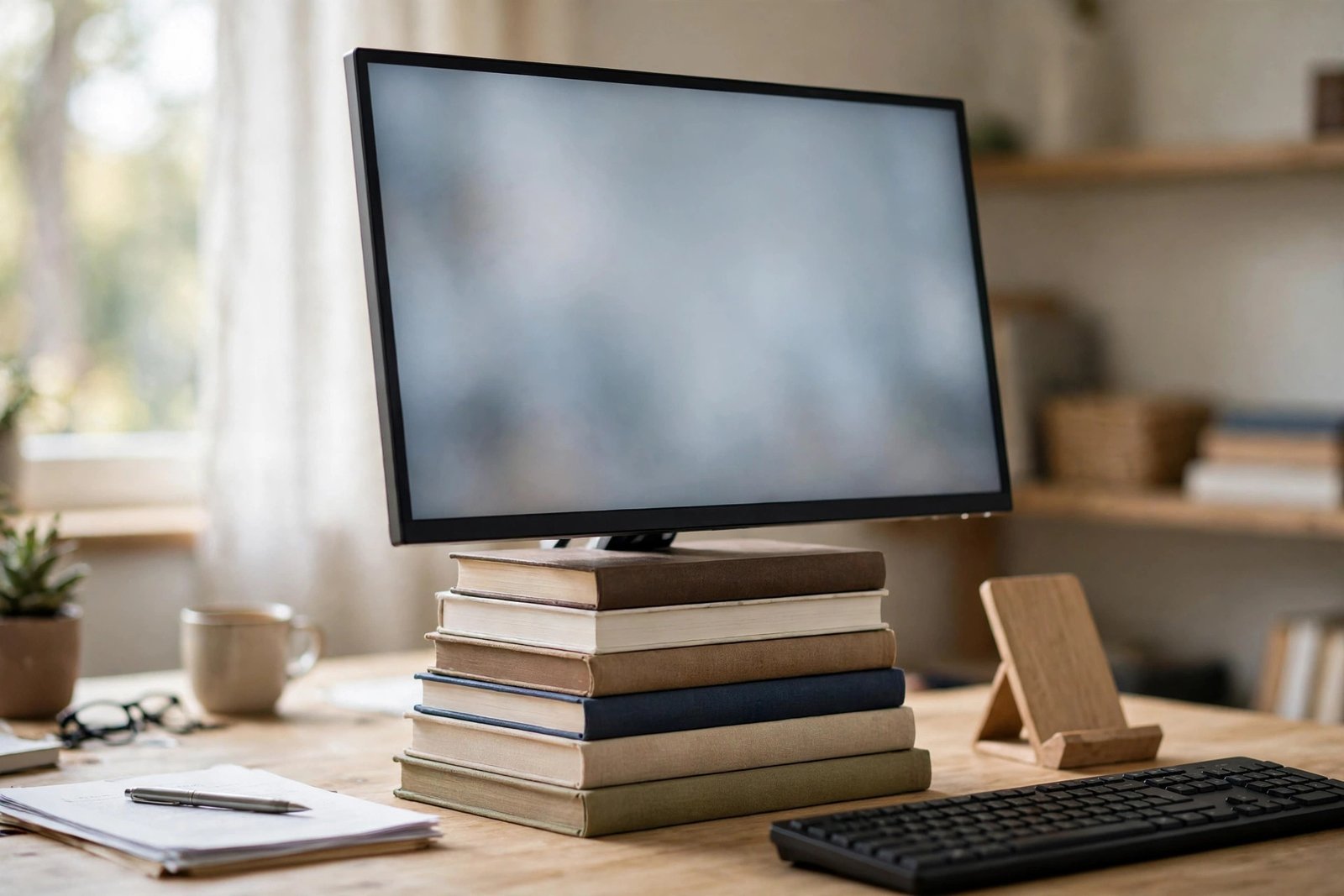
Raising a Monitor That Sits Too Low
This is the most common problem, and the fix is mechanical: put something solid under the screen. A purpose-built monitor stand works well and often adds a little storage space underneath, but a stack of heavy books, a wooden crate, or a strong box does the same job while you test. Raise the screen in steps of a few centimetres at a time rather than all at once. A jump that is too big can feel just as strange as the low position did.
Check that whatever you use is completely stable. The monitor should not rock when you type or knock the desk. If your monitor has its own height-adjustable stand, use its full range first before adding anything underneath. Also keep the screen’s cables in mind: lifting the monitor may pull on a cable that was the right length for the old position, so leave a little slack.
Once the height feels right, confirm the distance. Sit back in your normal working position and stretch one arm out. Your fingertips should just about reach the screen. Much closer and your eyes work hard to focus all day; much further and you will lean in without noticing, especially when reading small text.
Lowering a Monitor That Sits Too High
A too-high screen is less common but just as tiring. It often happens when a monitor is placed on top of a shelf, a filing unit, or the bulky base of an all-in-one stand. Warning signs include a stiff neck at the front rather than the back, dry or sore eyes, and a habit of tilting your head back slightly while you read.
The fix is to remove height, not add it. Take the monitor off the raised surface and place it directly on the desk, or on the lowest stand you have. If the monitor’s own stand holds it high, look for a lower mounting position or a simpler stand. When you finish, repeat the straight-ahead gaze test: your eyes should rest slightly downward toward the centre of the screen, not upward.
The Special Case of Laptops
A laptop forces a bad choice. With the laptop flat on the desk, the screen is far too low, but if you raise the screen to eye level, the keyboard rises with it and your wrists and shoulders suffer instead. There is no comfortable middle position, which is why anyone who works on a laptop for more than an hour or two a day should separate the two.
Raise the laptop on a stand, books, or a box so the screen is at the right height, then plug in a separate keyboard and mouse that sit at elbow height on the desk. This one change transforms a laptop from the worst setup into a perfectly good one. If you often work in different rooms, keep the spare keyboard where you work most and accept a shorter, less perfect session elsewhere.
Two Monitors: Keep the Main One in Front
With two screens, the height rule stays the same, but placement matters just as much. If you use one screen most of the time, put that one directly in front of you at the correct height and the second screen beside it, angled slightly toward you. If you use both equally, centre the join between them in front of you and angle both inward, so you turn your head a little to each side rather than a lot to one side.
Both screens should sit at the same height and distance, or your neck and eyes constantly readjust when you glance between them. Try to match their brightness as well. A bright screen next to a dim one is a quiet cause of eye fatigue. Screen position also depends on the desk beneath it, so if your desk height feels wrong, read our guide on whether your desk is too high or too low and fix that as well.
Angle, Light, and Text Size
Height is not the whole story. Tilt the screen back very slightly, around 10 to 20 degrees, so its surface faces your eyes squarely. Overhead lights and windows reflecting in the screen force you to twist or lean into odd positions to read, so if you see reflections, rotate the screen a little or move the light source rather than moving your body around the glare.
Text size matters too. If you lean in, the answer is often bigger text, not a closer screen. Increasing your display zoom slightly is a simple, free change that lets you sit back at a proper distance. If you are arranging a whole setup from scratch, our gallery of minimalist office ideas shows several clean layouts where the screen sits at a sensible height without extra clutter.
Mistakes to Avoid
- Setting the screen so its centre is at eye level. That is too high for most people; the top of the screen should be around eye level, with your gaze resting slightly downward.
- Working on a flat laptop all day. The screen and keyboard cannot both be in the right place at once.
- Placing a side monitor too far to the side. You end up holding your neck turned for hours.
- Fixing glare by leaning. Move the screen or the light, not your body.
- Sitting closer to read small text. Increase the text size or zoom instead of creeping toward the screen.
Frequently Asked Questions
How high should my monitor be, exactly?
Sit upright with your back supported. The top of the screen should be at or a little below your eye level, so your eyes look very slightly down at the middle of the screen. If you wear glasses with different zones for reading, you may prefer the screen a touch lower.
How far away should the screen be?
About an arm’s length for most people, roughly 50 to 70 centimetres. Larger screens can sit a little further back. The best test: you can read comfortably without leaning forward or squinting.
Can a low monitor really cause neck pain?
Yes, in the simple sense that holding your head tilted down for hours tires the muscles that hold it up. Fixing the height removes that constant strain. If pain is ongoing or worsening, though, have it checked by a doctor or physiotherapist rather than assuming the screen is the whole story.
Should both of my monitors be at the same height?
Yes. Match their heights and distances so your head stays level and your eyes do not refocus every time you switch screens. Keep the screen you use most directly in front of you.

Conclusion
A monitor at the wrong height is a small problem with an outsized effect on your neck and eyes, and it is one of the easiest to solve. Put the top of the screen at about eye level, keep it an arm’s length away, tilt it back slightly, and give laptop users a raised screen with a separate keyboard and mouse. Check the position again whenever you change your chair or desk, because all three work together as one setup.
4 thoughts on “Monitor at the Wrong Height: How to Fix Neck and Eye Strain”