
Most home workers ask one desk to do two very different jobs. Deep work wants quiet, a clear surface, and nothing pulling at your attention. Calls want the opposite setup: your face well lit, the camera at eye level, and a background that looks calm and professional. When both jobs share one desk with no plan, you end up rebuilding the setup several times a day — or sitting through calls at a desk arranged for concentration, looking dim and distracted.
The answer is not two desks. It is one desk arranged in zones, where each mode has a fixed place and switching between them takes two minutes instead of twenty. This guide shows how to divide the desk, position screen and camera to serve both modes, and set up light that changes with the work.
Quick Answer
To arrange a desk setup for deep work vs calls on one desk, give each mode its own zone. Keep your main working position set up for focus: screen at the right height, clear surface, supplies closed away. Create a small call position — often just a turn of the chair or a shift along the desk — where the camera sits at eye level, light falls on your face, and the background is already tidy. Store call items in one small tray so the switch takes minutes.
- Deep work needs a clear surface and a screen you can look at for hours.
- Calls need face light, an eye-level camera, and a calm background.
- Zones on the same desk beat one compromise setup that suits neither mode.
- If switching takes more than a few minutes, you will stop doing it.
The Two Modes Ask for Different Things
Start by naming what each mode actually needs from the room. Deep work needs your screen at a comfortable height and distance, your keyboard and notebook within easy reach, and as little visual noise as possible. Everything else — chargers, papers, personal items — should be out of the main sightline so your eyes rest on the work and nothing else.
Calls need almost the opposite arrangement around you. The camera should sit at or slightly above eye level, light should fall on your face from the front, and whatever sits behind you should look settled rather than busy. The surface in front of you matters less; what the camera sees matters more. The conflict is clear: the best focus position often has the worst light and background for calls, and the best call position can feel exposed and distracting for concentration.
Trying to find one perfect position that does both usually produces a setup that does neither well. Zones solve the problem by letting each mode be good at its own job.
Create Two Zones on One Desk
On a standard desk, the focus zone is your normal seat: monitor or laptop in front of you, notebook to your writing side, and closed storage for everything else. Nothing about this zone changes during the day. It is your home position, ready for deep work the moment you sit down.
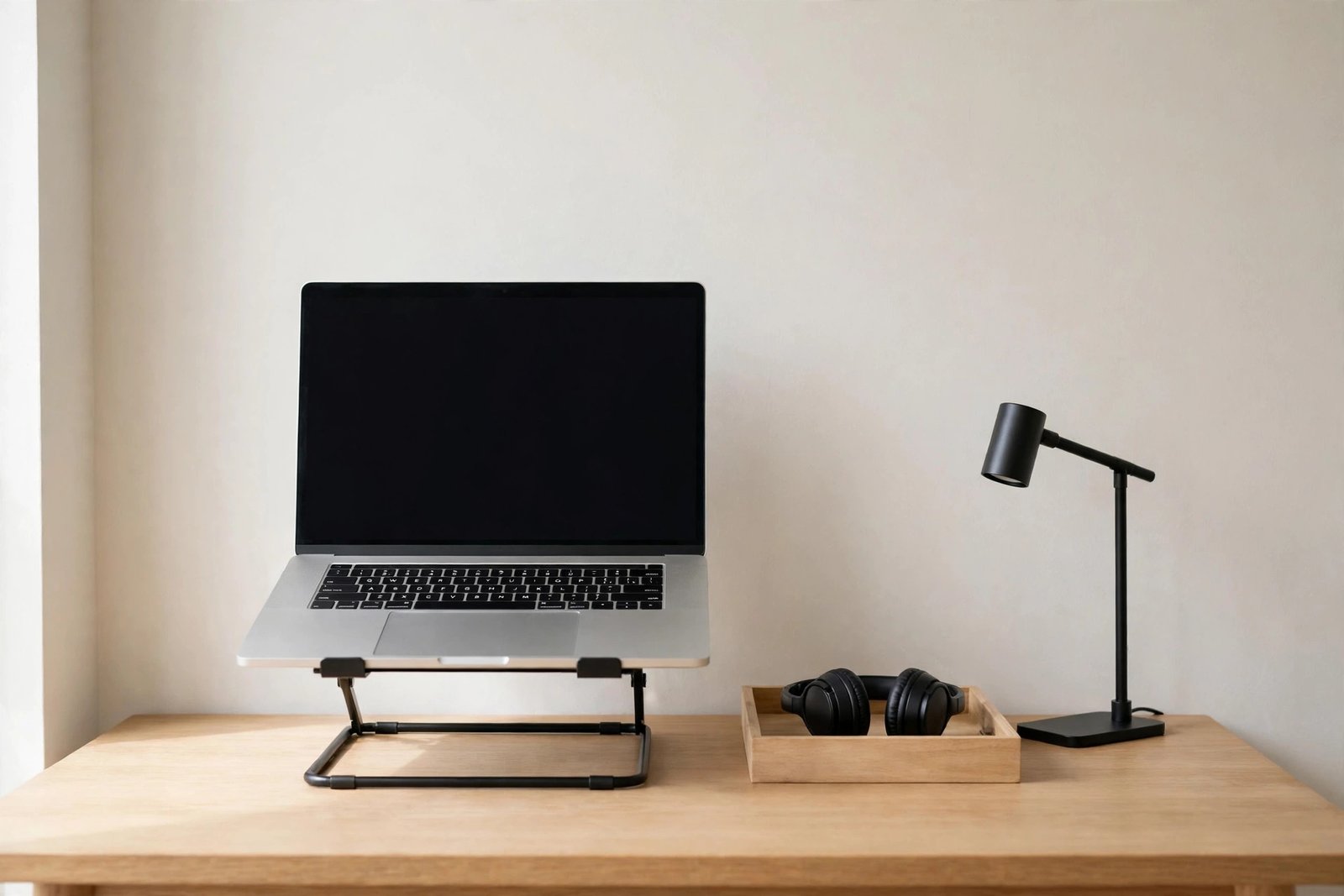
The call zone can be surprisingly small. For many people it is the same chair turned thirty degrees, so the camera faces a plain wall or a tidy shelf instead of the door or the bed. For others it is a shift to one end of the desk, where a laptop on a stand becomes the call station. What matters is deciding the position in advance: where you sit, what is behind you, and where the camera goes.
Keep a small call kit together so the zone assembles itself: your headset, the laptop stand or a stack of books for raising the camera, and anything you like to have on calls, such as a notebook and pen. One tray or small box holding these items means you can set up for a call in the time it takes the other person to join. Guidance on looking settled and professional once the camera is on is covered in our guide to fixing a video call setup that looks unprofessional.
Screen and Camera Positions That Serve Both
The screen causes the biggest clash between modes. For deep work, the top of the screen should sit around eye level with the screen an arm’s length away, so your neck stays neutral through long sessions. If your current screen position gives you neck or eye strain by midday, work through the fixes for a monitor at the wrong height before arranging anything else, because call fixes built on a bad screen position will not last.
For calls, the camera wants to be at eye level too — which is good news. A laptop perched on a stand at the right height for calls is also at a better height for typing work than a laptop flat on the desk, provided you add a separate keyboard. Many people find one raised position serves both modes, and the only thing that changes for a call is the angle of the chair or the direction they face.
If you use a separate monitor for deep work and a laptop for calls, let each keep its job: turn toward the laptop in its call position instead of dragging the monitor around. Fixed positions are what make the system hold together on busy days.
Light That Switches With the Mode
Light is the second clash. Deep work is comfortable with side light from a window and a desk lamp for dull moments. Calls want light on your face from the front, which side light does not give you — it leaves half your face in shadow. This is why the call zone must be planned around light, not just background.
A simple answer is a small lamp that lives in the call zone: positioned behind or beside the camera, switched on only for calls. If your call position faces a window, you may need nothing extra in the daytime, but have the lamp ready for dark mornings and evenings. A lamp placed just behind the camera, angled at your face, gives the most even light without glare on the screen.
For deep work, keep the light calm and even, and avoid sitting with a bright window directly behind your screen, which forces your eyes to fight glare all day. One desk, two lighting states: bright and even for focus, front-lit for calls, each switched on only when needed.
Keep the Background and the Surface Ready
Each zone has a tidiness problem of its own. The focus zone fails when the surface slowly fills with items that were only visiting: post, mugs, chargers, yesterday’s papers. The call zone fails when the background — the shelf, the door, the laundry chair — looks chaotic on screen even though you never notice it from your seat.
Fix both with the same principle: everything that is not part of the current mode gets a closed home. A drawer, a lidded box, or a cupboard shelf for the surface items; a once-a-week tidy of whatever the camera can see for the background. Turn your camera on when no one is watching and study the frame honestly. Move the two or three things that look worst, and then leave the background alone — a call background should be boringly consistent, not restyled weekly.
The switch itself deserves a small routine. Moving between modes is a natural break point in the day, and a tidy two-minute switch — call kit out or away, surface cleared, chair turned — protects the next work block. A desk that returns to a ready state after each use is the same idea behind a layout that resets itself, which we cover in the guide to ending the messy start to the workday.
Mistakes to Avoid
- Building one compromise position for both modes. It usually means poor light on calls and constant distraction during focus work. Zones cost nothing and work better.
- Dragging equipment around for every call. If the monitor, lamp, and cables all move, the setup will collapse within a week. Fix positions and turn yourself instead.
- Leaving call items scattered across the desk. A headset here and a stand there means a five-minute hunt before each call. One tray or box ends that.
- Checking the background only during a real call. By then it is too late. Review your camera frame once, fix it, and let it stay fixed.
- Sitting with your back to a bright window on calls. The camera exposes for the window and turns you into a silhouette. Face the light or light your face.
- Letting the focus zone fill with call clutter. Deep work needs an empty stage. Call items go back in their tray when the call ends.
Frequently Asked Questions
Can one chair position really work for both deep work and calls?
Sometimes, yes — if the light in front of you is good and the background behind you is calm. Test it with a self-view call. If your face is evenly lit and the background looks settled, keep one position and simply raise the camera for calls. If either fails, a small turn or shift along the desk to a planned call zone is the better answer.
What if my desk is too small for two zones?
Zones do not need much space. On a small desk, the call zone can be the same seat with the laptop raised on a stand and a lamp switched on, while the focus zone is the same seat with the monitor in use and the lamp off. The zones are defined by equipment positions and light, not by square metres.
How do I stop call setup eating into my day?
Keep every call item in one place, keep positions fixed, and practise the switch until it takes under two minutes. Most time is lost hunting for a headset or rebuilding a laptop stand. Storage and fixed positions remove nearly all of it.
Should I use my monitor or my laptop for calls?
Use whichever device lets the camera sit at eye level in your call zone without moving your main screen. For many setups that is the laptop on a stand. Your monitor can stay exactly where deep work needs it, untouched, ready for the moment the call ends.
Conclusion
Deep work and calls are not enemies; they just need different things from the same desk. Give focus a fixed home position with a clear surface and a well-placed screen, and give calls a small planned zone with an eye-level camera, front light, and a calm background. Keep the call kit together, keep positions fixed, and make the switch a two-minute routine. One desk can then do both jobs properly, all day.

1 thought on “Desk Setup for Deep Work vs Calls: How to Arrange Both”