
You switch on every light in the room, sit down at your desk, and the space still feels gloomy. The corners look grey, your screen seems to glow against a dull background, and by mid-afternoon your energy drops with the light. This is a very common home office problem, and the good news is that it is rarely about the room being hopeless. Most dark-feeling offices have lights that are the wrong colour, in the wrong place, or fighting against surfaces that swallow brightness instead of reflecting it.
This guide walks through the real causes one by one and gives you fixes in the order that makes the biggest difference. Almost all of them are cheap, quick, and renter-friendly, with no drilling and no damage to walls.
Quick Answer
If your home office feels dark even with the lights on, the usual causes are bulbs that are too warm or too dim, a single ceiling light that leaves the desk in shadow, walls or curtains in deep colours, and a bright monitor making the rest of the room look darker by contrast. Start by changing the bulbs, add a desk lamp that lights your work area directly, and lighten the surfaces your eyes rest on. Those three steps solve the problem for most people.
- Swap dim, yellow bulbs for brighter bulbs in a neutral daylight tone.
- Add task lighting at the desk instead of relying only on the ceiling light.
- Open, clean, or lighten curtains and blinds so daylight actually gets in.
- Raise your screen brightness closer to the room light so your eyes stop straining against the contrast.
Why a Lit Room Can Still Feel Dark
Your eyes do not judge brightness in a simple, honest way. They judge contrast. If one part of the room is bright and the rest is shadowy, the shadowy parts feel darker than they really are. A single ceiling bulb does exactly this: it lights the middle of the ceiling well, leaves the desk area in partial shade from your own body, and leaves the wall behind your monitor almost untouched.
Colour plays a part too. Warm yellow light is pleasant in a living room in the evening, but during the working day it can make a room feel sleepy and muddy, especially in winter or in a room with a small window. Deep wall colours, dark furniture, and heavy curtains then absorb much of what light there is, instead of bouncing it back into the room.
Finally, there is your screen. A monitor set to full brightness in a dim room looks dazzling, and everything around it looks gloomier by comparison. Your eyes keep adjusting between the two, which leaves the whole setup feeling uncomfortable and dark even though the light is technically on.
Step One: Check Your Bulbs Before Anything Else
Bulbs are the cheapest and fastest fix, so start here. Look at three things: brightness, colour, and how many light sources you actually have.
Brightness
Old energy-saver bulbs and cheap bulbs often give far less light than people expect. If your main bulb has been in place for years, simply replacing it with a brighter modern LED bulb can change the whole room. For a work room, choose the brightest bulb your fitting and shade allow, and follow the limits printed on the lamp or fitting.
Colour temperature
Bulb packaging shows a number in kelvin. Low numbers around 2700K look warm and yellow. High numbers above 5000K can look harsh and blue. For daytime work, a neutral tone around 4000K usually feels clear and awake without looking cold. If your office feels like a cosy evening lounge at noon, your bulbs are probably too warm for work.
One light is not enough
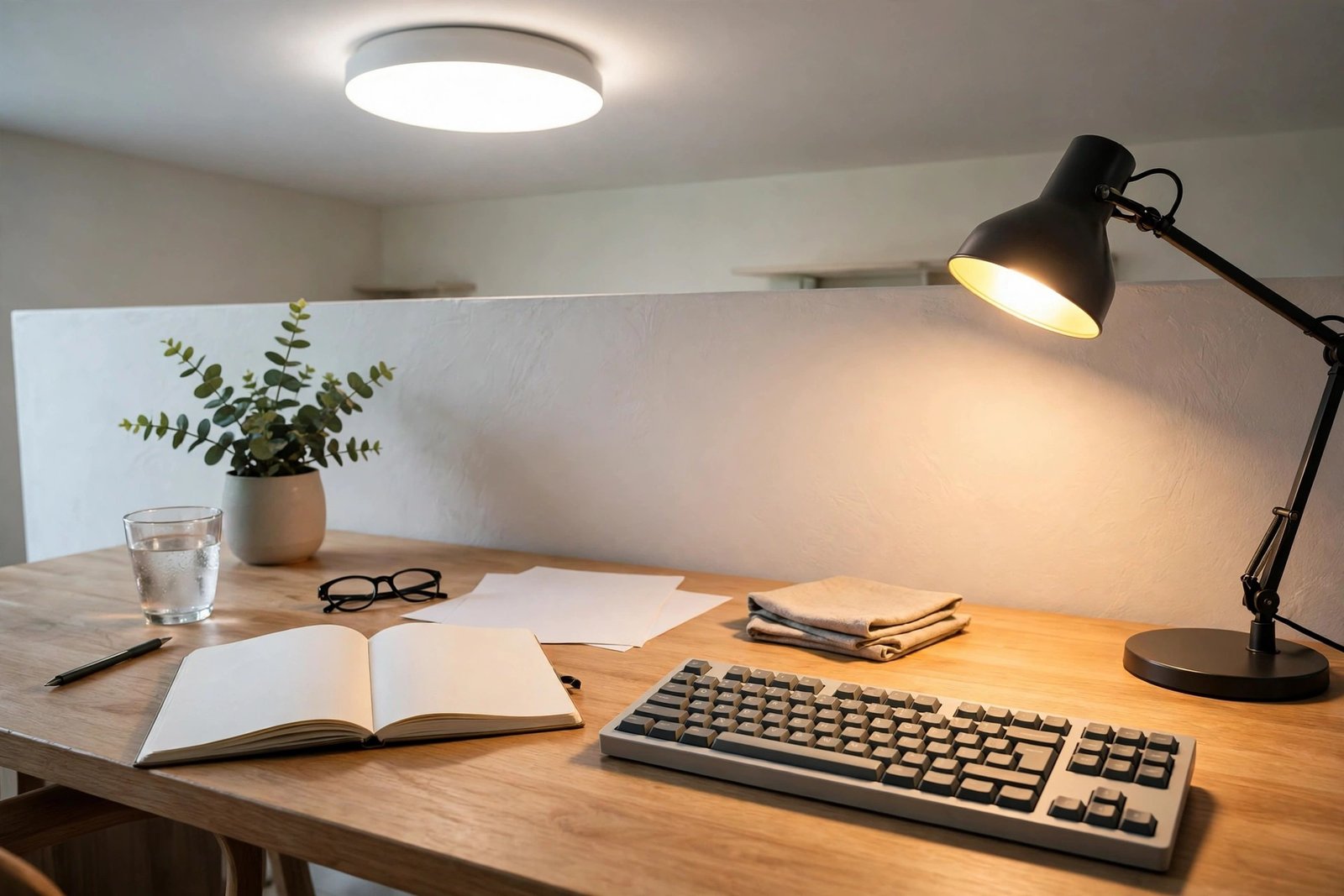
A single ceiling light almost never lights a desk well. Aim for layers: the ceiling light for general brightness, plus one lamp aimed at your work area. Even a small desk lamp transforms the space, because it puts light exactly where your eyes spend the day. When you arrange a compact workspace, it helps to plan the light along with the furniture, the way you would in a small home office in a corner, where the lamp position is decided before the desk goes in.
Step Two: Put Light Where You Actually Work
Where light falls matters as much as how bright it is. A desk lamp placed behind your monitor lights the wall, not your papers. A lamp to the side of your desk, shining across your notebook and keyboard, gives you clear light for reading and writing without glare on the screen.
If your desk sits in a corner or against a wall, the wall itself can become part of the lighting. A lamp that washes gentle light up the wall behind or beside the desk softens the whole area and stops the corner looking like a cave. Battery-powered or plug-in wall lights that stick on with removable adhesive strips are a good renter-friendly option, and they come off cleanly when you move.
Also check your own shadow. If your body sits between the ceiling light and the desk, you work in your own shade all day. Moving the desk, turning it, or simply adding that side lamp removes the shadow problem completely.
Step Three: Stop the Monitor From Winning
Once the room is better lit, balance the screen. If the room is now reasonably bright, your monitor may not need to be at full brightness. Lower it until whites on the screen look similar in strength to a sheet of paper beside the monitor. This simple match removes most of the harsh contrast that made the room feel dark.
Glare is the other half of the problem. If a window or lamp reflects in your screen, you will keep the brightness high just to see through the reflection, and the cycle starts again. Angle the monitor slightly, move the lamp, or close a blind partway. Getting the screen position right also helps your posture, and our guide to fixing a monitor at the wrong height covers the height and distance checks that pair well with these lighting changes.
Step Four: Let Daylight In Properly
Daylight is the strongest light you have, and many dark offices are simply blocking their own. Heavy curtains that cover a third of the window, blinds that are never fully opened, and dusty glass all cut the light before it reaches your desk.
- Open curtains fully and tie them back so they clear the glass completely.
- Swap dark, heavy curtains for light-coloured or sheer ones that soften glare but let brightness through.
- Clean the inside of the windows; a season of dust and splashes dulls the light more than you would expect.
- If the desk can move, place it near the window but side-on to it, so you get the light without reflections on the screen or sun in your eyes.
Step Five: Lighten the Surfaces That Swallow Light
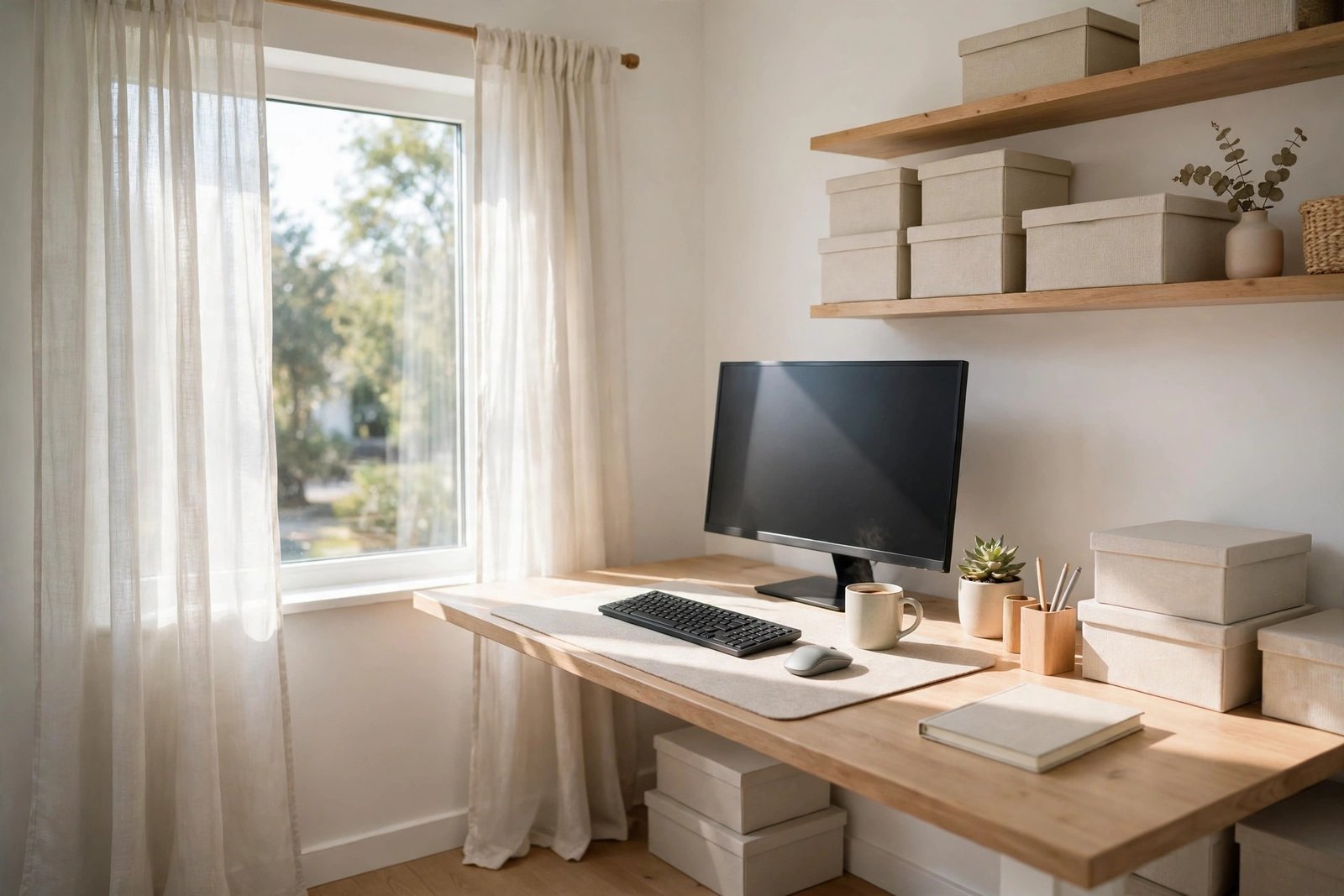
Dark walls, a dark desk, and dark flooring drink light. You do not need to repaint to change this, and if you rent, you probably cannot repaint anyway. Work with removable layers instead: a light-coloured desk mat or cloth, a pale throw or cushion on a dark chair, a light rug under the desk area, and pale storage boxes instead of black ones. Each light surface bounces a little more brightness around your work area.
If one wall is painted a very deep colour and sits behind your monitor, it will make the screen area feel like a tunnel. A large light-coloured picture, a pale fabric wall hanging, or removable wallpaper in a soft tone can lift that one wall without touching the others. Colour choices affect brightness and mood together, so it is worth reading about office colours that distract you before you pick new tones for the room.
Mistakes to Avoid
- Buying the brightest bulb and stopping there. One harsh light in a dark room increases contrast and can make the gloom feel worse. Layer light instead.
- Choosing very cool, blue-toned bulbs for the whole day. They feel clinical and tiring in a home setting; a neutral tone is easier to live with.
- Placing a lamp where it reflects in the screen. You end up raising screen brightness to fight the glare, and your eyes lose either way.
- Keeping curtains half-closed out of habit. Many “dark rooms” are simply rooms whose daylight is blocked every single day.
- Painting or changing everything at once. Fix bulbs, lamp position, and curtains first; you may not need anything else.
Frequently Asked Questions
What colour light is best for a home office that feels dark?
A neutral white around 4000K works well for most people during the day. It feels clear and bright without the yellow sleepiness of warm bulbs or the harsh blue edge of very cool bulbs. If you work into the evening, a warmer lamp for the last hour can help the room feel calm again.
Is a desk lamp enough if my ceiling light is weak?
A desk lamp fixes your work area, which is the most important part, but the room behind your screen will still look dull on video calls and when you look up. The best result comes from a decent ceiling bulb plus a desk lamp, so the light is layered rather than coming from one spot.
Can dark walls really make a room feel dark with the lights on?
Yes. Deep colours absorb light instead of reflecting it, so the same bulb produces a dimmer-feeling room. You can soften the effect with light textiles, pale storage, and one or two light wall pieces rather than repainting the whole room.
Should my monitor brightness match the room?
Roughly, yes. A simple test is to hold white paper beside the screen. If the screen’s white looks much brighter than the paper, turn it down; if it looks grey and dull, turn it up. When the two are close, your eyes adjust far less and the room stops feeling like a cave around a glowing screen.
Conclusion
A home office that feels dark with the lights on is usually a room with the wrong bulbs, light in the wrong places, and surfaces that absorb what light there is. Work through the steps in order: brighter neutral bulbs, a lamp aimed at your work, an honest balance between screen and room, open curtains, and lighter touches on the darkest surfaces. Most people feel the difference on the very first day, and the room finally starts working with them instead of against them.
3 thoughts on “Home Office Feels Dark Even With the Lights On: Causes and Fixes”